7 Best AI Tools for Business Automation Options for 2026

- 1
 GumloopOps teams that want AI workflows and agents in one builderVisit
- 2
 ActivepiecesOpen-source automation with a friendlier face than n8nVisit
- 3
 LindyDelegating inbox, scheduling and meeting follow-up to an AI teammateVisit
- 4
 Relevance AINo-code AI workers with defined roles and escalation rulesVisit
- 5
 ZapierTeams that want the largest app catalog and fastest first automationVisit
- Gumloop sits first on this list: ops teams that want AI workflows and agents in one builder.
- For complicated branching flows without enterprise pricing, Make is worth a look.
- What to know about Relevance AI first: free plan retired for new users.
- The lowest published monthly entry price here is $9 per user/month, from Make.
- 5 of 7 tools offer a free plan: Gumloop, Activepieces, Zapier, Microsoft Power Automate, Make.
Direct answer
This list puts Gumloop first for ops teams that want AI workflows and agents in one builder. Activepieces is the stronger choice for open-source automation with a friendlier face than n8n, while Lindy suits delegating inbox, scheduling and meeting follow-up to an AI teammate. Details, prices and limits for the rest of the 7 tools are below.
Quick comparison
| Product | Ideal for | Price from | Free version | |
|---|---|---|---|---|
| Gumloop | Ops teams that want AI workflows and agents in one builder | Free; Solo $37/month | Yes | Visit |
| Activepieces | Open-source automation with a friendlier face than n8n | Free; Plus $20/month | Yes | Visit |
| Lindy | Delegating inbox, scheduling and meeting follow-up to an AI teammate | $29.99 per user/month (Plus) | Free trial (7 days) | Visit |
| Relevance AI | No-code AI workers with defined roles and escalation rules | Pro $19/month (billed yearly) | Closed to new signups | Visit |
| Zapier | Teams that want the largest app catalog and fastest first automation | $19.99 per user/month (Starter, billed annually) | Yes | Visit |
 Microsoft Power Automate | Organizations standardized on Microsoft 365 | Free with qualifying M365; Premium $15 per user/month (billed yearly) | Yes | Visit |
 Make | Complicated branching flows without enterprise pricing | $9 per user/month (Core, billed annually) | Yes | Visit |
AI Tools for Business Automation, one by one
This Ainotely guide covers 7 options for AI tools for business automation. Each profile lists a starting price, free plan details, strengths and drawbacks, so you can drop poor fits quickly.
Gumloop
Ideal for: Ops teams that want AI workflows and agents in one builder
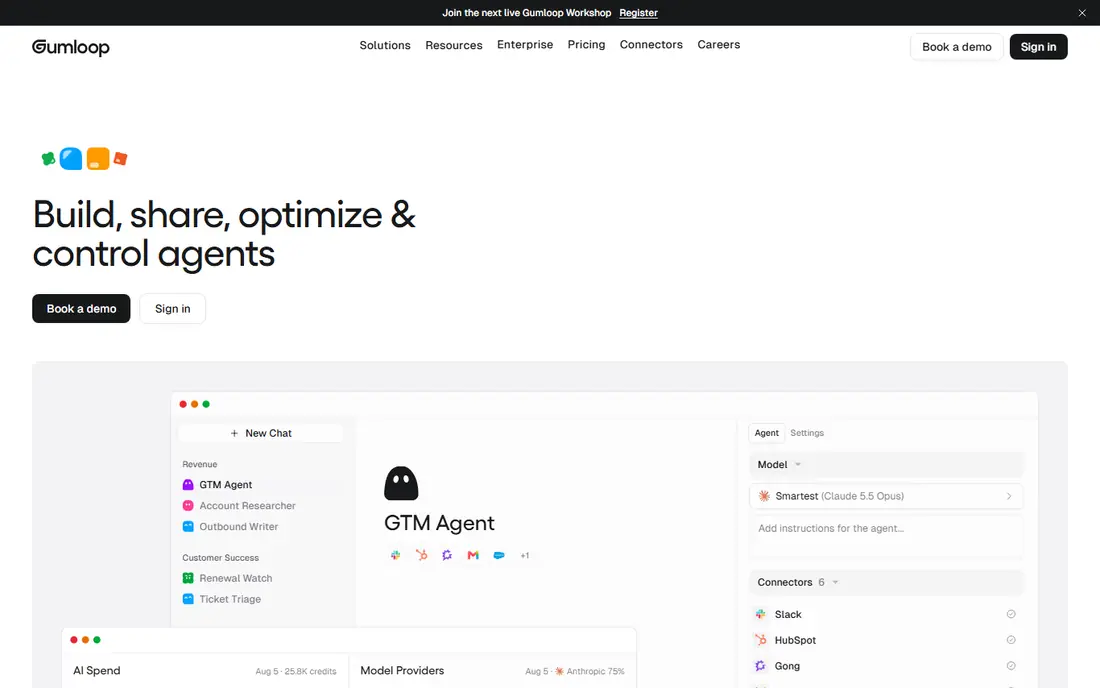
Gumloop is a good fit for ops teams that want AI workflows and agents in one builder. Gumloop blends the two eras: a visual workflow builder where AI steps and autonomous agents coexist. From a buyer's view, pick Gumloop when your automations need genuine reasoning, not just data piping.
Points against: Credit consumption spikes on heavy AI use.
For everyday use, you can start with deterministic flows, add a research agent step, and deploy the result to Slack, all without touching model API keys since premium models are included. Its MCP support links to tools outside a fixed connector list, which matters as the integration picture keeps shifting. The free plan's 2,000 credits are ample enough to test real workflows. Gumloop cost at the entry level: Free. Gumloop includes a free tier.
- MCP connectivity to any tool
- Natural-language builder (Gummie) assembles flows for you
- Young system, occasional UI quirks
Activepieces
Ideal for: Open-source automation with a friendlier face than n8n
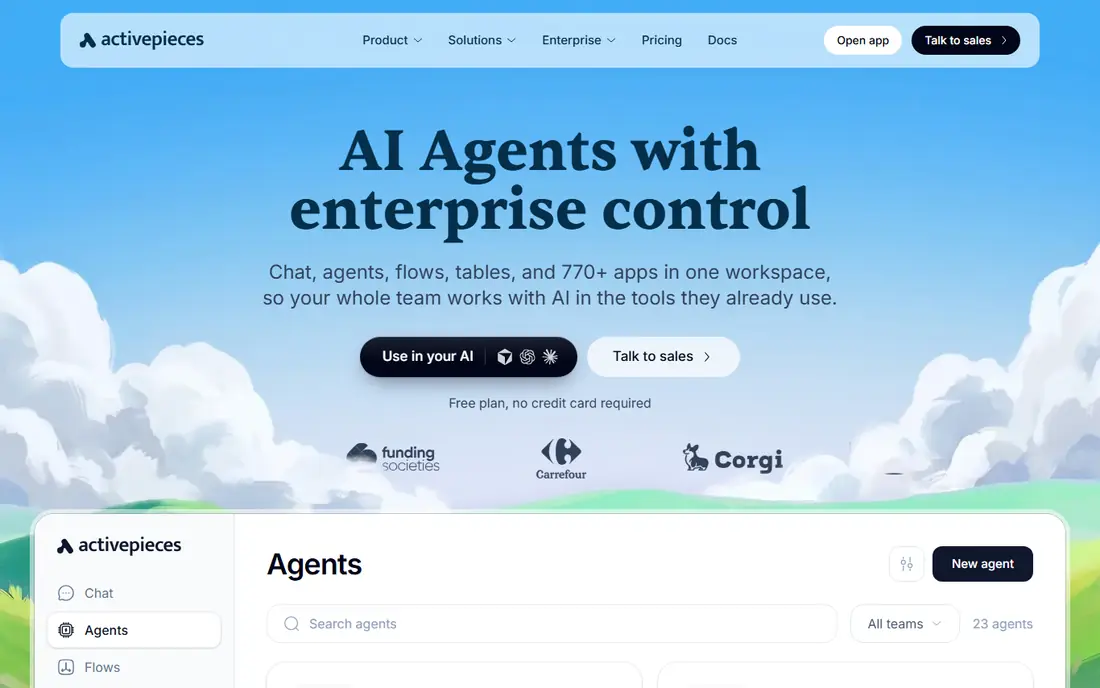
Activepieces targets open-source automation with a friendlier face than n8n. The visual builder is genuinely approachable, flows and AI agents share the same context.
The Community Edition is MIT-licensed, which means no legal gray area if you embed automation in a product you sell. Activepieces pricing: Free. Free access exists with Activepieces.
Honest limits: Smaller community than n8n.
- MIT license
- Clean visual builder
- AI steps consume additional credits
Lindy
Ideal for: Delegating inbox, scheduling and meeting follow-up to an AI teammate
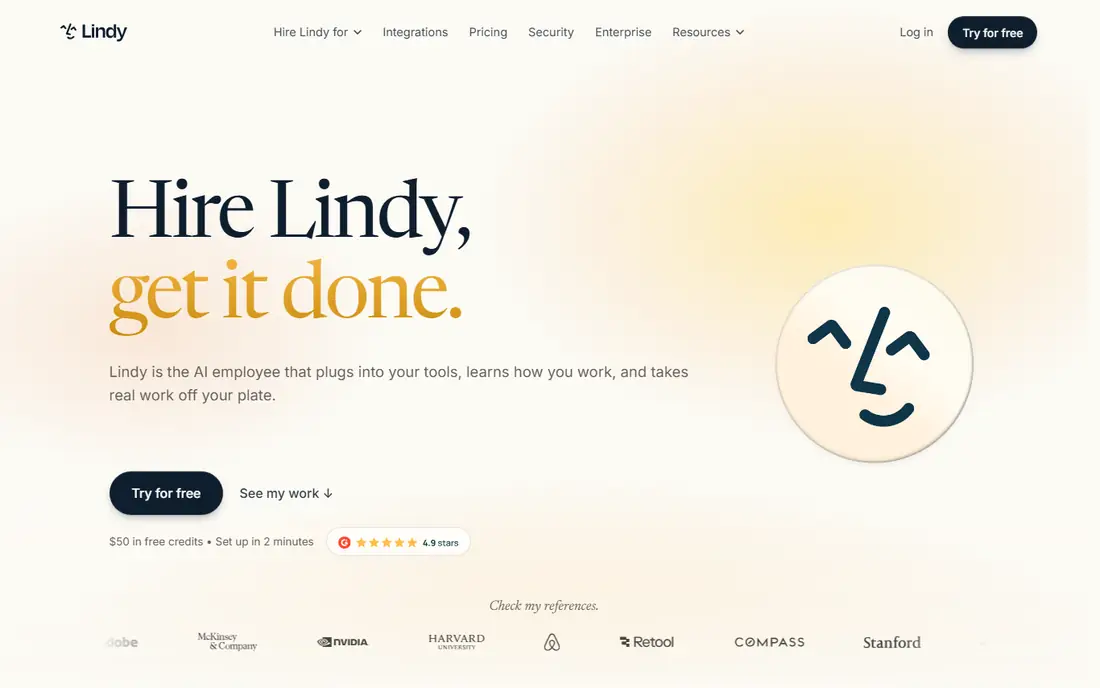
Lindy works best for delegating inbox, scheduling and meeting follow-up to an AI teammate. Inside Slack you hand Lindy a job, triage my inbox, prep for the meeting, book the dentist. It executes across 1,000+ integrations with built-in approvals for write actions.
That read-write split being enforced by the product, instead of something you wire yourself, removes the most typical failure mode in agent deployment. The pricing is per user with credit pools: Plus is $29.99 per user a month with 3,000 credits, Pro $99.99 with 15,000, Max $199.99 with 35,000, and credits pool across every seat. From a buyer's view, for inbox and scheduling delegation, few tools match the adoption story. For deterministic business logic, a workflow tool is less expensive. The awkward part is predictability, since Lindy publishes usage bands (2 to 250 credits for everyday asks, up to 2,500 for big builds) instead of per-task prices. What you pay to start with Lindy: $29.99 per user/month. Free plan details: Free trial (7 days).
Where it falls short: No permanent free level.
- Pooled credits across the workspace
- Approvals built in as a product feature
- Credit consumption is hard to predict upfront
Relevance AI
Ideal for: No-code AI workers with defined roles and escalation rules
Pick Relevance AI if this describes you: no-code AI workers with defined roles and escalation rules. Sales, support and operations teams use it to deploy production agents for lead routing, ticket triage and knowledge Q&A without engineering. Commit once the per-ticket cost model is clear, since the dual meter rewards teams that measure before scaling.
Limits to weigh: Dual metering (Actions plus Vendor Credits) takes learning.
Pro is $19 per month on annual billing with 2,500 Actions and $20 in vendor credits. Team is $234 annual ($349 monthly) with 7,000 Actions and $70 in credits. Entry price for Relevance AI: Pro $19/month. As for free access: Closed to new signups.
- Vendor credits pass through at no markup
- Not repurposed workflows
- Free plan retired for new users
Zapier
Ideal for: Teams that want the largest app catalog and fastest first automation
Choose Zapier for teams that want the largest app catalog and fastest first automation. Zapier remains the default answer for nontechnical automation since breadth solves problems quicker than power. In practice, the Starter plan at $19.99 per month handles 750 tasks, which fits light use, but expanding teams should model their real step volume before assuming the bill stays put.
Where it is weaker: No self-hosting choice.
Upsides: Natural-language workflow creation.
The Free plan with 100 tasks per month is enough to prove one automation works before spending anything. If your team uses a niche tool, odds are Zapier links it, and its plain-English builder now recommends the workflow steps for you. The meter is the catch. Choose Zapier when app coverage matters more than workflow complexity. Zapier starts at: $19.99 per user/month. Zapier has a free plan.
- First Zap in minutes
- Quick setup
- Branching logic is weaker than Make
Microsoft Power Automate
Ideal for: Organizations standardized on Microsoft 365
For organizations standardized on Microsoft 365, Microsoft Power Automate is a natural candidate. Unattended RPA bots need the Process license at $150 per bot a month, and hosted bots at $215, which is where enterprise bills climb. As for the details, with a qualifying M365 license you already have a free level for standard-connector flows, and Power Automate Premium at $15 per user a month brings premium connectors, attended desktop RPA, 5,000 AI Builder credits and process mining.
Also, if your organization runs on Microsoft, this is normally less expensive in practice than bolting on a separate system, since you skip the integration and compliance tax entirely. Power Automate is the automation layer of the Microsoft 365 world, and its advantage is governance, not elegance. On cost, Microsoft Power Automate starts like this: Free with qualifying M365. Free access exists with Microsoft Power Automate.
Points against: Steep ramp-up time for the designer.
- Premium connectors and AI Builder on Premium
- Attended RPA free on Windows
- Licensing is a spreadsheet exercise
Make
Ideal for: Complicated branching flows without enterprise pricing
Make is aimed squarely at complicated branching flows without enterprise pricing. A small business that builds lead routing with three branches and error paths finds this model far simpler to read and fix than a stack of Zap steps. Its economics moved further in its favor this year: Make cut premium levels about 25 percent, so Core is $9 per month for 10,000 credits where a credit is one module execution.
Drawbacks to consider: No self-hosting.
The canvas displays data flow between modules, routers split scenarios by condition, and iterators process arrays without workarounds. For everyday use, the Free plan provides 1,000 credits but enforces a 15-minute minimum interval between runs, so live automations force the premium jump. Make pricing: $9 per user/month. A free plan is available with Make.
- Visual canvas takes care of branching and parallel routes natively
- API access on Core
- Smaller app library
Selection criteria
Pricing pages, product documentation and feature lists were the main sources, and every entry carries at least one honest drawback. Prices and plan limits come from vendor pages and can change, so confirm them on the vendor site before you buy. We ordered the tools by general fit, then by how clearly pricing is shown, then by free access. A buyer with unusual needs may reorder them.
Pre-purchase checklist
- Prices are a starting point; Make shows $9 per user/month to start, so verify what your seat count would cost.
- Read the fine print on the free plans from Gumloop, Activepieces, Zapier and others; seat, project and feature caps differ.
- Use real work to test the free trial from Lindy, rather than a demo project.
- Read the limits listed for Gumloop first: credit consumption spikes on heavy AI use.
- Check how data leaves Microsoft Power Automate: formats, limits and whether exports are available on every plan.
- Confirm that Zapier connects to the apps your team already uses, on the plan you would actually buy.
Frequently asked questions
Can I try these tools before paying?
Often, yes. Gumloop, Activepieces, Zapier and others have a free plan and Lindy offers a free trial. Use your own data and a real task during the test, and check what the free tier or trial limits before you rely on it.
Do these tools publish their prices?
Yes. Every tool from Gumloop to Make shows a starting price, though seats, add-ons and billing terms still change the final cost.
Should I buy a workflow tool or an AI agent tool?
Buy an agent tool when the work is ambiguous: inbox triage, lead research, support classification. As for the details, numerous teams end up with one of each, using workflows for the deterministic core and agents for the judgment-heavy edges. A rule beats an agent when the input is structured, since it costs the same every run and never hallucinates a step.
What is the cheapest option for AI tools for business automation in this list?
On published monthly entry prices, Make is the lowest here at $9 per user/month. Entry price is only part of the cost, because seats, add-ons and billing terms can change the total.
How are the tools for AI tools for business automation ordered?
Gumloop sits first and Make last because the order follows typical fit for AI tools for business automation, then price clarity and free access. It is a judgement call, so read each profile for fit and limits.