If you need visual site capture and documentation, OpenSpace is the first tool to look at here. Listed starting prices: Bentley Systems iTwin from $199 per month. Procore fits site and office project coordination; Alice Technologies fits schedule optimization and recovery. Prices, free plans and limits for all 6 tools follow.
Ainotely put together this guide to AI tools for civil engineers for readers who want a clear shortlist without reading every vendor page. It compares 6 tools on starting price, free plans, who each one suits and where each one falls short.
Key takeaways
OpenSpace takes the first slot, best suited to visual site capture and documentation.
Starting prices begin at $199 monthly with Bentley Systems iTwin.
Bentley Systems iTwin is the one to check for digital twin applications for infrastructure.
The main caution on OpenSpace: centred on site imagery instead of planning.
Bentley Systems iTwin stands alone as the one tool in this list with a free plan.
OpenSpace works best for visual site capture and documentation. Civil teams on large sites can use it to review work remotely and keep stakeholders aligned on what is actually built.
Watch-outs: Needs consistent capture on site.
In daily use, the product centers on visual capture, so scheduling, cost and design authoring are outside its scope. This comparison lists no price for OpenSpace; ask the vendor. Trial and free access: Not stated.
Procore is a good fit for site and office project coordination. Engineering businesses involved in construction oversight can use it to keep field observations and office reporting aligned.
Where it falls short: Concentrated on construction management instead of design.
Check the vendor site for Procore pricing; none is listed in this comparison. Free access: Not stated.
Think of Alice Technologies for schedule optimization and recovery. ALICE is specialized around scheduling, so it does not include design collaboration or site documentation.
The main drawbacks: Specialized focus may need workflow change.
More specifically, results rely on the quality and structure of the schedule data provided. Pricing for Alice Technologies is not stated here, so ask the vendor for current figures. Free access: Not stated.
Best for: Forecasting and de-risking project outcomes
nPlan is built with forecasting and de-risking project outcomes in mind. nPlan applies AI to forecast and de-risk construction projects, aiming to look into the future of a project so teams can tackle risks before they become issues. Forecast quality relies on the schedules and data you feed it.
Downsides: Narrower scope than full management suites.
More specifically, if you need visual progress tracking or schedule optimization instead, look at the other choices in this comparison. In practice, teams running complicated or repeatable civil works can use forecasts to support planning discussions and mitigation decisions. nPlan does not show a starting price in this comparison, so check the vendor site for current pricing. Free access: Not stated.
Best for: Connected design and construction delivery
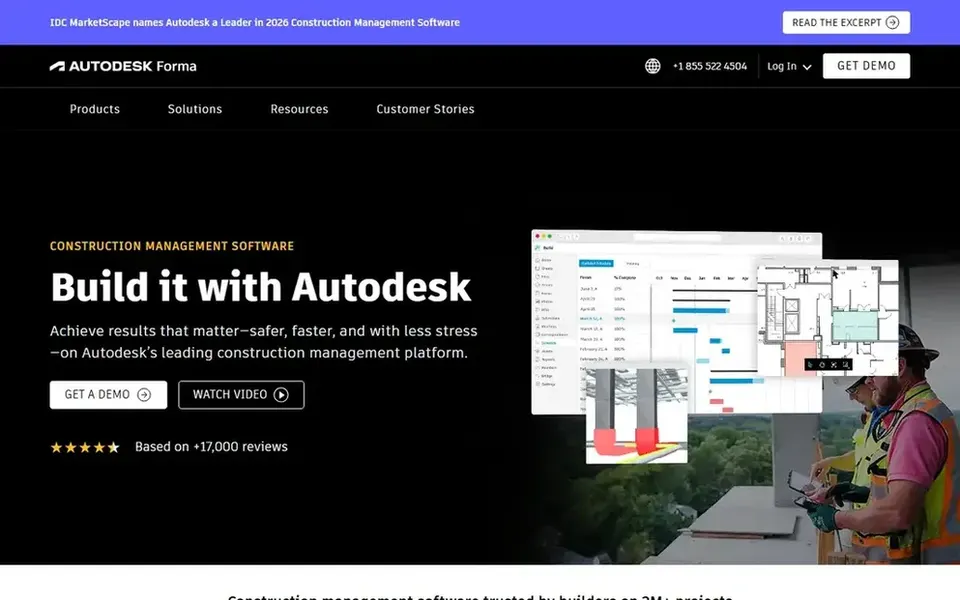
Autodesk Construction Cloud targets connected design and construction delivery. It is pitched at organizations that want design data and construction management connected, so engineers, contractors and owners work from the same information.
Watch-outs: Best value for teams already in Autodesk workflows.
As for the details, smaller businesses with simple projects may find the scope bigger than needed. No starting price is listed for Autodesk Construction Cloud here; confirm pricing on the vendor site. Trial and free access: Not stated.
Best for: Digital twin applications for infrastructure
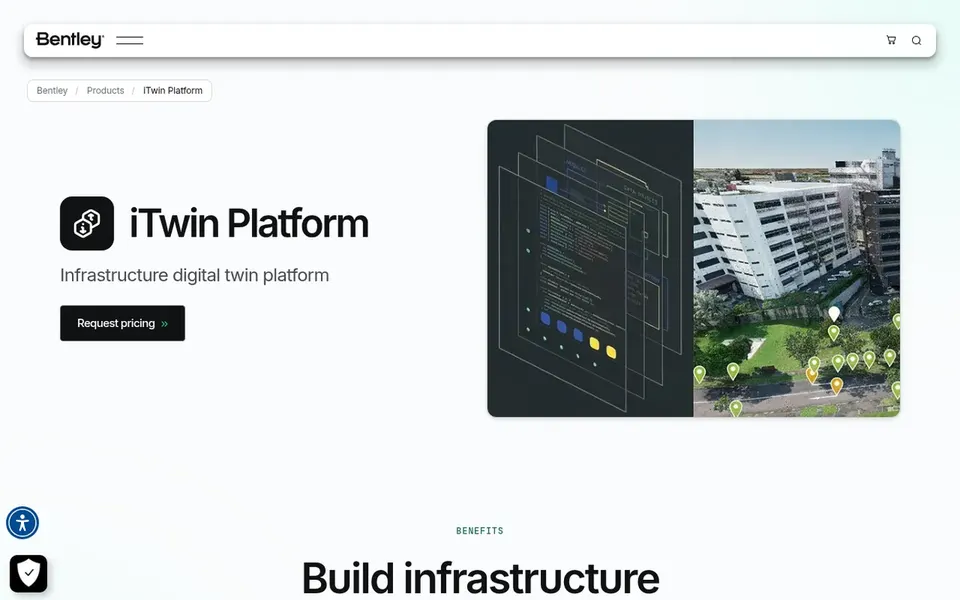
Bentley Systems iTwin serves digital twin applications for infrastructure. The Bentley iTwin platform gives you the foundation for building SaaS options to design, build and operate infrastructure assets. It is built for organizations that want to accelerate application development by letting the product deal with data integration.
So teams can focus on the engineering problems instead of plumbing. This is a platform instead of a ready-made everyday tool, so it assumes access to development skills and a clear application goal. Teams without that capacity may struggle to realize value rapidly. The starting price for Bentley Systems iTwin: $199 monthly. Bentley Systems iTwin offers a free plan.
Drawbacks to consider: Product approach assumes development resources.
Get a written quote from OpenSpace, Procore, Alice Technologies and others; the list shows no starting price for them.
Look at the free plan from Bentley Systems iTwin closely: its caps decide whether it is usable for real work.
Before choosing OpenSpace, weigh its main limit: concentrated on site imagery instead of planning.
List the apps you already depend on and check that Alice Technologies supports each one on the plan you would buy.
Find out what support OpenSpace includes on your plan, and whether onboarding help costs extra.
How we picked
Pricing pages, product documentation and feature lists were the main sources, and every entry carries at least one honest drawback. Figures are shown as the vendors publish them. Billing terms, seat minimums and add-ons can change the real cost. The order reflects how well each tool fits the most common buying scenario for AI tools for civil engineers, then price clarity, then free plan access. It is a starting point, not a verdict.
Every price and plan detail on this page comes from the vendors’ own websites. We did not run hands-on tests unless the text says so, and we do not publish star ratings or review scores. See how we score and our disclosure.
Keep your shortlist in one place
Paste prices, trial dates and notes from this guide into Ainotely, our AI note app. It files them into a topic and pulls out tasks like “cancel trial by Friday”. Free 7-day trial, no card needed.
Do these products suit infrastructure and digital twin work?
Bentley iTwin is built as a foundation for digital twin applications across infrastructure assets, so it suits long-lived asset programs. Autodesk Construction Cloud supports connected delivery across project phases.
What is the cheapest option for AI tools for civil engineers in this list?
On published monthly entry prices, Bentley Systems iTwin is the lowest here at $199 monthly. Entry price is only part of the cost, because seats, add-ons and billing terms can change the total. All 6 picks in this AI tools for Civil engineers comparison show their pricing, free plan details and main limits on the cards above.
What should engineering businesses check before buying an AI construction tool?
Confirm the project phases covered, integration with your design and scheduling systems, and how site data is captured. Verifying these points on vendor sites helps avoid mismatches later.
Which AI tool is a good match for civil engineering project planning?
Start with OpenSpace if you need visual site capture and documentation. Procore is the better match for site and office project coordination, and Alice Technologies for schedule optimization and recovery. The best choice depends on budget, team size and workflow.
How are the tools for AI tools for civil engineers ordered?
The order follows typical fit for AI tools for civil engineers, with OpenSpace first and Bentley Systems iTwin last, then price clarity and free access. It is editorial judgement, not a score, so another team could rank the tools differently.
Can I try these tools before paying?
Often, yes. Bentley Systems iTwin has a free plan. Use your own data and a real task during the test, and check what the free tier or trial limits before you rely on it. For the full picture, the cards above cover all 6 entries of this AI tools for Civil engineers list, including price, free plan and limits.