Best AI Tools for Content Creation in 2026: 9 Options Compared

- ChatGPT Plus at $20 per month is the most flexible starting point for drafting, editing and ideas in one place.
- Jasper suits marketing teams that need a consistent brand voice, while Rytr is the cheapest credible option for short copy.
- Grammarly and Canva cover the two jobs AI writers handle worst, which are clean editing and ready-to-publish visuals.
- Free plans are useful for testing, but most cap output tightly, so check credit and word limits before you rely on one.
Quick comparison
| Product | Ideal for | Price from | Free version | |
|---|---|---|---|---|
 ChatGPT | All-round drafting and ideas | $20 per month | Yes | Visit |
 Claude | Natural long-form writing | $20 per month | Yes | Visit |
 Jasper | Marketing teams and brand voice | $69 per month | Free trial | Visit |
 Copy.ai | Sales and marketing workflows | $29 per month | Free trial | Visit |
 Writesonic | SEO articles and visibility | See website | Free trial | Visit |
 Rytr | Budget short-form copy | $9 per month | Yes | Visit |
 Grammarly | Editing, grammar and tone | $12 per month | Yes | Visit |
 Canva | Visuals to go with written content | See website | Yes | Visit |
 Descript | Video and podcast content | See website | Free trial | Visit |
The best ai tools for content creation
We compared drafting tools, editors and visual makers side by side, checking current pricing and free tiers on each vendor site. Our pick for most people is a general chatbot plus one specialist tool, rather than a stack of overlapping subscriptions.
ChatGPT
Ideal for: All-round drafting and ideas
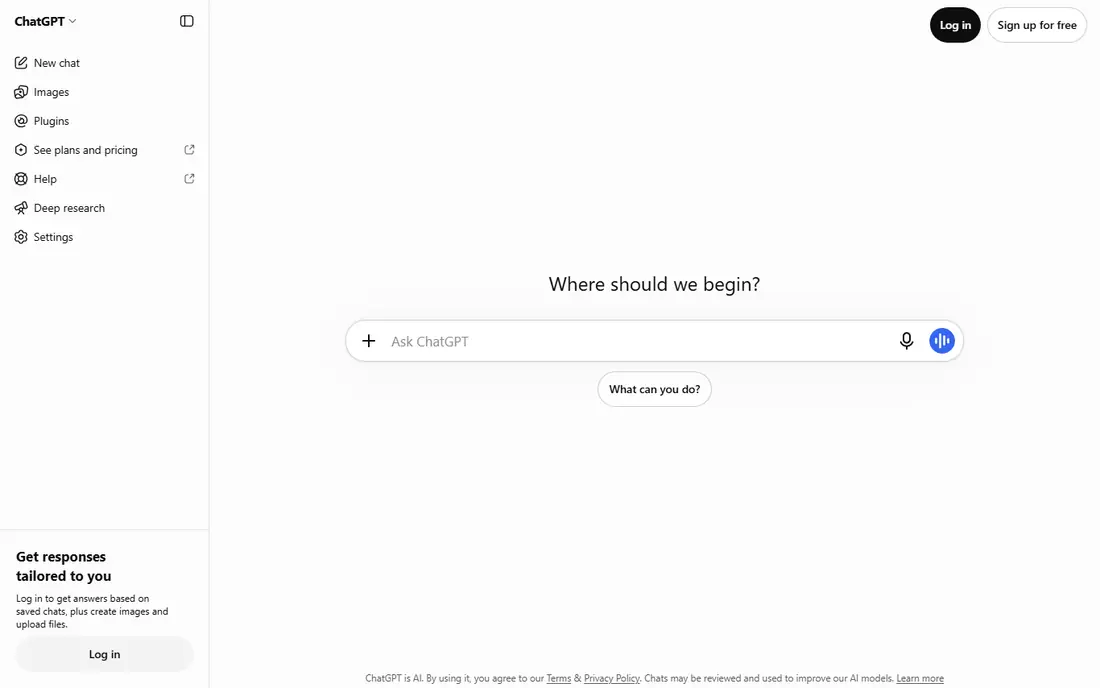
Our first look at ChatGPT starts with who it serves best. It handles outlines, drafts, rewrites and social captions without switching tools. The Plus plan adds higher limits and newer models, which matters when you publish daily.
The catch is voice: without examples and editing, drafts read like every other AI draft. It fits solo creators and small teams who want one tool for most writing jobs. Check the current pricing page before you commit, since plans in this category change often, and use the free plan or trial to confirm the fit with your own work.
Before you pay for ChatGPT, run one real task through it, such as a full document, a full trip plan or a full project, and judge it on that result rather than on the marketing page.
- Flexible drafting, editing and research in one place
- Strong image and data tools
- Generous free tier
- Output can sound generic without a detailed brief
- Facts need checking
Claude
Ideal for: Natural long-form writing
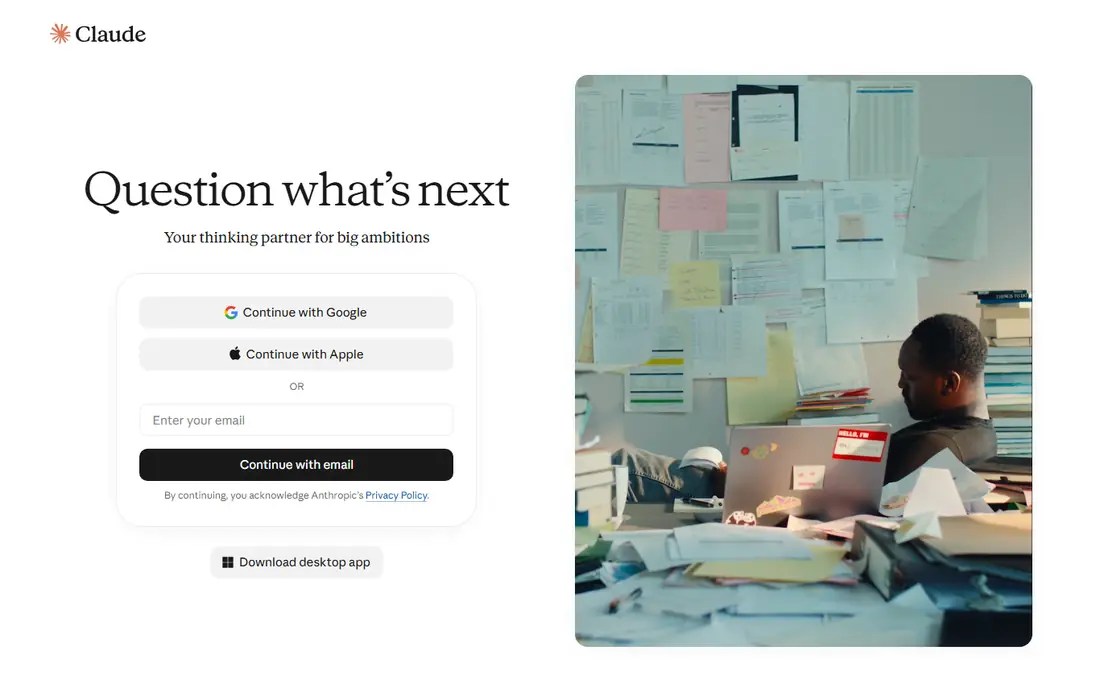
For many readers, Claude will be the most practical choice on this list. It is the pick for writers who care most about how the prose sounds. Long documents stay coherent, and its edits tend to preserve the writer's intent rather than flatten it.
The catch is breadth: it is a writing tool first, not a full creative suite. It fits bloggers, newsletter writers and editors who polish long pieces. Check the current pricing page before you commit, since plans in this category change often, and use the free plan or trial to confirm the fit with your own work.
A useful test for Claude is to try the exact workflow you will repeat weekly, then check how long it takes and whether the output needs heavy fixing before it is usable.
- Reads as more natural on long articles
- Strong editing and summarising
- Careful with long documents
- Smaller tool ecosystem than ChatGPT
- Image features are limited
Jasper
Ideal for: Marketing teams and brand voice
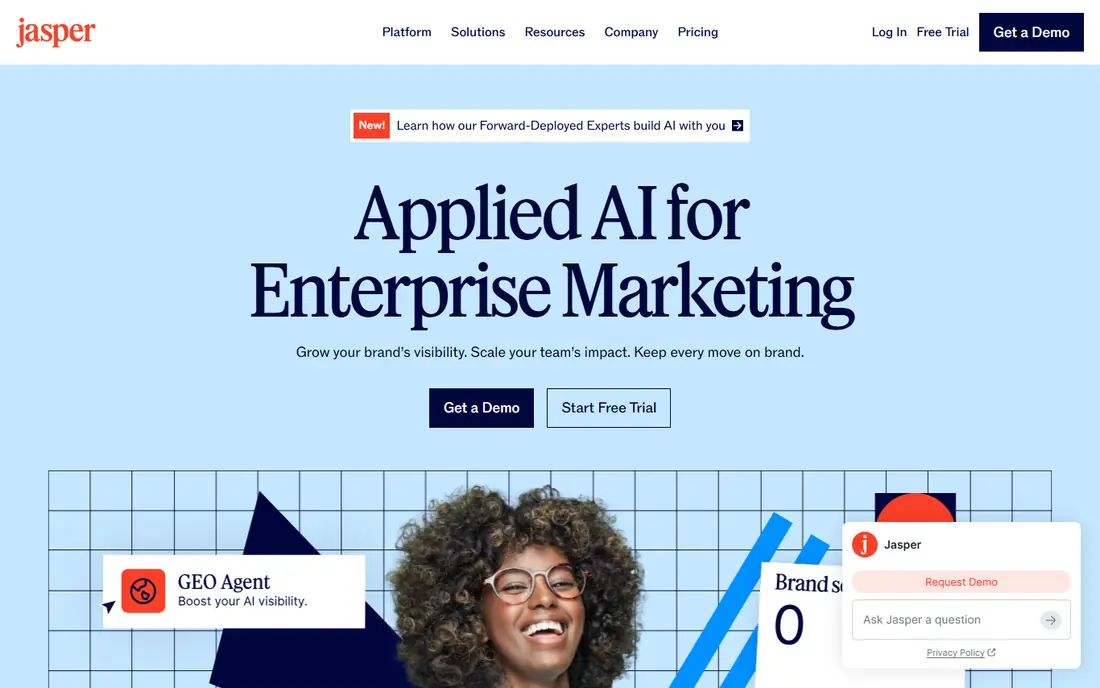
Next up is Jasper, which takes a different approach to the same job. It is built for teams that publish under one brand voice across many writers. Brand voice training and campaign workflows reduce the editing needed to make drafts publishable.
The catch is price: solo creators pay for team features they may never use. It fits marketing teams with steady output and strict brand standards. Check the current pricing page before you commit, since plans in this category change often, and use the free plan or trial to confirm the fit with your own work.
When you trial Jasper, note what is missing as well as what works, since the missing piece often decides whether a tool survives past the first month.
- Brand voice controls keep team output consistent
- Campaign workflows suit larger teams
- Many templates
- Priced well above solo tools
- No free tier, only a trial
Copy.ai
Ideal for: Sales and marketing workflows
Copy.ai earns its place here for a specific kind of user. It now serves sales and marketing teams more than solo bloggers. Workflows turn repeatable tasks, such as prospecting copy and campaign briefs, into one-click routines.
The catch is fit: if you only want blog drafts, simpler tools cost less. It fits small go-to-market teams that want shared AI workflows. Check the current pricing page before you commit, since plans in this category change often, and use the free plan or trial to confirm the fit with your own work.
We would also check support and documentation for Copy.ai during the trial, since a tool you cannot get help with becomes expensive in staff time even when the subscription looks cheap.
- Chat workspace covers many models
- Workflows suit go-to-market teams
- Seats included on entry plan
- No longer focused mainly on blogging
- Free tier has been retired
Writesonic
Ideal for: SEO articles and visibility
If the options so far have not fit, Writesonic is worth a closer look. It targets content that must rank and be visible in AI search results. Its SEO scoring and optimisation features give writers a clear checklist before publishing.
The catch is cost: the value only lands if organic traffic is central to your business. It fits SEO-led content teams publishing at scale. Check the current pricing page before you commit, since plans in this category change often, and use the free plan or trial to confirm the fit with your own work.
Before you pay for Writesonic, run one real task through it, such as a full document, a full trip plan or a full project, and judge it on that result rather than on the marketing page.
- Article writer with SEO and AI-search features
- Audit tools suit content teams
- Trial credits to test
- Entry pricing has risen and suits businesses more than hobby bloggers
Rytr
Ideal for: Budget short-form copy
Rytr is the option we point to when a reader has a clear priority in mind. It is the cheapest credible way to start with AI writing. Short copy, captions and product descriptions come out clean with little prompting.
The catch is length: anything over a few hundred words usually needs heavy editing. It fits creators on a tight budget who mainly write short-form copy. Check the current pricing page before you commit, since plans in this category change often, and use the free plan or trial to confirm the fit with your own work.
A useful test for Rytr is to try the exact workflow you will repeat weekly, then check how long it takes and whether the output needs heavy fixing before it is usable.
- Very low price
- Free tier covers 10,000 characters a month
- Quick for captions and product text
- Quality drops on longer pieces
- Fewer advanced workflow features
Grammarly
Ideal for: Editing, grammar and tone
Another strong contender is Grammarly, and it stands out for one clear reason. It is the editing layer every other tool on this list still needs. Its suggestions run inside browsers, documents and email, so fixes happen where you write.
The catch is scope: it will not plan or draft a full article for you. It fits any writer who wants cleaner, more consistent published work. Check the current pricing page before you commit, since plans in this category change often, and use the free plan or trial to confirm the fit with your own work.
When you trial Grammarly, note what is missing as well as what works, since the missing piece often decides whether a tool survives past the first month.
- Catches grammar, clarity and tone issues across apps
- Free tier is genuinely useful
- Works where you already write
- It polishes drafts rather than generating long articles from scratch
Canva
Ideal for: Visuals to go with written content
We round out the list with Canva, which fills a gap the others leave open. It turns a written post into a finished visual in minutes. Templates for social, blog headers and presentations remove the need for a designer on routine work.
The catch is originality: template-heavy designs can look familiar. It fits creators who publish across blog and social channels. Check the current pricing page before you commit, since plans in this category change often, and use the free plan or trial to confirm the fit with your own work.
We would also check support and documentation for Canva during the trial, since a tool you cannot get help with becomes expensive in staff time even when the subscription looks cheap.
- Huge template library
- AI image and design tools
- Easy publishing for social and blogs
- Design depth is below professional tools
- AI image quality varies by prompt
Descript
Ideal for: Video and podcast content
Descript rounds out our shortlist with a focused set of strengths. It is the fastest route from a recording to a publishable clip. Editing text instead of waveforms makes cutting interviews and podcasts far quicker.
The catch is that polished, effects-heavy video still needs a dedicated editor. It fits podcasters and video creators who repurpose recordings often. Check the current pricing page before you commit, since plans in this category change often, and use the free plan or trial to confirm the fit with your own work.
Before you pay for Descript, run one real task through it, such as a full document, a full trip plan or a full project, and judge it on that result rather than on the marketing page.
- Edit video by editing a transcript
- Strong transcription and filler removal
- Good for repurposing
- Learning curve for complex edits
- Pricing is per hour of transcription on some plans
How we picked these
We compared official feature pages, pricing pages, app store listings, privacy policies and public reviews for each product, and kept only products that exist, work today and truly fit the topic. We favoured clear pricing, a usable free plan or trial, and honest limits over long feature lists. Where a price could not be verified on the vendor site, we wrote See website rather than guessing.
We did not claim hands-on testing we did not do. Instead, we weighed what each vendor documents, what reviewers report in practice, and where each product falls short, so the trade-offs below are stated plainly.
How to choose without buying five subscriptions
Pick the job you do most, such as blog drafts, social posts or video scripts, and test one general tool and one specialist against real briefs. Keep the tool that cuts your editing time, not the one with the longest feature list, and cancel the rest before the trial ends.
Frequently asked questions
What is the best AI tool for content creation overall?
For most creators, a general tool such as ChatGPT or Claude covers drafting, outlining and editing, and a specialist such as Jasper or Descript adds value only when you publish at volume or in a strict brand voice.
Are free AI content tools good enough?
Free tiers work for occasional posts and short drafts, but they usually limit words, credits or exports. If you publish several times a week, a paid plan removes the bottleneck that matters most.
Can AI tools replace a human writer?
They speed up first drafts and repurposing, but they still need fact checking, editing and a clear brief. The best results come from treating the tool as a drafting partner, not a publisher.
Which AI tool is best for video content?
Descript and Pictory are built for video-first work, with editing from a transcript and text-to-video workflows. A text writer alone will not cover captions, clips and visuals.
How much should I budget for AI content tools?
A solo creator can start free and move to about $9 to $20 per month for one solid tool. Teams that need brand controls and seats should budget more and compare per-seat pricing carefully.