6 Strong AI Tools for Creating YouTube Videos in 2026

- Top of the list is Synthesia, which targets training scripts to presenter video.
- Only 5 of the 6 tools have a free plan (Synthesia, Runway, Fliki, InVideo AI, Lumen5), so check the caps.
- One limit worth knowing about Fliki: free minutes restricted to 5 a month.
- For blog posts to social video, Lumen5 is worth a look.
- Starting prices begin at $12 per month with Runway.
Direct answer
This list puts Synthesia first for training scripts to presenter video. Alternatives: Runway for text prompts to generative footage, and Pictory for articles and scripts to video. Prices, free plans and limits for all 6 tools follow.
Quick comparison
| Product | Ideal for | Price from | Free version | |
|---|---|---|---|---|
 Synthesia | Training scripts to presenter video | $18 per month | Yes | Visit |
 Runway | Text prompts to generative footage | $12 a month | Yes | Visit |
 Pictory | Articles and scripts to video | $25 a month | No | Visit |
 Fliki | Scripts to voiceover video | $21 per month | Yes | Visit |
 InVideo AI | YouTube-style video from topic or script | $20 per month | Yes | Visit |
 Lumen5 | Blog posts to social video | $19 a month | Yes | Visit |
Every option for AI tools for creating YouTube videos explained
If you are comparing AI tools for creating YouTube videos, this page covers 6 tools in one place: what each is best for, what it costs to start, whether it has a free plan, and the main limit to know about.
Synthesia
Ideal for: Training scripts to presenter video
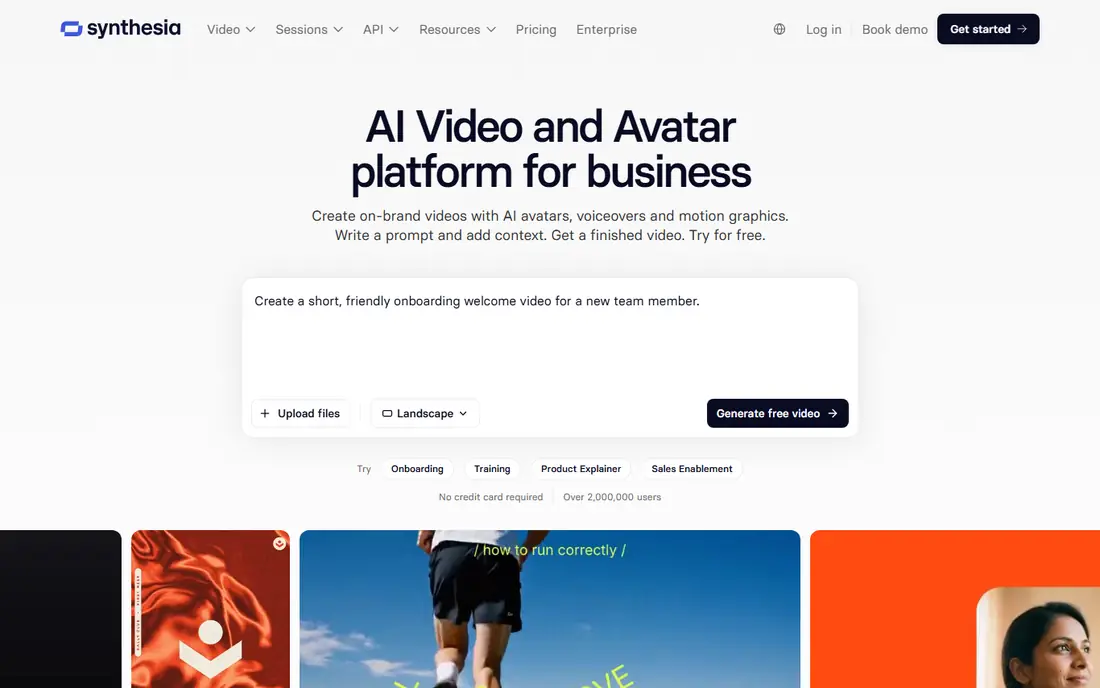
For training scripts to presenter video, Synthesia is a natural candidate. Its avatar presenters deliver scripts in several languages, which fits corporate training and explainer teams that require consistent presenters without studio costs.
Best features of Synthesia: Best pick when text is a training script and you want a presenter video without filming.
Downsides: Free minutes restricted; Less suited for faceless stock-footage videos.
For everyday use, pricing runs 18 dollars a month billed yearly, with a free level including restricted minutes with watermark. Synthesia starts at: $18 per month. Synthesia has a free plan.
- 18 dollars a month billed yearly
- Corporate training templates
- Monthly pricing cited from 18 to 29 dollars across sources
Runway
Ideal for: Text prompts to generative footage
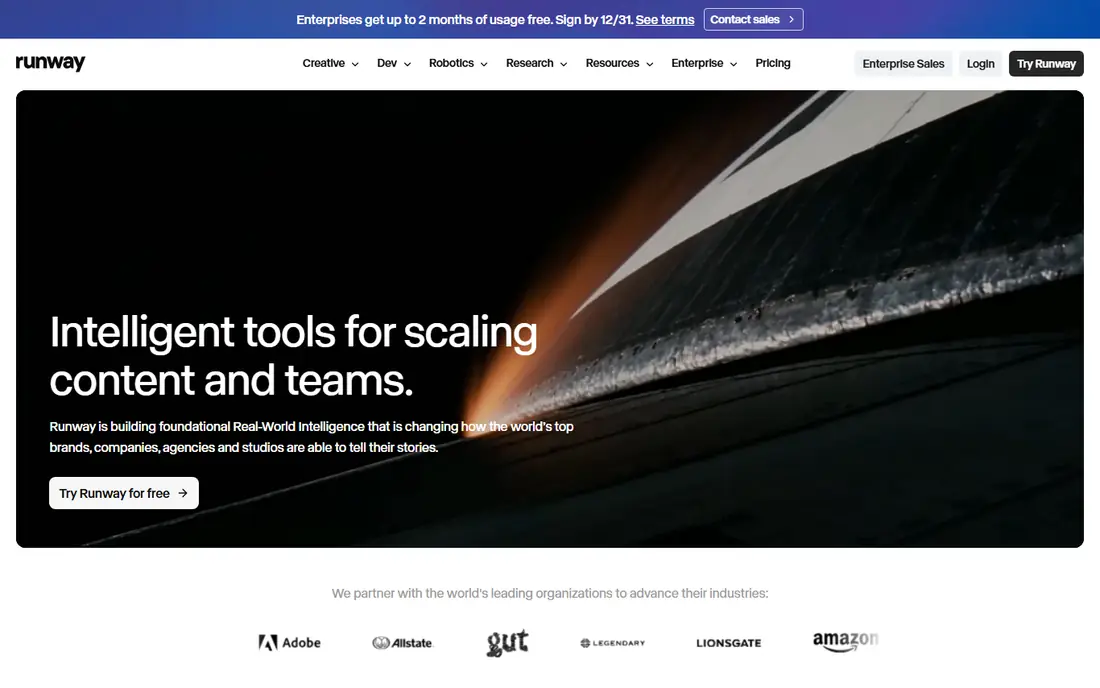
Runway was built for text prompts to generative footage. Runway supplies the highest quality generative clips for cinematic footage, with text prompts producing original video instead of stock footage assembly. On top of that, the test job cost near 3,110 dollars a year displays that generative video at volume is costly.
A model that renders a stunning 8-second clip still leaves creators stitching clips together and recording narration for a 90-second script. The drawbacks are job cost and clip length. The starting price for Runway: $12 per month. Free access exists with Runway.
Downsides: Less suited for script-to-finished-video automation.
- Editing real footage plus generation
- Free level with 125 one-time credits
- Generative clips are short, so full videos need stitching
Pictory
Ideal for: Articles and scripts to video

Pictory is aimed squarely at articles and scripts to video. Its workflow converts text into scenes with stock footage, voiceover, and captions, which helps bloggers extend written content to YouTube without filming.
For everyday use, Pictory fits creators who repurpose blog posts and articles into YouTube videos. Pictory cost at the entry level: $25 per month. Pictory has no free tier.
What works well: 4.6 rating in one comparison.
Watch-outs: Monthly pricing cited from 19 to 29 dollars across sources.
- 14-day trial
- Blog-to-video workflow
- No free plan, trial only
Fliki
Ideal for: Scripts to voiceover video
Fliki targets scripts to voiceover video. Fliki wins on voice quality and value for solo creators, with text-to-video plus realistic AI voices and a large voice library that fits faceless channels and voiceover-heavy content. Its free level spans 5 minutes a month watermarked, whereas premium plans from 21 dollars a month billed yearly add minutes and remove watermarks.
Where it falls short: Monthly pricing cited at 28 dollars month-to-month.
Also, Fliki fits solo creators who want budget voiceover video for faceless YouTube channels. Beyond that, the drawbacks are free minute limits and visual control. Fliki starts at: $21 per month. Fliki includes a free tier. What Fliki does well: 4.2 rating in one comparison.
- Realistic AI voices with large voice library
- 21 dollars a month billed yearly
- Free minutes restricted to 5 a month
InVideo AI
Ideal for: YouTube-style video from topic or script
InVideo AI is designed for YouTube-style video from topic or script. InVideo AI fits creators who want YouTube-style video from a topic or script, assembling stock footage and narration around a script without recording anything.
For everyday use, a practical workflow merges scriptwriting elsewhere with InVideo free level assembly, producing a publishable video within free plan limits, and premium plans from 20 dollars a month billed annually remove watermarks and add capacity. On cost, InVideo AI starts like this: $20 per month. Free access exists with InVideo AI.
Watch-outs: Output needs human review for accuracy; Free exports watermarked.
Strengths: Lowest-cost finished video in one comparison at 204 dollars a year for the test job.
- Free level with weekly exports
- Premium from 20 dollars a month billed yearly
- Monthly pricing varies by source at 17 to 25 dollars
Lumen5
Ideal for: Blog posts to social video
Choose Lumen5 for blog posts to social video. Lumen5 wins on simplicity for fast blog-to-video, turning blog posts into social video with a straightforward workflow that fits beginners. Its free plan handles restricted features for testing, whereas premium plans from 19 dollars per month billed yearly add capacity and remove limits.
For creators who want the simplest path from article to video, Lumen5 low ramp-up time appeals. In daily use, Lumen5 fits beginners who want fast blog-to-video with minimal setup. Lumen5 cost at the entry level: $19 per month. Lumen5 offers a free plan.
Where it is weaker: Repurposing features trail Pictory; Less avatar or generative depth.
- Fast blog-to-video workflow
- Simplicity for beginners
- Monthly pricing cited from 15 to 29 dollars across sources
What went into this list
Ainotely looked at what each vendor publishes: pricing, plan limits, feature coverage for AI tools for creating YouTube videos and stated drawbacks. No hands-on testing is claimed. Seat minimums, billing terms and add-ons can move the real cost, so the starting prices here are a guide and not a quote. The order reflects how well each tool fits the most common buying scenario for AI tools for creating YouTube videos, then price clarity, then free plan access. It is a starting point, not a verdict.
A buyer's checklist
- Confirm the entry price on the vendor page: Runway starts at $12 per month, but seat counts and billing terms change the total.
- Read the fine print on the free plans from Synthesia, Runway, Fliki and others; seat, project and feature caps differ.
- Read the limits listed for Synthesia first: free minutes restricted.
- Pick one real project and run it in InVideo AI first; a small pilot shows fit faster than a checklist.
- Check whether the features you need in Lumen5 sit on the entry plan or only on higher tiers.
Frequently asked questions
Which AI tool is best for faceless YouTube channels?
Synthesia comes first here and is built for training scripts to presenter video. Buyers with other needs may prefer Runway (for text prompts to generative footage) or Pictory (for articles and scripts to video). Compare costs and limits first.
Is Synthesia the right pick for everyone comparing AI tools for creating YouTube videos?
No single tool suits every team. Synthesia comes first because it fits training scripts to presenter video, while Runway suits text prompts to generative footage and Pictory suits articles and scripts to video. Match the tool to your own size, budget and workflow before deciding.
How are the tools for AI tools for creating YouTube videos ordered?
Synthesia sits first and Lumen5 last because the order follows typical fit for AI tools for creating YouTube videos, then price clarity and free access. It is a judgement call, so read each profile for fit and limits.
Which options for AI tools for creating YouTube videos have a free plan?
Synthesia, Runway, Fliki, InVideo AI and Lumen5 offer a free plan in this list. Free plans usually cap users, projects or features, so check the limits on the vendor page.
Can AI video tools replace filming?
For scripted, avatar, and stock-footage videos, yes, but for original footage and nuanced performance, no. Beyond that, Generative clips are short, avatar videos suit training and marketing, and original filming still wins for authentic, high-production content.
Can I try these tools before paying?
Often, yes. Synthesia, Runway, Fliki and others have a free plan. Use your own data and a real task during the test, and check what the free tier or trial limits before you rely on it.