AI Tools for Creators: 6 Options Side by Side (2026)

- 1
 Opus ClipLong video to shortsVisit
- 2
 ElevenLabsAI voice and dubbingVisit
- 3
 MidjourneyAI images and thumbnailsVisit
- 4
 NotionPlanning, scripts, and content hubsVisit
- 5
 CapCutMobile-first social editingVisit
- Opus Clip sits first on this list: long video to shorts.
- A fair warning about Notion: not a media editor.
- For Transcript-based video and audio editing, Descript is worth a look.
- For the cheapest start, look at Midjourney: $10 per month.
Direct answer
Opus Clip leads the list, best for long video to shorts. ElevenLabs fits AI voice and dubbing; Midjourney fits AI images and thumbnails. The remaining 3 options are covered below with prices and limits.
Quick comparison
| Product | Ideal for | Price from | Free version | |
|---|---|---|---|---|
| Opus Clip | Long video to shorts | Free | Yes | Visit |
| ElevenLabs | AI voice and dubbing | Free | Yes | Visit |
| Midjourney | AI images and thumbnails | $10 a month | No | Visit |
| Notion | Planning, scripts, and content hubs | Free | Yes | Visit |
| CapCut | Mobile-first social editing | Free | Yes | Visit |
 Descript | Transcript-based video and audio editing | Free | Yes | Visit |
AI Tools for Creators, one by one
Short on time? The summary and table above give the quick view of 6 AI tools for creators, and the profiles that follow give the detail behind each entry.
Opus Clip
Ideal for: Long video to shorts
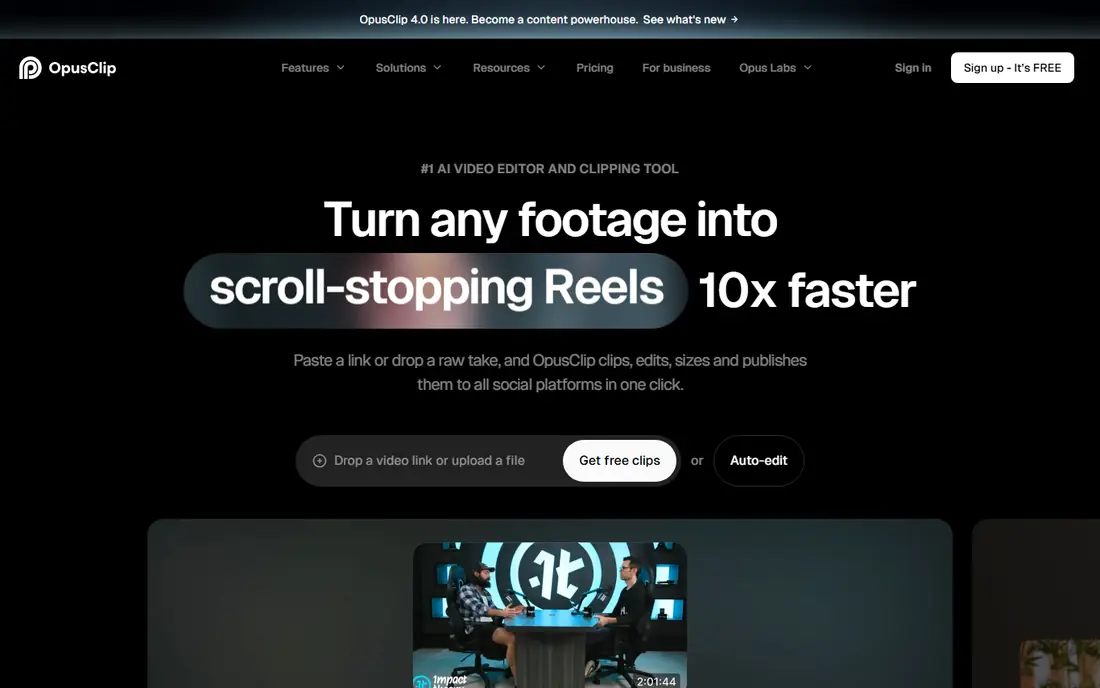
Opus Clip is aimed squarely at long video to shorts. Opus Clip solves a specific creator problem: a long video that should also become ten shorts. Opus Clip is best as a repurposing engine, not a full editor, so keep Descript or CapCut for the central edit.
Points against: Cuts can feel abrupt on complicated conversations.
As for the details, upload a podcast, webinar, or vlog. The tool finds engaging moments, reframes them for vertical video, layers on captions, and ranks clips by likely impact. That pipeline helps creators who post daily on short-form products without hiring an editor for every clip. Opus Clip pricing: Free. Opus Clip offers a free plan.
- Finds solid moments and scores clips
- Auto-reframing and captions
- Free clips carry a watermark and restricted credits
ElevenLabs
Ideal for: AI voice and dubbing
Where ElevenLabs fits: AI voice and dubbing. ElevenLabs is the voice tool most creators reach for when they need narration, dubbing, or a consistent voice across videos. That range helps faceless channels, course creators, and teams that localise content.
Also, for client voice work, also check the commercial terms and consent rules for any cloned voice. Worth adding: the free plan is handy for that test, and Starter at around $6 a month fits short weekly videos. ElevenLabs cost at the entry level: Free. ElevenLabs has a free plan.
The main drawbacks: Credits run out quick on long narration.
- Natural-sounding voices and voice cloning with consent controls
- Dubbing and long-form narration
- Starter reported at $6 a month, with higher levels for heavy use
Midjourney
Ideal for: AI images and thumbnails
Midjourney works best for AI images and thumbnails. Midjourney remains the image pick for creators who want a striking thumbnail or include. Its strength is style: cinematic lighting, in-depth scenes, and consistent looks that are hard to get from a template library.
There is no free level, with Basic reported at $10 a month and Standard at $30 a month. So it is a premium commitment from day one. Worth adding: if thumbnails drive your clicks, Midjourney commonly pays for itself in look alone. Entry price for Midjourney: $10 per month. Midjourney has no free plan.
Points against: Commercial terms rely on plan.
- Solid cinematic and stylised image quality
- Concept art
- Discord-based workflow can confuse beginners
Notion
Ideal for: Planning, scripts, and content hubs
Notion makes the most sense for planning, scripts, and content hubs. Solo creators can run an entire channel calendar on the free plan, and small teams can share the same workspace.
Beyond that, Notion does not edit video, audio, or images, so it complements instead of replaces the other tools here. What you pay to start with Notion: Free. You can start on Notion without paying.
Limits to weigh: AI features and team pricing add cost, with Plus reported at $10 per user a month.
- Databases for content calendars, scripts, ideas
- Free plan for individuals
- Not a media editor
CapCut
Ideal for: Mobile-first social editing
CapCut serves mobile-first social editing. CapCut is the fastest editor for creators who shoot and post from a phone. On top of that, pricing is less clear than a straightforward monthly page, with Pro reported at around $9.99 a month in numerous comparisons, and annual equivalents lower.
Also, availability also needs checking, since US app store access has been disrupted at times. In daily use, the web version extends that workflow to a desktop, which helps when a project needs a bigger screen or a keyboard. For everyday use, if CapCut is available to you, it is a solid primary editor for short-form creators. What you pay to start with CapCut: Free. Free access exists with CapCut.
The main drawbacks: US availability has faced app store disruption, so check access first.
- Capable mobile and web editing
- Auto captions and templates
- Premium Pro pricing varies by region and product
Descript
Ideal for: Transcript-based video and audio editing
Descript serves Transcript-based video and audio editing. Descript changes editing for people who think in words instead of timelines. The free plan is a real starting point, with Hobbyist reported at $16 a month on annual billing and Creator at $24 a month.
Watch-outs: Heavy projects need a capable computer.
Prices should be checked on the Descript pricing page. From a buyer's view, filler word removal, Studio Sound cleanup. The Underlord AI co-editor help turn a rough recording into a tighter cut without learning a traditional editor first. Descript pricing: Free. Free access exists with Descript.
- Edit video by editing text
- Filler removal and Studio Sound
- Premium plans start at $16 a month on annual billing for Hobbyist
How the list was put together
Each tool was reviewed on what its vendor publishes: price, plan limits, core features and stated drawbacks. We did not run hands-on tests. Where a price is missing, the vendor does not list one publicly or ties it to a quote. Always confirm before budgeting. The ranking is editorial: typical fit first, then clear pricing, then free access. If your needs are unusual, read the profiles rather than relying on position.
A buyer's checklist
- Confirm the entry price on the vendor page: Midjourney starts at $10 per month, but seat counts and billing terms change the total.
- Look at free plan limits closely: Opus Clip, ElevenLabs, Notion and others have one, and the caps decide whether it is usable for real work.
- Before choosing Opus Clip, weigh its main limit: free clips carry a watermark and restricted credits.
- Run a one or two week pilot of ElevenLabs with the people who will use it every day.
- Find out whether the entry plan of Midjourney covers your must-haves or only a trimmed-down version.
Frequently asked questions
How are the tools for AI tools for creators ordered?
Opus Clip sits first and Descript last because the order follows typical fit for AI tools for creators, then price clarity and free access. It is a judgement call, so read each profile for fit and limits.
Is Opus Clip the right pick for everyone comparing AI tools for creators?
No single tool suits every team. Opus Clip comes first because it fits long video to shorts, while ElevenLabs suits AI voice and dubbing and Midjourney suits AI images and thumbnails. Match the tool to your own size, budget and workflow before deciding.
Do AI creator tools replace an editor or designer?
AI can cut filler words, find clip moments, and draft a thumbnail, yet a human still needs to check the story, the facts, and the final look. Treat AI as a quick assistant, not a finished product.
Can I try these tools before paying?
Often, yes. Opus Clip, ElevenLabs, Notion and others have a free plan. Use your own data and a real task during the test, and check what the free tier or trial limits before you rely on it.
Can I use AI-generated voice and images commercially?
It relies on the tool and plan, and on consent for any cloned voice. When a client project is involved, confirm terms in writing before delivery.
What are the best ai tools for creators to start with?
Start with Opus Clip if you need long video to shorts. ElevenLabs is the better match for AI voice and dubbing, and Midjourney for AI images and thumbnails. The best choice depends on budget, team size and workflow.