Best AI Tools for Developers in 2026: 8 Tools Compared

- 1
 GitHub CopilotBest all-round valueVisit
- 2
 CursorAI-first editingVisit
- 3
 Claude CodeTerminal-based refactorsVisit
- 4
 WindsurfAgentic IDE on a budgetVisit
- 5
 Amazon Q DeveloperAWS workflowsVisit
- GitHub Copilot is the best all-round pick for most developers, since it works in the editors they already use at a low monthly price.
- Cursor is the strongest choice for developers who want an AI-first editor with multi-file edits and agent workflows.
- Claude Code suits terminal-based developers tackling large refactors, while Windsurf offers a capable agent IDE with a free tier.
- Privacy-focused teams should shortlist Tabnine or Continue, which support private deployment and a choice of models.
- Watch usage-based pricing: headline monthly prices often exclude extra credits, so heavy users should budget above the entry tier.
Quick comparison
| Product | Ideal for | Price from | Free version | |
|---|---|---|---|---|
| GitHub Copilot | Best all-round value | $10 per month | Yes | Visit |
| Cursor | AI-first editing | $20 per month | Yes | Visit |
| Claude Code | Terminal-based refactors | $20 per month | No | Visit |
| Windsurf | Agentic IDE on a budget | Free | Yes | Visit |
| Amazon Q Developer | AWS workflows | Free | Yes | Visit |
 Tabnine | Privacy and private deployment | $39 per user per month | No | Visit |
 Sourcegraph Cody | Large codebases | Free | Yes | Visit |
 Continue | Open-source flexibility | Free | Yes | Visit |
The best ai tools for developers
These eight tools cover inline completion, agentic editing and terminal-based coding. We compared official pricing pages, feature pages and public reviews, with attention to free tiers, model choice and privacy options.
GitHub Copilot
Ideal for: Best all-round value
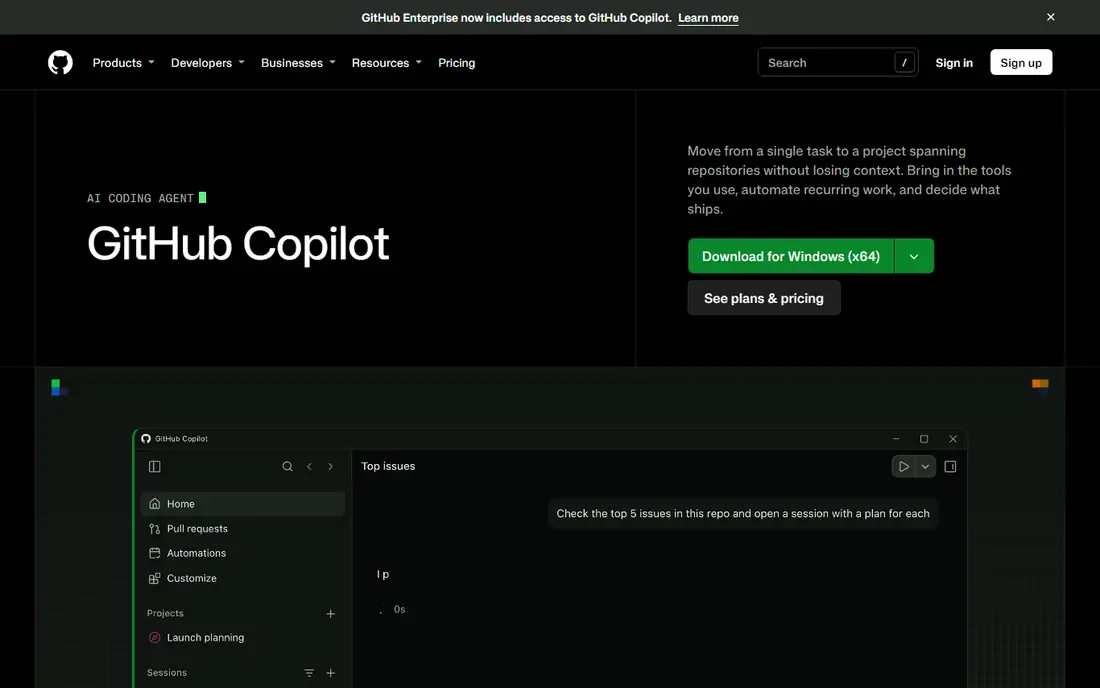
GitHub Copilot remains the safest recommendation for most developers. Its inline completions are fast and accurate across common languages, and Copilot Chat handles multi-file edits and code review without leaving the editor. The Pro plan costs $10 per month, with higher tiers for heavier agent use, and a free tier covers limited completions and chat.
The catch is the credit model introduced in 2026: agent-heavy work consumes credits, so power users may need Pro+ at $39 per month. For everyday coding, though, Copilot's balance of price, editor support and quality is hard to beat, and it is the tool we would suggest first to a developer who has not picked one yet.
- Works in VS Code, JetBrains and Neovim
- Strong inline completions
- Chat and agents included
- Free tier is limited
- Heavier agent use now consumes credits beyond the base plan
Cursor
Ideal for: AI-first editing
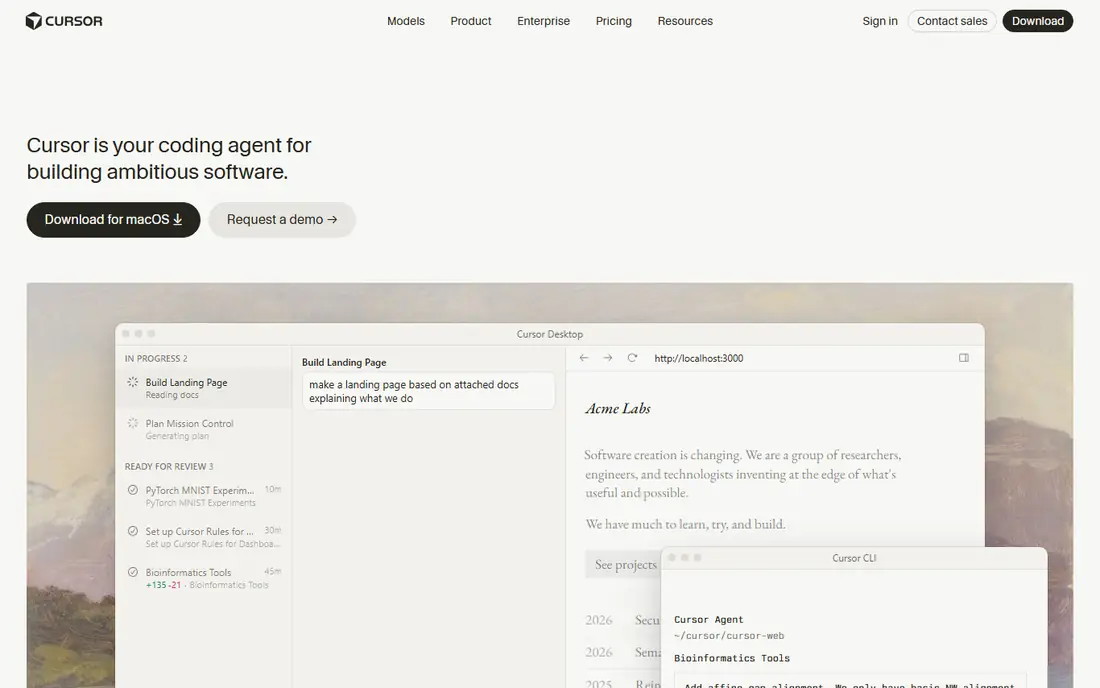
Cursor rebuilds the editor around AI rather than bolting it on, and the difference shows in daily use. Its agent mode reads your codebase, proposes a plan and edits across files, while tab completion predicts multi-line blocks instead of single lines. For developers who spend most of the day writing and refactoring code, that workflow saves real time.
The price is the main drawback. Pro costs $20 per month, and heavy agent use can push costs higher on larger tiers. The free Hobby tier gives a taste with limited agent use. If you code full-time and want the most capable editing experience, Cursor is worth the price. If you code occasionally, Copilot is better value.
- Multi-file agent edits
- Codebase-wide chat
- Tab completions that predict larger blocks
- $20 per month is steep for casual use
- Heavy users can burn through included usage
Claude Code
Ideal for: Terminal-based refactors
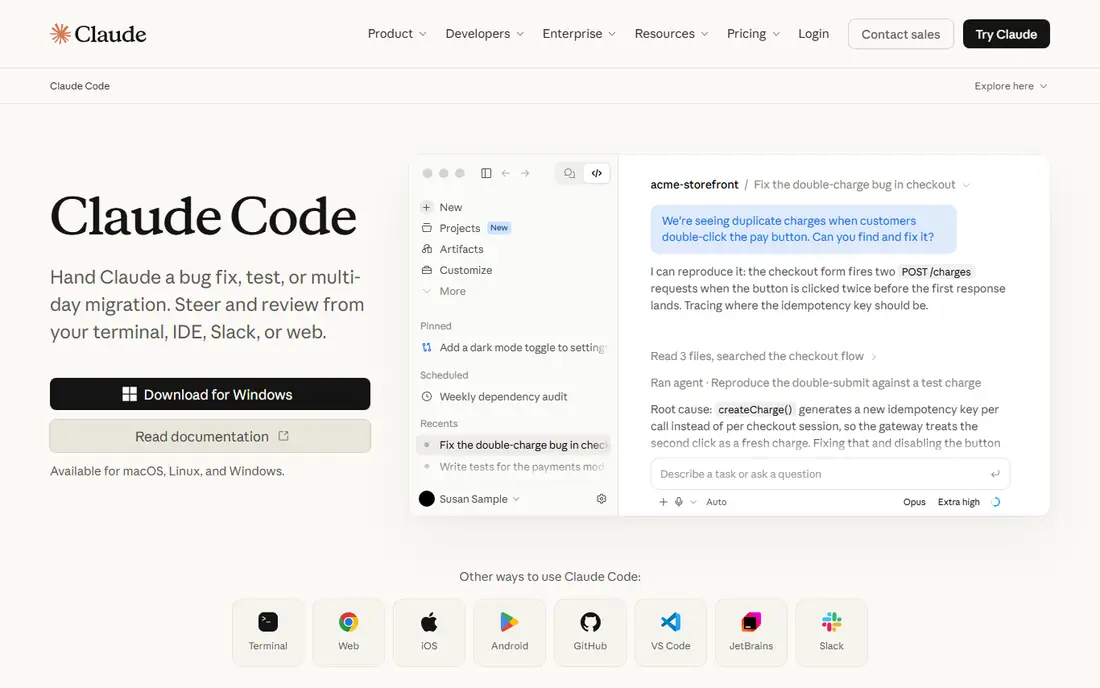
Claude Code is the tool for work that needs thinking rather than typing. It runs in the terminal, reads your repository, edits files directly and runs commands, which makes it well suited to large refactors, migrations and debugging sessions that span many files. Access comes through a Claude Pro subscription at $20 per month, or $17 per month on annual billing.
It is not a passive assistant: you drive it deliberately, review its plans and check its diffs. Developers who live in the terminal will feel at home, while developers who want quiet inline suggestions should pair it with Copilot or Cursor instead. Used well, it handles the hardest tasks on this list.
- Strong reasoning on complex tasks
- Works across the whole repo
- Runs in the terminal
- No free tier
- It is an agent, not an inline completion tool
Windsurf
Ideal for: Agentic IDE on a budget
Windsurf, formerly Codeium, offers a capable AI editor with an agent called Cascade that edits across files and remembers project conventions. The free tier is genuinely useful, and Pro costs around $20 per month, which makes it one of the better value agent IDEs. For developers who want Cursor-style workflows at a lower entry cost, it is a strong alternative.
The honest caveat is change: Windsurf was acquired by Cognition, the company behind Devin, and the roadmap is still settling. That uncertainty matters less for individual developers than for teams standardizing on one tool. If you can tolerate some change, the value is excellent.
- Cascade agent for multi-file work
- Generous free tier
- Session memory for conventions
- Roadmap uncertainty after its acquisition
- Heavy use moves to paid tiers
Amazon Q Developer
Ideal for: AWS workflows
Amazon Q Developer is the natural pick for teams building on AWS. It understands AWS services and suggests code, explains resources and helps with transformations such as upgrades, all inside common IDEs. The free tier covers individual use, and Pro costs $19 per user per month.
Outside AWS, its advantage fades, and general-purpose tools will serve you better. If your stack runs on AWS, though, the service-aware suggestions and transformation tools are genuinely useful, and the free tier makes it easy to test before paying.
- AWS-aware suggestions
- Free tier for individuals
- Pro at $19 per user per month
- Best value only inside AWS
- Less strong for non-AWS stacks
Tabnine
Ideal for: Privacy and private deployment
Tabnine is the pick for regulated teams and companies that cannot send code to public cloud services. It offers private deployment and on-premises options, so code stays inside your infrastructure, and it supports team-level controls and model choices. That privacy story is why banks, healthcare firms and defense-adjacent teams choose it.
The price reflects that focus: current plans start at $39 per user per month, with an agentic tier at $59. Smaller teams and solo developers will find better value elsewhere. For organizations where data control is a requirement rather than a preference, Tabnine is the right shortlist.
- Private and on-premises deployment
- Strong privacy controls
- Works across IDEs
- Higher entry price
- No free tier on current plans
Sourcegraph Cody
Ideal for: Large codebases
Sourcegraph Cody stands out when the codebase is the hard part. It indexes large repositories and uses that context to answer questions, explain code and suggest changes that fit existing patterns. For teams working in monorepos or sprawling enterprise code, that context awareness beats a tool that only sees the open file.
The free tier is enough to test the fit, and paid plans start at $9 per user per month. Setup and indexing take some effort on very large repos, and solo developers on small projects will not need its depth. For large-codebase teams, it earns its place.
- Excellent codebase context
- Works across large repos
- Free tier available
- Paid tiers from $9 per user per month
- Best results need good repo indexing
Continue
Ideal for: Open-source flexibility
Continue is the open-source option for developers who want control. It runs in VS Code and JetBrains, connects to many models from different providers, and can run local models for teams that want code to stay on their machines. The core tool is free, with a paid team tier at $10 per developer per month.
The trade-off is effort. You choose and configure the model, and suggestion quality follows that choice, so it takes more setup than Copilot or Cursor. For developers who value flexibility, privacy and no lock-in, that effort is worth it, and the price is hard to beat.
- Open source
- Use any model, including local ones
- Works in VS Code and JetBrains
- Setup takes more effort
- Quality depends on the model you choose
How we picked these
We compared official pricing pages, feature pages and public reviews for AI developer tools that are live in October 2026. We weighed completion quality, agent ability, editor support, free tiers and privacy options, and we favored tools with a clear, current pricing page. Niche single-language tools were left out in favor of general-purpose options.
What to check before you pick an AI coding tool
Start with your editor and your stack. A tool that works natively in the editor you already use will get adopted, while one that forces a switch needs a much bigger payoff. Check language support for your main languages, and test completions on your own code rather than trusting a demo.
Then price real usage. Run a trial for two weeks at your normal pace and watch credit or usage consumption, especially on agent-heavy days. A $10 plan that needs constant top-ups can cost more than a $20 plan with generous included usage. For teams, check privacy terms: where code is processed, whether it is used for training, and whether a private deployment option exists.
Finally, treat AI output as a draft. Review every suggestion, run your tests, and keep your own judgment in charge of security-sensitive code. The best tools make a good developer faster; they do not replace the review step.
Frequently asked questions
What is the best AI tool for developers?
GitHub Copilot is the best all-round pick for most developers, thanks to its low price and broad editor support. Cursor is better for full-time developers who want an AI-first editor, and Claude Code is best for complex, terminal-based refactors.
Is there a free AI coding tool?
Yes, GitHub Copilot, Windsurf, Sourcegraph Cody, Continue and Amazon Q Developer all offer free tiers. Free tiers usually limit completions, chat or agent use, so heavy users will need a paid plan.
Which AI coding tool is best for privacy?
Tabnine and Continue are the strongest privacy picks, since they support private deployment and local models. Check each vendor's data policy before use, and confirm whether your code is used for model training.
Do AI coding tools replace developers?
No, they speed up routine work such as boilerplate, tests and refactors, but design, debugging judgment and security review still need people. The best results come from developers who review AI output carefully.
What is the difference between Copilot and Cursor?
Copilot adds AI to editors you already use, such as VS Code and JetBrains, while Cursor is a full editor rebuilt around AI, with stronger multi-file agent workflows. Copilot is cheaper, while Cursor offers a deeper AI editing experience.
Sources
- https://github.com/features/copilot
- https://www.cursor.com
- https://www.claude.com/product/claude-code
- https://www.windsurf.com
- https://aws.amazon.com/q/developer/
- https://www.tabnine.com
- https://sourcegraph.com/cody
- https://www.continue.dev
- https://dev.to/the_movie_9b1357e8c99cfaa/10-best-ai-coding-tools-in-2026-tested-compared-1mnp