6 AI Tools for DevOps Compared on Price and Fit

- 1
 Dynatrace Davis AILarge teams with complicated hybrid estates that require causal root-cause analysisVisit
- 2
 New Relic AITeams on New Relic that want plain-language queries and AI incident help on observability dataVisit
- 3
 Harness AI (AIDA)Teams running Harness pipelines that want AI help with failed builds, deployments, and cloud costsVisit
- 4
 GitLab DuoTeams already on GitLab Premium or Ultimate that want AI across code, review, and securityVisit
- 5
 GitHub CopilotTeams that write code in GitHub and want AI help in the editor, terminal, and pull requestsVisit
- Dynatrace Davis AI takes the first slot, best suited to large teams with complicated hybrid estates that require causal root-cause analysis.
- For teams already on Datadog that want autonomous investigation of alerts, Datadog Bits AI is worth a look.
- GitLab Duo is the lowest-priced starter here at $19 per user per month.
- Only 3 of the 6 tools have a free plan (New Relic AI, Harness AI (AIDA), GitHub Copilot), so check the caps.
Direct answer
This list puts Dynatrace Davis AI first for large teams with complex hybrid estates that require causal root-cause analysis. Look at New Relic AI for teams on New Relic that want plain-language queries and AI incident help, and at Harness AI (AIDA) for teams running Harness pipelines that want AI help.
Quick comparison
| Product | Ideal for | Price from | Free version | |
|---|---|---|---|---|
| Dynatrace Davis AI | Large teams with complicated hybrid estates that require causal root-cause analysis | $58 a month per 8 GiB host (Full-Stack Monitoring); Agentic Operations $0.10 per AI unit | Free trial (15 days) | Visit |
| New Relic AI | Teams on New Relic that want plain-language queries and AI incident help on observability data | $10 for the first full platform user, $99 per additional user (Standard); AI features need the Advanced Compute add-on, price on request | Yes | Visit |
| Harness AI (AIDA) | Teams running Harness pipelines that want AI help with failed builds, deployments, and cloud costs | Quote (premium plans; Free tier $0) | Yes | Visit |
| GitLab Duo | Teams already on GitLab Premium or Ultimate that want AI across code, review, and security | $19 per user a month (Duo Pro add-on; GitLab Premium base from $29 per user per month) | Limited Duo Code Suggestions and Chat included for Premium and Ultimate customers; no standalone free plan | Visit |
| GitHub Copilot | Teams that write code in GitHub and want AI help in the editor, terminal, and pull requests | $19 per user a month (Business); Pro from $10 per user a month | Yes | Visit |
 Datadog Bits AI | Teams already on Datadog that want autonomous investigation of alerts | $500 a month for 500 AI Credits (annual billing); $1.30 per credit on demand | Free trial (14 days) | Visit |
AI Tools for DevOps compared in detail
Ainotely put together this guide to AI tools for DevOps for readers who want a clear shortlist without reading every vendor page. It compares 6 tools on starting price, free plans, who each one suits and where each one falls short.
Dynatrace Davis AI
Ideal for: Large teams with complicated hybrid estates that require causal root-cause analysis
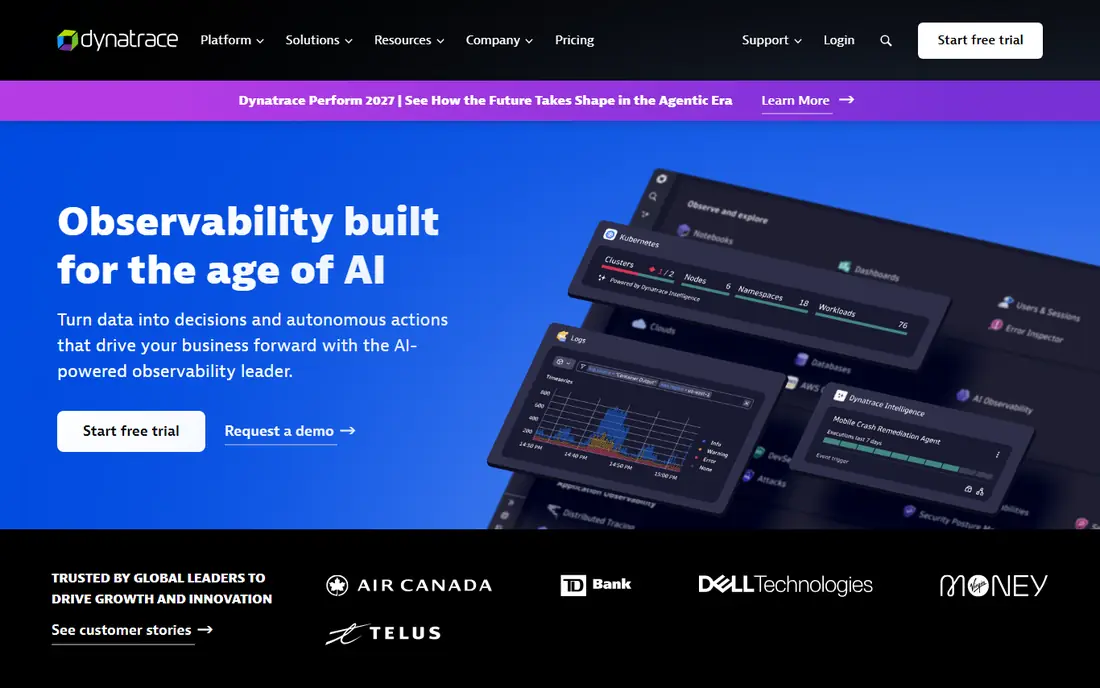
Dynatrace Davis AI is designed for large teams with complicated hybrid estates that require causal root-cause analysis. Davis AI uses a causal model of the environment, so it traces a problem to its root cause rather than listing every alert that fired at the same time.
It works across logs, traces, and infrastructure in one view, and its agentic features can run multi-step investigations on their own. The starting price for Dynatrace Davis AI: $58 per month per 8 GiB host. Free options: Free trial (15 days).
Where it falls short: Everything draws down from an annual commitment whose minimum is not published.
- Causal AI traces problems to a root cause rather than listing alerts
- Unlimited seats with no per-user fee
- AI unit costs are averages, so agent bills vary
New Relic AI
Ideal for: Teams on New Relic that want plain-language queries and AI incident help on observability data
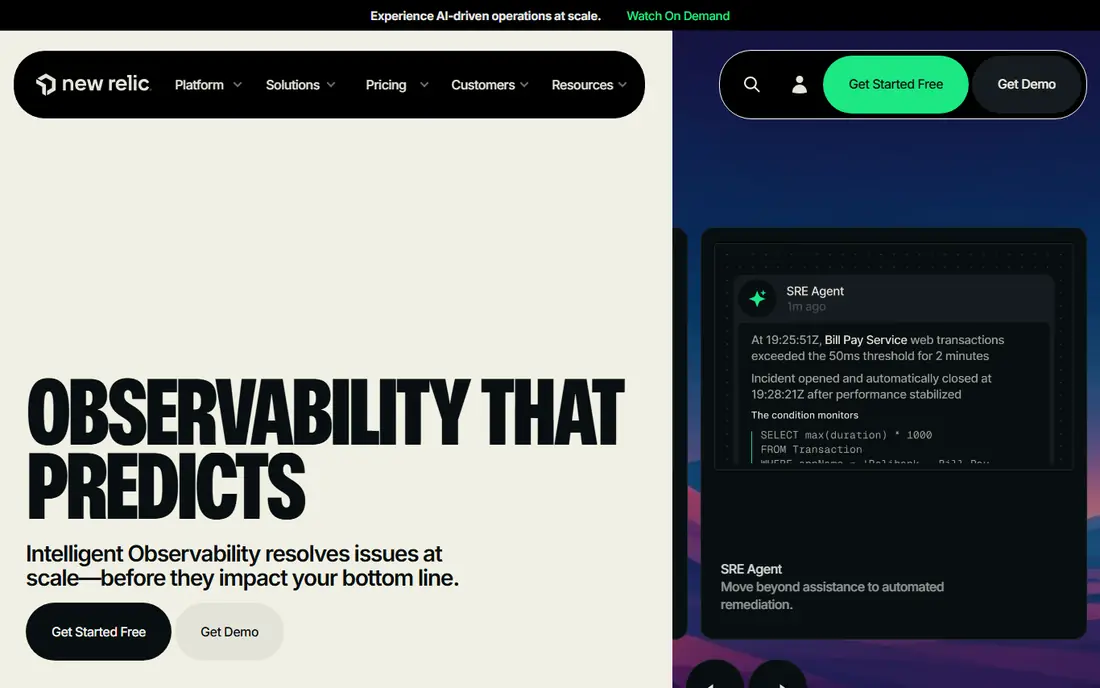
New Relic AI is a good fit for teams on New Relic that want plain-language queries and AI incident help on observability data. New Relic AI sits on top of a wide observability system.
Honest limits: needed for the newest AI features; Advanced Compute.
So its assistant and incident agent can query logs, traces, and errors in plain language. It helps teams find the cause of a slow transaction without writing a query from scratch. The starting price for New Relic AI: $10 for the first full platform user, $99 per additional user. A free plan is available with New Relic AI.
- AI assistant queries logs, traces
- Ample free level
- Has no public unit price
Harness AI (AIDA)
Ideal for: Teams running Harness pipelines that want AI help with failed builds, deployments, and cloud costs
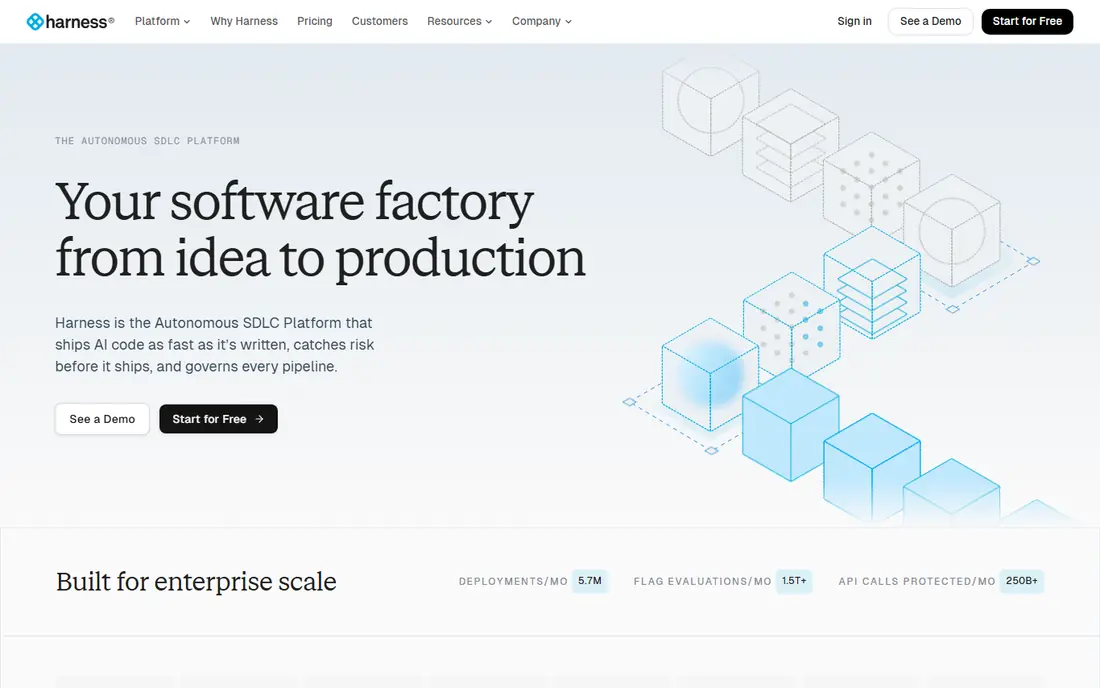
Harness AI (AIDA) serves teams running Harness pipelines that want AI help with failed builds, deployments, and cloud costs. Harness AI, first launched as AIDA, works across pipelines, deployments, and cloud costs rather than living in one module.
As for the details, the central drawback is pricing opacity, since premium plans are sold by quote and module licensing makes it hard to forecast spend without a sales conversation. On cost, Harness AI (AIDA) starts like this: quote. Harness AI (AIDA) includes a free tier.
Honest limits: The module list keeps expanding, which layers on learning time. Best features of Harness AI (AIDA): Built into CI, CD.
- Explains failed deployments in plain language
- AI cost policies from natural language
- Premium prices are not published, so budgeting needs a sales quote
GitLab Duo
Ideal for: Teams already on GitLab Premium or Ultimate that want AI across code, review, and security
GitLab Duo is aimed squarely at teams already on GitLab Premium or Ultimate that want AI across code, review, and security. Duo sits inside GitLab, so its suggestions draw on merge requests, pipelines, and security findings without a separate tool to open.
From a buyer's view, the main limit is cost stacking, since Duo Pro is an add-on on top of Premium or Ultimate, and agent work also draws down GitLab Credits, so the monthly bill has two moving parts. GitLab Duo starts at: $19 per user per month. Free plan details: Limited Duo Code Suggestions and Chat included for Premium and Ultimate customers.
- Native to merge requests, pipelines
- Security scans
- Total cost stacks, since the add-on sits on top of a premium base plan and agent work also uses GitLab Credits
GitHub Copilot
Ideal for: Teams that write code in GitHub and want AI help in the editor, terminal, and pull requests
Pick GitHub Copilot if this describes you: teams that write code in GitHub and want AI help in the editor, terminal, and pull requests. Copilot works inside the editor, the command line, and pull requests, so it meets developers where code and review already happen.
Reasons to shortlist it: Solid model choice.
From a buyer's view, the credit model needs care, since heavy agent use burns through the monthly allowance quick. Teams should set spending controls before they roll it out widely. On cost, GitHub Copilot starts like this: $19 per user per month. You can start on GitHub Copilot without paying.
Watch-outs: Credit use can burn through the monthly allowance quick on heavy agent work.
- Pull requests
- Works in the editor, CLI
- New self-serve Copilot Business sign-ups for some orgs were paused in April 2026
Datadog Bits AI
Ideal for: Teams already on Datadog that want autonomous investigation of alerts
Datadog Bits AI works best for teams already on Datadog that want autonomous investigation of alerts. The risk is cost control, since credits reset each month without rollover.
A noisy alert stream can burn through the bundle before the month ends. It can also propose code fixes through Bits Code, which shortens the path from alert to repair. Datadog Bits AI cost at the entry level: $500 per month for 500 AI Credits. On free options: Free trial (14 days).
What to check first: It needs Datadog system costs on top.
What works well: code fixes share one credit pool.
- Proposes code fixes through Bits Code
- Investigates alerts on its own with native telemetry access
- Credits reset each month with no rollover, so unused credits are lost
What to expect to pay for AI tools for DevOps
The worked example below uses the published starting price for each tool, before data, hosts, or extras. On top of that, treat the quote-only tools as unknown until sales replies, and treat the credit tools as estimates that move with alert volume.
Choosing AI tools for DevOps: what matters
AI helps DevOps teams most in three places. It writes and reviews code, it investigates alerts and finds root causes, and it drafts pipeline fixes and status updates. Pick the tool that matches the bottleneck your team feels daily, not the one with the longest feature list.
How the list was put together
Selection started from tools commonly considered for AI tools for DevOps, then narrowed to 6 that have clear pricing information or a clear quote process. Seat minimums, billing terms and add-ons can move the real cost, so the starting prices here are a guide and not a quote. We ordered the tools by general fit, then by how clearly pricing is shown, then by free access. A buyer with unusual needs may reorder them.
Questions to settle before buying
- Confirm the entry price on the vendor page: GitLab Duo starts at $19 per user per month, but seat counts and billing terms change the total.
- Read the fine print on the free plans from New Relic AI, Harness AI (AIDA) and GitHub Copilot; seat, project and feature caps differ.
- Run a trial of Dynatrace Davis AI and Datadog Bits AI with real work before paying for a year; your own workflow is the best test.
- Before choosing Dynatrace Davis AI, weigh its main limit: everything draws down from an annual commitment whose minimum is not published.
- Map your must-have features to a specific Dynatrace Davis AI plan before you compare prices.
- Verify that exporting from GitLab Duo is possible on your plan and covers all your records.
Frequently asked questions
How are the AI tools for DevOps ordered?
Dynatrace Davis AI sits first and Datadog Bits AI last because the order follows typical fit for AI tools for DevOps, then price clarity and free access. It is a judgement call, so read each profile for fit and limits.
What is the best AI tool for DevOps for a small team?
This list starts with Dynatrace Davis AI, which fits large teams with complicated hybrid estates that require causal root-cause analysis. For other needs, New Relic AI is aimed at teams on New Relic that want plain-language queries and AI incident help on observability, and Harness AI (AIDA) at teams running Harness pipelines that want AI help. Check each tool's price and main limit first.
Is our code safe with AI DevOps?
Your code and logs are safe only as far as the vendor terms allow, so read the data retention, model training, and residency clauses before you link a production repository.
Do these tools publish their prices?
Yes. Every tool from Dynatrace Davis AI to Datadog Bits AI shows a starting price, though seats, add-ons and billing terms still change the final cost.
Which AI tools for DevOps have a free plan?
New Relic AI, Harness AI (AIDA) and GitHub Copilot offer a free plan in this list. Free plans usually cap users, projects or features, so check the limits on the vendor page. Several others offer a trial instead.
Do AI DevOps replace SREs?
They cut the time spent on routine investigation and drafting, but accountability for a deploy or a fix stays with the team that ships it.