Shortlist: 5 Best AI Tools for Executive Assistants for 2026

- Fireflies takes the first slot, best suited to searchable meeting notes.
- Only 3 of the 5 tools have a free plan (Fireflies, Fellow, Otter), so check the caps.
- The cheapest monthly starting price in the list is $7 per user per month, offered by Fellow.
- The main caution on Lindy: needs setup and guardrails to be safe.
Direct answer
Start with Fireflies if you need searchable meeting notes. Lindy fits AI agents for inbox and admin tasks; Fellow fits meeting briefs and follow-ups. The remaining 2 options are covered below with prices and limits.
Quick comparison
| Product | Ideal for | Price from | Free version | |
|---|---|---|---|---|
 Fireflies | Searchable meeting notes | $10 per seat a month | Yes | Visit |
 Lindy | AI agents for inbox and admin tasks | $29.99 per user a month | No | Visit |
 Fellow | Meeting briefs and follow-ups | $7 per user a month | Yes | Visit |
 Otter | Live transcription and meeting chat | $8.33 per user a month | Yes | Visit |
 Motion | Full AI day planning | $29 a month | No | Visit |
5 AI tools for executive assistants in detail
Ainotely put together this guide to AI tools for executive assistants for readers who want a clear shortlist without reading every vendor page. It compares 5 tools on starting price, free plans, who each one suits and where each one falls short.
Fireflies
Ideal for: Searchable meeting notes
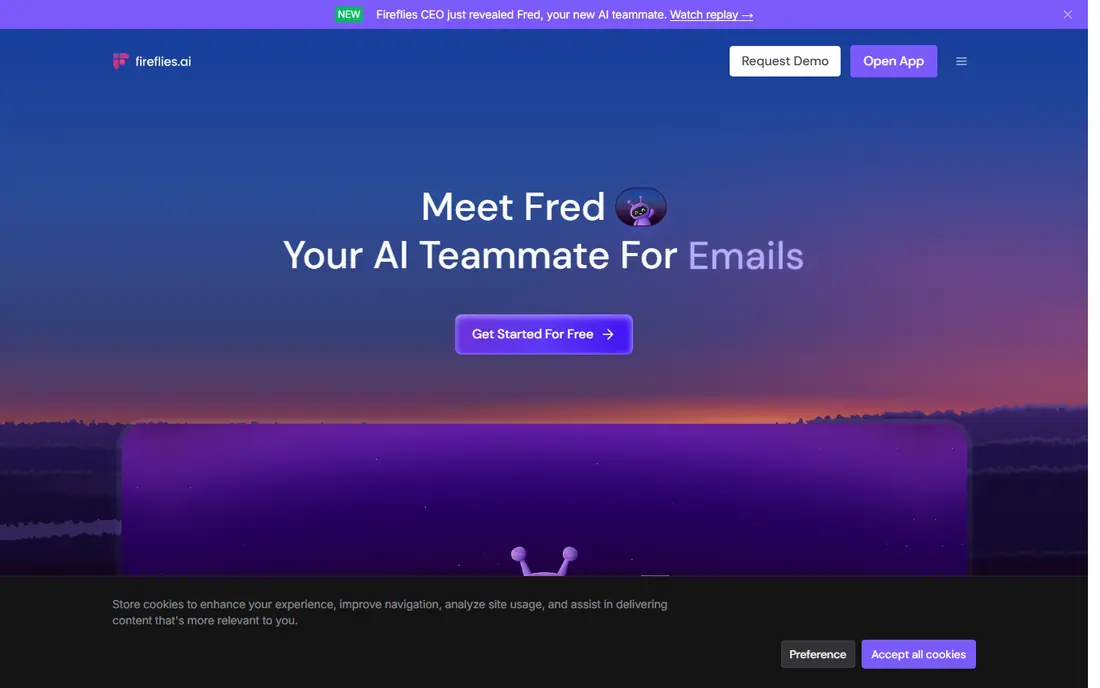
For searchable meeting notes, Fireflies is a natural candidate. Fireflies records meetings, transcribes them, and builds a searchable library an assistant can query later. That library is the real value for executive work: when a leader asks what was agreed three months ago, the assistant can search instead of replay a call.
Drawbacks to consider: AI credits meter some features.
Beyond that, storage also matters on lower levels. The free level provides unlimited transcription with restricted storage and AI credits, which makes it simple to test. Price to start with Fireflies: $10 per seat per month. Free access exists with Fireflies.
- AskFred search across past meetings
- Unlimited transcription on the free level
- Storage limits apply on lower levels
Lindy
Ideal for: AI agents for inbox and admin tasks
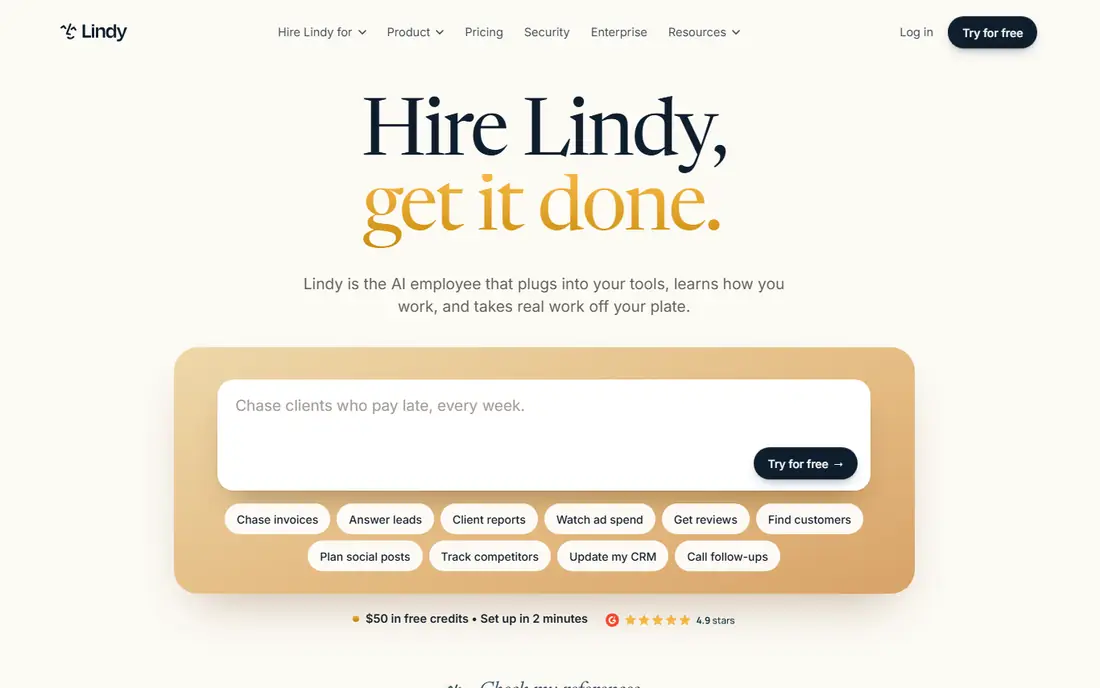
Think of Lindy for AI agents for inbox and admin tasks. An agent can draft inbox replies, prepare meeting context, update a CRM record, or summarize a Slack thread, and external actions wait for human approval before they go out.
The main drawbacks: Per-user price brings up for teams.
Price to start with Lindy: $29.99 per user per month. No free plan comes with Lindy.
- Broad integration library
- AI agents across inbox, meetings, CRM, Slack
- Needs setup and guardrails to be safe
Fellow
Ideal for: Meeting briefs and follow-ups
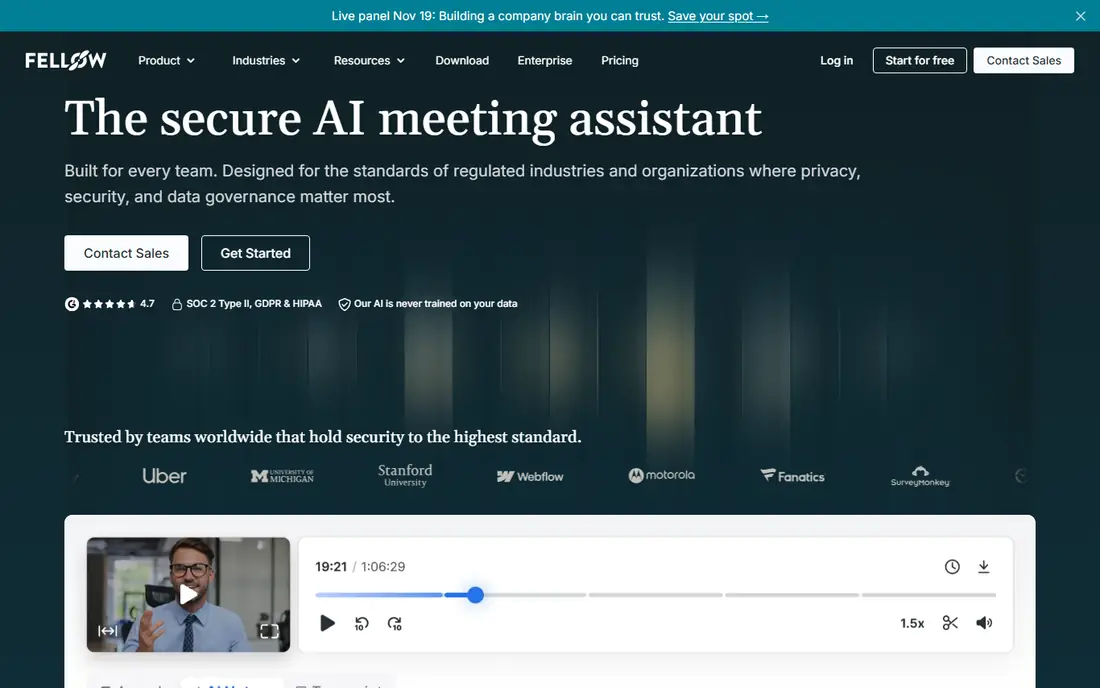
Fellow serves meeting briefs and follow-ups. Fellow is built around the meeting itself: agendas, notes, and follow-ups in one place. Also, at $7 per user a month on annual entry pricing, it is also the cheapest premium starting point among the meeting tools here.
Watch-outs: Best value includes consistent meeting habits.
As for the details, for an executive assistant, its pre-meeting briefs are the standout feature, pulling context together before a leader walks into a call. For assistants who prep executives for back-to-back meetings, Fellow earns its place on efficiency alone. Entry price for Fellow: $7 per user per month. Free access exists with Fellow.
- Low entry price
- AI meeting notes and action items
- Free plan caps total meetings
Otter
Ideal for: Live transcription and meeting chat
Otter is designed for live transcription and meeting chat. The free Basic tier contains 300 transcription minutes a month, and Pro opens at $8.33 per user a month on annual billing with 1,200 minutes. More specifically, if your executive's meetings are short and frequent, Otter's live transcription and chat are very good.
Where it is weaker: Free level caps minutes and conversation length.
Otter transcribes meetings live and lets users chat with an AI assistant about what was said, which suits assistants who require answers during or right after a call. More specifically, if they run long, compare its caps against Fireflies before standardizing. The free level caps each conversation at 30 minutes, which splits most hour-long meetings, and Pro's minute cap can bind a team with daily calls. Starting cost for Otter: $8.33 per user per month. A free plan is available with Otter.
- AI chat over meeting history
- Live transcription with slide capture
- Pro has a monthly minute cap
Motion
Ideal for: Full AI day planning
Motion is designed for full AI day planning. It takes tasks, projects, and meetings and builds a day around them, then reshuffles automatically when a meeting runs long or a priority changes. It also links with Google Calendar and Outlook, so it layers onto tools executives already use.
Honest limits: No free plan.
At $29 a month on annual billing for an individual plan, with no free level, Motion costs more than a booking tool or a calendar layer. It is also a larger change for an executive who only wants help with scheduling. My pick for assistants who run the entire day, not just the calendar, is Motion, since it removes the most manual replanning. Beyond that, the price is the catch. Starting cost for Motion: $29 per month. There is no free plan with Motion.
- Auto-schedules tasks, meetings
- Rebuilds the day when priorities change
- Entry price is higher than calendar-only tools
Worth knowing about AI tools for executive assistants
If meetings eat the day, pick Fellow, Fireflies, or Otter first. In daily use, adding all eight at once will build more tool overhead than it removes. In daily use, check privacy terms for recording and transcription, notably for sensitive meetings, and confirm consent rules for recording in your state and for guests.
A decent assistant stack saves time, but only if the executive trusts what it does when no one is watching.
Our selection method
Each tool was reviewed on what its vendor publishes: price, plan limits, core features and stated drawbacks. We did not run hands-on tests. Seat minimums, billing terms and add-ons can move the real cost, so the starting prices here are a guide and not a quote. Order on the page follows fit for the typical buyer first, then price transparency and free access. Your own requirements should decide the final pick.
Before you commit
- Check the vendor page for the current price: Fellow starts at $7 per user per month here, and seats or billing terms can move it.
- Check what the free option really includes: Fireflies, Fellow and Otter offer a free plan, and usage caps differ.
- Before choosing Fireflies, weigh its main limit: AI credits meter some features.
- Look at the help docs and support options for Fellow before you commit.
- A short pilot of Motion with your real workflow tells you more than a feature table.
Frequently asked questions
Can I try these tools before paying?
Often, yes. Fireflies, Fellow and Otter have a free plan. Use your own data and a real task during the test, and check what the free tier or trial limits before you rely on it.
Can AI tools replace an executive assistant?
These tools deal with scheduling, transcription, briefs, and repeatable admin tasks, which frees an assistant for judgment, relationships, and priorities that software cannot weigh. The best setups pair an assistant with AI tools, with human approval on external actions for example emails and calendar changes.
What is the cheapest option for AI tools for executive assistants in this list?
On published monthly entry prices, Fellow is the lowest here at $7 per user per month. Entry price is only part of the cost, because seats, add-ons and billing terms can change the total.
Do these tools publish their prices?
Yes. Every tool from Fireflies to Motion shows a starting price, though seats, add-ons and billing terms still change the final cost.
Is Fireflies the right pick for everyone comparing AI tools for executive assistants?
No single tool suits every team. Fireflies comes first because it fits searchable meeting notes, while Lindy suits AI agents for inbox and admin tasks and Fellow suits meeting briefs and follow-ups. Match the tool to your own size, budget and workflow before deciding.