7 Best AI Tools for Faceless YouTube Videos for 2026

- This list starts with Descript, which is built for transcript based video editing.
- The cheapest monthly starting price in the list is $5 per month, offered by ElevenLabs.
- 6 of the 7 tools have a free plan, including Descript, CapCut, Synthesia and InVideo.
- Pictory is the one to check for blog and script to video.
- What to know about InVideo first: Generative credits burn rapidly on heavy use.
Direct answer
Descript comes first here, mainly for transcript based video editing. For a different need, CapCut covers mobile and desktop editing and Synthesia covers avatar led explainer videos. The remaining 4 options are covered below with prices and limits.
Quick comparison
| Product | Ideal for | Price from | Free version | |
|---|---|---|---|---|
 Descript | Transcript based video editing | $16 a month | Yes | Visit |
 CapCut | Mobile and desktop editing | Free | Yes | Visit |
 Synthesia | Avatar led explainer videos | $29 a month | Yes | Visit |
 InVideo | Script to video automation | $20 per month | Yes | Visit |
 Fliki | Text to video with realistic voices | $28 a month | Yes | Visit |
 ElevenLabs | Natural AI narration | $5 a month | Yes | Visit |
 Pictory | Blog and script to video | $25 a month | Free trial | Visit |
AI Tools for Faceless YouTube Videos profiles
Ainotely compared 7 AI tools for faceless YouTube videos. The goal is a practical shortlist: published prices, free plan facts, best-fit use cases and honest limits for every entry.
Descript
Ideal for: Transcript based video editing
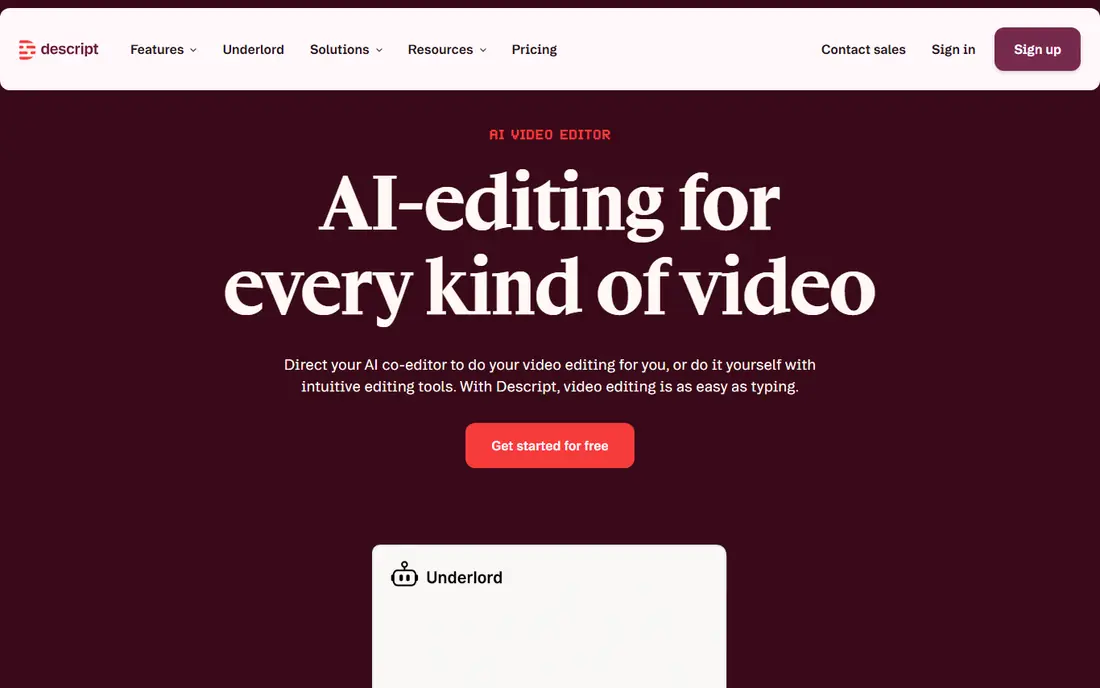
In short, Descript is for transcript based video editing. Descript changes editing for people who think in words rather than timelines. More specifically, for pure faceless assembly, Descript is a finishing tool more than a starting tool.
Where it is weaker: Media hours and AI credits can run out on heavy weeks.
It does not create stock-led videos from a prompt in the way InVideo does, and heavy users can hit media hour limits. Delete a sentence from the transcript and the video cut follows, which makes trimming narration, removing mistakes, and tightening pacing much quicker. Its audio tools also clean up background noise and filler words, which helps when narration comes from a recorded voice instead of a generated one. Descript cost at the entry level: $16 per month. Descript has a free plan.
- Well suited to commentary and narration fixes
- Edit video by editing the transcript
- Less suited to stock led faceless assembly
CapCut
Ideal for: Mobile and desktop editing
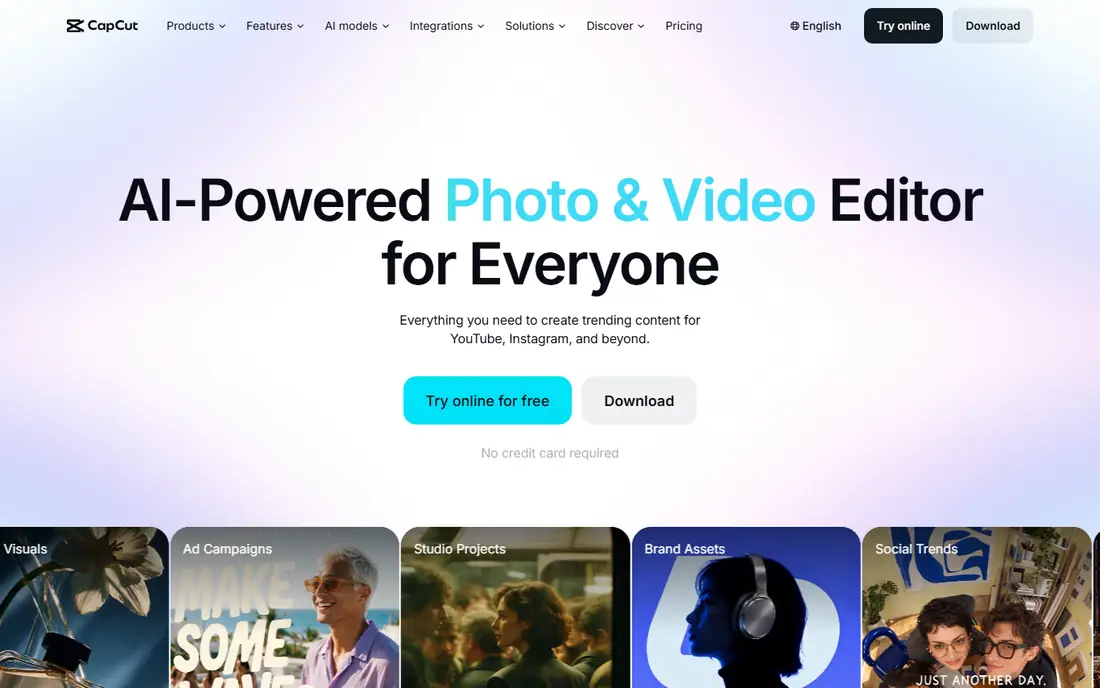
CapCut is built with mobile and desktop editing in mind. Auto captions, templates, music, and fast cuts make it simple to polish a video on a phone or a computer without a subscription. In practice, the premium features matter once you scale, and some templates and AI effects sit behind a subscription.
Trade-offs to know: Export and template quality varies by plan.
On top of that, as a final polish tool, though, it is hard to argue with free, and plenty of creators keep it in the stack even after paying for other tools. More specifically, for a new channel testing formats, that zero entry cost removes a barrier that stops plenty of people from starting. CapCut is the free finishing layer for numerous faceless creators, notably for Shorts. Price to start with CapCut: Free. CapCut has a free plan.
- Free plan includes most entry-level editing
- Works on mobile and desktop
- Some AI features and assets are premium
Synthesia
Ideal for: Avatar led explainer videos
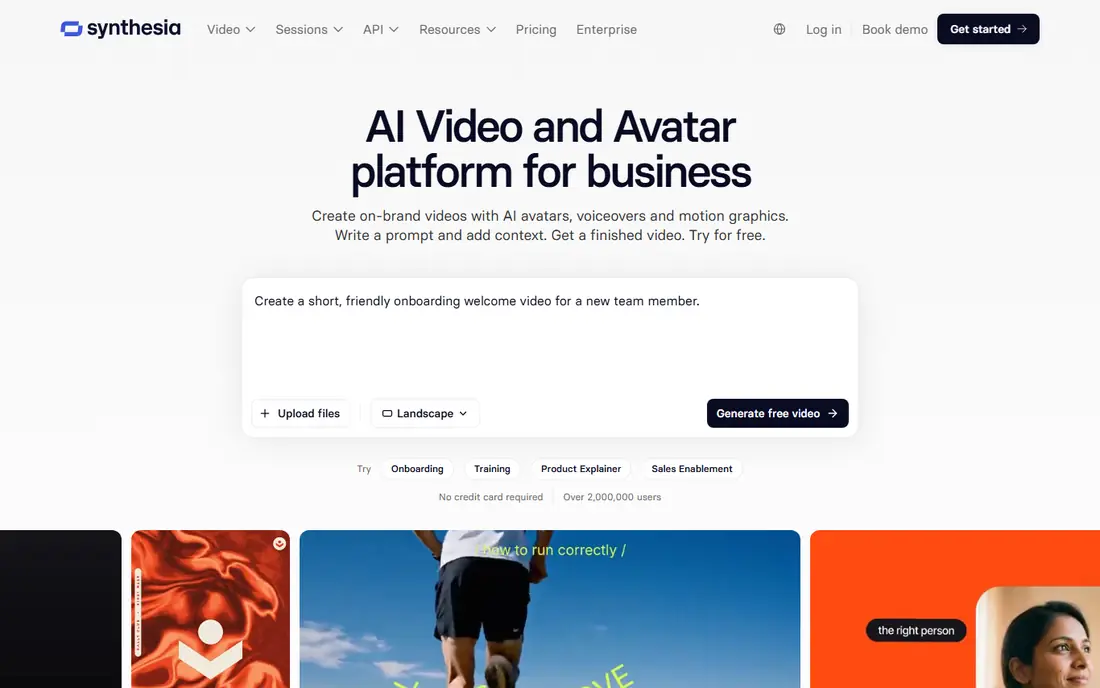
For avatar led explainer videos, Synthesia is a natural candidate. You type a script, pick an avatar, and get a video without filming.
Where it is weaker: Avatar videos can feel corporate for entertainment channels.
That is handy for channels including software, finance explainers, or training topics, where a consistent presenter builds trust. Synthesia pricing: $29 per month. You can start on Synthesia without paying.
- No camera or studio needed
- Supports plenty of languages
- Higher plans needed for longer videos
InVideo
Ideal for: Script to video automation
InVideo is built with script to video automation in mind. InVideo is the closest thing to a one stop shop for faceless video. Generative models and longer videos use credits quicker than a casual user expects, and unused credits frequently do not roll over.
As for the details, used as a drafting tool with a human edit pass, it saves hours. Also, the limits are credit based. Also, used as a publish button, it produces the kind of repetitive video that struggles to hold an audience. The starting price for InVideo: $20 per month. You can start on InVideo without paying.
Honest limits: Drafts still need human editing before publishing.
- Turns a prompt or script into a full draft video
- Large stock media library
- Generative credits burn rapidly on heavy use
Fliki
Ideal for: Text to video with realistic voices
Choose Fliki for text to video with realistic voices. Fliki stands out on voice. Visuals can also feel familiar if you depend on the same stock pool as other creators, so custom images and varied clips help.
What to check first: Visual variety relies on stock and generated media.
Also, for a faceless channel, that matters more than a new transition effect, since viewers stay for the voice and the story. If voice is your weak point, Fliki is the upgrade I would test first. What you pay to start with Fliki: $28 per month. Fliki has a free plan.
- Large voice library with natural sounding choices
- Quick script to video workflow
- Free plan is restricted to a handful of minutes a month
ElevenLabs
Ideal for: Natural AI narration
ElevenLabs targets natural AI narration. Its voices manage pacing, emphasis, and longer sentences better than most text to speech engines, which keeps narration from sounding flat over ten minutes. Voice cloning also needs care: only clone a voice you have the right to use, and be honest with viewers about AI narration where the product asks for disclosure.
For everyday use, you can export audio and drop it into InVideo, Pictory, CapCut, or Descript, so it suits almost any stack. Beyond that, the cost scales with minutes, so a daily long-form channel needs a higher plan than the entry level. Entry price for ElevenLabs: $5 per month. A free plan is available with ElevenLabs.
Limits to weigh: Cloning raises consent and disclosure questions to deal with carefully.
- Broad language support
- Simple audio export for any editor
- Voice credits limit long videos on low plans
Pictory
Ideal for: Blog and script to video
Choose Pictory for blog and script to video. Educational channels, history explainers, and list videos all fit this format well, since the script carries the video and the visuals support it. As for the details, the plan caps matter.
Honest limits: Maximum video length is capped by plan.
Video length limits and separate generative credits mean a long-form channel needs to check minutes and credits against its upload schedule. In practice, for that job, it is dependable and quick to learn. Pictory pricing: $25 per month. As for free access: Free trial.
- Straightforward timeline editing
- Capable script to stock video matching
- Generative credits are separate on some plans
How these tools were picked
For each of the 7 tools we noted price, free plan or trial, fit for AI tools for faceless YouTube videos and the main limit, using vendor pages and documentation. Where a vendor does not publish a price, the entry says quote. Where a price depends on seats or billing term, the entry says so. The sequence is a judgement call: typical use case first, then pricing transparency, then free access. Use the profiles to check fit.
Things to verify first
- Check the vendor page for the current price: ElevenLabs starts at $5 per month here, and seats or billing terms can move it.
- Read the fine print on the free plans from Descript, CapCut, Synthesia and others; seat, project and feature caps differ.
- Run a trial of Pictory with real work before paying for a year; your own workflow is the best test.
- Read the limits listed for Descript first: media hours and AI credits can run out on heavy weeks.
- Test how quickly CapCut answers a pre-sales question; it hints at how support will feel later.
- Run a one or two week pilot of ElevenLabs with the people who will use it every day.
Frequently asked questions
Can I try these tools before paying?
Often, yes. Descript, CapCut, Synthesia and others have a free plan and Pictory offers a free trial. Use your own data and a real task during the test, and check what the free tier or trial limits before you rely on it.
Is AI narration allowed for YouTube monetization?
AI narration itself is not banned, but YouTube rejects mass-produced content with little original human input under its inauthentic content rules. A tool does not guarantee monetization.
What makes faceless videos look low quality?
Vary footage, use a natural voice, edit tightly, and cut any section that does not add information. As for the details, a short, well edited video outperforms a long, padded one.
Can I start a faceless YouTube channel at no cost?
Yes, with limits. CapCut, free levels from ElevenLabs and InVideo, and free script tools can produce early videos. Free plans typically add watermarks, cap minutes, or limit voice quality. So most serious channels move to a premium voice and video plan once they publish on a regular basis.
Which options for AI tools for faceless YouTube videos have a free plan?
6 of the 7 tools have a free plan, including Descript, CapCut, Synthesia and InVideo. Free plans usually cap users, projects or features, so check the limits on the vendor page. One other tool offers a trial instead.
What is the cheapest option for AI tools for faceless YouTube videos in this list?
On published monthly entry prices, ElevenLabs is the lowest here at $5 per month. Entry price is only part of the cost, because seats, add-ons and billing terms can change the total.