Best ai tools for graphic design in 2026: 8 Options Compared

- 1
 Canvaeveryday marketing graphics for non-designersVisit
- 2
 Adobe Fireflyprofessionals already using Adobe toolsVisit
- 3
 Midjourneyartistic and editorial image qualityVisit
- 4
 Figmainterface design teams and product workVisit
- 5
 Kittlproduct sellers and print-on-demand designVisit
- Canva is the best all-in-one for marketers, while Adobe Firefly suits professionals already in Adobe tools.
- Midjourney still leads on artistic image quality, and Recraft is the pick for native vector output.
- Check commercial use terms before publishing AI images for a client or product.
- AI output usually needs a human edit for text accuracy and brand consistency.
Quick comparison
| Product | Ideal for | Price from | Free version | |
|---|---|---|---|---|
| Canva | everyday marketing graphics for non-designers | $18 per month | Yes | Visit |
| Adobe Firefly | professionals already using Adobe tools | $9.99 per month | Yes | Visit |
| Midjourney | artistic and editorial image quality | $10 per month | No | Visit |
| Figma | interface design teams and product work | $16 per editor per month | Yes | Visit |
| Kittl | product sellers and print-on-demand design | $12 per month | Yes | Visit |
 Recraft | vector output for logos and icons | $10 per month | Yes | Visit |
 Ideogram | accurate text inside generated images | $20 per month | No | Visit |
 Microsoft Designer | Microsoft 365 users needing quick graphics | Free | Yes | Visit |
The best ai tools for graphic design
Here is our shortlist for best ai tools for graphic design, ordered from the most broadly useful picks to the more specialised ones. Every entry below is a real product you can sign up for or buy today, with pricing taken from the vendor site or app store listing where we could verify it.
Canva
Ideal for: everyday marketing graphics for non-designers
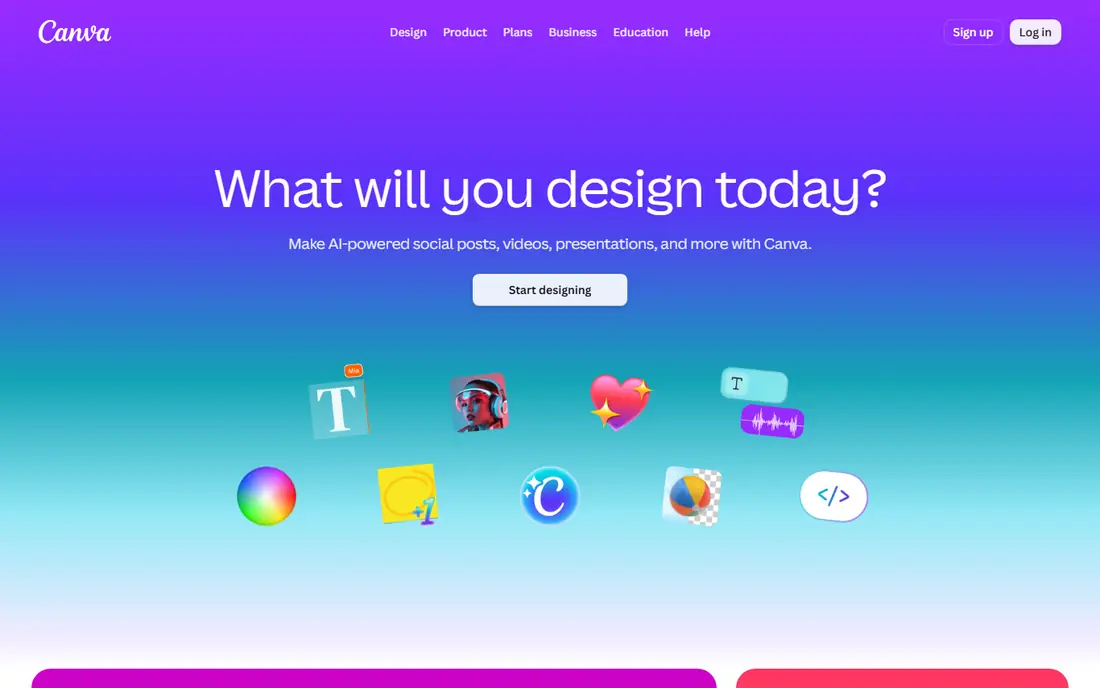
This one is aimed at everyday marketing graphics for non-designers. Canva puts AI generation inside a full editor, so an AI image or layout can be edited as text, shapes and layers rather than redone from scratch. Pro at $18 a month adds Magic Studio features, Brand Kit and Magic Resize for multi-format work.
AI usage is metered as a monthly allowance, so heavy months can run out, and the output ceiling is lower than a professional designer would reach. For weekly social, flyer and deck work, it is the most practical pick here.
- AI images land in an editable design
- Magic Resize and background remover
- Huge template library
- AI usage is metered monthly
- Ceiling is lower than professional tools
Adobe Firefly
Ideal for: professionals already using Adobe tools
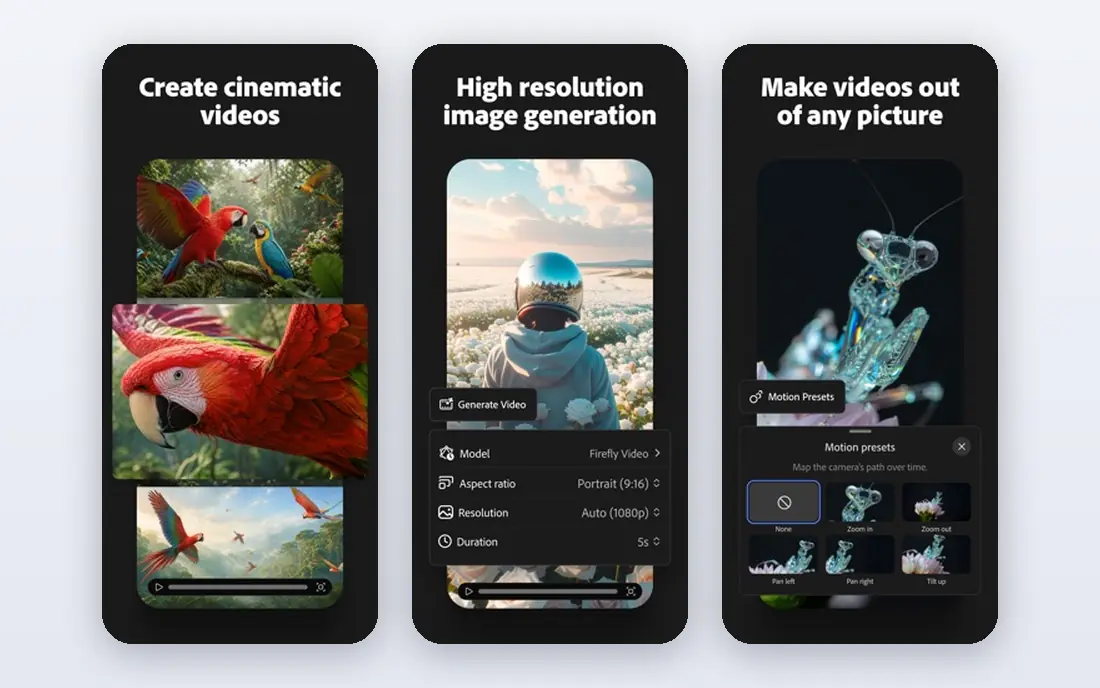
Think of Adobe Firefly as the pick for professionals already using Adobe tools. Adobe Firefly generates images from text and powers Generative Fill in Photoshop, with a training approach Adobe positions as commercially safer than many rivals. The standalone plan starts at $9.99 a month, and Creative Cloud subscribers get credits included.
Credits are metered, so heavy generation needs a higher tier, and the best experience comes inside Adobe apps. For professionals already paying for Creative Cloud, it is the natural AI layer.
- Commercially safer training approach
- Generative Fill in Photoshop
- Multiple models in one plan
- Best value inside Creative Cloud
- Standalone credits are metered
Midjourney
Ideal for: artistic and editorial image quality

For artistic and editorial image quality, Midjourney deserves a close look. Midjourney remains the reference for artistic image quality, with a distinctive look that suits editorial, concept and mood work. Plans start at $10 a month, with higher tiers adding faster generation and more hours.
There is no free plan, and the Discord-based workflow feels unusual for corporate teams used to a web dashboard. For artists and concept work, the output quality justifies the learning curve.
- Distinctive artistic style
- Strong community and style exploration
- High-quality output
- No free plan
- Discord-based workflow can feel unusual for teams
Figma
Ideal for: interface design teams and product work
This is the option we would point interface design teams and product work toward first. Figma adds AI first drafts and layout help to the interface design tool most product teams already use, with real-time collaboration and developer handoff built in. Professional seats start at $16 per editor a month billed annually.
AI features sit behind paid seats, and Figma is weaker for print work and photo editing than Adobe tools. For product and web teams, it is the design system home base.
- AI first drafts for interfaces
- Real-time collaboration
- Developer handoff built in
- AI features need paid seats
- Weaker for print and photo editing
Kittl
Ideal for: product sellers and print-on-demand design
Kittl earns its place here for product sellers and print-on-demand design. Kittl is built for sellers: vintage text effects, product mockups and templates that turn an idea into a listing image fast. Paid plans start at $12 a month billed annually, with tokens for AI generation.
The free tier is personal-use only, and it is not a full brand system tool. For print-on-demand and product sellers, its speed on mockups is the draw.
- Text effects and mockups for sellers
- AI image generation
- Template library for products
- Personal-use limits on the free tier
- Less suited to complex brand systems
Recraft
Ideal for: vector output for logos and icons
If your shortlist is built around vector output for logos and icons, start with Recraft. Recraft is the only tool here that generates native SVG vectors rather than flat images, which matters for logos, icons and scalable brand assets. Plans start at $10 a month, with a free tier for testing.
For photographic or artistic raster work, Midjourney and Firefly produce stronger results. When the deliverable must scale cleanly, Recraft is the specialist pick.
- Native SVG vector generation
- Precise style controls
- Good for brand assets
- Raster image quality trails Midjourney
- Smaller community than Canva or Adobe
Ideogram
Ideal for: accurate text inside generated images
Among the options here, Ideogram speaks most directly to accurate text inside generated images. Ideogram solves the problem that trips up most image generators: text inside the image. Posters, logos with wording and typography-led designs come out readable far more often, which saves regeneration cycles.
Plans start at $20 a month with no free tier, so it costs more to test than Canva or Recraft. If your designs carry words, that accuracy pays for itself quickly.
- Best text rendering in generated images
- Good for posters and typography-led work
- API access
- No free plan
- Higher starting price than some rivals
Microsoft Designer
Ideal for: Microsoft 365 users needing quick graphics
For readers focused on Microsoft 365 users needing quick graphics, Microsoft Designer is a strong match. Microsoft Designer gives Microsoft 365 users a free, simple route to AI-assisted graphics, with image generation and design suggestions for social posts and flyers. It is already in the stack for many office teams.
It is thinner than Canva for template depth and brand controls, and the richest features sit with Microsoft 365. For quick graphics without a new subscription, it is a sensible first stop.
- Free with a Microsoft account
- AI image and design suggestions
- Simple social templates
- Less depth than Canva
- Best features tie into Microsoft 365
How we picked these
We compared official feature pages, pricing pages, app store listings, privacy policies and public reviews for each product on this list, and we kept only products that exist and work today and that truly fit the topic. Where a price had changed between sources or we could not verify it on the vendor site, we wrote See website rather than print a number we could not stand behind. We also weighed who each product is really for, not just how long its feature list runs. A product with a smaller set of features can be the better buy when it matches your workflow, your budget and the size of your team, and we say so plainly in each write-up. We also checked what each product costs over a full year, not just the headline monthly price, since annual billing, seat minimums and add-on fees can change the real total by a wide margin. Free plans were judged against their limits too: a free tier that caps the exact feature you need most is not really free for your use case, and we say so in the write-up when that is the case. Where prices differed between the vendor site and review listings, we trusted the vendor site, and where we could not confirm a figure on the vendor site at all, we wrote See website rather than repeat a number from a third party. That caution is deliberate, because a wrong price is worse than no price when you are building a budget.
Commercial use: the question to ask before you publish
AI image terms differ by vendor, and that matters when work goes to a client or a product. Adobe Firefly and Kittl offer clearer commercial protections than most rivals, while other tools place more responsibility on you for checking output. Read the licence for the plan you actually buy, not the marketing page.
Also plan a human pass on every AI asset. Check text spelling, logos, hands and brand colours, and keep a source file you can edit. AI tools are fastest as a first draft machine: they get you most of the way in seconds, and your judgement finishes the job.
Finally, before you commit to one of the options above, run it on a real task from your own work rather than a polished demo project. Use the free tier or trial for a full week, invite the people who will actually use it every day, and test the one workflow you cannot live without, whether that is exporting your data, inviting a teammate, sharing a result with a client or getting help when something breaks. Note how long each step takes and where you get stuck, since those friction points are what you will live with for months. The product that handles your real task with the least friction is the right one, even if another option looks stronger on a feature comparison page.
Frequently asked questions
What is the best AI tool for graphic design?
Canva is best for everyday marketing graphics, Adobe Firefly suits professionals in Adobe tools, Midjourney leads on artistic quality, and Recraft is best for vector logos and icons.
Can I use AI-generated images commercially?
It depends on the tool and plan: Adobe Firefly and Kittl offer clearer commercial terms, while other tools place more responsibility on the user. Always read the licence for your plan before publishing client or product work.
What is the best free AI design tool?
Canva and Microsoft Designer both offer free tiers with AI features, and Recraft has a free tier for testing. Free tiers meter AI usage, so heavy users will need a paid plan.
Is Midjourney better than Firefly?
Midjourney produces more distinctive artistic images, while Firefly integrates with Photoshop and offers a commercially safer training approach. Artists tend to prefer Midjourney, while Adobe users prefer Firefly.