Our first pick is PagerDuty AIOps, best for incident response and signal noise. Listed starting prices: PagerDuty AIOps from $21 per user a month. Amazon Q is the stronger choice for AI development inside AWS, while Microsoft Copilot suits AI inside everyday work apps. Prices, free plans and limits for all 5 tools follow.
Choosing AI tools for IT professionals usually comes down to price, fit and limits. This Ainotely guide sets 5 tools side by side on those three points, with the facts kept short and checkable.
Key takeaways
PagerDuty AIOps takes the first slot, best suited to incident response and signal noise.
Google Gemini suits general AI assistance from Google.
2 of 5 tools offer a free plan: PagerDuty AIOps, Amazon Q.
The cheapest monthly starting price in the list is $21 per user per month, offered by PagerDuty AIOps.
Where PagerDuty AIOps fits: incident response and signal noise. It complements, instead of replaces, monitoring products. Choose a development-focused assistant when the priority is building software.
Trade-offs to know: Concentrated on incident workflows.
In daily use, teams without a formal on-call process may see less benefit. In daily use, the tool is centered on incident and alert workflows, so it is not intended for coding, documentation or general research. PagerDuty AIOps cost at the entry level: $21 per user per month. PagerDuty AIOps includes a free tier.
Amazon Q makes the most sense for AI development inside AWS. Amazon Q is described as purpose-built AI for developers and teams, helping them write, debug and build quicker for their AWS environment. Teams building and maintaining cloud workloads are the natural audience.
Strengths: Purpose-built for developers and teams.
Also, the emphasis on AWS means organizations running largely elsewhere may get less from it. It is also concentrated on development instead of wide productivity or observability. No starting price is listed for Amazon Q here; confirm pricing on the vendor site. Amazon Q has a free plan.
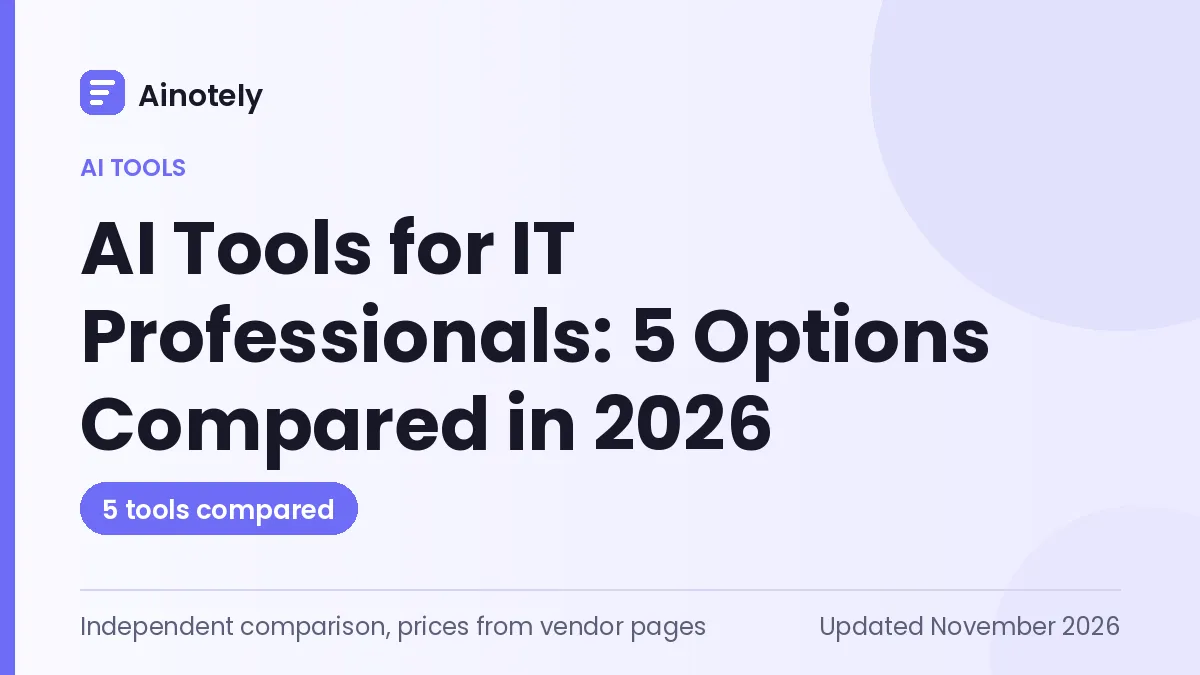
Microsoft Copilot serves AI inside everyday work apps. The vendor positions it for individuals, business and enterprise audiences and notes that it brings leading AI models together.
It is also a general assistant instead of a dedicated coding or observability tool. Pricing for Microsoft Copilot is not stated here, so ask the vendor for current figures. Free options: Not stated.
The main drawbacks: Value relies on Microsoft ecosystem use.
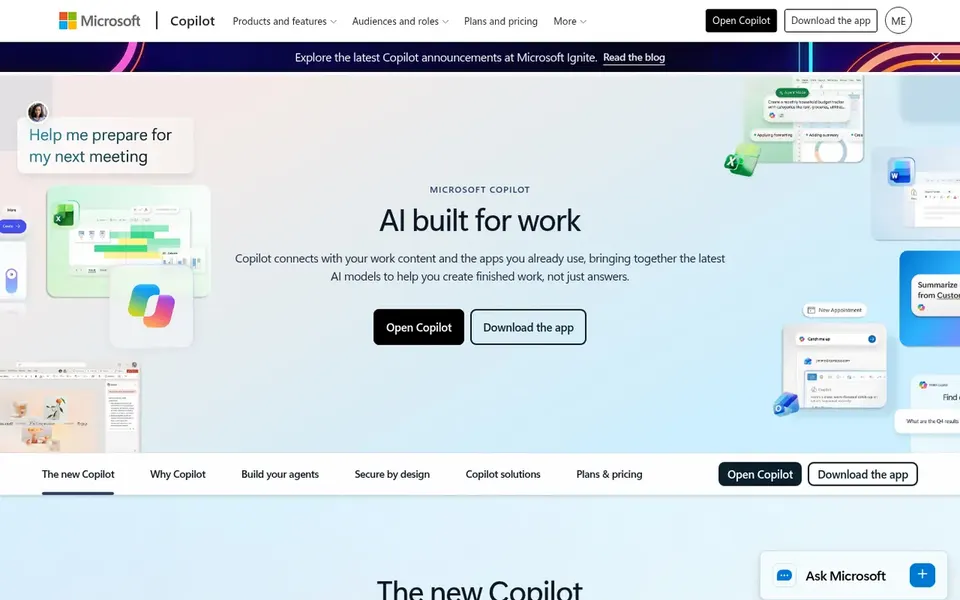
Choose GitHub Copilot for AI-assisted coding across the workflow. GitHub Copilot is described as an AI coding agent that works every step of the way, from an open issue to reviewing and merging a pull request.
It runs in the editor, the terminal, on the desktop and on GitHub. The tool is oriented around software development, so it brings little for infrastructure monitoring or on-call response. No starting price is listed for GitHub Copilot here; confirm pricing on the vendor site. Free access: Not stated.
What to check first: Not targeted at observability or incident work.
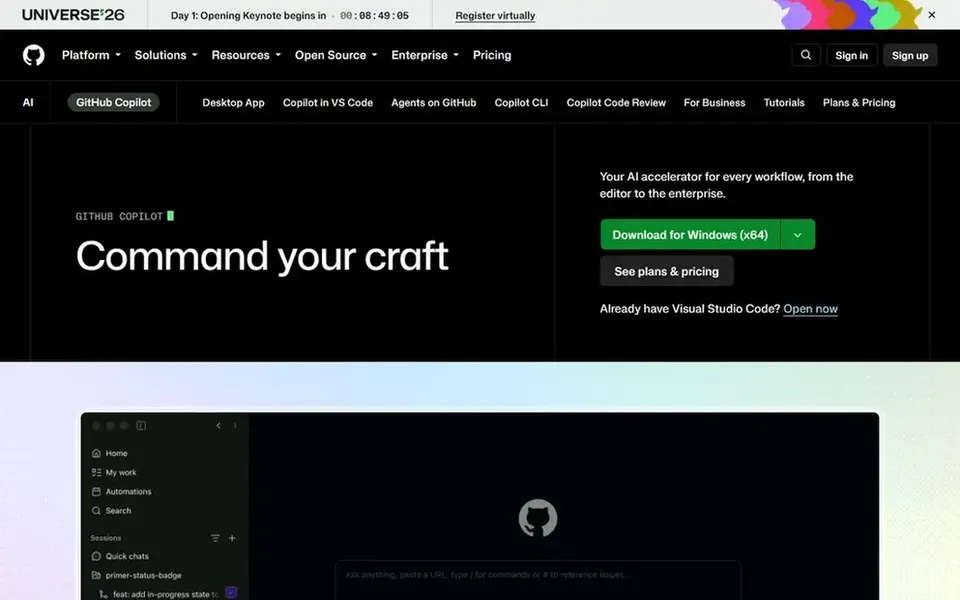
Google Gemini works best for general AI assistance from Google. Google Gemini is Google's general-purpose AI assistant, widely known for answering questions, summarizing material and helping draft content.
Where it is weaker: Not specialized for coding or operations.
Deep integration with specific vendor environments may be limited compared to purpose-built tools. Pricing for Google Gemini is not stated here, so ask the vendor for current figures. Trial and free access: Not stated.
Confirm the entry price on the vendor page. For Amazon Q, Microsoft Copilot, GitHub Copilot and Google Gemini that means a quote rather than a fixed price.
Look at free plan limits closely: PagerDuty AIOps and Amazon Q have one, and the caps decide whether it is usable for real work.
Read the limits listed for PagerDuty AIOps first: centred on incident workflows.
Test how quickly Google Gemini answers a pre-sales question; it hints at how support will feel later.
Check the integration list for PagerDuty AIOps against the tools you run today, and note which ones need a higher plan.
How we picked
Each tool was reviewed on what its vendor publishes: price, plan limits, core features and stated drawbacks. We did not run hands-on tests. Figures are shown as the vendors publish them. Billing terms, seat minimums and add-ons can change the real cost. Position on the page reflects fit for a typical buyer first, with price clarity and free access breaking ties. Treat it as a guide, not a ruling. That approach shaped the order of the 5 AI tools for IT professionals tools listed here.
Every price and plan detail on this page comes from the vendors’ own websites. We did not run hands-on tests unless the text says so, and we do not publish star ratings or review scores. See how we score and our disclosure.
Keep your shortlist in one place
Paste prices, trial dates and notes from this guide into Ainotely, our AI note app. It files them into a topic and pulls out tasks like “cancel trial by Friday”. Free 7-day trial, no card needed.
Often, yes. PagerDuty AIOps and Amazon Q have a free plan. Use your own data and a real task during the test, and check what the free tier or trial limits before you rely on it.
Which options for AI tools for IT professionals have a free plan?
On this list, PagerDuty AIOps and Amazon Q include a free plan. Caps on seats, usage or features are common, so test the free plan against your real workload.
How do observability AI tools differ from general assistants?
Observability tools work within a specific monitoring system and answer questions about your telemetry, whereas general assistants manage research, drafting and explanation. Choose based on which system already holds your operational data.
What should I check before adopting an AI tool?
Confirm compatibility with your stack, review data handling terms, and understand how much automation can act without approval. Run a restricted trial on real workflows first.
Do these tools publish their prices?
Not all of them. Amazon Q, Microsoft Copilot, GitHub Copilot and Google Gemini publish no starting price, so expect a quote request for those. The rest, PagerDuty AIOps included, show a starting price, though seats and billing terms still change the final cost.
Is PagerDuty AIOps the right pick for everyone comparing AI tools for IT professionals?
No single tool suits every team. PagerDuty AIOps comes first because it fits incident response and signal noise, while Amazon Q suits AI development inside AWS and Microsoft Copilot suits AI inside everyday work apps. Match the tool to your own size, budget and workflow before deciding.