6 AI Tools for Job Seekers, Compared by Cost and Features

- Enhancv is the opening pick, best for design-led resumes for senior roles.
- Kickresume has the lowest monthly starting price in this list: $24 per user/month.
- Teal comes with a trade-off: AI writing needs editing.
- Simplify, Kickresume, Teal, Jobscan, Careerflow: these are the 5 tools out of 6 that offer a free plan.
Direct answer
For design-led resumes for senior roles, Enhancv is where this list starts. Simplify fits Autofill and application tracking; Kickresume fits polished resumes and include letters. Details, prices and limits for the rest of the 6 tools are below.
Quick comparison
| Product | Ideal for | Price from | Free version | |
|---|---|---|---|---|
 Enhancv | Design-led resumes for senior roles | $39 per user/month | Free trial (7 days) | Visit |
 Simplify | Autofill and application tracking | See website | Yes | Visit |
 Kickresume | Refined resumes and include letters | $24 per user/month | Yes | Visit |
 Teal | Organizing a full job search | $29 per user/month | Yes | Visit |
 Jobscan | Matching a resume to one job post | $49.95 per user/month | Yes | Visit |
 Careerflow | LinkedIn-focused job hunting | See website | Yes | Visit |
The full AI tools for job seekers list
This Ainotely guide covers 6 AI tools for job seekers. Each profile lists a starting price, free plan details, strengths and drawbacks, so you can drop poor fits quickly.
Enhancv
Ideal for: Design-led resumes for senior roles
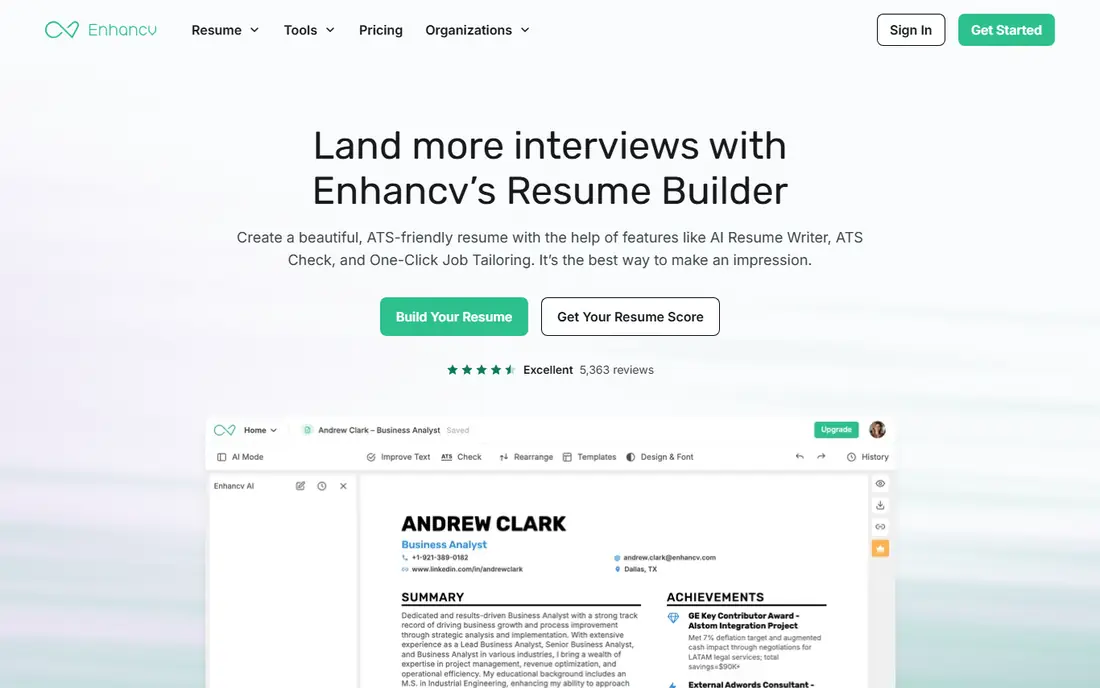
Choose Enhancv for design-led resumes for senior roles. Its templates contain sections for projects, strengths, and timelines, and the editor makes it simple to highlight outcomes for senior or creative roles. From a buyer's view, there is no permanent free plan, only a trial, and monthly pricing reaches $39.
Downsides: No permanent free plan.
More specifically, heavy visuals, icons, and nonstandard sections can confuse some ATS parsers, so keep a plain version for online applications and use the designed version for email or networking. As for the details, the result looks more considered than a standard two-column template, which can help when a hiring manager reads the document straight. That design strength is also a risk. What you pay to start with Enhancv: $39 per user/month. Free options: Free trial (7 days).
- A decent match for storytelling around impact
- Distinctive layouts and visual sections
- Price is high for a single resume
Simplify
Ideal for: Autofill and application tracking
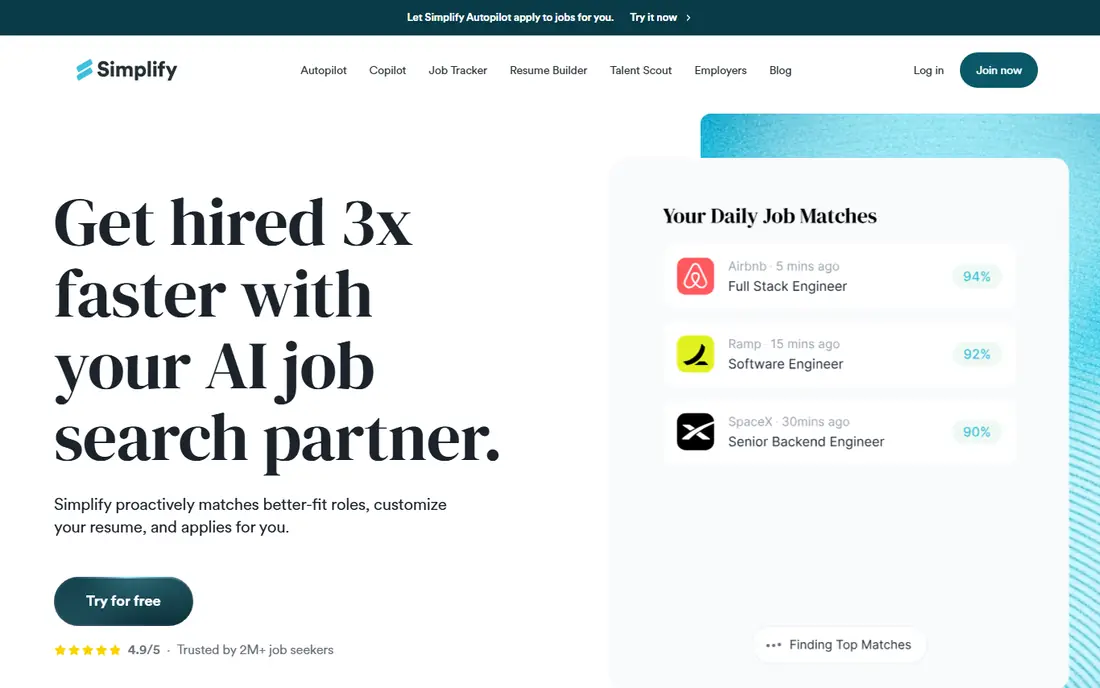
Simplify serves Autofill and application tracking. For a recent graduate applying to dozens of similar roles, that time saving is real.
Simplify shows no starting price here, so confirm the cost on the vendor site. Simplify includes a free tier.
Trade-offs to know: Autofill still needs review on each form.
- Free tracker for applications
- Chrome extension autofills many application forms
- Premium features are weekly-priced on some plans
Kickresume
Ideal for: Refined resumes and include letters
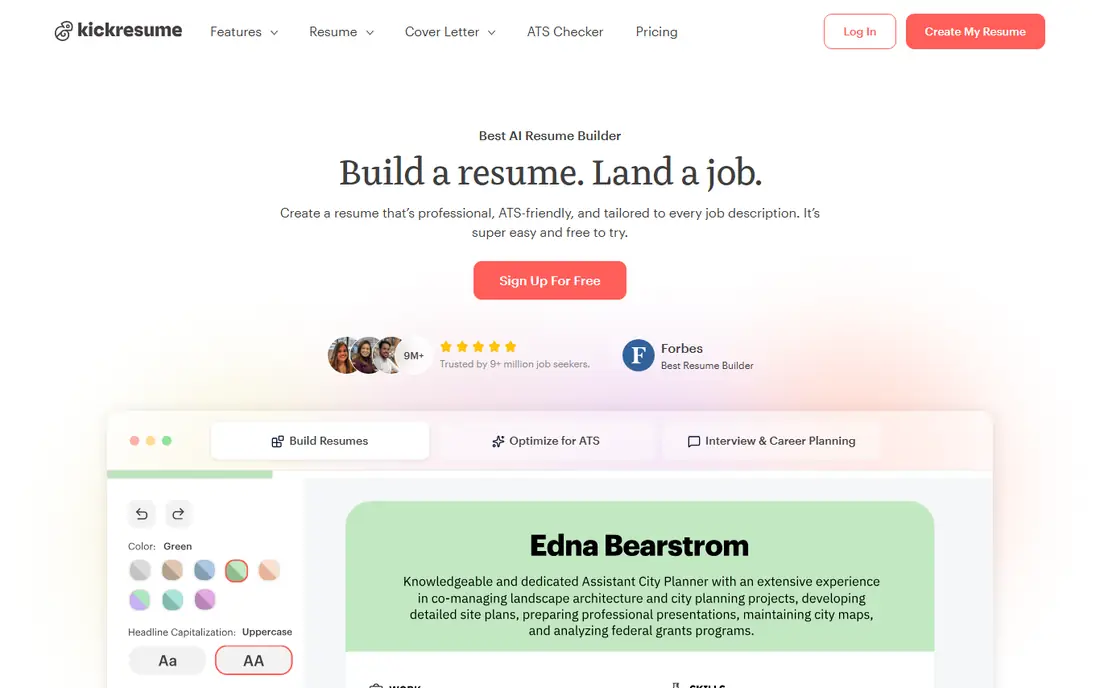
For polished resumes and handle letters, Kickresume is a natural candidate. Kickresume is a design-first builder that makes a resume look finished without a designer. Beyond that, the weakness is generic phrasing: AI bullets commonly need specific metrics and context only you can supply.
Drawbacks to consider: AI drafts can sound generic.
Free users get entry-level templates with unlimited downloads, whereas Premium at $24 a month brings the AI Writer, the ATS checker, and the full template set. Worth adding: you pick a template, enter your history, and use the AI Writer to turn rough notes into achievement bullets. Kickresume cost at the entry level: $24 per user/month. A free plan is available with Kickresume.
- AI Writer for bullets and summaries
- ATS checker on Premium
- No application tracker
Teal
Ideal for: Organizing a full job search
Teal targets organizing a full job search. The AI output is handy as a draft, but it still needs your voice and real numbers added before sending. The free plan is capable: unlimited resumes, unlimited tracking, and restricted AI credits for bullets, summaries, and handle letters.
Downsides: Full AI features need Teal+.
Teal+ at $29 a month layers on unlimited AI generation, full match scoring, and ATS readability checks. On top of that, Teal suits a mid-career seeker juggling numerous roles better than someone who only needs one resume refined once. Price to start with Teal: $29 per user/month. Teal offers a free plan.
- Chrome extension saves jobs in one click
- Match score links resumes to job posts
- AI writing needs editing
Jobscan
Ideal for: Matching a resume to one job post
Pick Jobscan if this describes you: matching a resume to one job post. Jobscan compares your resume with a pasted job description and returns a match rate plus a list of missing skills and keywords. That specificity helps for a high-priority role where you want to tailor every bullet before applying.
Downsides: Best for single-role targeting.
It also reviews LinkedIn profiles, which matters since recruiters commonly check a profile after a resume passes the first screen. As for the details, pricing is the catch. Monthly billing is $49.95, and the less expensive quarterly plan at $89.95 per quarter still commits you for three months. What you pay to start with Jobscan: $49.95 per user/month. Jobscan includes a free tier.
- Clear match rate against a job description
- Free resume builder
- Quarterly plan locks you in for 90 days
Careerflow
Ideal for: LinkedIn-focused job hunting
Careerflow is built with LinkedIn-focused job hunting in mind. That combination fits a seeker whose search runs through LinkedIn connections, recruiter messages, and referrals instead of job board volume alone.
The free level includes entry-level tracking and optimization, with premium features behind plans that buyers should confirm on the pricing page before committing. No starting price is listed for Careerflow here; confirm pricing on the vendor site. You can start on Careerflow without paying.
Trade-offs to know: Depth varies by plan.
- AI outreach drafts for networking
- LinkedIn profile and resume optimization
- Best for LinkedIn-heavy searches
How we chose
Pricing pages, product documentation and feature lists were the main sources, and every entry carries at least one honest drawback. Treat prices as a snapshot: vendors change plans often, so check the vendor site for the figure that applies today. The order reflects how well each tool fits the most common buying scenario for AI tools for job seekers, then price clarity, then free plan access. It is a starting point, not a verdict.
Before you commit
- Ask Simplify and Careerflow for a written quote, since no starting price is shown.
- Check what the free option really includes: Simplify, Kickresume, Teal and others offer a free plan, and usage caps differ.
- Take the trial from Enhancv and push a live task through it before you pay.
- Before choosing Enhancv, weigh its main limit: no permanent free plan.
- Make sure Kickresume lets you export your data in a format another tool can read.
- Involve the people who will use Enhancv daily; a short pilot beats a long feature checklist.
Frequently asked questions
Is Enhancv the right pick for everyone comparing AI tools for job seekers?
No single tool suits every team. Enhancv comes first because it fits design-led resumes for senior roles, while Simplify suits Autofill and application tracking and Kickresume suits polished resumes and cover letters. Match the tool to your own size, budget and workflow before deciding.
Is it safe to use AI to write my resume?
Recruiters notice generic AI phrasing, and false achievements can end a candidacy if checked. Use AI for structure and wording, then replace vague lines with your own projects, metrics, and dates.
Can I try these tools before paying?
Often, yes. Simplify, Kickresume, Teal and others have a free plan and Enhancv offers a free trial. Use your own data and a real task during the test, and check what the free tier or trial limits before you rely on it.
Can AI auto-apply tools get me banned?
Some job systems restrict automatic submissions, and employers may reject applications that look generic or duplicated. Read the terms of any system you use, keep auto-apply to lower-priority roles if you use it at all, and review every submission for priority jobs. When in doubt, apply manually.
Do these tools publish their prices?
Not all of them. Simplify and Careerflow publish no starting price, so expect a quote request for those. The rest, Enhancv included, show a starting price, though seats and billing terms still change the final cost.
Do ATS tools guarantee an interview?
It cannot measure your actual fit, references, or interview performance. A high score helps you reach a human reader, but the resume still needs real achievements and clear wording.