6 Strong AI Tools for Proposal Creation Choices in 2026

- Loopio is the opening pick, best for enterprise RFP response teams.
- One limit worth knowing about GetAccept: 12 month agreement on entry level.
- PandaDoc is the lowest-priced starter here at $19 per user per month.
- Only PandaDoc offers a free plan among these 6 tools.
- PandaDoc is the one to check for all in one documents and signatures.
Direct answer
Loopio leads the list, best for enterprise RFP response teams. GetAccept fits multi stakeholder deal rooms; Responsive fits high volume RFP workflows. All 6 tools are compared below on price, free plan and limits.
Quick comparison
| Product | Ideal for | Price from | Free version | |
|---|---|---|---|---|
 Loopio | Enterprise RFP response teams | See website | No | Visit |
 GetAccept | Multi stakeholder deal rooms | $25 per user per month | No | Visit |
 Responsive | High volume RFP workflows | See website | No | Visit |
 Proposify | Branded, trackable proposals | $35 per user a month | No | Visit |
 Qwilr | Interactive web based proposals | $35 per user a month | No | Visit |
 PandaDoc | All in one documents and signatures | $19 per user a month | Yes | Visit |
The best AI tools for proposal creation
If you are comparing AI tools for proposal creation, this page covers 6 tools in one place: what each is best for, what it costs to start, whether it has a free plan, and the main limit to know about.
Loopio
Ideal for: Enterprise RFP response teams

Loopio makes the most sense for enterprise RFP response teams. Integrations with Salesforce and HubSpot keep opportunity data in sync.
What Loopio does well: Mature AI content library.
Foundations pricing runs near 20,000 dollars per year for ten seats, and other sources list the same figure as the entry point. Also, Loopio is not a straightforward proposal editor, it is a response management system for teams that answer high volumes of RFPs, security questionnaires, and formal bids. Loopio shows no starting price here, so confirm the cost on the vendor site. No free plan comes with Loopio. Drawbacks to consider: Different workflow from a proposal editor.
- Approval workflows
- Salesforce and HubSpot integrations
- Needs a content library owner
GetAccept
Ideal for: Multi stakeholder deal rooms
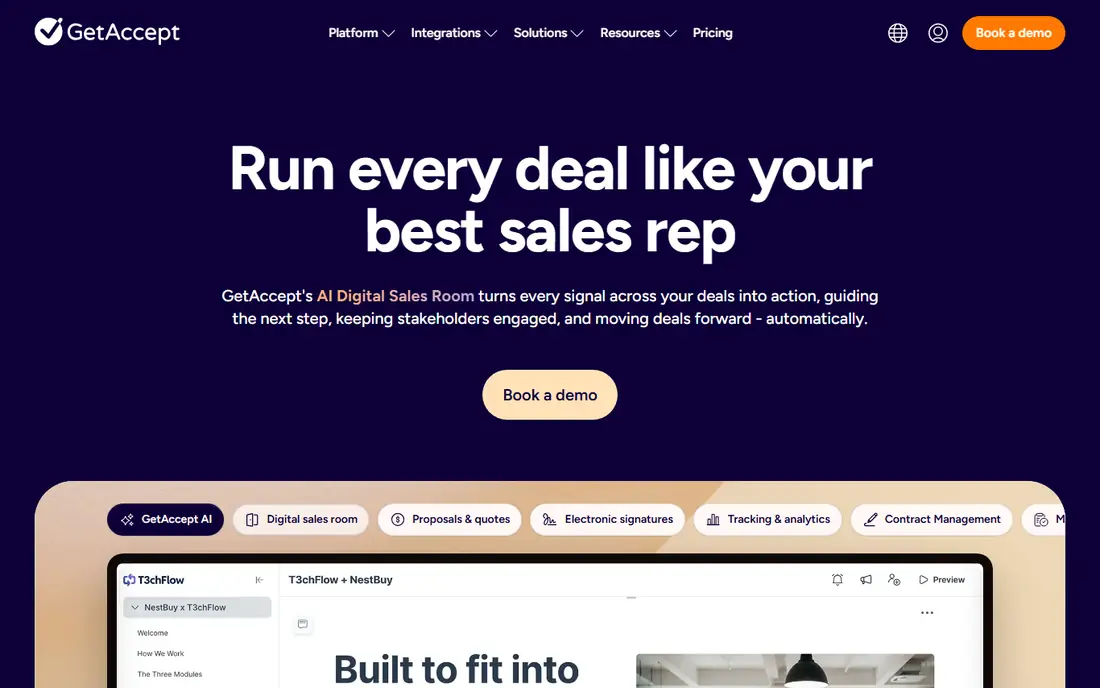
Pick GetAccept if this describes you: multi stakeholder deal rooms. The trade off is commitment.
More specifically, entry pricing runs 25 dollars per user a month. GetAccept cost at the entry level: $25 per user per month. No free plan comes with GetAccept.
Trade-offs to know: 12 month agreement on entry level.
- Embedded video messaging
- CPQ
- Professional needs five users
Responsive
Ideal for: High volume RFP workflows
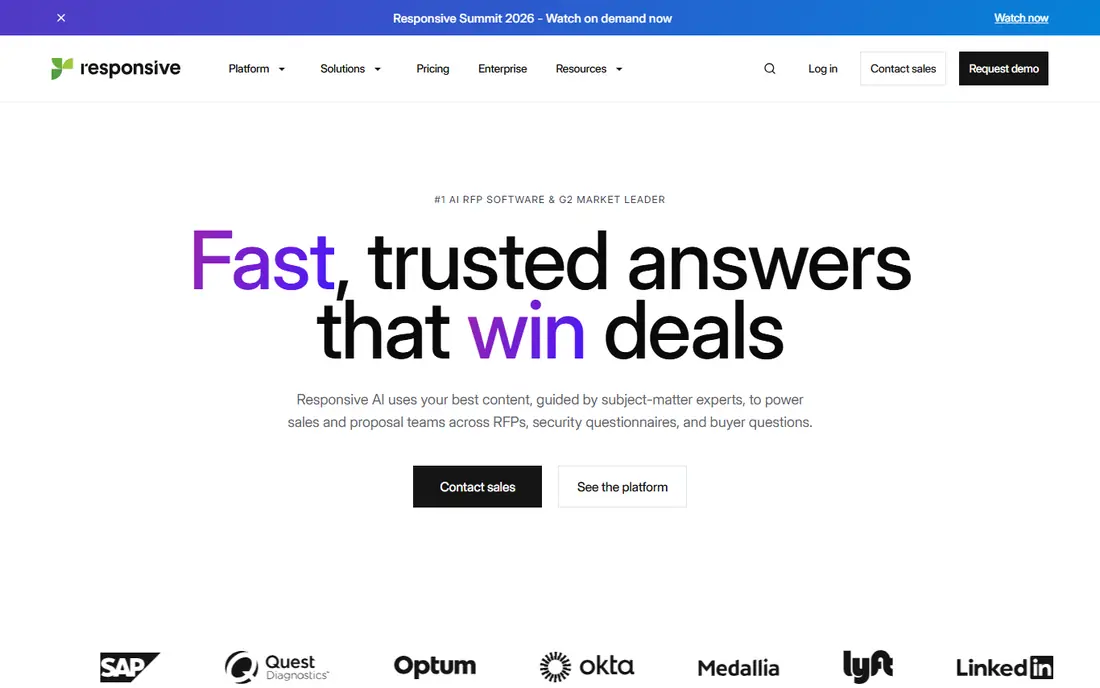
Responsive targets high volume RFP workflows. Responsive, formerly RFPIO, serves large teams managing compliance heavy RFPs, RFIs, and security questionnaires at volume.
Its AI content library and automatic drafting pull approved answers into responses, approval workflows keep legal and security teams involved, and portal integration deals with submission. Worth adding: the limits are price and process. Responsive shows no starting price here, so confirm the cost on the vendor site. Responsive has no free plan.
Trade-offs to know: Custom pricing.
- Wide feature set across document types
- Portal integration
- Enterprise sales process
Proposify
Ideal for: Branded, trackable proposals
Proposify is built with branded, trackable proposals in mind. The limits are tiering and template effort. Worth adding: built in templates also need cleanup to match a brand exactly.
The AI proposal generator drafts sections and fixes language, and CRM integrations pull client and pricing data into documents automatically. As for the details, Proposify is designed for sales teams that want proposals to look designed, not assembled from a word processor. Its drag-and-drop editor, branded templates, interactive quoting, and engagement analytics show which sections buyers read and for how long, whereas approval workflows keep managers in the loop before a proposal goes out. Also, Proposify suits SMBs and scaling sales teams that care about proposal design and tracking. On cost, Proposify starts like this: $35 per user per month. Proposify has no permanent free option.
Where it is weaker: Salesforce integration on Business level.
What users get: Engagement analytics.
- Approval workflows
- Drag-and-drop editor
- Template cleanup commonly needed
Qwilr
Ideal for: Interactive web based proposals
Qwilr makes the most sense for interactive web based proposals. The limits are credits and scope. Also, Qwilr suits sales teams and agencies that want proposals to feel like a modern web experience and that sell through interactive pages.
Qwilr turns proposals into interactive web pages with embedded video, ROI calculators, pricing tables, and payment buttons, instead of static PDFs. More specifically, buyers can accept and pay inside the proposal, and engagement tracking presents which sections held attention. What you pay to start with Qwilr: $35 per user per month. Qwilr does not include a free plan.
What to check first: Automatic creations use separate credits.
- In proposal payments
- Proposals feel like modern web pages
- Less RFP depth
PandaDoc
Ideal for: All in one documents and signatures
In short, PandaDoc is for all in one documents and signatures. It supplies more than 1,000 templates, a free eSign level, approval workflows, CRM integrations, and payment collection inside documents.
Watch-outs: Pricing varies by source.
What PandaDoc does well: Free eSign level. Beyond that, starter plans run from 19 dollars per user a month billed yearly, though some comparisons list 35 dollars for fuller document lifecycle plans, so confirm the level that comes with your needed features. On cost, PandaDoc starts like this: $19 per user per month. A free plan is available with PandaDoc.
- Approval workflows
- Payment collection
- Full proposal toolkit begins at Business
How the list was put together
The comparison looks at four things: starting price, free access, how well the feature set matches AI tools for proposal creation, and the main limit of each tool. Figures are shown as the vendors publish them. Billing terms, seat minimums and add-ons can change the real cost. Order on the page follows fit for the typical buyer first, then price transparency and free access. Your own requirements should decide the final pick.
Things to verify first
- Get a written quote from Loopio and Responsive; the list shows no starting price for them.
- Test the free plan from PandaDoc against your real workload before relying on it.
- Read the limits listed for Loopio first: enterprise pricing near 20,000 dollars per year.
- Run a one or two week pilot of Responsive with the people who will use it every day.
- Look at the help docs and support options for GetAccept before you commit.
Frequently asked questions
Should I worry about AI accuracy in proposals?
AI can invent prices, dates, or product claims, so review every figure and commitment against your CRM and price list before sending, and keep an approval step for high value deals.
What is the difference between a proposal tool and an RFP tool?
Proposal tools draft and send sales proposals with templates and tracking, whereas RFP tools for example Loopio and Responsive handle large answer libraries and formal bid workflows for questionnaires and compliance requests.
Is Loopio the right pick for everyone comparing AI tools for proposal creation?
No single tool suits every team. Loopio comes first because it fits enterprise RFP response teams, while GetAccept suits multi stakeholder deal rooms and Responsive suits high volume RFP workflows. Match the tool to your own size, budget and workflow before deciding.
Which options for AI tools for proposal creation have a free plan?
PandaDoc is the only tool in this list with a free plan. Free plans usually cap users, projects or features, so check the limits on the vendor page.
Can I try these tools before paying?
Often, yes. PandaDoc has a free plan. Use your own data and a real task during the test, and check what the free tier or trial limits before you rely on it.
What is the cheapest option for AI tools for proposal creation in this list?
On published monthly entry prices, PandaDoc is the lowest here at $19 per user per month. Entry price is only part of the cost, because seats, add-ons and billing terms can change the total.