Best AI Tools for Research in 2026: 8 Tools Compared

- 1
 Semantic ScholarFree academic searchVisit
- 2
 ElicitStructured extractionVisit
- 3
 ConsensusEvidence-backed answersVisit
- 4
 SciteCitation verificationVisit
- 5
 ResearchRabbitCitation network discoveryVisit
- Semantic Scholar and ResearchRabbit are the best free starting points for finding and mapping papers, and every researcher should know them.
- Elicit is the strongest tool for structured extraction across many papers, which matters most for systematic reviews.
- Consensus is the fastest way to get an evidence-backed answer to a focused question, with a meter showing where studies agree or disagree.
- Scite is the best check on whether a citation actually supports a claim, since it classifies supporting and contrasting evidence.
- NotebookLM is the best free synthesis tool for papers you upload yourself, but it only knows what you give it, so pair it with a real paper database.
Quick comparison
| Product | Ideal for | Price from | Free version | |
|---|---|---|---|---|
| Semantic Scholar | Free academic search | Free | Yes | Visit |
| Elicit | Structured extraction | See website | Yes | Visit |
| Consensus | Evidence-backed answers | See website | Yes | Visit |
| Scite | Citation verification | $20 per month | No | Visit |
| ResearchRabbit | Citation network discovery | Free | Yes | Visit |
 SciSpace | Reading and understanding papers | See website | Yes | Visit |
 NotebookLM | Synthesis from your uploads | Free | Yes | Visit |
 Connected Papers | Mapping a field visually | $3 per month | Yes | Visit |
The best ai tools for research
These eight tools cover search, discovery, extraction, verification and synthesis. We compared official pricing pages, feature pages and public reviews, with attention to citation quality, since a fluent answer with a fake reference helps no one.
Semantic Scholar
Ideal for: Free academic search
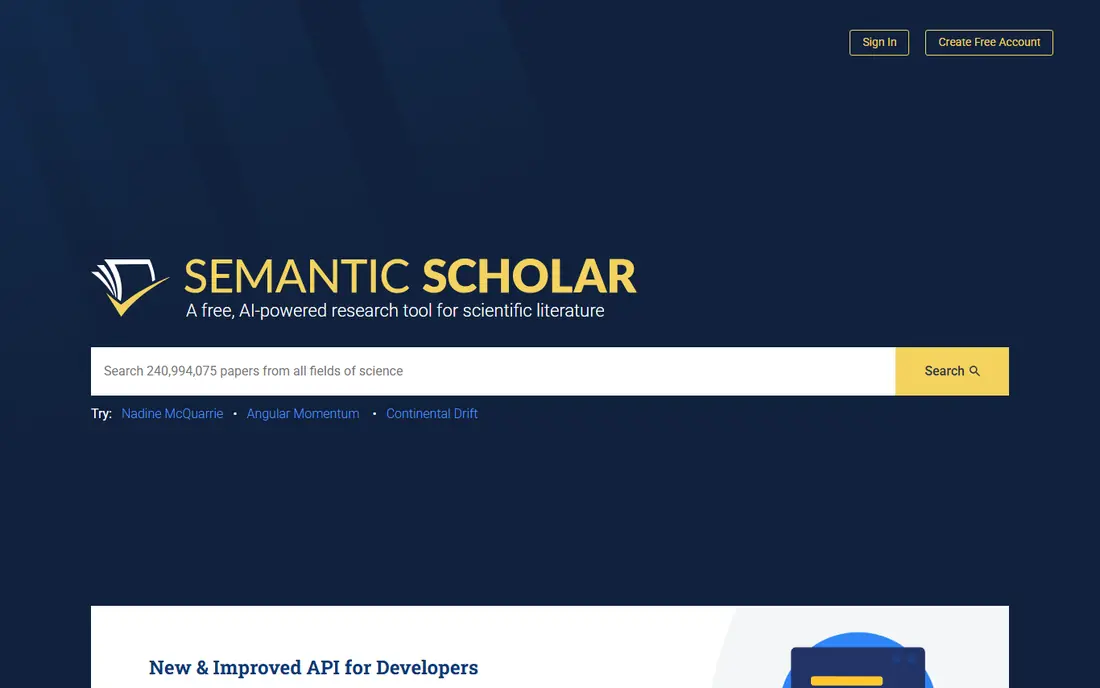
Semantic Scholar, from the Allen Institute for AI, is the foundation of a good research workflow. It indexes a very large corpus of papers, offers free search, TLDR summaries, citation graphs and recommendations, and charges nothing. For the first pass on any topic, it is the tool to open.
Its limits are workflow, not coverage. It will not build extraction tables across fifty papers or synthesize a literature review for you, and metadata quality varies in smaller fields. Use it to find and map the literature, then hand the shortlist to a tool built for extraction or synthesis.
- Completely free
- Large paper corpus
- TLDR summaries and recommendations
- No extraction tables
- Metadata quality varies across fields
Elicit
Ideal for: Structured extraction
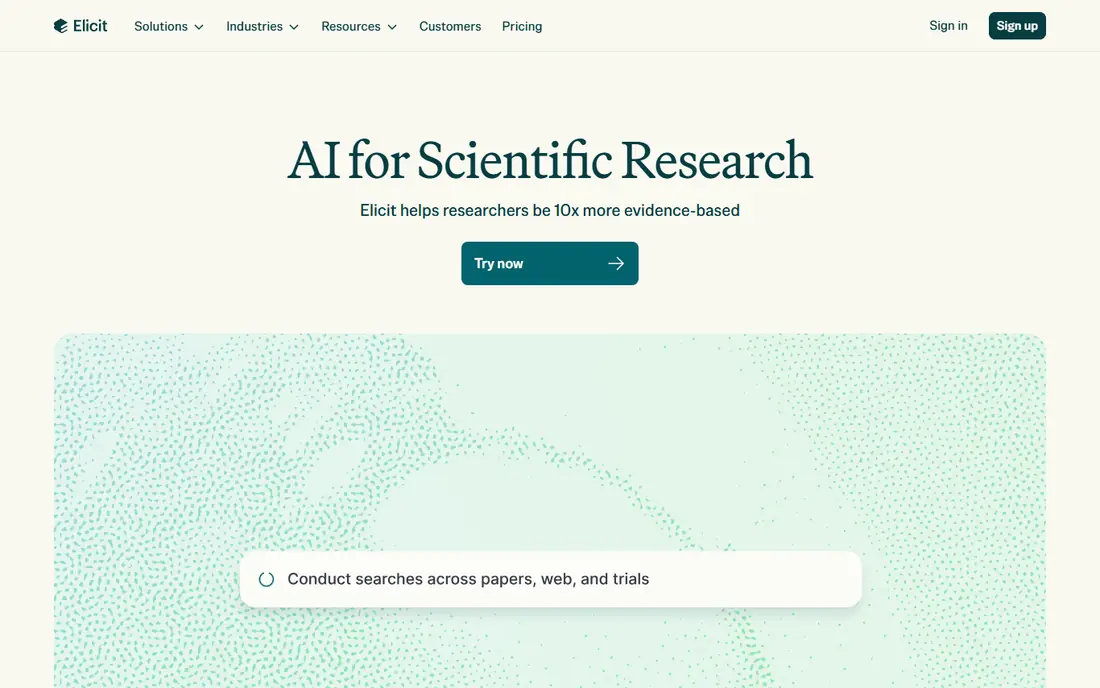
Elicit is the strongest tool in this list for systematic work. You define the columns you need, such as population, intervention and outcome, and it extracts them across your paper set into a table you can export. That structured output is what makes it valuable for literature reviews and meta-analyses, where a chat answer is not enough.
Pricing has shifted during 2026, so check the current page before budgeting, and treat every extraction as a draft: tables can misread study arms and numbers, so verify key values against the full text. Used with that discipline, Elicit saves hours of manual table building.
- Custom extraction columns across many papers
- Systematic review workflow
- Strong export
- Pricing has changed several times in 2026
- Extractions need human verification
Consensus
Ideal for: Evidence-backed answers
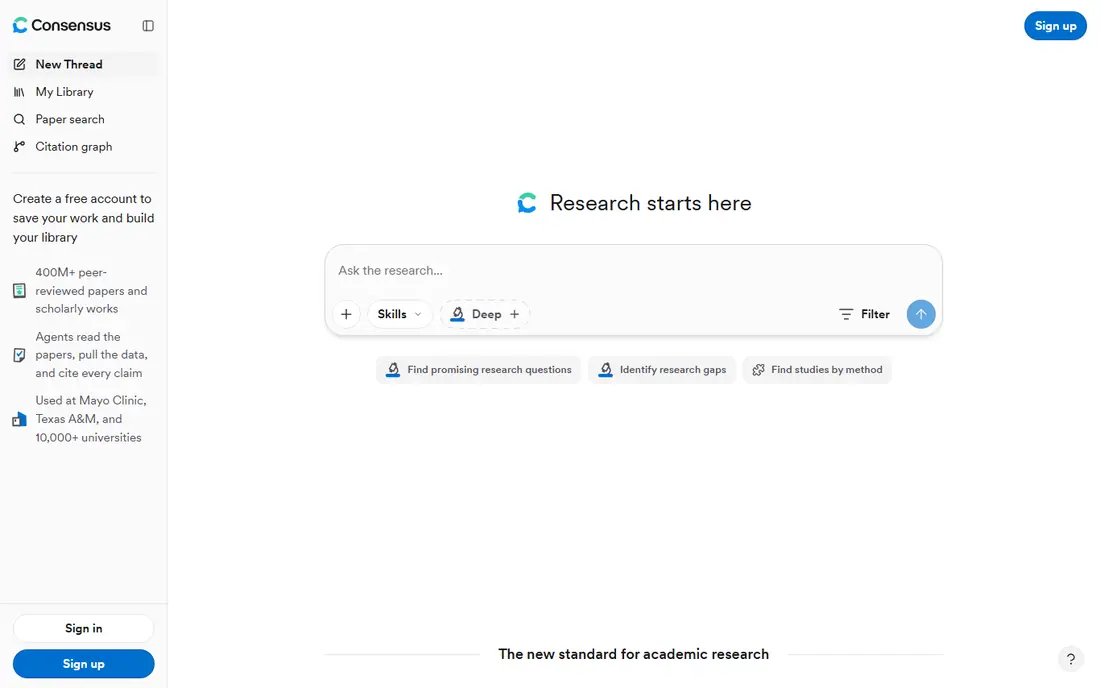
Consensus answers a different question from Elicit: what does the evidence say, and how much do studies agree. Ask a focused, testable question and it returns a synthesis drawn from real papers, with a meter showing how many studies support, refute or stay neutral on the claim. That framing makes it useful for a quick evidence check before deeper reading.
The free tier covers basic searches, with paid plans adding deeper analyses. Very niche topics may return thin results, and a meter is not a substitute for reading the key papers yourself. For a fast, grounded answer to a clear question, it is the best tool here.
- Consensus Meter shows agreement across studies
- Answers tied to real papers
- Free searches
- Paid tiers have been restructured in 2026
- Weaker on very niche topics
Scite
Ideal for: Citation verification
Scite solves a problem every researcher knows: a paper can be cited many times without anyone checking whether those citations agree with it. Its Smart Citations classify citation statements as supporting, mentioning or contrasting, so you can see at a glance whether a finding has held up or been challenged. That view is invaluable when you are deciding which papers to trust.
The Basic plan costs $20 per month on annual billing, with a 7-day trial to test it, and institutional access may be available through your library. Classification is automated, so treat it as a signal and read the contrasting citations yourself before drawing conclusions.
- Smart Citations classify supporting and contrasting evidence
- Large citation database
- Browser tools
- Basic plan costs $20 per month
- Classification is automated and imperfect
ResearchRabbit
Ideal for: Citation network discovery
ResearchRabbit is the best free discovery tool in this list. Add a few seed papers and it builds a visual network of related work, recommendations and citation links, helping you find papers that keyword search misses. It is free to use, which makes it an easy addition to any workflow.
The graph view takes a little learning, and it does not extract data or write syntheses. Pair it with Semantic Scholar for search and Elicit for extraction, and you have a strong free-to-cheap research stack that covers discovery well.
- Free visual citation maps
- Strong recommendations
- Good for discovering related work
- Graph approach takes some learning
- Not a writing or extraction tool
SciSpace
Ideal for: Reading and understanding papers
SciSpace focuses on the reading stage. Its copilot chats with a PDF, explains dense methods, walks through formulas and helps build review matrices from the papers you read. For students and researchers facing a stack of difficult papers, that reading help is genuinely useful.
A free tier covers basic use, with paid plans adding higher limits. As with all AI reading tools, answers can miss nuance in poorly scanned or highly technical papers, so verify key claims against the text. Used as a reading companion rather than a replacement for reading, it earns its place.
- Copilot chat for PDFs
- Helps explain methods and formulas
- Literature review matrices
- Pricing varies by plan
- Quality depends on the paper's text quality
NotebookLM
Ideal for: Synthesis from your uploads
NotebookLM, from Google, is the best free synthesis tool for papers you already have. Upload your shortlist and it answers questions, builds summaries and creates study guides grounded in those sources, with citations back to the text. Audio overviews can also help you review a set of papers on the go.
The limit is scope: it cannot search the literature for you, so a weak shortlist gives weak answers. Use Semantic Scholar or ResearchRabbit to build the set, then NotebookLM to synthesize it. Higher limits are available through Google's paid AI plans, but the free tier covers many student and solo researcher needs.
- Free with a Google account
- Grounded in your uploaded sources
- Audio overviews
- Only knows what you upload
- Not a paper search engine
Connected Papers
Ideal for: Mapping a field visually
Connected Papers turns one seed paper into a visual map of similar and prior work, which is a fast way to grasp a field's structure. Enter a paper you trust, and the graph shows the papers that shaped it and the ones that followed. The free tier covers a few graphs per month, and paid plans start at around $3 per month.
Similarity is not quality, so a central paper on the graph may still be weak or dated. Use the map to find candidates, then check citations, methods and recency before including a paper in your review. For a quick orientation in a new area, it is one of the most efficient tools here.
- Clear similarity graphs from a single seed paper
- Cheap paid tier
- Quick field overview
- Free allowance is small
- Graphs show similarity, not quality
How we picked these
We compared official pricing pages, feature pages and public reviews for AI research tools live in October 2026, favoring tools that return verifiable citations from real paper databases over general chatbots that generate fluent text. We weighed corpus coverage, citation grounding, extraction quality, free tiers and price stability, and we left out general chatbots as primary research tools.
What to check before you trust an AI research tool
Start with the citation. Click through to the paper, check that it exists, and confirm the claim appears in it. Tools wired to real databases such as Semantic Scholar make this easy, while general chatbots can invent references that look plausible. If a tool will not show its sources, do not use it for research.
Then match the tool to the job. Use search and discovery tools to build a shortlist, extraction tools for systematic tables, verification tools to check contested claims, and synthesis tools only on papers you have already vetted. Never let any tool generate your bibliography unchecked, and keep your own notes on which papers you actually read.
Finally, check pricing and privacy before uploading unpublished work. Some tools store uploads and may use them for training, so read the privacy policy for drafts, theses and manuscripts under review. When in doubt, use a tool with a clear policy for private documents, or work from published papers only.
Frequently asked questions
What is the best AI tool for research?
Semantic Scholar is the best free starting point for search, Elicit is best for structured extraction, Consensus is best for quick evidence-backed answers, and Scite is best for checking whether citations support a claim. Most researchers will use two or three of these together.
Can AI tools write a literature review?
They can draft structure and summaries, but they should not be trusted to produce a finished review unchecked. Extractions and citations need human verification, and your own reading and judgment remain the core of the work.
Is Elicit free?
Elicit offers a free Basic tier with limited credits, and paid plans add more capacity and systematic review features. Pricing has changed during 2026, so check the current pricing page before committing.
What is the best free AI research tool?
Semantic Scholar and ResearchRabbit are both free and cover search and discovery well. NotebookLM is also free with a Google account and is excellent for synthesizing papers you upload yourself.
How do I avoid fake citations from AI tools?
Use tools tied to real paper databases, click through to every cited paper, and verify the claim in the source text. Never copy a bibliography from a general chatbot without checking each reference.