7 AI Tools for Slide Generation Options Ranked for 2026

- Prezi takes the first slot, best suited to story-driven presentations.
- Beautiful.ai is the one to check for brand-consistent layouts.
- Prezi, Pitch, Gamma, SlidesAI: these are the 4 tools out of 7 that offer a free plan.
- Pitch comes with a trade-off: pricing varies by region and plan.
- Gamma is the lowest-priced starter here at $9 per month.
Direct answer
If you need story-driven presentations, Prezi is the first tool to look at here. Pitch is better for team decks with analytics, and Gamma is better for quick prompt-to-deck. Prices, free plans and limits for all 7 tools follow.
Quick comparison
| Product | Ideal for | Price from | Free version | |
|---|---|---|---|---|
 Prezi | Story-driven presentations | See website | Yes | Visit |
 Pitch | Team decks with analytics | See website | Yes | Visit |
 Gamma | Quick prompt-to-deck | $9 a month | Yes | Visit |
 Decktopus | Decks with lead forms | $9.99 per month | Free trial | Visit |
 Plus AI | PowerPoint and Slides editing | $10 a month | Free trial | Visit |
 SlidesAI | Google Slides generation | $10 per month | Yes | Visit |
 Beautiful.ai | Brand-consistent layouts | $14.50 per month | Free trial | Visit |
7 options for AI tools for slide generation in detail
If you are comparing AI tools for slide generation, this page covers 7 tools in one place: what each is best for, what it costs to start, whether it has a free plan, and the main limit to know about.
Prezi
Ideal for: Story-driven presentations
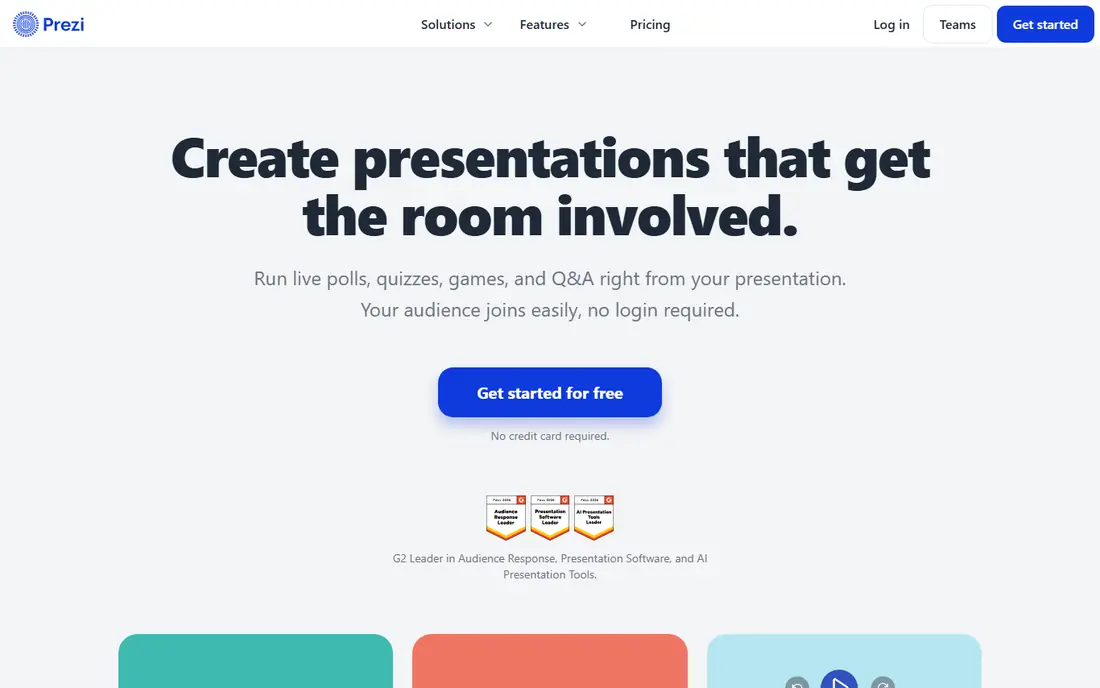
Pick Prezi if this describes you: story-driven presentations. Presenters can zoom between topics, which fits storytelling pitches and training sessions where the flow should follow the audience. As for the details, the style is also the risk.
The main drawbacks: Ramp-up time for linear slide users.
I would pick Prezi for presenters who want a memorable, non-linear talk, not for teams that require standard corporate decks quick. On top of that, teams used to standard PowerPoint decks may find Prezi harder to learn. Its AI is more solid at refining existing content than generating a full deck from a prompt. Prezi shows no starting price here, so confirm the cost on the vendor site. You can start on Prezi without paying.
- Free version for entry-level use
- Animated presentation style
- AI features focus on editing, not full generation
Pitch
Ideal for: Team decks with analytics
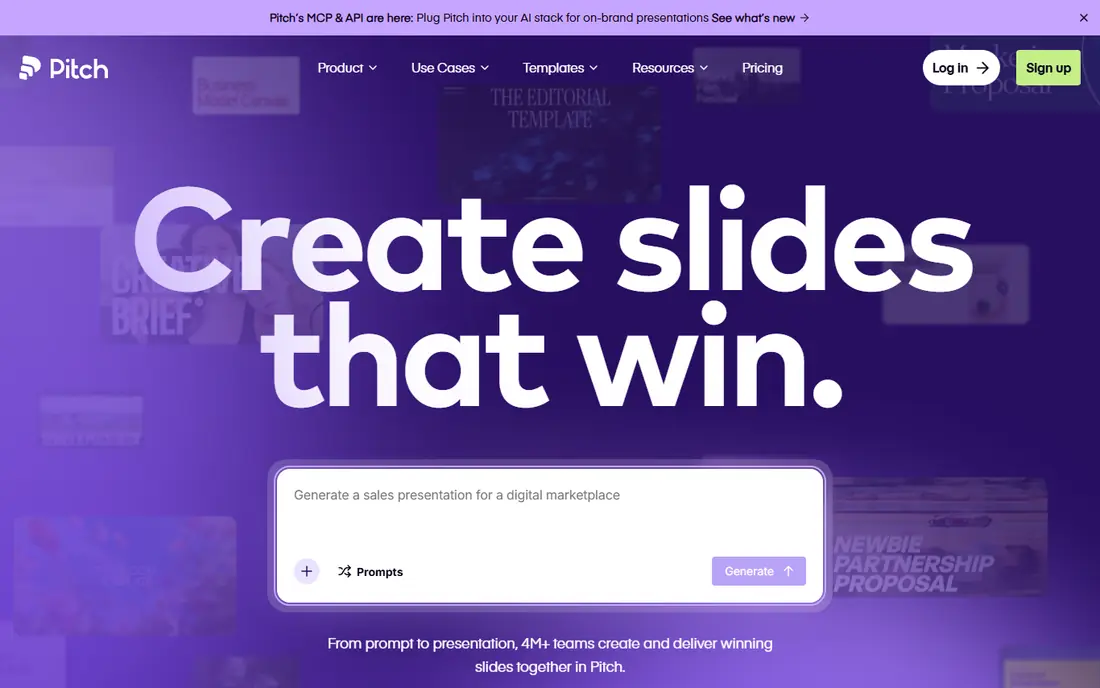
Pitch makes the most sense for team decks with analytics. Live collaboration, version history, and per-link analytics help sales and marketing teams share decks and see which slides get attention.
Points against: Pricing varies by region and plan.
Also, the trade-off is generation style. As for the details, use Pitch when the deck will be shared, tracked, and updated by a team, and use Gamma when the goal is a quick solo draft. Pricing for Pitch is not stated here, so ask the vendor for current figures. Pitch offers a free plan.
- Viewer analytics on team plans
- Clean templates for sales decks
- AI generation is less prompt-driven than Gamma
Gamma
Ideal for: Quick prompt-to-deck
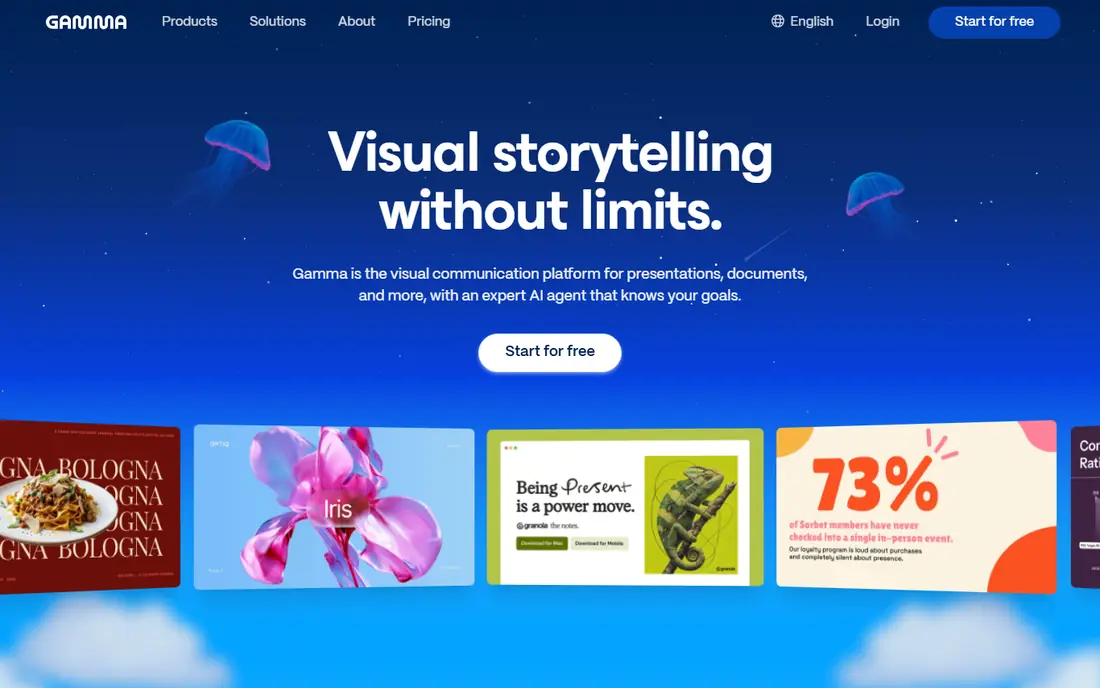
Gamma is designed for quick prompt-to-deck. Themes and one-click restyling help a rough draft look presentable without design skills, and exports include PDF, PowerPoint, and Google Slides. So the deck can move to where it will be presented.
For most solo users and small teams, Gamma is my pick for most people, provided that you track credit use in the first month. The free level hands 400 one-time credits, which is enough to test real decks. For everyday use, Plus opens at $9 per seat per month billed yearly with 1,000 credits a month, and heavy image regeneration burns credits quicker than text edits. Gamma pricing: $9 per month. A free plan is available with Gamma.
Highlights: Very quick first drafts; Google Slides. Points against: Credit limits control how much you can regenerate.
- Free level with one-time credits
- Exports to PDF, PowerPoint
- Web-native format needs an export for some workflows
Decktopus
Ideal for: Decks with lead forms
Decktopus makes the most sense for decks with lead forms. AI generation is quick, and Pro opens at $9.99 a month billed yearly. More specifically, pick Decktopus when a deck is also a lead tool, like a sales or webinar deck, and pick a design-led tool when visual range matters more.
Decktopus adds a feature the other tools here mostly lack: forms inside the deck. For everyday use, sales teams can capture leads, questions, or feedback without sending the viewer to a separate page, and analytics display how the deck performs. Decktopus starts at: $9.99 per month. Free access: Free trial.
Points against: then premium plans apply.
- Quick AI generation
- Deck analytics on Pro plans
- Design range is narrower than Canva
Plus AI
Ideal for: PowerPoint and Slides editing
Plus AI is designed for PowerPoint and Slides editing. That makes it solid for corporate decks that will be edited by multiple people over time.
Trade-offs to know: No free plan, only a trial.
On top of that, complicated source files can still need cleanup, particularly charts from uploaded documents. For PowerPoint-first teams, Plus AI is the most practical pick here, since it meets the team where it already works. On cost, Plus AI starts like this: $10 per month. Free options: Free trial.
- Turns docs and PDFs into editable slides
- Edits inside PowerPoint and Google Slides
- Formatting still needs cleanup on complicated decks
SlidesAI
Ideal for: Google Slides generation
SlidesAI targets Google Slides generation. SlidesAI is the simplest path for Google Workspace users. Worth adding: design polish is more entry-level than Gamma or Beautiful.ai.
The free level limits how plenty of presentations you can make a year. In practice, Pro begins at $10 a month billed yearly. For everyday use, I would pick SlidesAI when the destination is Google Slides and the team wants speed over fancy design. Also, install it in Google Slides, enter a topic or paste notes, review the outline, and create editable slides without leaving the tool you already use. SlidesAI cost at the entry level: $10 per month. A free plan is available with SlidesAI.
Limits to weigh: Design control is entry-level.
- Straightforward text-to-slides flow
- Works inside Google Slides
- Best results still need editing in Slides
Beautiful.ai
Ideal for: Brand-consistent layouts
Beautiful.ai is built with brand-consistent layouts in mind. The price and trial terms are stricter. From a buyer's view, beautiful.ai is less a prompt-to-deck tool and more a design system that keeps decks clean.
Its Smart Slides rebalance spacing, text size, and layout when you add a bullet or image, which stops the typical problem of slides that look fine until one edit breaks the layout. On top of that, there is no free plan, only a 14-day trial, and Pro begins at $14.50 a month billed yearly. Beautiful.ai starts at: $14.50 per month. On free options: Free trial.
Points against: Pro at $14.50 a month billed yearly is pricier than Gamma.
- Strong brand controls
- PowerPoint import and export
- No free plan
AI Tools for Slide Generation pricing explained
If it will be shared as a link, Gamma or Pitch may be better. Then check credits, since numerous tools price by generation instead of by deck. A team that regenerates frequently will burn through a plan quicker than the headline price recommends.
Check fonts, charts, images, and slide notes after export, and confirm whether branding is removed on the plan you will buy. More specifically, a fast draft that looks broken after export is not a time saver.
How we chose
Each tool was reviewed on what its vendor publishes: price, plan limits, core features and stated drawbacks. We did not run hands-on tests. Where a vendor does not publish a price, the entry says quote. Where a price depends on seats or billing term, the entry says so. The ranking is editorial: typical fit first, then clear pricing, then free access. If your needs are unusual, read the profiles rather than relying on position.
Things to verify first
- Confirm the entry price on the vendor page. For Prezi and Pitch that means a quote rather than a fixed price.
- Look at free plan limits closely: Prezi, Pitch, Gamma and SlidesAI have one, and the caps decide whether it is usable for real work.
- Run a trial of Decktopus, Plus AI and Beautiful.ai with real work before paying for a year; your own workflow is the best test.
- Before choosing Prezi, weigh its main limit: ramp-up time for linear slide users.
- Ask Gamma about contract length, onboarding fees and user minimums before you sign.
- Make sure Decktopus lets you export your data in a format another tool can read.
Frequently asked questions
How are the tools for AI tools for slide generation ordered?
Prezi sits first and Beautiful.ai last because the order follows typical fit for AI tools for slide generation, then price clarity and free access. It is a judgement call, so read each profile for fit and limits.
What is the cheapest option for AI tools for slide generation in this list?
On published monthly entry prices, Gamma is the lowest here at $9 per month. Entry price is only part of the cost, because seats, add-ons and billing terms can change the total.
Do these tools publish their prices?
Not all of them. Prezi and Pitch publish no starting price, so expect a quote request for those. The rest, Gamma included, show a starting price, though seats and billing terms still change the final cost.
Is Prezi the right pick for everyone comparing AI tools for slide generation?
No single tool suits every team. Prezi comes first because it fits story-driven presentations, while Pitch suits team decks with analytics and Gamma suits fast prompt-to-deck. Match the tool to your own size, budget and workflow before deciding.