Best AI Tools for Small Business in 2026: 8 Options Compared

- The strongest all round option for most readers in this group is ChatGPT, which pairs a clear fit with a plan structure that is easy to understand.
- Claude is the option to check first if price or a free plan matters most, while Gemini suits readers who need a more specialised feature set.
- Prices and free limits change often, so confirm the current plan page before you pay, and start with a free plan or trial when one is offered.
- The best choice depends on your current tools, your budget and how much setup time you can give it, not on the longest feature list.
Quick comparison
| Product | Ideal for | Price from | Free version | |
|---|---|---|---|---|
 ChatGPT | General writing and ideas | Free | Yes | Visit |
 Claude | Careful writing and analysis | Free | Yes | Visit |
 Gemini | Google based teams | Free | Yes | Visit |
 Microsoft Copilot | Microsoft 365 teams | See website | Yes | Visit |
 Jasper | Marketing copy | See website | Yes | Visit |
 Copy.ai | Sales and marketing copy | See website | Yes | Visit |
 Notion AI | Notes and docs inside Notion | See website | No | Visit |
 Grammarly | Writing clarity and tone | Free | Yes | Visit |
The best ai tools for small business
We compared official feature pages, pricing pages, app store listings, privacy policies and public reviews for this group. The options below cover the well known leaders and strong smaller choices, and each one has a different strength. Read the fit line first, then check the price and the honest drawback before you decide.
ChatGPT
Ideal for: General writing and ideas
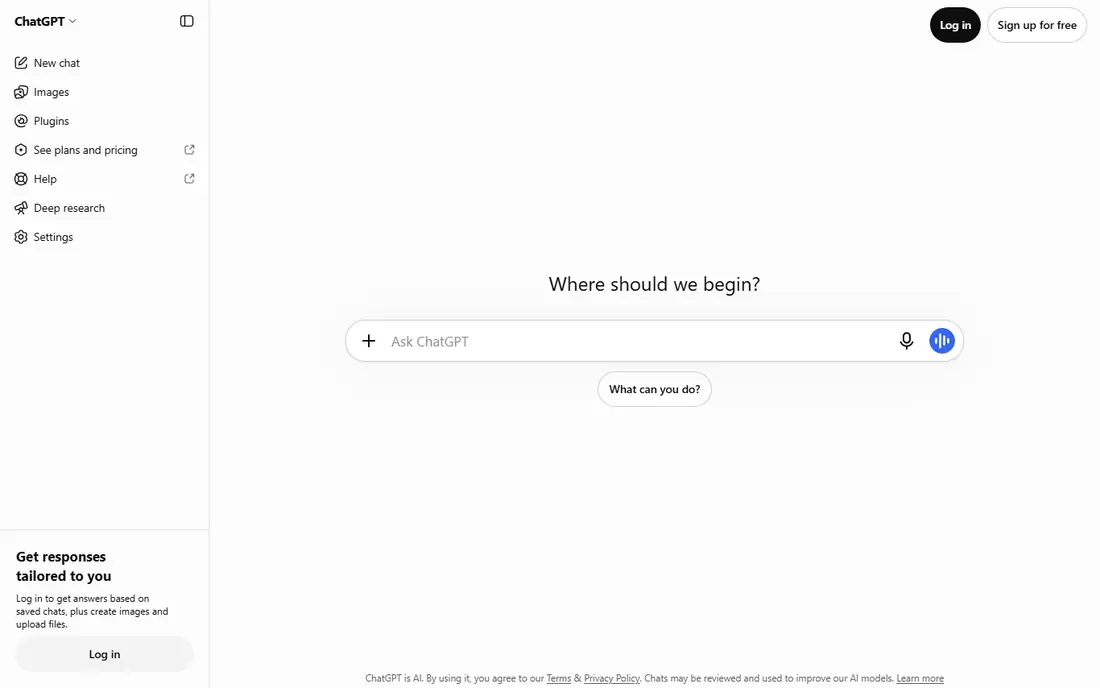
For readers who want a clear starting point, this option earns its place because its versatility makes it a useful first AI tool for writing, planning and customer replies. It fits readers who want general writing and ideas, and it is a sensible first test if that description matches your daily work. The public material we reviewed points to a clear use case here, rather than a vague promise to suit everyone. Always check facts, prices and claims in its output before you publish or send them. That limit matters most when you plan to use the service every day or share it with a team. Before you commit, check the current pricing page, the free plan limits and the cancellation terms, and try the free option or trial with a real task from your own work.
- Versatile writing and brainstorming
- Broad knowledge
- Easy start
- Outputs need checking
- Business features need paid plans
Claude
Ideal for: Careful writing and analysis
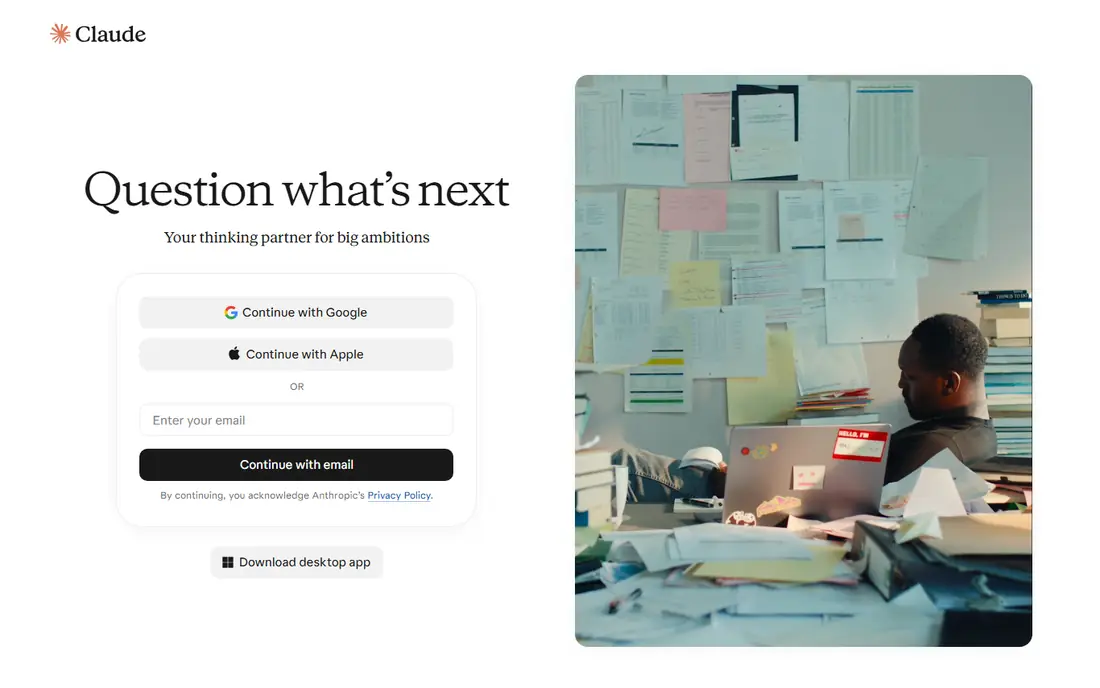
This is a practical choice when it handles long documents and careful drafting well, which suits proposals and policies. It fits readers who want careful writing and analysis, and it is a sensible first test if that description matches your daily work. The public material we reviewed points to a clear use case here, rather than a vague promise to suit everyone. For high volume team use, check plan limits and admin controls. That limit matters most when you plan to use the service every day or share it with a team. Before you commit, check the current pricing page, the free plan limits and the cancellation terms, and try the free option or trial with a real task from your own work.
- Strong long document handling
- Careful tone
- Clear summaries
- Free limits apply
- Business controls need paid plans
Gemini
Ideal for: Google based teams
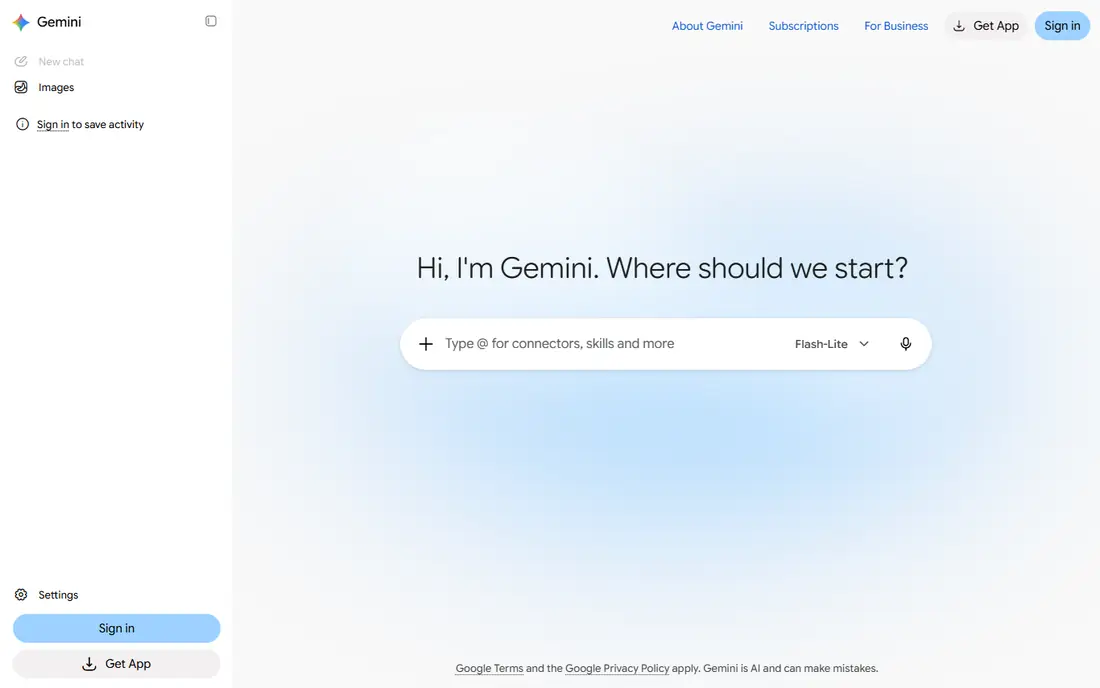
We put this option on the list because its links to Google Docs and Gmail suit teams already on Google Workspace. It fits readers who want google based teams, and it is a sensible first test if that description matches your daily work. The public material we reviewed points to a clear use case here, rather than a vague promise to suit everyone. Teams outside Google may get less value from its integrations. That limit matters most when you plan to use the service every day or share it with a team. Before you commit, check the current pricing page, the free plan limits and the cancellation terms, and try the free option or trial with a real task from your own work.
- Google Workspace links
- Multimodal help
- Simple start
- Best inside Google tools
- Outputs need checking
Microsoft Copilot
Ideal for: Microsoft 365 teams
If your main concern is fit rather than hype, consider this one because it brings AI help into Word, Excel and Teams for Microsoft based firms. It fits readers who want microsoft 365 teams, and it is a sensible first test if that description matches your daily work. The public material we reviewed points to a clear use case here, rather than a vague promise to suit everyone. The full value depends on your Microsoft plan, so check what your licence includes. That limit matters most when you plan to use the service every day or share it with a team. Before you commit, check the current pricing page, the free plan limits and the cancellation terms, and try the free option or trial with a real task from your own work.
- Office and Teams links
- Work data help
- Enterprise controls
- Full features need Microsoft 365 plans
- Setup needs admin care
Jasper
Ideal for: Marketing copy
This option stands out in this group because its marketing focus helps small teams produce consistent copy for ads, email and social posts. It fits readers who want marketing copy, and it is a sensible first test if that description matches your daily work. The public material we reviewed points to a clear use case here, rather than a vague promise to suit everyone. It does not replace editing or strategy, so review every output before use. That limit matters most when you plan to use the service every day or share it with a team. Before you commit, check the current pricing page, the free plan limits and the cancellation terms, and try the free option or trial with a real task from your own work.
- Marketing templates
- Brand voice tools
- Team workflows
- Price is higher than general chat tools
- Outputs need editing
Copy.ai
Ideal for: Sales and marketing copy
A shortlist without this option would feel incomplete, since its workflows suit teams that repeat the same kinds of sales and marketing writing. It fits readers who want sales and marketing copy, and it is a sensible first test if that description matches your daily work. The public material we reviewed points to a clear use case here, rather than a vague promise to suit everyone. Results depend on clear prompts and human review, especially for claims and pricing. That limit matters most when you plan to use the service every day or share it with a team. Before you commit, check the current pricing page, the free plan limits and the cancellation terms, and try the free option or trial with a real task from your own work.
- Workflow tools
- Sales copy templates
- Team features
- Quality varies by prompt
- Pricing needs care
Notion AI
Ideal for: Notes and docs inside Notion
This is worth a close look when it is a strong add on for teams that already plan and write in Notion. It fits readers who want notes and docs inside notion, and it is a sensible first test if that description matches your daily work. The public material we reviewed points to a clear use case here, rather than a vague promise to suit everyone. Outside Notion it offers little, so it fits existing Notion users best. That limit matters most when you plan to use the service every day or share it with a team. Before you commit, check the current pricing page, the free plan limits and the cancellation terms, and try the free option or trial with a real task from your own work.
- AI inside Notion docs
- Summaries and drafting
- Workspace search
- Needs a Notion plan
- Best inside Notion
Grammarly
Ideal for: Writing clarity and tone
We included this option because it improves clarity and tone across email, docs and web writing for small teams. It fits readers who want writing clarity and tone, and it is a sensible first test if that description matches your daily work. The public material we reviewed points to a clear use case here, rather than a vague promise to suit everyone. It is a writing aid, not a fact checker, so verify names, numbers and claims yourself. That limit matters most when you plan to use the service every day or share it with a team. Before you commit, check the current pricing page, the free plan limits and the cancellation terms, and try the free option or trial with a real task from your own work.
- Grammar and tone help
- Broad app support
- Team style guides
- Free tier is basic
- AI features need paid plans
How we picked these
We compared official feature pages, pricing pages, app store listings, privacy policies and public reviews. We kept only products that exist and work in October 2026 and that truly fit the topic, and we left out options that looked similar but served a different job. Where a price could not be verified on the vendor page, we wrote See website instead of guessing. We also weighed who each product is really for, what it does well in daily use, and where it falls short. A product can be excellent for one reader and a poor fit for another, so the write-ups below focus on fit, cost and limits rather than on praise alone.
How to pick AI tools for a small business
Start with one painful job, such as drafting replies, writing product descriptions or summarising meetings. A tool that solves that job will earn its keep faster than a broad suite you rarely open. Next, check data and privacy rules. Avoid pasting customer data, contracts or passwords into a tool until you understand its data handling and your own policies. Finally, keep a human in the loop. AI drafts save time, but a person should check facts, tone and legal claims before anything reaches a customer.
Frequently asked questions
What is the best AI tool for a small business?
For most small firms, a general tool such as ChatGPT or Claude covers writing and planning, while Microsoft Copilot or Gemini fit firms already on those platforms. Add specialist tools only for a clear job.
Are AI tools free for small businesses?
Many offer free tiers, but business features, higher limits and admin controls usually need paid plans. Start free, then pay only for the tool your team actually uses weekly.
Is my business data safe with AI tools?
It depends on the tool and plan. Check privacy policies, data retention and business terms, and avoid sharing sensitive customer data until you are sure of the controls.
Will AI replace my staff?
For most small businesses, AI works best as a drafting and admin aid. Human judgement still matters for customer trust, quality checks and final decisions.