6 Best AI Tools for Social Media Content Creation Options for 2026

- 1
 Sprout SocialTeams that require reporting and inboxVisit
- 2
 Predis.aiAI ads and short videoVisit
- 3
 ContentStudioAgencies and bulk schedulingVisit
- 4
 BufferSolo creators and small teamsVisit
- 5
 SocialBeeEvergreen content and categoriesVisit
- Top of the list is Sprout Social, which targets teams that require reporting and inbox.
- Later is the one to check for visual planning and creator work.
- One limit worth knowing about Sprout Social: per-seat pricing layers on up for large teams.
- Buffer stands alone as the one tool in this list with a free plan.
Direct answer
If you need teams that need reporting and inbox, Sprout Social is the first tool to look at here. Predis.ai is the stronger choice for AI ads and short video, while ContentStudio suits agencies and bulk scheduling. The remaining 3 options are covered below with prices and limits.
Quick comparison
| Product | Ideal for | Price from | Free version | |
|---|---|---|---|---|
| Sprout Social | Teams that require reporting and inbox | $79 per seat/month (billed yearly) | Free trial | Visit |
| Predis.ai | AI ads and short video | $19 a month (billed yearly) | Free trial | Visit |
| ContentStudio | Agencies and bulk scheduling | $19 a month | Free trial | Visit |
| Buffer | Solo creators and small teams | $5 per channel/month (billed annually) | Yes | Visit |
| SocialBee | Evergreen content and categories | $29 a month | Free trial | Visit |
 Later | Visual planning and creator work | $18.75 a month (billed yearly) | Free trial | Visit |
Our 6 picks for AI tools for social media content creation
Ainotely compared 6 tools for AI tools for social media content creation. The goal is a practical shortlist: published prices, free plan facts, best-fit use cases and honest limits for every entry.
Sprout Social
Ideal for: Teams that require reporting and inbox
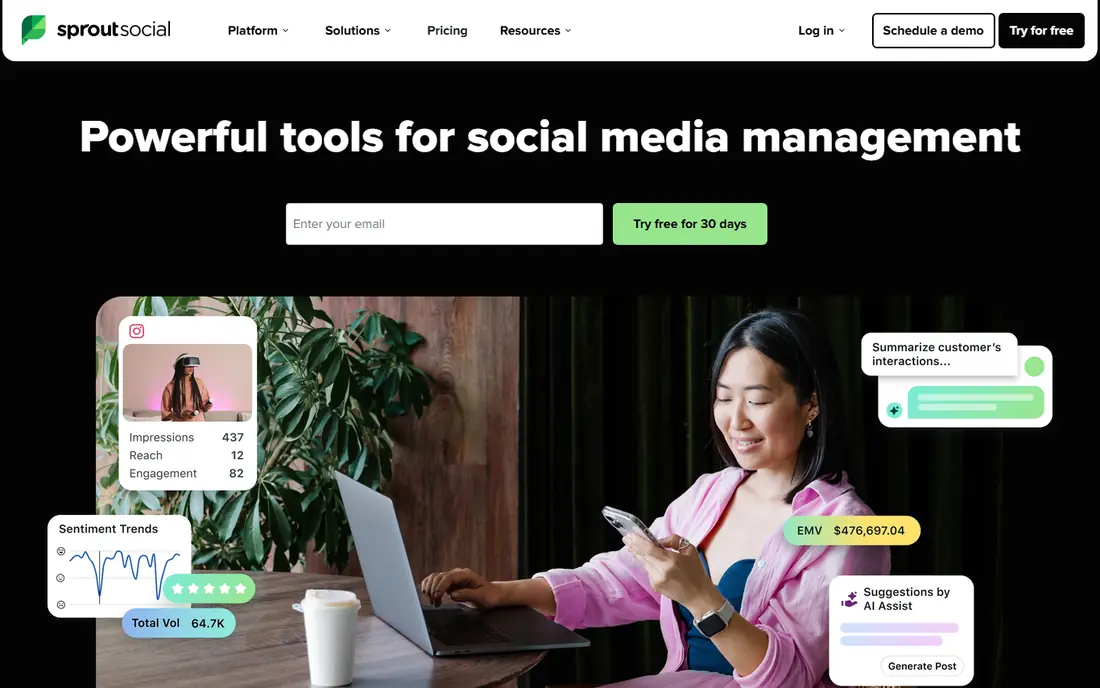
Sprout Social is designed for teams that require reporting and inbox. That polish comes at a per-seat price, and the entry level spans five profiles, which can force an upgrade for brands with numerous accounts.
If the team answers plenty of social messages and reports to clients or leadership each month, Sprout frequently pays for itself in time saved. What you pay to start with Sprout Social: $79 per seat/month. Free plan details: Free trial.
Downsides: Per-seat pricing brings up for large teams.
- AI Assist for captions and replies
- Solid inbox and publishing workflow
- Some premium reports need higher levels
Predis.ai
Ideal for: AI ads and short video
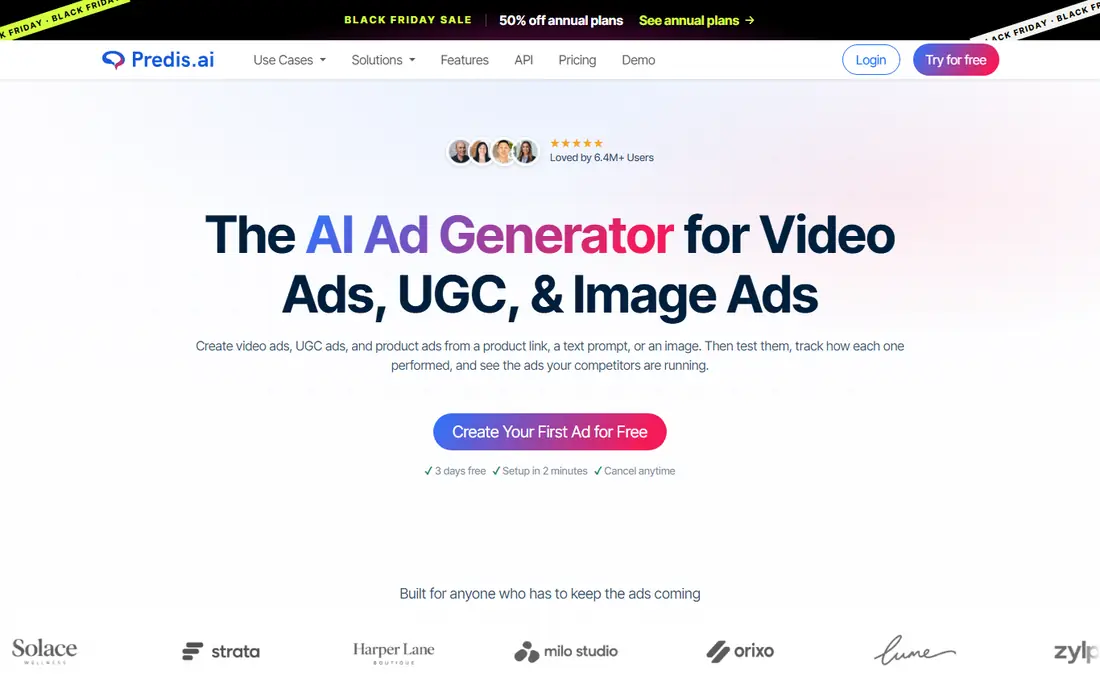
Predis.ai was built for AI ads and short video. Predis.ai is best as a creation engine paired with a scheduler or a publishing tool, instead of a full replacement for planning, approvals, and reporting. Also, provide it a product link, a prompt, or an image.
It returns ad creatives, headlines, captions, and short video choices sized for each system. That makes it handy for a store or agency that needs numerous variants for premium social and wants to test hooks rapidly. Also, brand kits carry colors, tone, and logo across outputs, which helps a small team keep ads looking related even when volume is high. Each generation uses credits, and video uses more than a static image. So a team that tests heavily can burn through a monthly allowance. On cost, Predis.ai starts like this: $19 per month. Free plan details: Free trial.
Limits to weigh: Credit limits shape how much you can create.
- Produces image and video ads from a link or prompt
- Brand kits keep output consistent
- Scheduling is secondary to creation
ContentStudio
Ideal for: Agencies and bulk scheduling
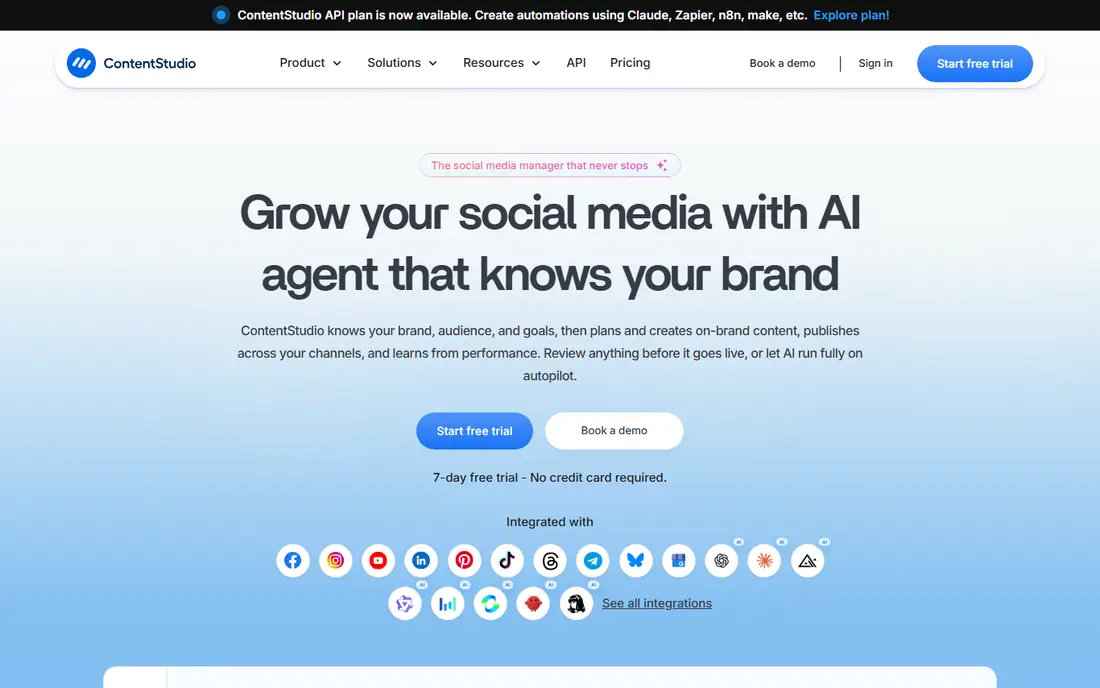
ContentStudio is built with agencies and bulk scheduling in mind. The trial lasts seven days, which is short for testing bulk workflows, approvals, and reporting on real client work. For everyday use, bulk scheduling by CSV upload lets an agency load weeks of posts in one pass, and content categories plus evergreen campaigns keep decent posts in rotation.
Where it is weaker: Short 7-day trial.
Its AI agent work centres on brand, audience, and goals, then plans and creates drafts that a human can review before publishing. That review step matters, since autopilot publishing without a check can send a wrong date, price, or tone live. Entry price for ContentStudio: $19 per month. Free plan details: Free trial.
- Agency workspaces and approvals
- AI planning and captions across many networks
- Higher plans needed for bigger agency volume
Buffer
Ideal for: Solo creators and small teams
Buffer was built for solo creators and small teams. The interface stays close to that job, so a new user can set up channels and a first week of posts without a long onboarding call. Its AI Assistant helps turn one idea into platform-specific drafts, which cuts the blank-page problem for a solo marketer who posts daily.
In daily use, for a small team that values speed over depth, that trade is normally worth it. More specifically, Buffer performs best when the job is plain and repeatable: draft a post, shape it for each network, put it in a queue, and check what performed. The main limit is arithmetic. Buffer charges per channel, so one brand with Facebook, Instagram, LinkedIn, TikTok, and YouTube costs more than the headline price recommends. Entry price for Buffer: $5 per channel/month. Free access exists with Buffer.
Watch-outs: Advanced reporting sits on higher plans.
- AI Assistant for drafts and rewrites
- Straightforward calendar and queue
- No built-in listening depth for large brands
Later
Ideal for: Visual planning and creator work
Choose Later for visual planning and creator work. Lower plans cap posts per profile, so a high-volume account should check that limit before committing. Heavy publishers should price the next level, not just the entry price.
Later started as a visual planner, and that strength still displays. That visual step matters when the feed itself is part of the brand, as it is for food, travel, fashion, and home goods. Entry price for Later: $18.75 per month. On free options: Free trial.
Trade-offs to know: Influencer tools suit brands more than solo creators.
- Link in bio tools
- Creator and influencer features for brands
- Post limits on lower plans
How the list was put together
For each of the 6 tools we noted price, free plan or trial, fit for AI tools for social media content creation and the main limit, using vendor pages and documentation. Where a vendor does not publish a price, the entry says quote. Where a price depends on seats or billing term, the entry says so. Position on the page reflects fit for a typical buyer first, with price clarity and free access breaking ties. Treat it as a guide, not a ruling.
Pre-purchase checklist
- Prices are a starting point; Buffer shows $5 per channel/month to start, so verify what your seat count would cost.
- Look at the free plan from Buffer closely: its caps decide whether it is usable for real work.
- Run a trial of Sprout Social, Predis.ai, ContentStudio and others with real work before paying for a year; your own workflow is the best test.
- Before choosing Sprout Social, weigh its main limit: per-seat pricing adds up for large teams.
- Find out whether the entry plan of Sprout Social covers your must-haves or only a trimmed-down version.
- Price ContentStudio for your actual team size; headline prices rarely include add-ons or overage.
Frequently asked questions
Do these tools publish their prices?
Yes. Every tool from Sprout Social to Later shows a starting price, though seats, add-ons and billing terms still change the final cost.
Which options for AI tools for social media content creation have a free plan?
Buffer is the only tool in this list with a free plan. Free plans usually cap users, projects or features, so check the limits on the vendor page. Several others offer a trial instead.
Can these tools post to TikTok, Instagram, and LinkedIn?
Most tools on this list publish to the major networks, including Facebook, Instagram, TikTok, LinkedIn, YouTube, and X, but feature depth varies by network.
Do I need an AI tool, or just a scheduler?
A scheduler is enough if you already have copy and images ready and only have to publish on time. More specifically, an AI tool helps when drafting is the bottleneck, when you need plenty of variants for ads, or when you post across multiple networks with different formats.
Is a free plan enough to start?
A free plan works for learning the calendar and publishing a handful of channels. But it typically limits profiles, posts, AI generations, and reports. A trial on a premium level provides a truer test than a free plan alone.
Is Sprout Social the right pick for everyone comparing AI tools for social media content creation?
No single tool suits every team. Sprout Social comes first because it fits teams that need reporting and inbox, while Predis.ai suits AI ads and short video and ContentStudio suits agencies and bulk scheduling. Match the tool to your own size, budget and workflow before deciding.
SocialBee
Ideal for: Evergreen content and categories
SocialBee targets evergreen content and categories. The entry Bootstrap plan handles five profiles, which suits one brand well but forces agencies to a higher level rapidly. For everyday use, SocialBee rewards a buyer who plans in categories and reuses decent content.
Analytics history is also shorter on that plan, so a team that reports over a full year should check the level that keeps two years of data. Worth adding: SocialBee fits a business with content that stays handy for months. SocialBee starts at: $29 per month. As for free access: Free trial.
Where it falls short: Analytics history is shorter on the entry plan; only a 14-day trial.