7 Strong AI Tools for Social Media Marketing Choices in 2026

- The list opens with Predis.ai, aimed at AI video and carousels.
- Check the limits for Predis.ai before you commit: AI output needs editing for brand voice.
- Hootsuite is the one to check for large team AI workflows.
- Buffer is the only tool of the 7 with a free plan.
- The lowest published monthly entry price here is $25 per month, from Later.
Direct answer
Start with Predis.ai if you need AI video and carousels. SocialBee is the stronger choice for category queues plus AI, while Flick suits Hashtags and caption AI. The remaining 4 options are covered below with prices and limits.
Quick comparison
| Product | Ideal for | Price from | Free version | |
|---|---|---|---|---|
 Predis.ai | AI video and carousels | $32 per month | Free trial | Visit |
 SocialBee | Category queues plus AI | $29 a month | Free trial | Visit |
 Flick | Hashtags and caption AI | See website | Free trial | Visit |
 Buffer | Straightforward AI scheduling | Free | Yes | Visit |
 Later | Visual brands and Instagram | $25 a month | Free trial | Visit |
 Sprout Social | Reporting plus AI assistance | $199 per month | Free trial | Visit |
 Hootsuite | Large team AI workflows | $99 per month | Free trial | Visit |
AI Tools for Social Media Marketing profiles
Ainotely compared 7 tools for AI tools for social media marketing. The goal is a practical shortlist: published prices, free plan facts, best-fit use cases and honest limits for every entry.
Predis.ai
Ideal for: AI video and carousels
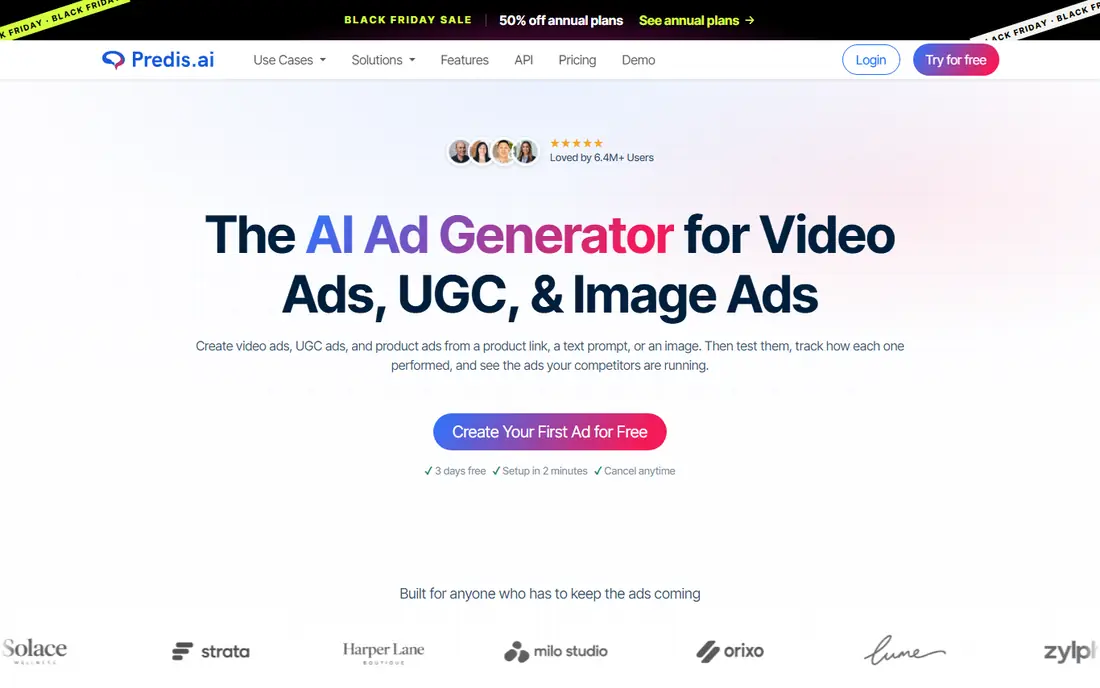
In short, Predis.ai is for AI video and carousels. It turns a short prompt, a product description, or a link into videos, carousels, and images, with brand colors and templates applied.
For everyday use, AI visuals can look generic, and captions may need a rewrite to sound like your brand. For a small business that struggles to make visuals, that generation step removes the hardest part of social marketing. Predis.ai cost at the entry level: $32 per month. On free options: Free trial.
Watch-outs: Free level is restricted.
- Produces videos, carousels
- Brand templates
- AI output needs editing for brand voice
Flick
Ideal for: Hashtags and caption AI
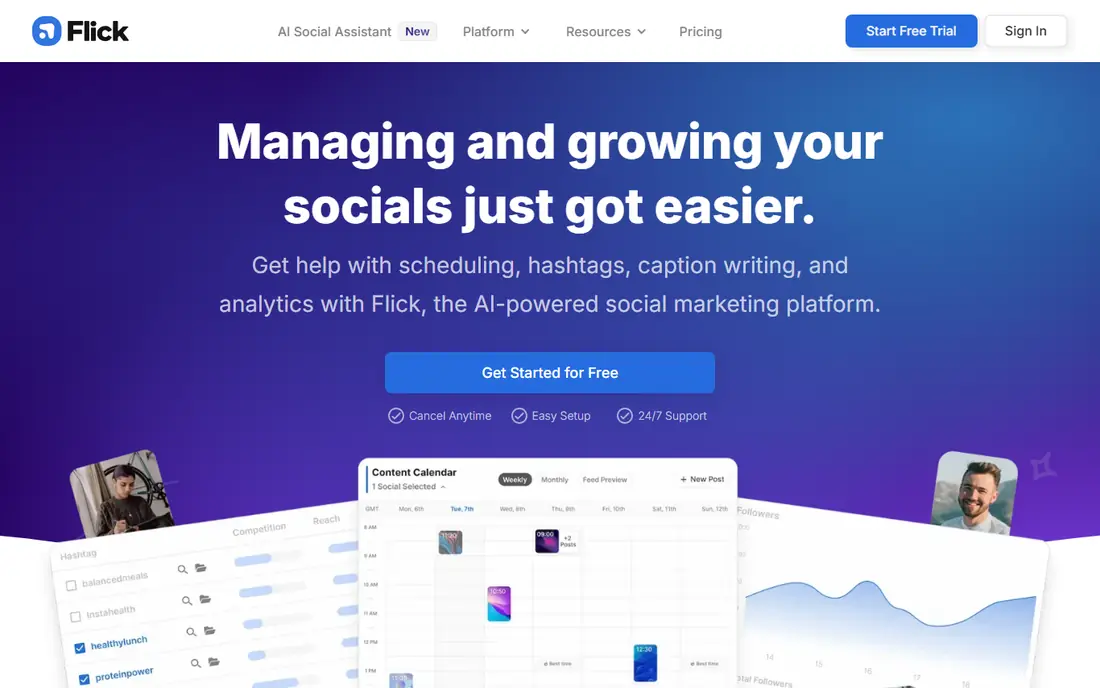
Flick was built for Hashtags and caption AI. Flick centres on the two details that commonly decide whether a post gets seen: captions and hashtags.
In daily use, scheduling is included, so a creator can research, write, and post in one flow. Check the vendor site for Flick pricing; none is listed in this comparison. Free plan details: Free trial.
The main drawbacks: Quote and level pricing varies.
- Scheduling included
- Good for Instagram growth
- Less of a full analytics suite than Sprout or Metricool
Buffer
Ideal for: Straightforward AI scheduling
Buffer works best for straightforward AI scheduling. Its AI assistant helps draft captions, rework a post for another network, and produce ideas, whereas the scheduler itself stays straightforward and clear. The free plan includes a handful of channels, so a solo creator can test the workflow before paying.
The AI is an assistant, not a full content studio. It will not create per month of branded images or videos on its own. Starting cost for Buffer: Free. You can start on Buffer without paying.
What to check first: AI features are lighter than dedicated generators.
- AI assistant for captions and ideas
- Straightforward scheduling
- Per-channel pricing grows with accounts
Later
Ideal for: Visual brands and Instagram
Where Later fits: visual brands and Instagram. Its visual planner, media library, and AI caption help make it simple to see a feed before posting.
Its link tools help turn social traffic into site visits. Later cost at the entry level: $25 per month. Free options: Free trial.
Where it falls short: Higher cost for bigger teams.
- A decent match for Instagram and TikTok workflows
- Visual planner
- Some networks get less depth than Instagram
Sprout Social
Ideal for: Reporting plus AI assistance
Sprout Social makes the most sense for reporting plus AI assistance. Its analytics, inbox, and scheduling tools are solid, and its AI features help draft and refine captions within that workflow. In practice, the per-seat price, from about $199 a month, puts it out of reach for plenty of small companies.
Downsides: High per-seat pricing.
From a buyer's view, AI image and video generation are also lighter here than in dedicated AI studios. In practice, for a marketing manager who must display results to a client or a boss, Sprout's reporting is a real advantage. Sprout is best when reporting and team workflow matter more than raw AI creative output. The starting price for Sprout Social: $199 per month. As for free access: Free trial.
- Decent inbox and scheduling tools
- AI caption help
- AI generation is lighter than Predis.ai or Ocoya
Hootsuite
Ideal for: Large team AI workflows
Hootsuite is built with large team AI workflows in mind. Hootsuite's OwlyWriter AI helps large teams draft captions, create post ideas, and rework content for different networks, inside a product made for scheduling, inbox management, and reporting. Worth adding: a solo creator will find less expensive AI help elsewhere.
Watch-outs: Smaller teams may not use the full suite.
For everyday use, the price is the barrier for small teams, at about $99 per user a month for the starting premium plan. Team approvals and analytics help managers keep a large account organized. Price to start with Hootsuite: $99 per month. Free options: Free trial.
- Team approvals and analytics
- Solid scheduling and inbox
- High per-user pricing
How we built this list
The comparison looks at four things: starting price, free access, how well the feature set matches AI tools for social media marketing, and the main limit of each tool. Where a price is missing, the vendor does not list one publicly or ties it to a quote. Always confirm before budgeting. Tools are placed by general fit for AI tools for social media marketing, with price clarity and free access as tie-breakers. A different team can reasonably rank them differently.
Questions to settle before buying
- Get a written quote from Flick; the list shows no starting price for them.
- Test the free plan from Buffer against your real workload before relying on it.
- Run a trial of Predis.ai, SocialBee, Flick and others with real work before paying for a year; your own workflow is the best test.
- Read the limits listed for Predis.ai first: AI output needs editing for brand voice.
- See whether Hootsuite offers onboarding or training, and whether it is included in the price.
- Test the integrations you rely on with Flick before committing; some connectors sit on upper tiers.
Frequently asked questions
How are the tools for AI tools for social media marketing ordered?
Predis.ai sits first and Hootsuite last because the order follows typical fit for AI tools for social media marketing, then price clarity and free access. It is a judgement call, so read each profile for fit and limits.
Do these tools publish their prices?
Not all of them. Flick publishes no starting price, so expect a quote request for it. The rest, Predis.ai included, show a starting price, though seats and billing terms still change the final cost.
Can I try these tools before paying?
Often, yes. Buffer has a free plan and Predis.ai, SocialBee, Flick and others offer a free trial. Use your own data and a real task during the test, and check what the free tier or trial limits before you rely on it.
Do AI social media tools replace a social media manager?
No. They accelerate drafting, design, and scheduling, but strategy, community replies, and brand judgment still need a person. A tool that posts without review risks off-brand or inaccurate content.
What is the cheapest option for AI tools for social media marketing in this list?
On published monthly entry prices, Later is the lowest here at $25 per month. Entry price is only part of the cost, because seats, add-ons and billing terms can change the total.
SocialBee
Ideal for: Category queues plus AI
SocialBee is designed for category queues plus AI. Its AI tools help draft and vary captions, whereas category queues keep the mix balanced without daily planning.
There is no free plan, only a trial, and the category system takes a little learning. Price to start with SocialBee: $29 per month. As for free access: Free trial.
Where it falls short: No free plan, only a trial.