7 AI Tools for Video Content Creation Options Ranked for 2026

- Descript is the opening pick, best for editing video by editing text.
- OpusClip has the lowest monthly starting price in this list: $15 per month.
- Free access is easy to find: 7 of the 7 tools have a free plan, for example Descript, HeyGen, Kapwing and OpusClip.
- For prompt-to-video marketing videos, InVideo is worth a look.
Direct answer
If you need editing video by editing text, Descript is the first tool to look at here. For a different need, HeyGen covers avatar marketing and translation and Kapwing covers browser editing with AI assists. Prices, free plans and limits for all 7 tools follow.
Quick comparison
| Product | Ideal for | Price from | Free version | |
|---|---|---|---|---|
 Descript | Editing video by editing text | See website | Yes | Visit |
 HeyGen | Avatar marketing and translation | $24 a month (billed yearly) | Yes | Visit |
 Kapwing | Browser editing with AI assists | $16 per month (billed yearly) | Yes | Visit |
 OpusClip | Long video to vertical shorts | $15 a month | Yes | Visit |
 Fliki | Faceless voiceover videos on a budget | $21 a month (billed annually) | Yes | Visit |
 Synthesia | Corporate training and explainers | $18 a month (billed yearly) | Yes | Visit |
 InVideo | Prompt-to-video marketing videos | $20 per month (billed yearly) | Yes | Visit |
Tool-by-tool breakdown
Short on time? The summary and table above give the quick view of 7 tools for AI tools for video content creation, and the profiles that follow give the detail behind each entry.
Descript
Ideal for: Editing video by editing text
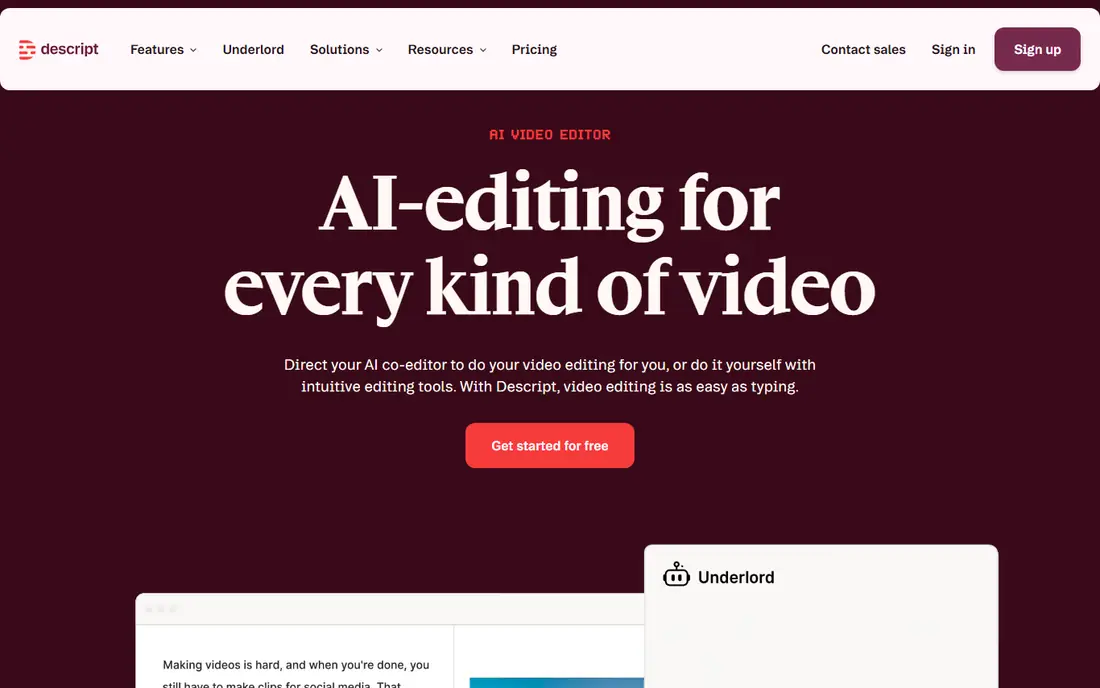
In short, Descript is for editing video by editing text. Descript changes how recorded video is edited. Beyond that, Filler-word removal, overdub-style voice correction, and remote recording tools round out a package that fits creators who record themselves instead of create footage.
Watch-outs: AI features consume credits on some plans.
In practice, pricing is best checked on the vendor page, as plans and credit allowances have shifted, and a free plan exists for testing. As for the details, Descript is less suited to pure generation, since its strength is editing real recordings. Worth adding: transcribe a recording, delete words from the transcript. The video edits itself, which makes cutting interviews, podcasts, and talking-head videos dramatically quicker. This comparison lists no price for Descript; ask the vendor. A free plan is available with Descript.
- Filler-word removal
- Studio-quality remote recording
- Pricing has changed often
HeyGen
Ideal for: Avatar marketing and translation

HeyGen works best for avatar marketing and translation. HeyGen competes with Synthesia on avatar quality and wins on marketing use. Its avatars look more natural in motion, and its video translation feature can convert a presenter video into another language with matched lip sync, which is valuable for global campaigns.
Drawbacks to consider: Credits and video length limits need careful management.
HeyGen's credit system means longer videos and translations consume budget quicker than a straightforward minute count recommends, so test a full campaign workflow before committing. The free plan permits a handful of videos a month, and Creator pricing is around $24 a month billed yearly. Starting cost for HeyGen: $24 per month. HeyGen has a free plan.
- Solid marketing templates
- Very lifelike avatars
- Higher plans needed for teams
Kapwing
Ideal for: Browser editing with AI assists
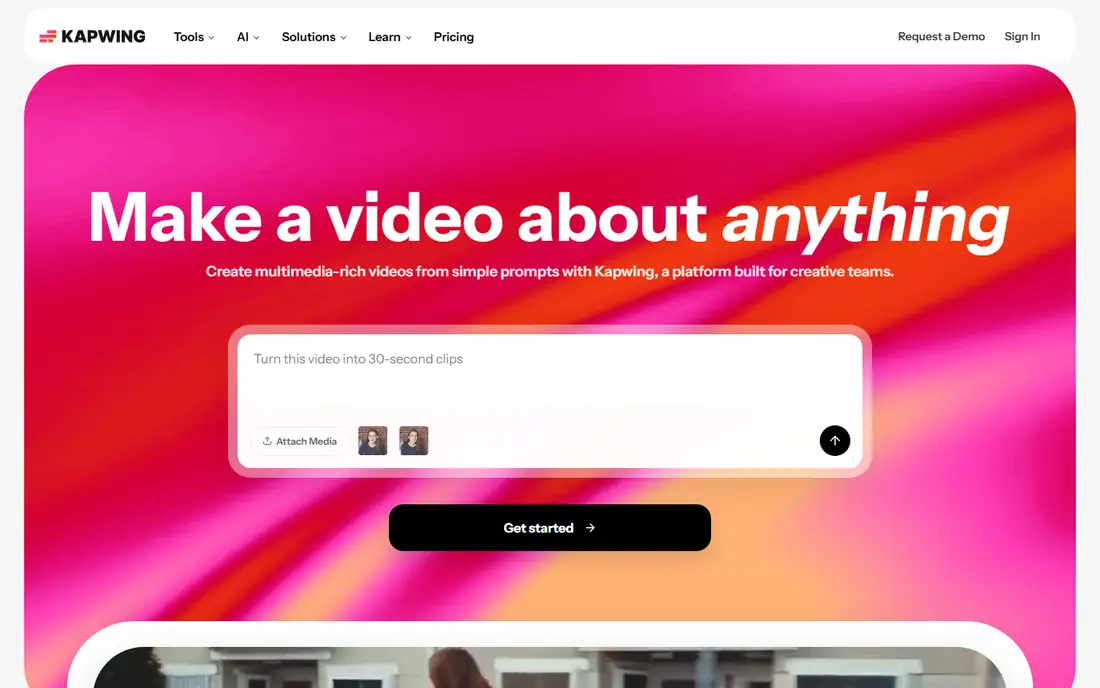
Where Kapwing fits: browser editing with AI assists. Free use exports at 720p with a watermark and restricted export length, and Pro pricing is around $16 a month billed yearly. From a buyer's view, Kapwing is a browser-based editor with AI layered in, instead of a generator with light editing.
Kapwing's strength is finishing: captions, branding, resizing for systems, and trimming are all simple here. In daily use, collaboration features suit small marketing teams that review and approve together. Price to start with Kapwing: $16 per month. Kapwing offers a free plan.
Downsides: Free exports are watermarked at 720p.
- Full browser editor with AI tools
- Collaboration features
- Rendering can be slow for long projects
OpusClip
Ideal for: Long video to vertical shorts
OpusClip is a good fit for long video to vertical shorts. Pair OpusClip with Descript for the best long-to-short workflow: Descript for the primary edit, OpusClip for the social cuts. Beyond that, starter pricing is around $15 a month, with a free plan offering restricted monthly credits and watermarked output.
Worth adding: for creators repurposing one long recording into a week of social content, that automation saves hours. For everyday use, human review remains essential, since automatic picks at times miss context or choose a weak hook. Price to start with OpusClip: $15 per month. OpusClip includes a free tier.
The main drawbacks: Quality relies on the source recording.
- Direct social publishing
- Auto-captions and reframing
- Clip selection still needs human review
Fliki
Ideal for: Faceless voiceover videos on a budget
Fliki is designed for faceless voiceover videos on a budget. Fliki is aimed at faceless channels, explainers, and voiceover-led content. The visual side is less distinctive than generative tools, since stock footage repeats across channels, and free use is restricted to a handful of minutes a month at lower resolution with a watermark.
On top of that, standard pricing is around $21 a month billed yearly. Paste a script, choose from thousands of AI voices, and Fliki matches scenes to stock footage or AI images, brings captions, and renders a finished video. Entry price for Fliki: $21 per month. Fliki offers a free plan.
Limits to weigh: Visuals rely heavily on stock.
- Huge voice library in numerous languages
- Avatar choices
- Higher plans needed for longer videos
Synthesia
Ideal for: Corporate training and explainers
For corporate training and explainers, Synthesia is a natural candidate. Synthesia turns a written script into a presenter video without a camera, studio, or actor.
Watch-outs: Video minutes are restricted on lower plans.
The limits are style and minutes. In practice, Synthesia videos look like presenter videos, not cinematic footage, and lower plans cap monthly video minutes. Synthesia starts at: $18 per month. You can start on Synthesia without paying.
- Templates for training and internal communication
- Simple script updates
- Avatar style is recognizable
InVideo
Ideal for: Prompt-to-video marketing videos
InVideo is designed for prompt-to-video marketing videos. Provide it a prompt, script, or topic, and it assembles a draft video from stock footage, AI-generated clips, voiceover, and captions, which you then refine in its editor. Also, for YouTube creators and marketers who publish weekly, InVideo's breadth justifies the ramp-up time.
the main limit is credits. Different models, resolutions, and durations consume credits at different rates, and unused credits do not roll over on subscription plans. Starting cost for InVideo: $20 per month. InVideo has a free plan.
Honest limits: Generated clips commonly need manual cleanup.
- Prompt-to-video with stock and generative models
- Large media library
- Credit use varies by model and resolution
How we compared the tools
Ainotely used vendor pricing pages and product documentation as the base, then compared plans, free access and documented limits for 7 tools. Prices and plan limits come from vendor pages and can change, so confirm them on the vendor site before you buy. The ranking is editorial: typical fit first, then clear pricing, then free access. If your needs are unusual, read the profiles rather than relying on position.
A buyer's checklist
- Get a written quote from Descript; the list shows no starting price for them.
- Look at free plan limits closely: Descript, HeyGen, Kapwing and others have one, and the caps decide whether it is usable for real work.
- Read the limits listed for Descript first: pricing has changed often.
- Before you load data into Descript, check what an export looks like and who can run it.
- Check the support hours and onboarding help Fliki offers; smaller vendors vary a lot here.
Frequently asked questions
How are the tools for AI tools for video content creation ordered?
Descript sits first and InVideo last because the order follows typical fit for AI tools for video content creation, then price clarity and free access. It is a judgement call, so read each profile for fit and limits.
Is Descript the right pick for everyone comparing AI tools for video content creation?
No single tool suits every team. Descript comes first because it fits editing video by editing text, while HeyGen suits avatar marketing and translation and Kapwing suits browser editing with AI assists. Match the tool to your own size, budget and workflow before deciding.
Can I try these tools before paying?
Often, yes. Descript, HeyGen, Kapwing and others have a free plan. Use your own data and a real task during the test, and check what the free tier or trial limits before you rely on it.
Do AI avatar videos look realistic?
Modern avatars from HeyGen and Synthesia look natural for training and marketing use, particularly at a glance, but close viewers can still spot avatar tells.
Do these tools publish their prices?
Not all of them. Descript publishes no starting price, so expect a quote request for it. The rest, HeyGen included, show a starting price, though seats and billing terms still change the final cost.
What is the best AI tool for video content creation overall?
This list starts with Descript, which fits editing video by editing text. For other needs, HeyGen is aimed at avatar marketing and translation, and Kapwing at browser editing with AI assists. Check each tool's price and main limit first.