Best AI Tools for Web App Development in 2026: 9 Tools Compared

- 1
 Claude Codelarge codebases, refactors and test-driven fixesVisit
- 2
 Cursoran AI-first editor with cloud agentsVisit
- 3
 GitHub Copilotadding AI to the editor you already useVisit
- 4
 Devinan editor plus cloud agents under one planVisit
- 5
 Lovablenon-coders who want a full app from a promptVisit
- Developers who want an agent that works across a whole codebase should look at Claude Code, Cursor and GitHub Copilot, which start at $20, $8 and $10 per month respectively for paid plans.
- If you do not code, Lovable, Bolt, v0, Replit and Base44 all turn a text prompt into a working web app, and each has a free tier.
- GitHub Copilot is the lowest-risk way to start in an existing editor: its free plan includes agent mode and 2,000 completions a month.
- Free plans are small. Lovable's free plan gives 5 build credits a day (up to 30 a month), and Base44's gives 25 message credits a month.
- Whatever you pick, review the generated code, keep secrets out of prompts, and test login and payment flows by hand.
Quick comparison
| Product | Ideal for | Price from | Free version | |
|---|---|---|---|---|
| Claude Code | large codebases, refactors and test-driven fixes | $20 per month | No | Visit |
| Cursor | an AI-first editor with cloud agents | Free | Yes | Visit |
| GitHub Copilot | adding AI to the editor you already use | Free | Yes | Visit |
| Devin | an editor plus cloud agents under one plan | Free | Yes | Visit |
| Lovable | non-coders who want a full app from a prompt | Free | Yes | Visit |
 Bolt | fast browser-based prototypes | Free | Yes | Visit |
 v0 | user interfaces that deploy to Vercel | Free | Yes | Visit |
 Replit | building, hosting and publishing in one place | Free | Yes | Visit |
 Base44 | apps that need a backend, database and login out of the box | Free | Yes | Visit |
The best AI tools for web app development
We split this list into two groups. The first four are coding assistants for people who read and edit code. The last five are app builders that generate a whole project from a description.
Claude Code
Ideal for: large codebases, refactors and test-driven fixes

Claude Code is the tool we would give to a working developer. Anthropic's product page says it maps large codebases, reproduces bugs, makes fixes and runs tests, and can read an issue on GitHub or GitLab and open a pull request. It runs in a terminal, in VS Code and JetBrains, on the web, in the desktop app and in Slack.
Access comes through a Claude plan. The Free plan does not include it. Pro is $20 per month ($17 per month billed annually), Max starts at $100 per month, and Team is listed at $20 per seat per month billed annually for 2 to 150 seats. Console users pay standard API rates. It suits people comfortable reviewing diffs, and it is less of a fit for someone who wants a finished app from one sentence.
- Works in the terminal, VS Code, JetBrains, the web and a desktop app
- Reads a whole repository and runs tests
- Asks before changing files or running commands
- Not included in the free Claude plan
- Usage limits apply
Cursor
Ideal for: an AI-first editor with cloud agents

Cursor describes itself as a coding agent for building software, offered as a desktop editor, a command-line tool and cloud agents that build and test features in parallel. Its homepage lists multi-model choice, GitHub pull request review and Slack integrations, and notes that Cursor is now part of SpaceX, with Grok 4.7 as the default model in its demos.
The pricing page lists Free, Plus at $8 per month, Premium at $30, Super at $100, Ultra at $200 and Teams from $30 per user. Usage is a pool that refreshes weekly. The detail to read carefully: the page says Plus includes only Grok models, and Premium and above include Grok usage but bill third-party models at API list price. If you want a particular outside model every day, work out the cost first.
- Desktop editor, CLI and cloud agents
- Choice of Grok, OpenAI, Anthropic and Gemini models
- Parallel agents for longer tasks
- Usage rules differ by plan and model
- Outside models are billed separately on higher plans
GitHub Copilot
Ideal for: adding AI to the editor you already use

Copilot is the least disruptive way to start. The plans page lists Free at $0 with agent mode, Pro at $10 per month, Pro+ at $39 and Max at $100. The FAQ limits Free to 2,000 completions a month and entry-level models, and the comparison shows the coding agent (assign work, get a pull request) from Pro and third-party agents such as Claude and Codex from Pro+.
Monthly AI credits scale with the plan, from $15 total on Pro to $200 on Max. Copilot supports VS Code, Visual Studio, JetBrains, Xcode, Neovim and Eclipse, so it fits teams on mixed editors. Because it is tied to GitHub, it makes most sense if your repositories already live there.
- Free plan includes agent mode and 2,000 completions a month
- Works in VS Code, Visual Studio, JetBrains, Xcode and more
- Coding agent can turn tasks into pull requests
- The free plan uses entry-level models
- The coding agent starts at the $10 Pro plan
Devin
Ideal for: an editor plus cloud agents under one plan
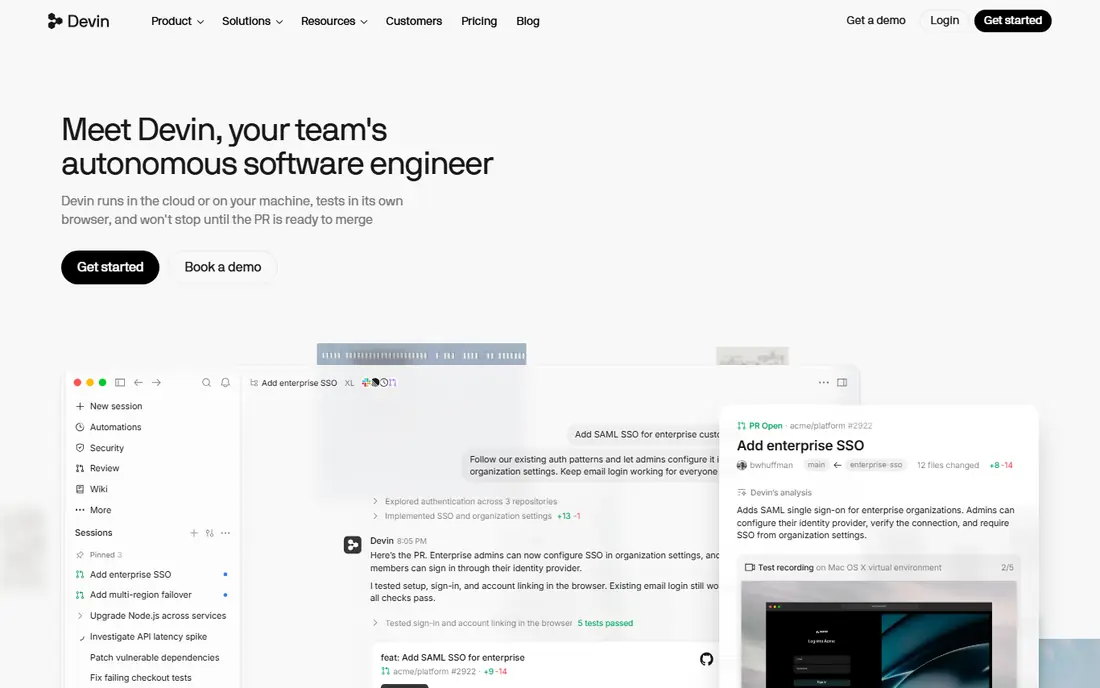
Visiting windsurf.com now redirects to Devin's pricing page, which lists Devin Desktop for the editor and Devin Cloud for agents. The Free plan gives a light quota to code with agents, limited models, and unlimited inline edits and Tab completions. Pro is $20 per month, with higher quotas, frontier models from OpenAI, Claude, Gemini and SpaceXAI, and Devin Cloud.
Max is $200 per month, and Teams is $80 per month for the team plus $40 per month per full developer seat. The page does not give exact quota numbers, and it does not name Windsurf, so articles written before the change may describe a different product. Test the free plan on a small project before moving your team.
- Free plan with unlimited tab completions and inline edits
- Pro at $20 per month adds cloud agents and frontier models
- Teams plan for up to 200 users
- The page names Devin Desktop, not Windsurf, so older guides may describe a different product
- Exact quotas are not listed
Lovable
Ideal for: non-coders who want a full app from a prompt
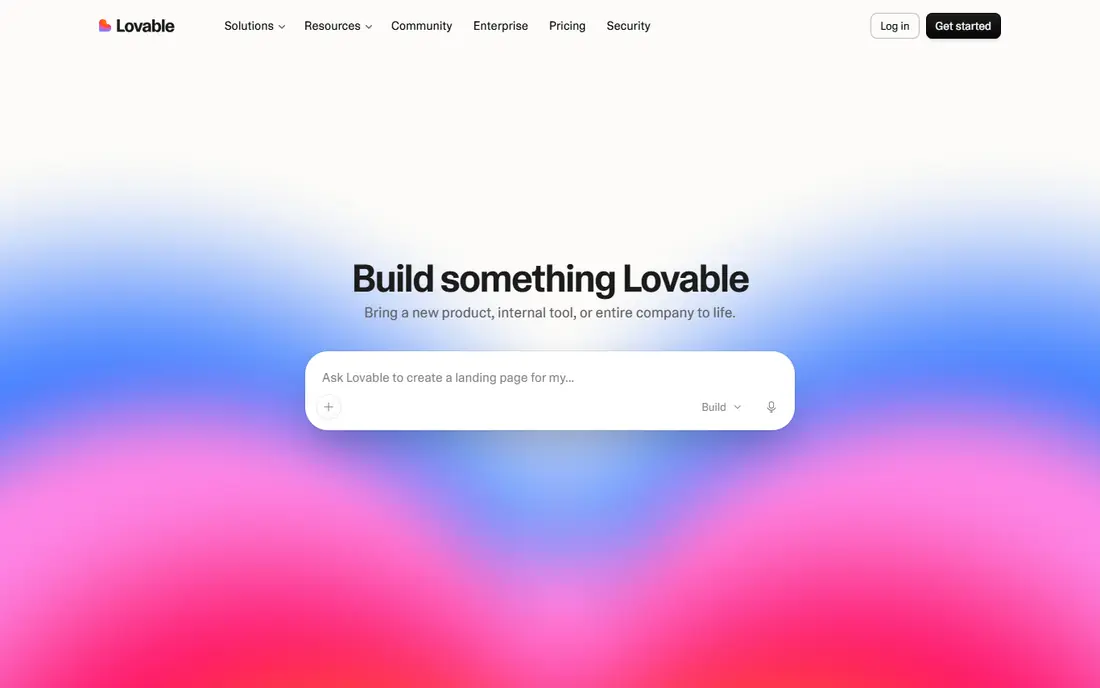
Lovable generates an application from a conversation. Its docs list a Free plan with 5 daily build credits capped at 30 per month, a monthly Cloud grant of 20 credits and 4 AI credits. Publishing on Free is limited to invited people, up to 10 per project, and it does not allow code editing, code download, custom domains or badge removal.
Pro starts at $25 per month billed monthly ($21 per month billed annually) for 100 monthly credits, and Business starts at $50 per month. Git sync works on all plans, including GitHub, GitLab and Bitbucket, which is useful if you later hand the project to a developer. Credits run out quickly on a complex app, so describe changes carefully.
- Free plan includes Git sync
- Builds an app from a chat conversation
- Pro adds custom domains and badge removal
- Free plan allows only 30 build credits a month
- No code editing or download on free
Bolt
Ideal for: fast browser-based prototypes

Bolt builds and previews apps in the browser. The pricing page lists a free plan with 1M tokens a month, a 300K daily limit, public and private projects, unlimited databases and website hosting, but with Bolt branding on sites and no access to the newest models.
Pro is $18 per month billed annually ($216 per year) for 10M tokens with rollover, your own domain, a choice of database provider, connectors and MCPs. The page does not list a monthly-billing price for Pro. Teams is $27 per member per month billed annually. Bolt suits quick experiments, and heavy use will need Pro.
- Free plan with 1M tokens a month and private projects
- Hosting included
- Pro adds your own domain and no Bolt branding
- Free plan has a 300K daily token limit and no rollover
- Websites carry Bolt branding
v0
Ideal for: user interfaces that deploy to Vercel

v0 comes from Vercel and leans toward interfaces and front ends. Its pricing page lists a Free plan with a 7 messages-per-day limit, GitHub sync, deploy to Vercel and visual editing with Design Mode. Plus adds all models, shared team chats and centralized billing, with monthly credits and a $2 daily credit on login.
The page shows the Plus price as "$30$90 per user per month," and the text does not say which figure is current, so confirm the price at checkout. Business is $100 per user per month. A banner also mentions $5 in one-time credits for new users. v0 is a good first stop for screens and landing pages and a weaker choice for complex back-end logic.
- Free plan includes GitHub sync, Vercel deploy and Design Mode
- Strong for front-end screens
- Shared team chats on paid plans
- Free plan limited to 7 messages a day
- The Plus price display is unclear
Replit
Ideal for: building, hosting and publishing in one place

Replit puts the editor, Agent, database and hosting in one product. The homepage says you describe a project and Agent writes the code, with hosting, authentication, a database and monitoring built in. The Starter plan is $0 with daily free usage, a built-in database and one live published project.
Core is $20 per month ($18 per month billed annually), and Pro is $100 per month ($90 billed annually) with 10 parallel agents. The pricing page does not describe free-plan limits in detail or list deployment costs, so check what publishing costs before you point a domain at an app. It is a strong fit for solo builders who would rather not wire up hosting themselves.
- Agent writes code from plain-language prompts
- Hosting, database and authentication built in
- Starter plan is free
- Free plan allows one live published project and one background task
- The pricing page does not detail free-plan limits
Base44
Ideal for: apps that need a backend, database and login out of the box
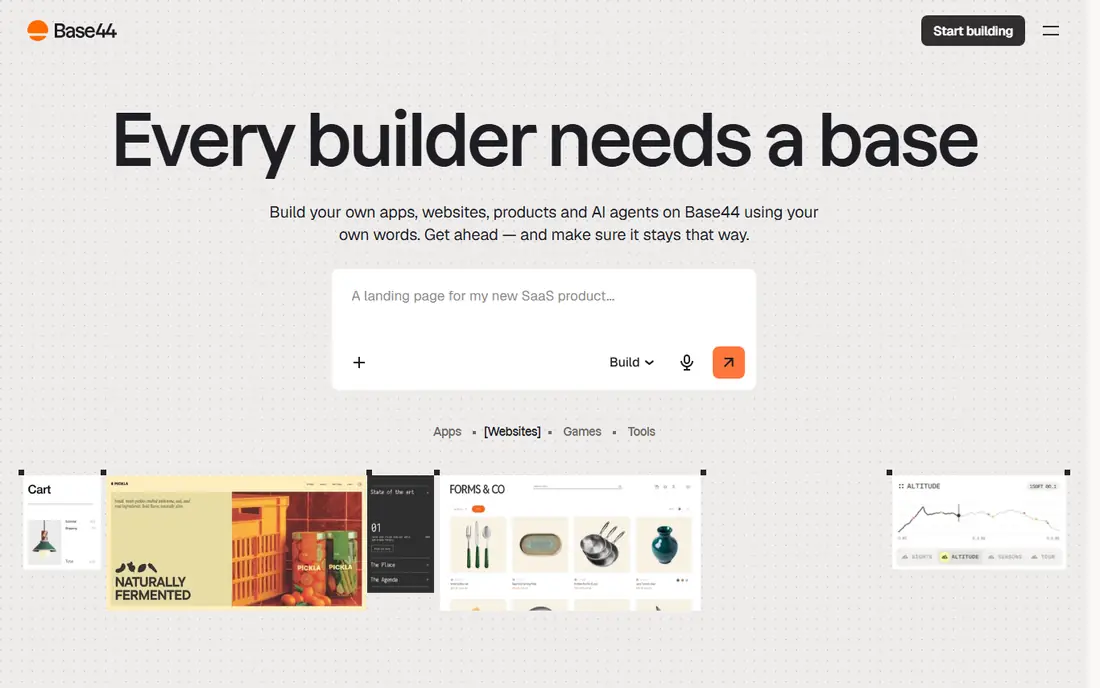
Base44 packages the pieces a small app needs. Its pricing page says every plan includes AI-powered app building, a backend and database, cloud storage, authentication and user management, an analytics dashboard and debugging tools. Free offers 25 message credits and 100 integration credits a month, with up to 5 apps.
Paid plans start at Starter, $16 per month billed annually for 100 message credits, then Builder at $40 (adds model choice and GitHub integration), Pro at $80 and Elite at $160. The page notes that annual billing saves 20% and does not list monthly prices. Base44 is easy to start with, but credits are the limit, so expect to upgrade for any real project.
- Every plan includes backend, database, storage, authentication and analytics
- Free plan allows up to 5 apps
- Low entry price
- Free plan gives only 25 message credits a month
- GitHub integration starts at the $40 Builder plan
How we picked these
We did not build the same app in every tool, so this is not a ranking by output quality. We compared official pricing pages, product pages and documentation for what each tool does, what a free account includes and what the next paid tier costs. We prioritized tools that go beyond autocomplete, have an official site that loads today, and serve both developers and non-coders. Prices are in US dollars as of 24 October 2026, and these products change plans often.
Buying guide: choosing an AI web development tool
Match the tool to your skill level
If you read code, start with a coding assistant (Claude Code, Cursor, Copilot or Devin). They work on your own repository and leave you in control. If you do not code, an app builder (Lovable, Bolt, v0, Replit or Base44) gets you a working first version faster, but you depend on the platform for hosting and changes.
Check code ownership and exit options
Ask whether you can export the code. Lovable lists Git sync on all plans but no code download on Free, and Base44 lists GitHub integration from its $40 Builder plan. A tool you cannot leave becomes expensive later.
Read how usage is metered
Credits, tokens, messages and "usage pools" all mean different things. Cursor and Copilot meter model usage by plan, while Lovable, Base44 and Bolt cap by credits or tokens. Estimate a month of real work on the free plan before you buy.
Review and secure what the AI writes
AI-generated apps often skip basic protections. Check authentication, input validation and permissions by hand, keep API keys out of prompts and repositories, and run a code scanner. Test sign-up, login, password reset and any payment flow yourself before real users arrive.
Frequently asked questions
What are the best AI tools for web development?
For developers, Claude Code, Cursor and GitHub Copilot are the main coding assistants. For people who do not code, Lovable, Bolt, v0, Replit and Base44 build apps from prompts. The best choice depends on whether you want to edit code or describe an app.
What is the best AI for web app development if I cannot code?
Lovable, Replit and Base44 are the most complete options because they include hosting or a backend. Expect to hit free-plan limits quickly and plan a small budget. You should still have someone review anything that handles user accounts or payments.
Are there free AI developer platforms?
Yes. GitHub Copilot, Cursor, Devin, Lovable, Bolt, v0, Replit and Base44 all list free plans. Claude Code requires a paid Claude plan or API billing. Free tiers are meant for trying the tool, not for running a business.
Can AI build a complete web app on its own?
It can produce a working first version, but production apps still need testing, security checks and ongoing maintenance. Treat AI output as a draft that you or a developer must verify.
Is it safe to put my code into these tools?
Read each vendor's privacy and data policy. Some plans offer training opt-outs, and v0 lists it by default only on Business. If your code is sensitive, ask the vendor in writing before you paste it in.
Sources
- https://claude.com/product/claude-code
- https://claude.com/pricing
- https://cursor.com/
- https://cursor.com/pricing
- https://github.com/features/copilot
- https://github.com/features/copilot/plans
- https://devin.ai/pricing
- https://windsurf.com/pricing
- https://lovable.dev/pricing
- https://docs.lovable.dev/introduction/subscription-plans
- https://bolt.new/pricing
- https://v0.app/pricing
- https://replit.com/
- https://replit.com/pricing
- https://base44.com/pricing