5 AI Tools for Work Productivity Options Ranked for 2026

- 1
 MotionAuto scheduling tasks and calendarVisit
- 2
 Microsoft 365 CopilotAI inside Word, Outlook and TeamsVisit
- 3
 Otter.aiMeeting transcription and notesVisit
- 4
 Gemini for WorkspaceAI inside Gmail and DocsVisit
- 5
 ChatGPTGeneral purpose drafting and analysisVisit
- Motion is the opening pick, best for auto scheduling tasks and calendar.
- Only 2 of the 5 tools have a free plan (Otter.ai, ChatGPT), so check the caps.
- The lowest published monthly entry price here is $8.33 per user per month billed annually, from Otter.ai.
- For general purpose drafting and analysis, ChatGPT is worth a look.
Direct answer
For auto scheduling tasks and calendar, Motion is where this list starts. If your case is different, Microsoft 365 Copilot suits AI inside Word, Outlook and Teams and Otter.ai suits meeting transcription and notes. Prices, free plans and limits for all 5 tools follow.
Quick comparison
| Product | Ideal for | Price from | Free version | |
|---|---|---|---|---|
| Motion | Auto scheduling tasks and calendar | $19 per seat a month billed annually | No | Visit |
| Microsoft 365 Copilot | AI inside Word, Outlook and Teams | $18 per user a month billed yearly | No | Visit |
| Otter.ai | Meeting transcription and notes | $8.33 per user per month billed yearly | Yes | Visit |
| Gemini for Workspace | AI inside Gmail and Docs | $14 per user a month | No | Visit |
| ChatGPT | General purpose drafting and analysis | $20 a month | Yes | Visit |
The best AI tools for work productivity
If you are comparing AI tools for work productivity, this page covers 5 tools in one place: what each is best for, what it costs to start, whether it has a free plan, and the main limit to know about.
Motion
Ideal for: Auto scheduling tasks and calendar
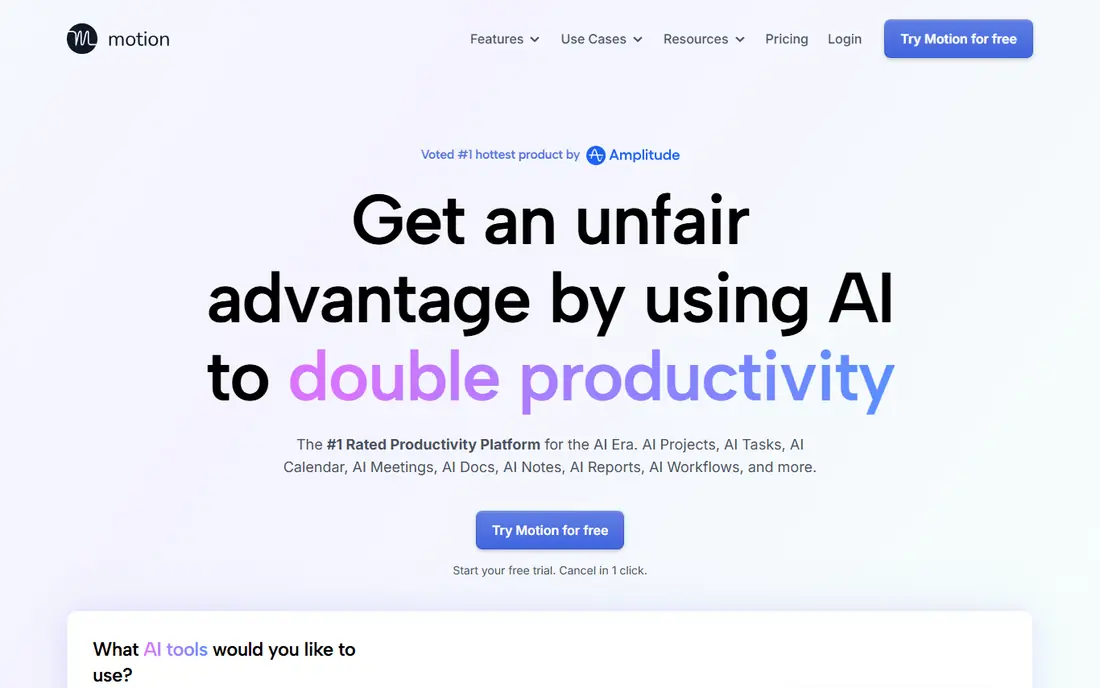
Think of Motion for auto scheduling tasks and calendar. Motion attacks the planning problem straight. That makes it a commitment tool.
The main drawbacks: teams with fixed external schedules gain less; the system only works if you keep tasks and estimates honest, which is a habit change.
Individual professionals and small teams are the fit; large organisations should look at Reclaim below as well before choosing. People who treat it as a to do list with additional steps churn out within per month. Beyond that, Pro AI pricing works out at 19 dollars per seat a month billed yearly, or 29 month to month. Starting cost for Motion: $19 per seat per month billed annually. Motion has no free tier.
What Motion does well: comes with project and task management, so it replaces two tools for some users.
- Reschedules immediately when meetings land or work overruns
- Takes your task list and builds your day automatically around deadlines and priorities
- No free plan, only a trial
Microsoft 365 Copilot
Ideal for: AI inside Word, Outlook and Teams
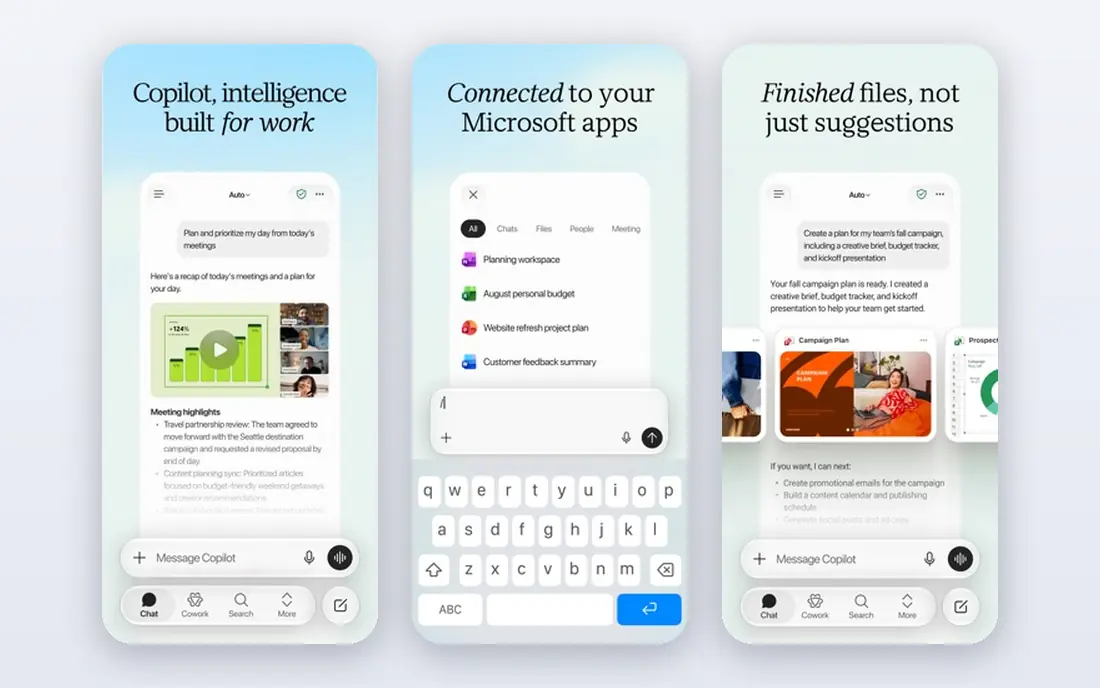
Microsoft 365 Copilot is designed for AI inside Word, Outlook and Teams. Microsoft's pages currently present a promotional 18 dollars per user a month billed yearly, whereas the long standing list price for the add on has been 30 dollars.
Also, get the renewal figure in writing before a company broad rollout; across 200 seats the difference is a real budget line. On cost, Microsoft 365 Copilot starts like this: $18 per user per month billed annually. Microsoft 365 Copilot has no permanent free option.
What to check first: current promotional pricing at 18 dollars per month sits below the long standing 30 dollar list price, so renewal terms need checking; value relies on living in Microsoft apps all day.
Highlights: Works inside Word, Excel, Outlook.
- Enterprise data protections come from the Microsoft 365 contract
- Drafts from your own documents and summarises your own email and meetings
- Rollout without training tends to stall at novelty use
Otter.ai
Ideal for: Meeting transcription and notes

Otter.ai makes the most sense for meeting transcription and notes. Otter is strong on clean audio and mainstream accents, weaker on crosstalk, jargon and names. In daily use, use its summaries as minutes drafts, not as the record of truth for anything contractual.
What users get: free plan includes 300 transcription minutes per month.
For people in back to back meetings, the archive is the product: what you agreed with a client in March becomes answerable. The free plan's 300 minutes per month spans light use. Accuracy is the honest limit. Otter.ai pricing: $8.33 per user per month billed annually. A free plan is available with Otter.ai.
Limits to weigh: transcription accuracy drops with poor audio and capable accents; summaries still need a human skim before actions are trusted.
- Automatic transcription and summaries for Zoom
- Meet and Teams calls
- Monthly billing at 16.99 dollars is double the annual rate
Gemini for Workspace
Ideal for: AI inside Gmail and Docs
Where Gemini for Workspace fits: AI inside Gmail and Docs. Gemini for Workspace is Google's mirror of the Copilot play: AI inside Gmail, Docs, Sheets, Slides and Meet, bundled into Business plans instead of sold as an add on.
Limits to weigh: output needs checking before it goes out; plan editions decide which Gemini features you actually get.
For Google based businesses this is normally the first AI purchase to evaluate, since the marginal cost is close to zero if you already pay for Workspace. Gemini for Workspace starts at: $14 per user per month. There is no free plan with Gemini for Workspace.
- Bundled into Google Workspace Business plans from 14 dollars per user a month, so there is no separate AI invoice
- Sheets and Meet
- No use to firms outside the Google ecosystem
ChatGPT
Ideal for: General purpose drafting and analysis
ChatGPT works best for general purpose drafting and analysis. ChatGPT is the generalist most workplaces start with. Its weakness is the standing one for this category: confidence without accuracy guarantees.
What to check first: Output still needs fact checking; particularly figures and citations.
The plan decision matters as much as the tool: personal accounts used for company material raise data questions your IT team will not enjoy, so use a business plan for company work. Treat it as a quick junior colleague whose work you check, and it saves hours. The starting price for ChatGPT: $20 per month. A free plan is available with ChatGPT.
- Handling drafting, summarising
- Images and code in one place
- Business pricing at 25 dollars per user a month brings up across a company
What went into this list
Pricing pages, product documentation and feature lists were the main sources, and every entry carries at least one honest drawback. Plan names, prices and limits change often. Treat the figures here as a starting point and verify them with the vendor. Tools are placed by general fit for AI tools for work productivity, with price clarity and free access as tie-breakers. A different team can reasonably rank them differently.
Questions to settle before buying
- Confirm the entry price on the vendor page: Otter.ai starts at $8.33 per user per month billed annually, but seat counts and billing terms change the total.
- Check what the free option really includes: Otter.ai and ChatGPT offer a free plan, and usage caps differ.
- Work out what Gemini for Workspace costs with your real seat count, add-ons and usage, not just the entry price.
- Confirm that Microsoft 365 Copilot connects to the apps your team already uses, on the plan you would actually buy.
- Check whether the features you need in Motion sit on the entry plan or only on higher tiers.
Frequently asked questions
Which options for AI tools for work productivity have a free plan?
On this list, Otter.ai and ChatGPT include a free plan. Caps on seats, usage or features are common, so test the free plan against your real workload.
How many AI productivity tools does one person need?
Normally two or three: a general assistant, a meeting tool if your week is calls, and the AI inside your office suite. Gains fall off as more tools are added.
Is Motion the right pick for everyone comparing AI tools for work productivity?
No single tool suits every team. Motion comes first because it fits auto scheduling tasks and calendar, while Microsoft 365 Copilot suits AI inside Word, Outlook and Teams and Otter.ai suits meeting transcription and notes. Match the tool to your own size, budget and workflow before deciding.
What is the cheapest option for AI tools for work productivity in this list?
On published monthly entry prices, Otter.ai is the lowest here at $8.33 per user per month billed annually. Entry price is only part of the cost, because seats, add-ons and billing terms can change the total.
Can I try these tools before paying?
Often, yes. Otter.ai and ChatGPT have a free plan. Use your own data and a real task during the test, and check what the free tier or trial limits before you rely on it.