7 AI Tools for YouTube Automation Options Ranked for 2026

- VidIQ takes the first slot, best suited to optimizing videos to get discovered.
- TubeBuddy fits bulk management and YouTube SEO.
- A free plan is offered by 6 of the 7 tools, including VidIQ, InVideo, Descript and Lumen5.
- What to know about Descript first: less capable for complicated visual editing.
Direct answer
Start with VidIQ if you need optimizing videos to get discovered. InVideo is better for template-driven video creation at scale, and Descript is better for editing video by editing text. Prices, free plans and limits for all 7 tools follow.
Quick comparison
| Product | Ideal for | Price from | Free version | |
|---|---|---|---|---|
 VidIQ | Optimizing videos to get discovered | Free; premium plans (see website) | Yes | Visit |
 InVideo | Template-driven video creation at scale | Free; premium plans (see website) | Yes | Visit |
 Descript | Editing video by editing text | Free; premium plans (see website) | Yes | Visit |
 Lumen5 | Turning blog posts into videos | Free; premium plans (see website) | Yes | Visit |
 Pictory | Faceless YouTube channels from scripts | Free trial; premium plans (see website) | Free trial | Visit |
 Opus Clip | Turning long videos into viral Shorts automatically | Free; premium plans (see website) | Yes | Visit |
 TubeBuddy | Bulk management and YouTube SEO | Free; premium plans (see website) | Yes | Visit |
AI Tools for YouTube Automation, one by one
Choosing AI tools for YouTube automation usually comes down to price, fit and limits. This Ainotely guide sets 7 tools side by side on those three points, with the facts kept short and checkable.
VidIQ
Ideal for: Optimizing videos to get discovered
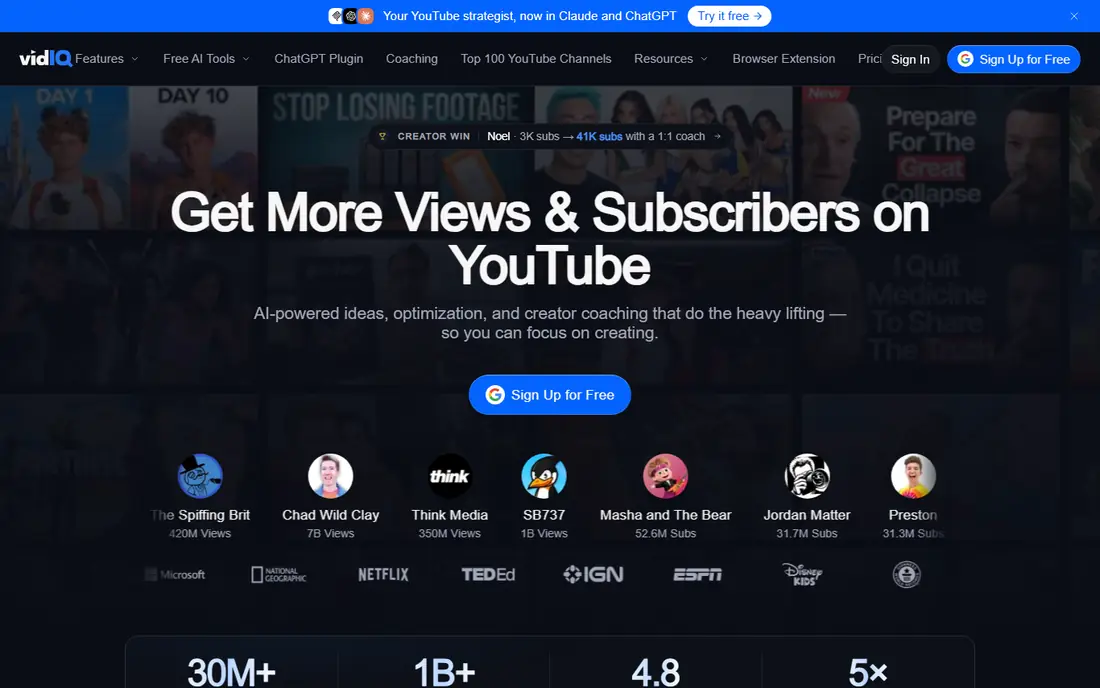
Think of VidIQ for optimizing videos to get discovered. VidIQ is the SEO toolkit for YouTube: keyword scores, trending topics, competitor analysis and AI-generated titles, descriptions and thumbnail ideas.
The browser extension puts the data inside YouTube itself. VidIQ starts at: Free. Free access exists with VidIQ.
Limits to weigh: Best features on premium levels.
- AI title and thumbnail help
- Keyword research for YouTube
- Data estimates not exact
InVideo
Ideal for: Template-driven video creation at scale
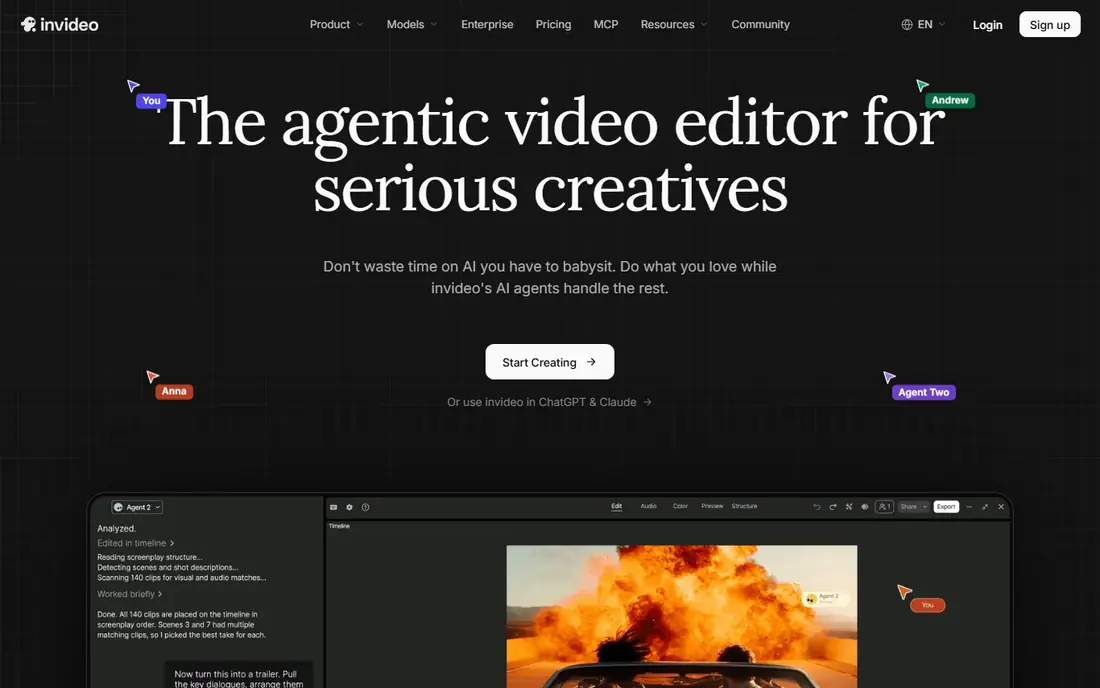
InVideo is aimed squarely at template-driven video creation at scale. InVideo merges templates with AI assistance: start from thousands of templates or create from a prompt, then customize in a capable editor.
Where it falls short: Premium stock costs additional.
The free level is genuinely handy, and the template quality exceeds most competitors. Entry price for InVideo: Free. You can start on InVideo without paying.
What works well: Decent free level.
- Massive template library
- Easy-to-learn editor
- Less AI automation than Pictory
Descript
Ideal for: Editing video by editing text
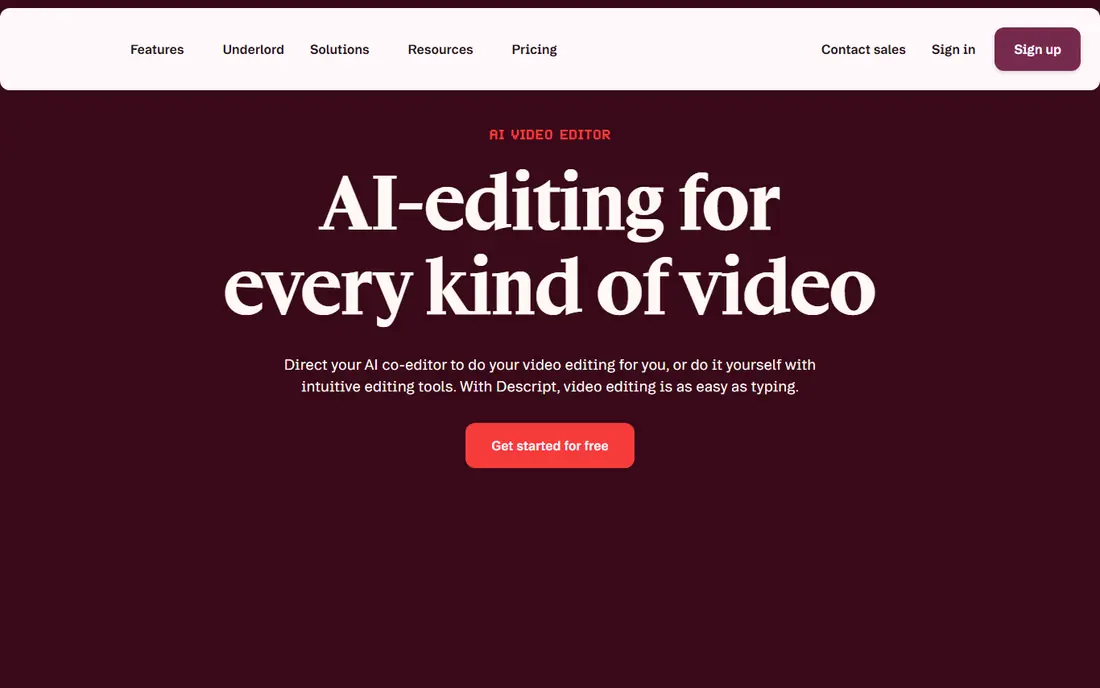
Descript is a good fit for editing video by editing text. Complicated visual effects, color grading and motion graphics are thinner than Premiere or Resolve.
On top of that, Descript transcribes your video and lets you edit by deleting text: cut a sentence from the transcript and the video cuts itself. Descript cost at the entry level: Free. Free access exists with Descript.
Limits to weigh: Less feature-rich for complicated visual editing.
- Overdub voice cloning
- Revolutionary text-based editing
- Transcription errors need fixing
Lumen5
Ideal for: Turning blog posts into videos
Lumen5 serves turning blog posts into videos. Lumen5 converts articles into videos automatically: it extracts key points, matches stock footage, and applies your brand kit. As for the details, bloggers and content marketers extend written content to YouTube without video skills.
In practice, the AI's footage matching at times misses the mark, requiring manual fixes. Worth adding: the brand customization keeps output on-brand. Starting cost for Lumen5: Free. Free access exists with Lumen5.
Points against: AI matching imperfect.
- Straightforward workflow
- Brand kits
- Less adaptable than general editors
Pictory
Ideal for: Faceless YouTube channels from scripts
Pictory makes the most sense for faceless YouTube channels from scripts. Pictory turns a script or blog post into a complete video: stock footage matched to the text, AI voiceover, captions and music, all automatic. For volume-driven faceless content, the economics are unbeatable: one person can run several channels.
Downsides: AI voices still recognizable.
In practice, the workflow from idea to published video can be under an hour. In practice, Uncustomized output looks templated, and viewers increasingly recognize AI voices. Faceless channels in finance, history and listicle niches produce daily content without filming or voice recording. Pictory cost at the entry level: Free trial. On free options: Free trial.
- Huge stock library
- Script-to-video in minutes
- Template feel without customization
Opus Clip
Ideal for: Turning long videos into viral Shorts automatically
Opus Clip makes the most sense for turning long videos into viral Shorts automatically. Opus Clip watches your long video, finds the moments most likely to perform as Shorts, and edits them with captions, reframing and hooks automatically. The AI struggles with slow-paced, highly visual or context-dependent content where the "moment" is not in the words.
Credit pricing means heavy users pay meaningfully. For talk-heavy content (podcasts, interviews, streams), it is the most effective repurposing tool available. Podcasters and streamers repurpose hours of content into dozens of clips without manual editing. On cost, Opus Clip starts like this: Free. A free plan is available with Opus Clip.
Where it is weaker: Credit-based pricing.
- Auto captions and reframing
- Direct social publishing
- AI misses context in slow or visual content
TubeBuddy
Ideal for: Bulk management and YouTube SEO
TubeBuddy is aimed squarely at bulk management and YouTube SEO. TubeBuddy excels at channel operations: bulk update descriptions, cards and end screens across hundreds of videos.
A/B test thumbnails; find and fix SEO issues at scale. Worth adding: Thumbnail A/B testing is the standout unique feature. TubeBuddy starts at: Free. You can start on TubeBuddy without paying.
Watch-outs: Overlaps with VidIQ.
- Solid SEO features
- A/B thumbnail testing
- Interface dated
How we compared the tools
For each of the 7 tools we noted price, free plan or trial, fit for AI tools for YouTube automation and the main limit, using vendor pages and documentation. Seat minimums, billing terms and add-ons can move the real cost, so the starting prices here are a guide and not a quote. Position on the page reflects fit for a typical buyer first, with price clarity and free access breaking ties. Treat it as a guide, not a ruling.
Pre-purchase checklist
- Check the current price for VidIQ, TubeBuddy and the rest on each vendor page, since seats and billing terms change the total.
- Check what the free option really includes: VidIQ, InVideo, Descript and others offer a free plan, and usage caps differ.
- Take the trial from Pictory and push a live task through it before you pay.
- Read the limits listed for VidIQ first: data estimates not exact.
- Check how data leaves Lumen5: formats, limits and whether exports are available on every plan.
- Check whether the features you need in Opus Clip sit on the entry plan or only on higher tiers.
Frequently asked questions
What is the best AI tool for YouTube Shorts?
This list starts with VidIQ, which fits optimizing videos to get discovered. For other needs, InVideo is aimed at template-driven video creation at scale, and Descript at editing video by editing text. Check each tool's price and main limit first.
How are the tools for AI tools for YouTube automation ordered?
VidIQ sits first and TubeBuddy last because the order follows typical fit for AI tools for YouTube automation, then price clarity and free access. It is a judgement call, so read each profile for fit and limits.
Which AI voice sounds most natural?
Test voices with your actual scripts: a voice that sounds excellent reading narration may fail at energetic Shorts delivery. Budget for premium voices: the free AI voices are the most recognizable and the fastest way to sound generic.
Is VidIQ the right pick for everyone comparing AI tools for YouTube automation?
No single tool suits every team. VidIQ comes first because it fits optimizing videos to get discovered, while InVideo suits template-driven video creation at scale and Descript suits editing video by editing text. Match the tool to your own size, budget and workflow before deciding.
Can I try these tools before paying?
Often, yes. VidIQ, InVideo, Descript and others have a free plan and Pictory offers a free trial. Use your own data and a real task during the test, and check what the free tier or trial limits before you rely on it.
How do I avoid AI content looking generic?
Customize aggressively: unique scripts, branded visuals, better AI voices, human review of every output. The template look comes from accepting defaults. Top automatic channels spend their saved production time on better ideas and packaging, not on publishing more mediocre videos.