6 Best AI Tools to Animate Photo to Video Options for 2026

- Kling AI sits first on this list: subject consistency from one photo.
- The cheapest monthly starting price in the list is $10 per month, offered by Kling AI.
- What to know about Kling AI first: credit cost per clip varies by mode and displays at generation time, commercial use needs a premium plan, busy periods can queue free users.
- Luma Dream Machine fits start and end keyframe shots.
- Free plans exist at 5 of 6 tools (Kling AI, Pika, Hailuo AI, Runway, PixVerse).
Direct answer
Kling AI comes first here, mainly for subject consistency from one photo. Alternatives: Pika for playful effects on a photo, and Hailuo AI for reference based character clips. Details, prices and limits for the rest of the 6 tools are below.
Quick comparison
| Product | Ideal for | Price from | Free version | |
|---|---|---|---|---|
 Kling AI | Subject consistency from one photo | $10 per month | Yes | Visit |
 Pika | Playful effects on a photo | $10 a month | Yes | Visit |
 Hailuo AI | Reference based character clips | $14.99 per month | Yes | Visit |
 Runway | Controlled motion from a still | $15 a month | Yes | Visit |
 PixVerse | Transitions between two photos | $10 a month | Yes | Visit |
 Luma Dream Machine | Start and end keyframe shots | $30 per month | No | Visit |
The full AI tools to animate photo to video list
Short on time? The summary and table above give the quick view of 6 tools for AI tools to animate photo to video, and the profiles that follow give the detail behind each entry.
Kling AI
Ideal for: Subject consistency from one photo
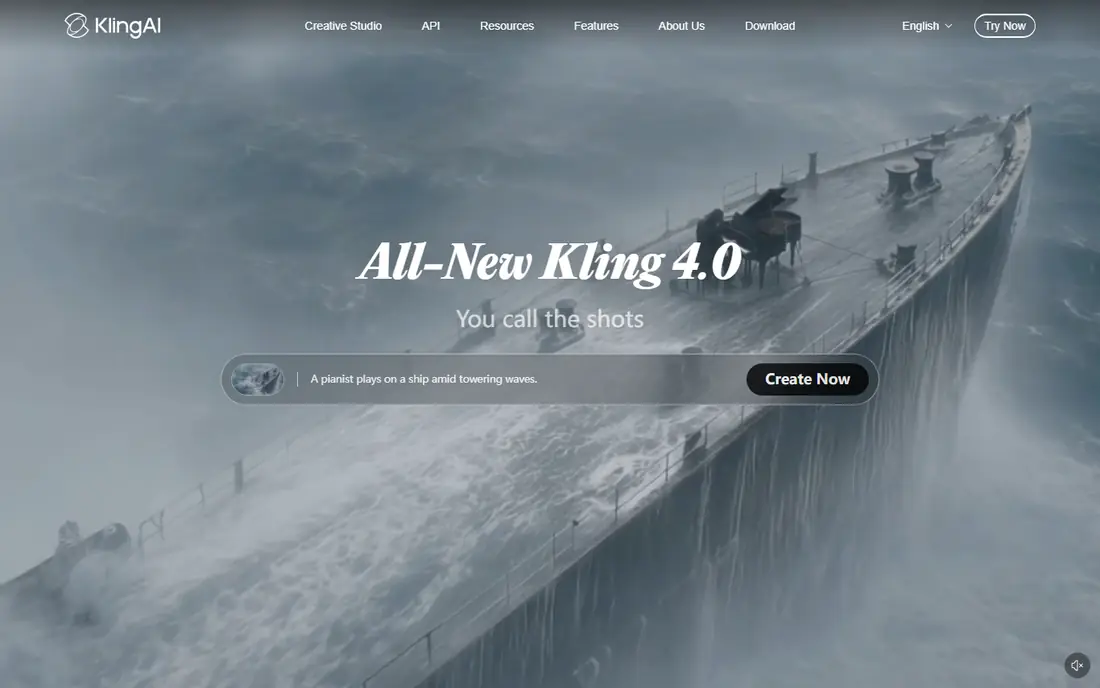
Kling AI was built for subject consistency from one photo. Its 3.0 line can add matched audio, which saves a separate sound pass for straightforward clips.
Downsides: commercial use needs a premium plan.
What Kling AI does well: Faces and products from a still hold together through movement.
Starting cost for Kling AI: $10 per month. A free plan is available with Kling AI.
- Standard plan at $10 a month
- Hair and water
- Credit cost per clip varies by mode and displays at generation time
Pika
Ideal for: Playful effects on a photo
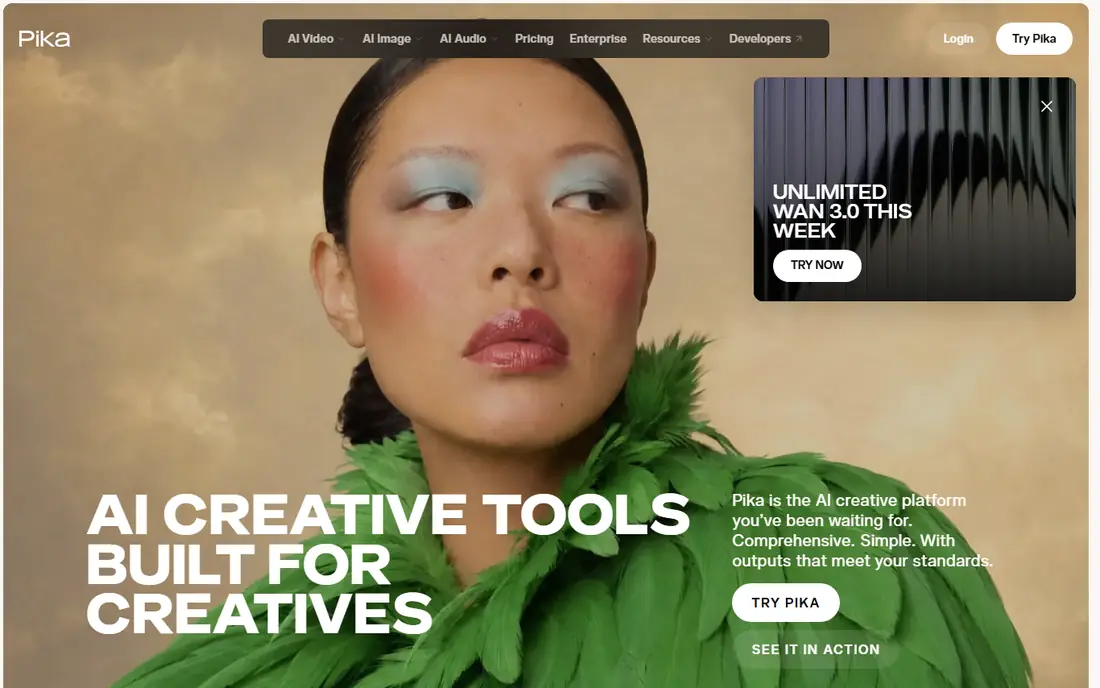
For playful effects on a photo, Pika is a natural candidate. Pika treats your photo as raw material for a joke, a reveal or a surreal loop. More specifically, Pika will not provide you a believable product film, and its less expensive plans restrict commercial use and watermark free downloads, with commercial rights reported to start at the Creator level around $35 a month.
More specifically, use it where playful is the brief, and price the higher level if the output is for a client. Be honest about the fit. Pika pricing: $10 per month. You can start on Pika without paying.
The main drawbacks: Effects lean playful rather than realistic.
- Straightforward enough for a first time user
- Inflate or explode the subject of a photo
- Restricted camera direction compared to Runway or Luma
Hailuo AI
Ideal for: Reference based character clips
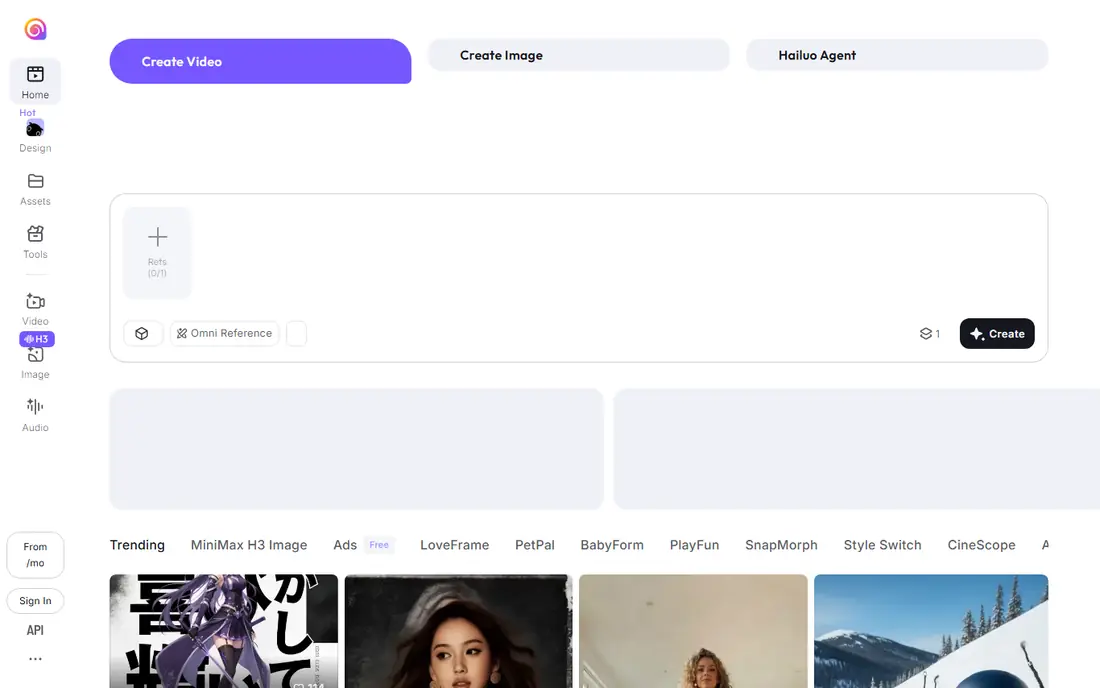
Hailuo AI targets reference based character clips. Sources quoted $9.99 a month for the entry level earlier in 2026 and $14.99 in more recent checks, and the figure here follows the recent checks.
Watch-outs: Entry price quoted at both $9.99 and $14.99 across 2026 sources.
Feed it a character photo as a reference, and later clips keep returning to the same face and outfit, which is what short story and mascot content needs. Its prompt following is precise, so a direction like a slow head turn with a blink typically lands as written. Hailuo AI starts at: $14.99 per month. Free access exists with Hailuo AI.
Main advantages: Reference images keep a character's look across multiple clips.
- Welcome credits for new accounts
- Close prompt following for motion detail
- Credit rules change with little notice
Runway
Ideal for: Controlled motion from a still
Runway is a good fit for controlled motion from a still. Standard at $15 a month is the working entry.
Where it falls short: Free credits are a one time batch of 125.
The surrounding editor lets you trim and extend the clip without leaving the tool. Start the workflow in Runway when the photo matters and the move needs directing: a slow push in on a product shot, a portrait that turns its head on cue. Entry price for Runway: $15 per month. Runway offers a free plan.
- Image to video with camera direction and motion brush style control
- Extend and edit the lead to the same timeline
- Fine control takes practice to learn
PixVerse
Ideal for: Transitions between two photos
PixVerse is built with transitions between two photos in mind. The V6 model also extends clips to 15 seconds, which cuts stitching. In daily use, the free plan refills credits daily, enough for about one watermarked low resolution clip a day.
So it works as a permanent test bench. Standard at $10 a month removes the watermark and raises resolution. Count roughly 40 to 50 credits per fully optioned clip against the 1,200 monthly allowance. On cost, PixVerse starts like this: $10 per month. PixVerse offers a free plan.
Where it falls short: per clip credit costs swing with audio and multi shot settings.
- Free plan refills credits every day
- Lip sync and clip extension included
- Support gets mixed reviews
Luma Dream Machine
Ideal for: Start and end keyframe shots
Luma Dream Machine works best for start and end keyframe shots. The two photo workflow belongs to Luma. In practice, Keyframes turn a vague prompt into a planned shot, which is why advertisers like it.
Where it falls short: overkill for a fast social clip.
Older roundups quoting around $9.99 describe retired levels. As for the details, access starts with trial credits instead of a free plan, and current reporting puts the Plus level at $30 a month after a 2026 pricing rebuild. On cost, Luma Dream Machine starts like this: $30 per month. There is no free plan with Luma Dream Machine.
- Set the first and last frame and let the model build the move between them
- HDR and high resolution output on the Ray line
- No free plan beyond trial credits
How we compared the tools
Ainotely used vendor pricing pages and product documentation as the base, then compared plans, free access and documented limits for 6 tools. Plan names, prices and limits change often. Treat the figures here as a starting point and verify them with the vendor. Position on the page reflects fit for a typical buyer first, with price clarity and free access breaking ties. Treat it as a guide, not a ruling.
What to check before you buy
- Confirm the entry price on the vendor page: Kling AI starts at $10 per month, but seat counts and billing terms change the total.
- Look at free plan limits closely: Kling AI, Pika, Hailuo AI and others have one, and the caps decide whether it is usable for real work.
- Before choosing Kling AI, weigh its main limit: credit cost per clip varies by mode and displays at generation time, commercial use needs a premium plan, busy periods can queue free users.
- Check the support hours and onboarding help Kling AI offers; smaller vendors vary a lot here.
- Run a one or two week pilot of PixVerse with the people who will use it every day.
Frequently asked questions
Which options for AI tools to animate photo to video have a free plan?
Kling AI, Pika, Hailuo AI, Runway and PixVerse offer a free plan in this list. Free plans usually cap users, projects or features, so check the limits on the vendor page.
Which tool is a good match for animating a portrait photo?
Start with Kling AI if you need subject consistency from one photo. Pika is the better match for playful effects on a photo, and Hailuo AI for reference based character clips. The best choice depends on budget, team size and workflow.
Can I try these tools before paying?
Often, yes. Kling AI, Pika, Hailuo AI and others have a free plan. Use your own data and a real task during the test, and check what the free tier or trial limits before you rely on it.
What is the cheapest option for AI tools to animate photo to video in this list?
On published monthly entry prices, Kling AI is the lowest here at $10 per month. Entry price is only part of the cost, because seats, add-ons and billing terms can change the total.
How are the tools for AI tools to animate photo to video ordered?
Kling AI sits first and Luma Dream Machine last because the order follows typical fit for AI tools to animate photo to video, then price clarity and free access. It is a judgement call, so read each profile for fit and limits.
How long can an animated photo clip be?
Most tools create three to fifteen seconds at a time. As for the details, longer pieces are stitched from segments, using matching frames between clips, or built with extension features that continue a finished clip.