Shortlist: 6 Best AI Tools to Animate Still Images for 2026

- Number one here is Luma Dream Machine, a fit for smooth, gimbal like camera movement.
- Only 5 of the 6 tools have a free plan (Luma Dream Machine, Hailuo, Pika, Kling AI, Runway), so check the caps.
- The main caution on Luma Dream Machine: less direct control over fine character action than Runway.
- For the cheapest start, look at D-ID: $5.90 per user/month.
Direct answer
Luma Dream Machine is the first pick on this list for smooth, gimbal like camera movement. For a different need, Hailuo covers budget motion with audio choices and Pika covers fast social clips, effects, and transitions. Details, prices and limits for the rest of the 6 tools are below.
Quick comparison
| Product | Ideal for | Price from | Free version | |
|---|---|---|---|---|
 Luma Dream Machine | Smooth, gimbal like camera movement | See website | Yes | Visit |
 Hailuo | Budget motion with audio choices | $14.99 per user/month | Yes | Visit |
 Pika | Fast social clips, effects, and transitions | See website | Yes | Visit |
 Kling AI | Realistic motion from a single photo | See website | Yes | Visit |
 Runway | Creators who want control plus an editor in one place | $12 per user/month (billed yearly) | Yes | Visit |
 D-ID | Talking photos for explainers and training | $5.90 per user/month | Free trial | Visit |
Our 6 AI tools to animate still images
This Ainotely guide covers 6 AI tools to animate still images. Each profile lists a starting price, free plan details, strengths and drawbacks, so you can drop poor fits quickly.
Luma Dream Machine
Ideal for: Smooth, gimbal like camera movement
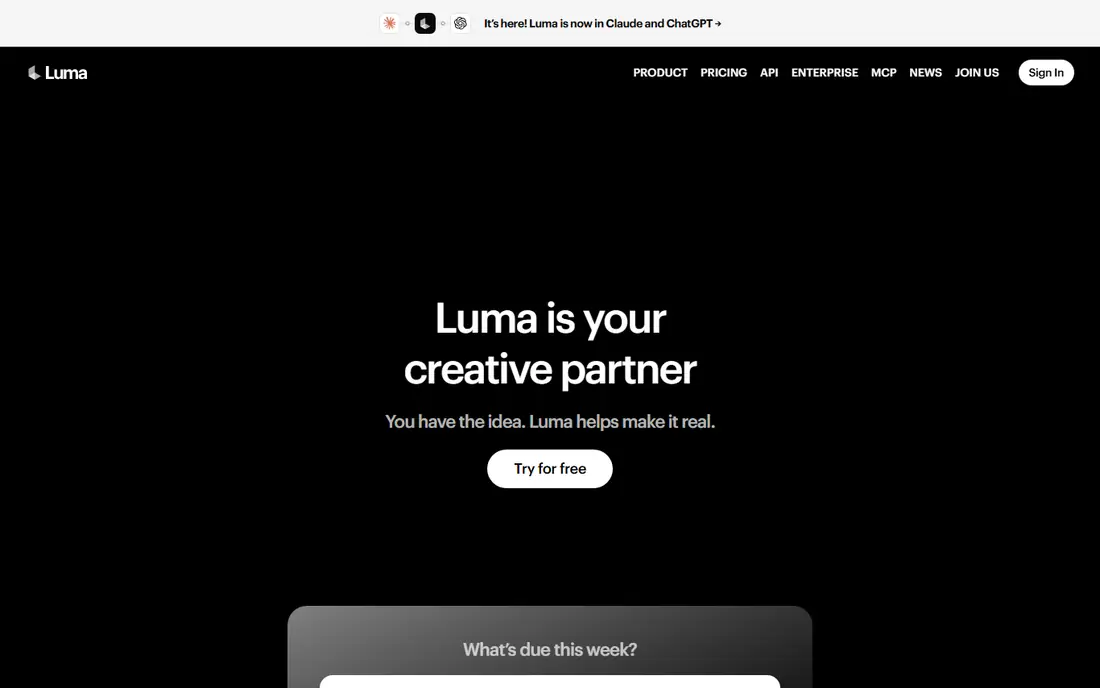
Luma Dream Machine was built for smooth, gimbal like camera movement. Luma Dream Machine is the tool to try when the still is a place, not a person. A person walking, gesturing, or speaking will present more artifacts than a slow pan across a room.
More specifically, a room, a building facade, or an outdoor scene gains a steady camera move that feels filmed instead of generated. That makes it handy for real estate, travel, and product scenes where the camera, not the subject, should do the work. Pricing for Luma Dream Machine is not stated here, so ask the vendor for current figures. Free access exists with Luma Dream Machine.
Downsides: Less direct control over fine character action than Runway.
- Straightforward prompt workflow
- Keyframe options for shot planning
- Commercial terms vary by plan, so check before client use
Hailuo
Ideal for: Budget motion with audio choices
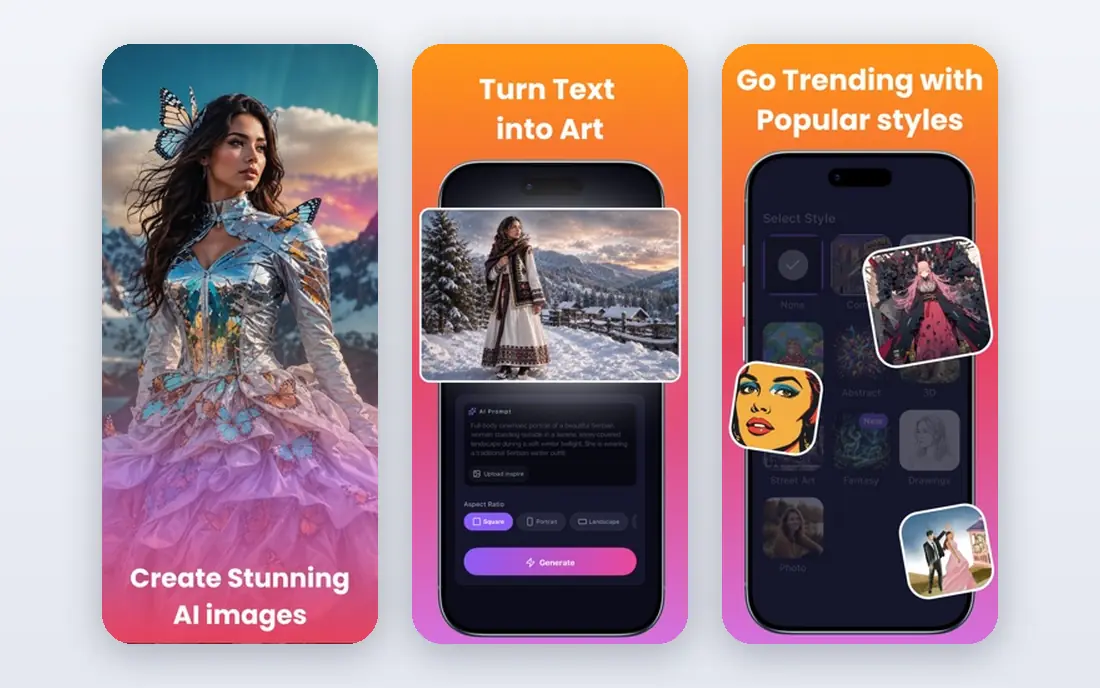
Choose Hailuo for budget motion with audio choices. Hailuo, from MiniMax, is a capable budget pick for creators who want decent motion without paying a premium level elsewhere.
Third party guides have quoted different Hailuo prices, and the Standard plan listed at $14.99 for 1,000 credits in some checks may differ by region or promotion. On cost, Hailuo starts like this: $14.99 per user/month. Hailuo includes a free tier.
Where it is weaker: Pricing pages have shown different figures over time, so verify at checkout.
- Supports sound in some generations
- Competitive motion quality for the price
- Style can lean stylized instead of photoreal
Pika
Ideal for: Fast social clips, effects, and transitions
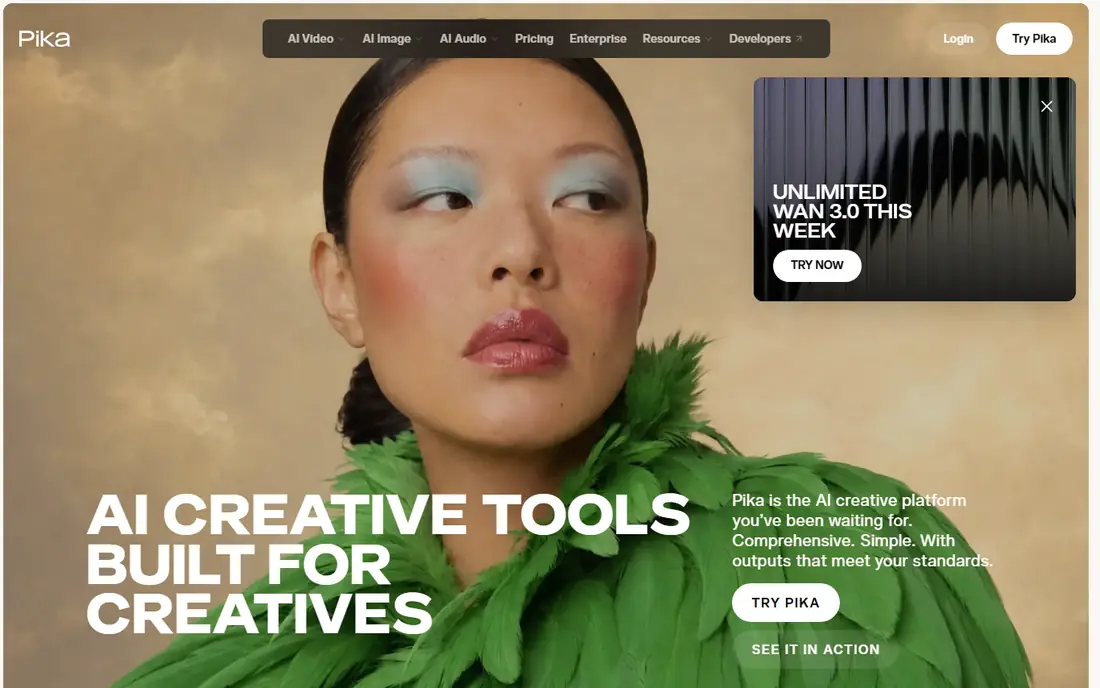
Pika is built with fast social clips, effects, and transitions in mind. Pika is aimed at speed and social formats. In practice, if the job is a 4 second hook, a product reveal, or a playful transition, Pika gets there quicker than a full editing suite.
Its effects library also helps creators who do not want to write an in-depth motion prompt for every post. On top of that, Pika is not the tool for a 15 second narrative shot with multiple characters and precise action. Beyond that, treat it as a volume tool: numerous short attempts, fast selection, and only the best clips published. Pika does not show a starting price in this comparison, so check the vendor site for current pricing. You can start on Pika without paying.
Where it is weaker: Short clips by design.
- Quick generation for short form content
- Fun effects and keyframe transitions
- Realism falls short of Kling and Runway on complicated scenes
Kling AI
Ideal for: Realistic motion from a single photo
Kling AI works best for realistic motion from a single photo. A portrait can turn its head, a street scene can gain a slow push-in, and a product shot can rotate without warping badly.
Kling AI has built its name on motion that looks believable instead of floaty. In daily use, check current Kling pricing on its site, since credit packs and subscription levels change, and daily free credits are best treated as a trial, not a production budget. Pricing for Kling AI is not stated here, so ask the vendor for current figures. Kling AI has a free plan.
Where it is weaker: Character faces can drift over longer clips.
- Capable human and camera motion
- Daily free credits for testing
- Queue times can grow at peak hours
Runway
Ideal for: Creators who want control plus an editor in one place
For creators who want control plus an editor in one place, Runway is a natural candidate. Plan test renders at lower cost settings where possible, and move to Pro at $28 per month billed yearly only when Standard runs out in the first half of each month. Worth adding: standard costs $15 a month, or $12 a month billed yearly, for 625 credits, and Gen-4.5 uses about 60 credits for 5 seconds.
That math means iteration is pricey: two failed takes can cost as much as the final clip. The budget warning is real. Runway cost at the entry level: $12 per user/month. Runway has a free plan.
Honest limits: Credit costs rise quick on longer clips.
- Access to partner models in one workspace
- Gen-4.5 model with keyframe and reference controls
- Standard plan only includes about ten 5 second Gen-4.5 clips a month
D-ID
Ideal for: Talking photos for explainers and training
Where D-ID fits: talking photos for explainers and training. D-ID answers a narrower question than Runway or Kling: what if the still needs to speak? That makes it handy for internal training, product explainers, and short customer messages where a presenter cannot be filmed each time.
Main advantages: localized narration.
Watch-outs: Lip sync quality varies by source photo and script length. From a buyer's view, for daily publishing, compare its per video cost with a general video model plus a separate voice tool. The main limit is cost at scale and consent. What you pay to start with D-ID: $5.90 per user/month. On free options: Free trial.
- Straightforward script to video workflow
- Handy for training, onboarding
- Credit system gets pricey at volume
How we built this list
For each of the 6 tools we noted price, free plan or trial, fit for AI tools to animate still images and the main limit, using vendor pages and documentation. Plan names, prices and limits change often. Treat the figures here as a starting point and verify them with the vendor. Order on the page follows fit for the typical buyer first, then price transparency and free access. Your own requirements should decide the final pick.
Questions to settle before buying
- Confirm the entry price on the vendor page. For Luma Dream Machine, Pika and Kling AI that means a quote rather than a fixed price.
- Look at free plan limits closely: Luma Dream Machine, Hailuo, Pika and others have one, and the caps decide whether it is usable for real work.
- Run a trial of D-ID with real work before paying for a year; your own workflow is the best test.
- Before choosing Luma Dream Machine, weigh its main limit: less direct control over fine character action than Runway.
- Let daily users try Luma Dream Machine on real work; their feedback beats any feature checklist.
- Check how data leaves Kling AI: formats, limits and whether exports are available on every plan.
Frequently asked questions
Do free plans allow commercial use?
Normally not without limits. Free plans commonly add a watermark, cap resolution, or restrict commercial use. Check the plan terms on the vendor site before using a free clip in ads or client work.
What is the best AI tool to animate a still image?
Start with Luma Dream Machine if you need smooth, gimbal like camera movement. Hailuo is the better match for budget motion with audio options, and Pika for fast social clips, effects, and transitions. The best choice depends on budget, team size and workflow.
Do these tools publish their prices?
Not all of them. Luma Dream Machine, Pika and Kling AI publish no starting price, so expect a quote request for those. The rest, Hailuo included, show a starting price, though seats and billing terms still change the final cost.
Why do faces change during animation?
Using a sharp front facing photo, a short prompt, and a single clear movement cuts drift, but does not remove it entirely.
Which options for AI tools to animate still images have a free plan?
On this list, Luma Dream Machine, Hailuo, Pika, Kling AI and Runway include a free plan. Caps on seats, usage or features are common, so test the free plan against your real workload. One other tool offers a trial instead.
Can I try these tools before paying?
Often, yes. Luma Dream Machine, Hailuo, Pika and others have a free plan and D-ID offers a free trial. Use your own data and a real task during the test, and check what the free tier or trial limits before you rely on it.