7 Best AI Tools to Convert Images to Video Options for 2026

- 1
 Adobe FireflyCommercially safe brand workVisit
- 2
 Google VeoRealistic clips with synced audioVisit
- 3
 Kling AIBest value realistic clipsVisit
- 4
 PikaQuick stylized social clipsVisit
- 5
 RunwayCamera control and pro editingVisit
- This list starts with Adobe Firefly, which is built for commercially safe brand work.
- The main caution on Adobe Firefly: clips are short, around 5 seconds on entry-level plans.
- The cheapest monthly starting price in the list is $6.99 per month, offered by Kling AI.
- PixVerse is the one to check for daily free credits for short clips.
- Free plans are common here: 7 of 7 tools have one, including Adobe Firefly, Google Veo, Kling AI and Pika.
Direct answer
Adobe Firefly leads the list, best for commercially safe brand work. Google Veo is the stronger choice for realistic clips with synced audio, while Kling AI suits best value realistic clips. Prices, free plans and limits for all 7 tools follow.
Quick comparison
| Product | Ideal for | Price from | Free version | |
|---|---|---|---|---|
| Adobe Firefly | Commercially safe brand work | $9.99 per month | Yes | Visit |
| Google Veo | Realistic clips with synced audio | $19.99 a month | Yes | Visit |
| Kling AI | Best value realistic clips | $6.99 per month | Yes | Visit |
| Pika | Quick stylized social clips | $8 a month | Yes | Visit |
| Runway | Camera control and pro editing | $12 a month | Yes | Visit |
 Hailuo AI | Multi reference and longer scenes | $14.99 per month | Yes | Visit |
 PixVerse | Daily free credits for short clips | $8 a month | Yes | Visit |
The best AI tools to convert images to video
Short on time? The summary and table above give the quick view of 7 tools for AI tools to convert images to video, and the profiles that follow give the detail behind each entry.
Adobe Firefly
Ideal for: Commercially safe brand work
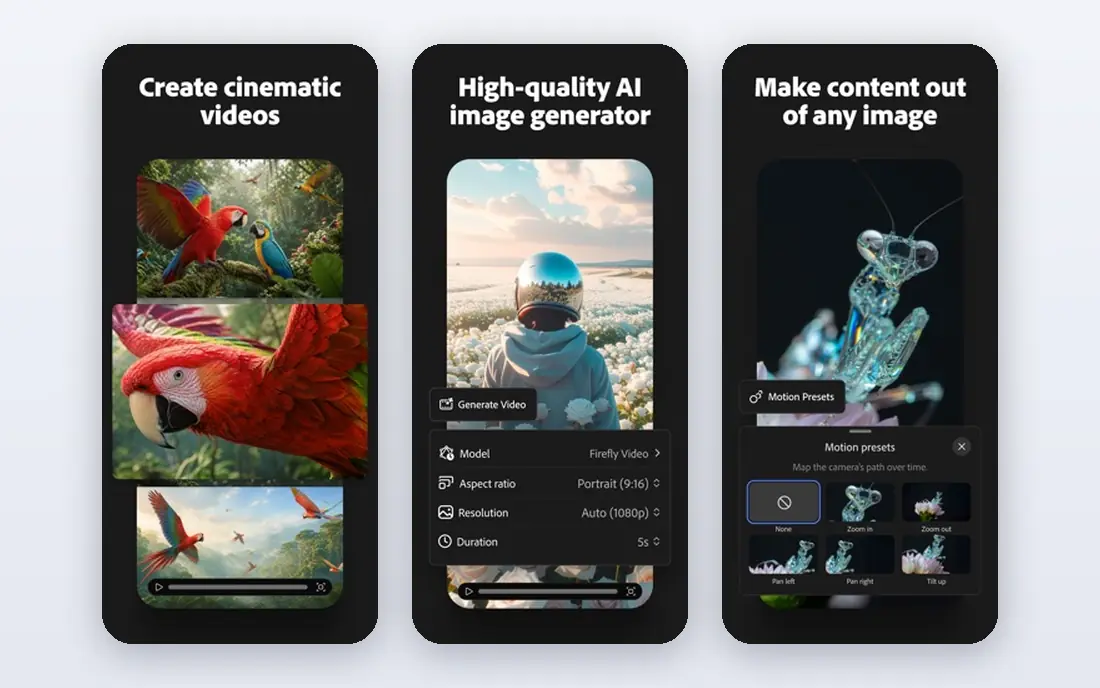
For commercially safe brand work, Adobe Firefly is a natural candidate. For brands and agencies, the commercial safety story matters: Firefly is positioned for client work where rights and licensing must be clear. That cuts risk when a clip will run in premium ads.
Also, clip length is short, so plan for multiple clips or use Firefly for a hero moment inside a longer edit, instead of a full narrative film. From a buyer's view, Firefly Standard opens at $9.99 a month, with Pro at $19.99 a month for more generations. Adobe Firefly starts at: $9.99 per month. Adobe Firefly includes a free tier.
Watch-outs: Video is one part of a wider plan.
- A decent match for brand and client work
- Trained with commercial use in mind
- Clips are short
Google Veo
Ideal for: Realistic clips with synced audio
Think of Google Veo for realistic clips with synced audio. That makes it a solid choice for ads, product demos and short narrative clips where audio matters as much as motion. For a single realistic clip with sound, Veo is hard to beat.
The main drawbacks: Access relies on your Google plan and region.
In daily use, the cost is $19.99 a month for Google AI Pro, which also bundles other Google AI tools. So the value relies on how much else you use. Clip length is restricted, so longer stories need multiple generations stitched together. Google Veo cost at the entry level: $19.99 per month. You can start on Google Veo without paying.
- Very realistic footage with native audio
- Part of Google AI Pro
- Clips are short
Kling AI
Ideal for: Best value realistic clips
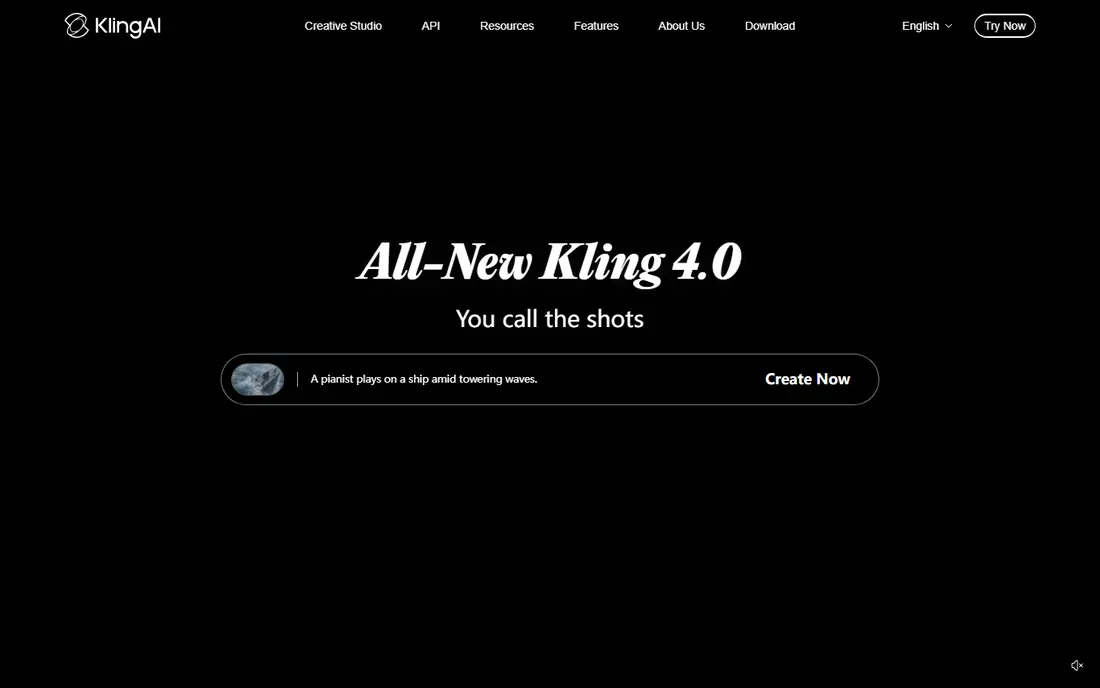
Where Kling AI fits: best value realistic clips. The entry plan is $6.99 for the first month, then $8.80 a month on the Standard plan in the pricing seen in October 2026.
From a buyer's view, upload a product photo or a portrait you have rights to use, add a motion prompt. You get a clip that is usable for social posts, ads and explainers. Kling AI cost at the entry level: $6.99 per month. Kling AI has a free plan.
Trade-offs to know: Generation queues can slow at peak times.
- Daily free credits
- Longer clips than numerous rivals
- Commercial terms vary by plan, so check before client work
Pika
Ideal for: Quick stylized social clips
Pick Pika if this describes you: fast stylized social clips. The free plan is handy for testing effects, but it does not refill monthly credits in the same way as Kling.
In practice, pricing begins at $8 per month on annual billing for Starter, with a higher monthly rate if you pay month to month. Choose Pika when speed and style matter more than a long, realistic scene. On cost, Pika starts like this: $8 per month. Free access exists with Pika.
What Pika does well: fun effects for social video. What to check first: Realism trails Kling and Veo.
- Straightforward prompt flow
- Quick
- Free plan uses credit packs instead of a monthly refill
Runway
Ideal for: Camera control and pro editing
For camera control and pro editing, Runway is a natural candidate. That control is why filmmakers and agencies use it for product shots, title sequences and short ads. More specifically, if you need precise camera moves and clean motion, Runway is worth the step up from a less expensive social tool.
Honest limits: Free credits do not refill monthly.
Worth adding: the free level provides 125 one-time credits, which is enough to test the tool but not to run a campaign. Premium plans start at $12 a month on annual billing, with $15 a month on monthly billing. Runway cost at the entry level: $12 per month. Free access exists with Runway.
- Full editing workspace
- Solid camera and motion controls
- Best models need a premium plan
Hailuo AI
Ideal for: Multi reference and longer scenes
Hailuo AI is a good fit for multi reference and longer scenes. That is handy for short stories, ads with a recurring product, and social series where the same subject appears in multiple clips. In daily use, if you need multi shot consistency more than raw realism, Hailuo is worth testing against Kling on the same images.
Limits to weigh: List price is higher than Kling.
More specifically, standard pricing is listed at $14.99 a month, with a discounted rate seen in October 2026 at $10.50 a month. More specifically, free output carries a watermark, so premium plans are needed for client delivery. Hailuo AI pricing: $14.99 per month. Hailuo AI has a free plan.
- Adaptable scene control
- Handy free trial credits
- Watermark on free output
PixVerse
Ideal for: Daily free credits for short clips
PixVerse is built with daily free credits for short clips in mind. PixVerse provides 30 credits a day on the free plan, which is ample for a creator who makes a handful of short clips a day and can wait for the next reset.
Trade-offs to know: Standard plan caps some output at 720p.
In practice, use PixVerse for drafts, memes, product teasers and daily social content, and move to Kling, Runway or Veo when a clip must look flawless for a client. The Standard plan opens at $8 a month on annual billing, with Pro at $24 a month for higher quality and more credits. What you pay to start with PixVerse: $8 per month. You can start on PixVerse without paying.
- Low premium entry price
- Daily free credits that reset
- Realism trails the top level tools
More on AI tools to convert images to video
Start with a solid still image. In practice, crop to the aspect ratio you will publish in, since a vertical social clip and a broad ad need different framing from the start. For instance, describe a slow push in on a product, or a person turning to smile, instead of listing an entire story in one prompt.
In daily use, most tools here produce 5 to 15 second clips, so a 30 second video is a set of clips edited together. For everyday use, keep the subject, lighting and style consistent across clips, add music or voiceover in your editor, and check the license terms before using a clip in premium ads or client work.
How these tools were picked
Selection started from tools commonly considered for AI tools to convert images to video, then narrowed to 7 that have clear pricing information or a clear quote process. Where a price is missing, the vendor does not list one publicly or ties it to a quote. Always confirm before budgeting. Position on the page reflects fit for a typical buyer first, with price clarity and free access breaking ties. Treat it as a guide, not a ruling.
Things to verify first
- Confirm the entry price on the vendor page: Kling AI starts at $6.99 per month, but seat counts and billing terms change the total.
- Read the fine print on the free plans from Adobe Firefly, Google Veo, Kling AI and others; seat, project and feature caps differ.
- Read the limits listed for Adobe Firefly first: clips are short, around 5 seconds on entry-level plans.
- Look at which plan of Runway unlocks the features you need; entry tiers are often cut down.
- Compare total cost, not headline price: for PixVerse, add extra seats, add-ons and any usage-based charges.
Frequently asked questions
What are the best ai tools to convert image to video for beginners?
Adobe Firefly is the pick this page puts first, mainly for commercially safe brand work. If your situation differs, Google Veo suits realistic clips with synced audio, and Kling AI suits best value realistic clips. Compare price and limits before you decide.
Can I try these tools before paying?
Often, yes. Adobe Firefly, Google Veo, Kling AI and others have a free plan. Use your own data and a real task during the test, and check what the free tier or trial limits before you rely on it.
Do I need a photo I own to animate it?
Yes, for lawful use. Use your own photos, licensed stock, or images you have permission to use. Do not upload photos of other people, celebrities or private individuals without consent, and do not use a tool to alter a person's appearance in a misleading way.
How are the tools for AI tools to convert images to video ordered?
The order follows typical fit for AI tools to convert images to video, with Adobe Firefly first and PixVerse last, then price clarity and free access. It is editorial judgement, not a score, so another team could rank the tools differently.
Do these tools publish their prices?
Yes. Every tool from Adobe Firefly to PixVerse shows a starting price, though seats, add-ons and billing terms still change the final cost.
Which options for AI tools to convert images to video have a free plan?
7 of the 7 tools have a free plan, including Adobe Firefly, Google Veo, Kling AI and Pika. Free plans usually cap users, projects or features, so check the limits on the vendor page.