6 AI Tools to Convert Photo to Video Options Ranked for 2026

- This list starts with Adobe Firefly, which is built for client work inside Adobe tools.
- Starting prices begin at $8 per user/month with Pika.
- A free plan is offered by 6 of the 6 tools, including Adobe Firefly, Canva, Pika and Hailuo AI.
- For daily free credits for fast drafts, PixVerse is worth a look.
- Adobe Firefly comes with a trade-off: clips are short, around five seconds on plenty of settings.
Direct answer
Start with Adobe Firefly if you need client work inside Adobe tools. For a different need, Canva covers straightforward video inside a design workflow and Pika covers quick stylized clips for social media. The other 3 tools in the list cover narrower or pricier cases.
Quick comparison
| Product | Ideal for | Price from | Free version | |
|---|---|---|---|---|
 Adobe Firefly | Client work inside Adobe tools | $9.99 per user/month | Yes | Visit |
 Canva | Straightforward video inside a design workflow | $15 per user/month (Pro, billed annually) | Yes | Visit |
 Pika | Quick stylized clips for social media | $8 per user/month (billed annually) | Yes | Visit |
 Hailuo AI | Multi-reference and character-led clips | See website | Yes | Visit |
 Runway | Professional image to video with editing tools | $12 per user/month (billed annually) | Yes | Visit |
 PixVerse | Daily free credits for fast drafts | $8 per user/month (billed yearly) | Yes | Visit |
Every option for AI tools to convert photo to video explained
If you are comparing AI tools to convert photo to video, this page covers 6 tools in one place: what each is best for, what it costs to start, whether it has a free plan, and the main limit to know about.
Adobe Firefly
Ideal for: Client work inside Adobe tools
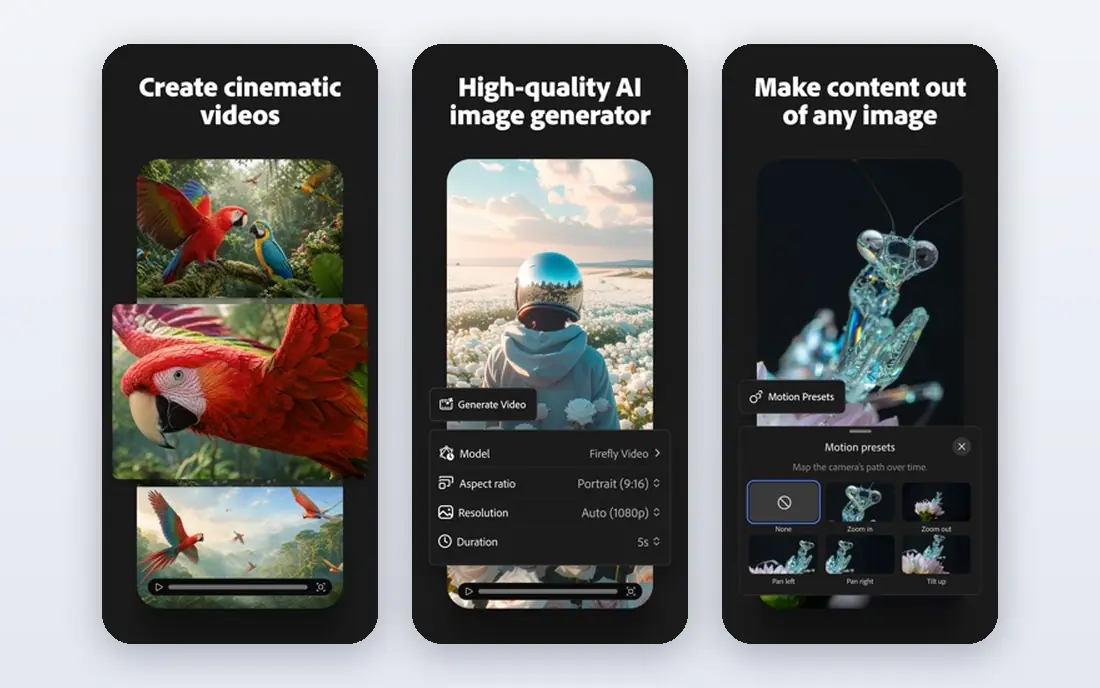
Where Adobe Firefly fits: client work inside Adobe tools. A photo can be animated, then moved into Premiere Pro or another Adobe tool for finishing, without changing file habits or team permissions.
What to check first: Video is one feature in a wider plan; not a standalone studio.
For client work, the clearer approach to training content and commercial use also helps in conversations with cautious clients. For everyday use, Firefly is not a full video production product, and longer stories need multiple generations stitched together. The starting price for Adobe Firefly: $9.99 per user/month. Free access exists with Adobe Firefly.
- Built for commercial use with clearer content sourcing
- Suits Adobe Creative Cloud workflows
- Around five seconds on numerous settings
Canva
Ideal for: Straightforward video inside a design workflow
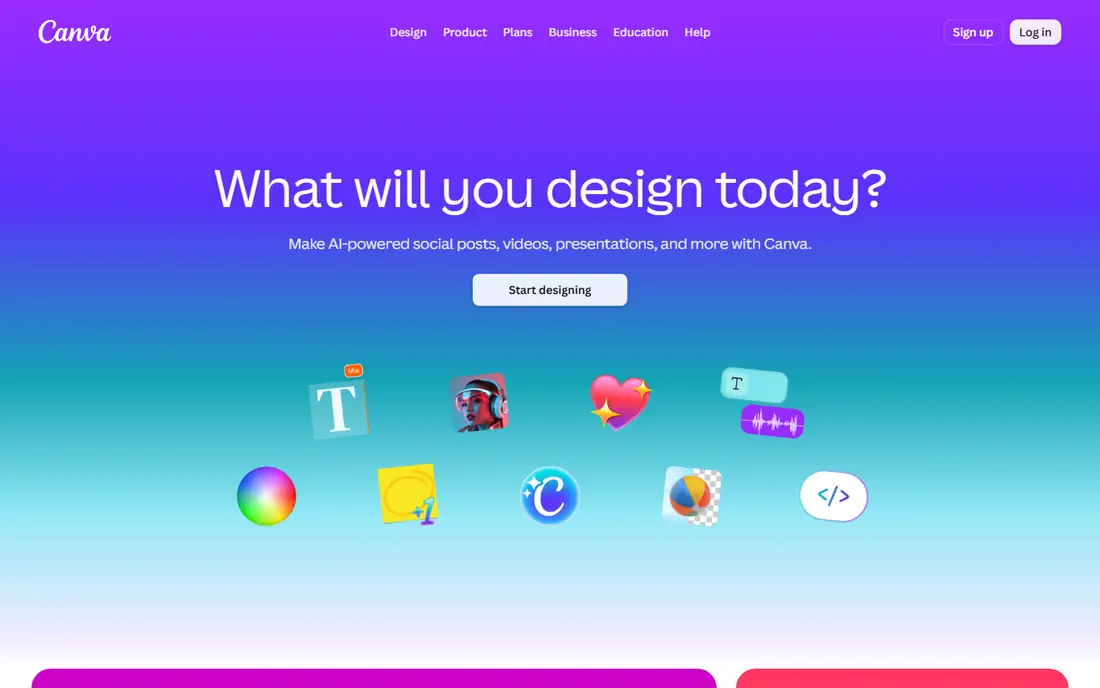
In short, Canva is for straightforward video inside a design workflow. Its strength is convenience: a marketer can animate a product photo, add a headline and logo, and export a social post without opening a second app.
Entry price for Canva: $15 per user/month. Canva has a free plan.
What to check first: AI allowance is shared across Magic Studio tools.
- Simple to add text, branding, layouts
- A decent match for teams that already use Canva
- Video quality and control are below dedicated generators
Pika
Ideal for: Quick stylized clips for social media
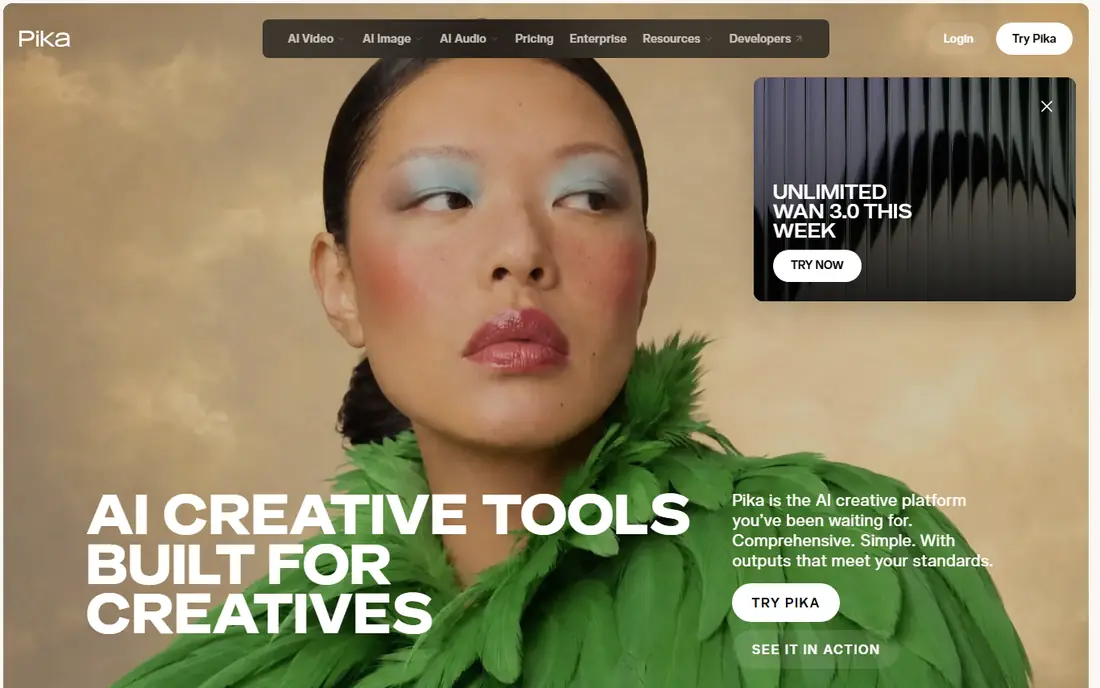
Pika was built for quick stylized clips for social media. Pika is made for speed.
For everyday use, Pika suits best for social creators who want fast, stylized animation and are happy to keep clips short. Pika is less suited to long, cinematic sequences or complicated multi-shot stories. On cost, Pika starts like this: $8 per user/month. Pika includes a free tier.
What Pika does well: Straightforward interface and quick generation.
Where it is weaker: Commercial license needs a higher plan.
- Based on public pricing guides
- No watermark on any level
- Free access is restricted to packs instead of monthly credits
Hailuo AI
Ideal for: Multi-reference and character-led clips
Hailuo AI is aimed squarely at multi-reference and character-led clips. Hailuo, also known as MiniMax video, is handy when one photo is not enough. In practice, free generations are watermarked, so plan to pay if the clip will be published.
From a buyer's view, for creators making a short series around one subject, that consistency is valuable. In modes that accept several references, you can keep a character or product more consistent across shots, which is a typical weak point for image to video tools. Pricing for Hailuo AI is not stated here, so ask the vendor for current figures. Hailuo AI includes a free tier.
Drawbacks to consider: Free output carries a watermark.
- Deals with several reference images in some modes
- Low-cost entry compared to bigger products
- Model and feature access varies by plan
Runway
Ideal for: Professional image to video with editing tools
Pick Runway if this describes you: professional image to video with editing tools. You can animate an image, adjust camera movement, and then edit, upscale, and add sound in the same workspace. That matters when a clip is not just a social post, but part of a client deliverable or a brand video that needs polish.
On top of that, Runway suits best for creators and small production teams that require dependable motion, editing tools. A workflow they can repeat, rather than a single free experiment. On top of that, the cost reflects that breadth. Starting cost for Runway: $12 per user/month. Runway includes a free tier.
Limits to weigh: Free credits are one-time only, with no monthly refill.
- No watermark on premium plans
- Capable motion quality and character consistency
- Higher levels are needed for the newest models
PixVerse
Ideal for: Daily free credits for fast drafts
For daily free credits for fast drafts, PixVerse is a natural candidate. Daily free credits let you test a photo, try a different motion prompt, and compare results without paying for each attempt.
The main drawbacks: Entry plan caps resolution on some settings.
That makes it a decent match for learning what works, and for creators who post frequently but do not need top-end production quality every time. Starting cost for PixVerse: $8 per user/month. PixVerse includes a free tier.
- Low starting price for a premium plan
- Straightforward image to video workflow
- Credit limits can run out rapidly on longer clips
How we built this list
The comparison looks at four things: starting price, free access, how well the feature set matches AI tools to convert photo to video, and the main limit of each tool. Prices and plan limits come from vendor pages and can change, so confirm them on the vendor site before you buy. Order on the page follows fit for the typical buyer first, then price transparency and free access. Your own requirements should decide the final pick.
What to confirm before you sign up
- Confirm the entry price on the vendor page. For Hailuo AI that means a quote rather than a fixed price.
- Look at free plan limits closely: Adobe Firefly, Canva, Pika and others have one, and the caps decide whether it is usable for real work.
- Read the limits listed for Adobe Firefly first: clips are short, around five seconds on numerous settings.
- Test the integrations you rely on with Canva before committing; some connectors sit on upper tiers.
- Total up the real monthly cost of Runway, including add-ons, extra users and usage-based fees.
Frequently asked questions
Is Adobe Firefly the right pick for everyone comparing AI tools to convert photo to video?
No single tool suits every team. Adobe Firefly comes first because it fits client work inside Adobe tools, while Canva suits simple video inside a design workflow and Pika suits fast stylized clips for social media. Match the tool to your own size, budget and workflow before deciding.
Can I try these tools before paying?
Often, yes. Adobe Firefly, Canva, Pika and others have a free plan. Use your own data and a real task during the test, and check what the free tier or trial limits before you rely on it.
Can I use AI photo to video clips commercially?
That depends on the tool and plan. Some plans bundle commercial use, whereas others restrict it to lower levels or need a higher plan.
How long can a photo to video clip be?
Runway clips reach about sixteen seconds on some settings, whereas Kling can extend clips on higher levels. For a longer video, plan to create multiple clips and edit them together.
Which options for AI tools to convert photo to video have a free plan?
On this list, 6 of 6 tools include a free plan, among them Adobe Firefly, Canva, Pika and Hailuo AI. Caps on seats, usage or features are common, so test the free plan against your real workload.
Will the video have a watermark on a free plan?
It relies on the tool. Some free levels, like Hailuo, watermark output, whereas others remove the watermark on premium plans. Check the free plan terms for each tool before publishing, since a watermark can make a clip unusable for client or brand work.