7 Best AI Tools to Create Video from Image Options for 2026

- 1
 Kling AIHuman motion and longer clipsVisit
- 2
 PikaCheap short social clipsVisit
- 3
 Luma Dream MachineCinematic camera movesVisit
- 4
 MidjourneyAnimating artwork you already madeVisit
- 5
 RunwayCreative control and editingVisit
- This list starts with Kling AI, which is built for human motion and longer clips.
- Pika is the lowest-priced starter here at $8 per month.
- A free plan is available from 3 of the 7 tools: Kling AI, Pika, Adobe Firefly.
- Check the limits for Pika before you commit: Watermarks on lower levels.
Direct answer
Our first pick is Kling AI, best for human motion and longer clips. Alternatives: Pika for cheap short social clips, and Luma Dream Machine for cinematic camera moves. The full list of 7 tools follows, with prices and free plan facts.
Quick comparison
| Product | Ideal for | Price from | Free version | |
|---|---|---|---|---|
| Kling AI | Human motion and longer clips | See website | Yes | Visit |
| Pika | Cheap short social clips | $8 a month | Yes | Visit |
| Luma Dream Machine | Cinematic camera moves | $30 per month | No | Visit |
| Midjourney | Animating artwork you already made | $10 per month | No | Visit |
| Runway | Creative control and editing | $12 per month | Free trial | Visit |
 Google Veo 3.1 | Cinematic clips with audio | $19.99 a month | Free trial | Visit |
 Adobe Firefly | Commercially safe client work | $9.99 a month | Yes | Visit |
7 options for AI tools to create video from image in detail
Ainotely compared 7 tools for AI tools to create video from image. The goal is a practical shortlist: published prices, free plan facts, best-fit use cases and honest limits for every entry.
Kling AI
Ideal for: Human motion and longer clips

In short, Kling AI is for human motion and longer clips. Kling AI is noted for human motion. That makes it handy for character led content, product presenters and story sequences where a person needs to move naturally.
On top of that, plans and credit costs vary, and the newest models sit on higher levels. My take is that Kling is a capable choice for creators whose clips centre on people. It is worth testing the free daily credits on your own images before paying. Check the vendor site for Kling AI pricing; none is listed in this comparison. You can start on Kling AI without paying.
Points against: Pricing varies by plan and region.
- Longer sequences than numerous rivals
- Capable human motion and lip sync
- Premium features need higher levels
Pika
Ideal for: Cheap short social clips
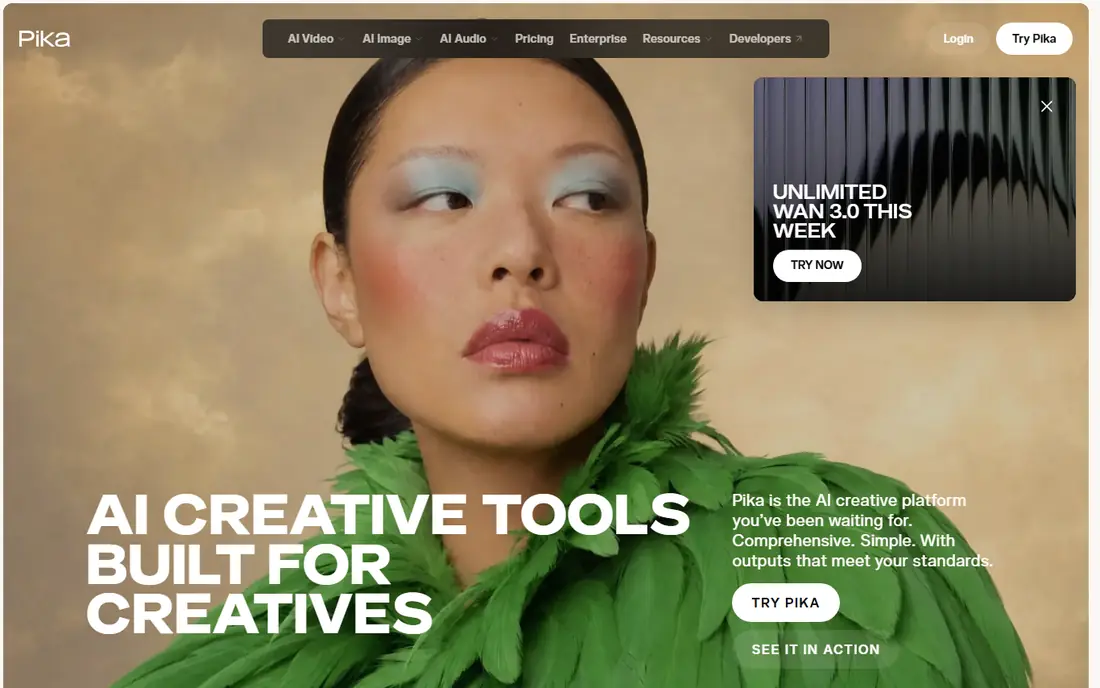
Think of Pika for cheap short social clips. It turns an image into a short clip rapidly, with effects that suit short form feeds. Its entry price is among the lowest here.
Downsides: Watermarks on lower levels.
Also, the trade off is output limits. Free and low levels carry watermarks and resolution caps, and clips stay short. The starting price for Pika: $8 per month. Pika offers a free plan.
- Quick social clips
- Low entry price
- Short clips, not full productions
Luma Dream Machine
Ideal for: Cinematic camera moves

Luma Dream Machine is a good fit for cinematic camera moves. For product shots, scenery and architecture images, that camera motion alone can turn a still photo into a usable clip.
Limits to weigh: High resolution clips use numerous credits.
In practice, the starting plan is higher than most rivals here, and 1080p clips use a large credit amount per few seconds. Luma Dream Machine cost at the entry level: $30 per month. Luma Dream Machine has no free plan.
- Multi model access in places
- Smooth cinematic camera motion
- Higher starting price
Midjourney
Ideal for: Animating artwork you already made
Think of Midjourney for animating artwork you already made. The video tools extend an image into motion without moving assets between products, which fits illustrators and concept artists. In daily use, the limits are real.
Strengths: Large community.
There is no free plan, video resolution is capped lower than some rivals. The workflow feels made for existing Midjourney users instead of newcomers. What you pay to start with Midjourney: $10 per month. Midjourney does not include a free plan.
Where it is weaker: No free plan; Workflow fits existing users.
- Distinct artistic styles
- Very good for animating Midjourney artwork
- Video resolution caps at 720p in places
Runway
Ideal for: Creative control and editing
Where Runway fits: creative control and editing. You upload an image, describe the motion, adjust camera and style controls, then refine the lead to a timeline instead of starting over each time. That loop matters for creators who require a specific shot, not just any motion, and for teams that share projects and assets.
the main limit is credit math. Each generation uses credits, and longer or higher resolution clips use more, so a project with plenty of tries can burn through a monthly allowance quick. On cost, Runway starts like this: $12 per month. Trial and free access: Free trial.
Limits to weigh: Best models need premium plans.
- Team workspaces
- Solid image to video controls
- Credit costs add up across many tries
Google Veo 3.1
Ideal for: Cinematic clips with audio
Google Veo 3.1 is a good fit for cinematic clips with audio. The entry AI plan comes with restricted credits, and serious production work typically needs the higher plan.
Honest limits: High quality runs can be expensive at volume.
Google Veo 3.1 cost at the entry level: $19.99 per month. Free access: Free trial.
- Access through Flow and Gemini
- Cinematic motion
- Peak time limits can apply
Adobe Firefly
Ideal for: Commercially safe client work
Adobe Firefly targets commercially safe client work. Clips are short, and partner models offered inside Firefly may carry different commercial terms than Adobe's own model, so read the terms for the model you actually use. Also, free daily generations let a creator test ideas before paying, and premium plans add credits for regular work.
Drawbacks to consider: Partner models have different terms.
Adobe Firefly is the client safe pick. Its own video model is aimed at commercial use, which matters when a clip will run in an ad or on a client channel. It sits inside the Adobe workflow numerous designers already use. Adobe Firefly cost at the entry level: $9.99 per month. A free plan is available with Adobe Firefly.
- Aimed at commercial use
- Creative Cloud integration
- Clips are short, about five seconds
Notes on AI tools to create video from image
A sharp photo with a clear subject and straightforward background animates better than a busy, low resolution shot, and faces and hands remain the hardest details for every tool here. If a clip fails, ease the motion request before switching tools: one clear action beats three actions in one prompt. Most tools here return about five to ten seconds, so storyboard a longer video as a series of clips with matching style and camera direction.
What went into this list
Each tool was reviewed on what its vendor publishes: price, plan limits, core features and stated drawbacks. We did not run hands-on tests. Where a price is missing, the vendor does not list one publicly or ties it to a quote. Always confirm before budgeting. The sequence is a judgement call: typical use case first, then pricing transparency, then free access. Use the profiles to check fit.
What to check before you buy
- Ask Kling AI for a written quote, since no starting price is shown.
- Look at free plan limits closely: Kling AI, Pika and Adobe Firefly have one, and the caps decide whether it is usable for real work.
- Use real work to test the free trial from Runway and Google Veo 3.1, rather than a demo project.
- Before choosing Kling AI, weigh its main limit: pricing varies by plan and region.
- Confirm that Google Veo 3.1 connects to the apps your team already uses, on the plan you would actually buy.
- The entry price of Adobe Firefly is only the starting point; model the full cost with seats and extras.
Frequently asked questions
What are the best AI tools to produce video from images?
Kling AI comes first here and is built for human motion and longer clips. Buyers with other needs may prefer Pika (for cheap short social clips) or Luma Dream Machine (for cinematic camera moves). Compare costs and limits first.
What is the cheapest option for AI tools to create video from image in this list?
On published monthly entry prices, Pika is the lowest here at $8 per month. Entry price is only part of the cost, because seats, add-ons and billing terms can change the total.
Do these tools publish their prices?
Not all of them. Kling AI publishes no starting price, so expect a quote request for it. The rest, Pika included, show a starting price, though seats and billing terms still change the final cost.
How are the tools for AI tools to create video from image ordered?
Kling AI sits first and Adobe Firefly last because the order follows typical fit for AI tools to create video from image, then price clarity and free access. It is a judgement call, so read each profile for fit and limits.
Which options for AI tools to create video from image have a free plan?
On this list, Kling AI, Pika and Adobe Firefly include a free plan. Caps on seats, usage or features are common, so test the free plan against your real workload. Several others offer a trial instead.