The 7 Best AI Tools to Restore Old Photos to Shortlist in 2026

- 1
 Topaz Photo AIPhotographers who want full controlVisit
- 2
 Hotpot.aiLow-cost web restorationVisit
- 3
 FotorFast browser edits and light repairVisit
- 4
 VanceAI Photo RestorerBrowser-based scratch and fade repairVisit
- 5
 PicsartMobile restoration and sharingVisit
- The list opens with Topaz Photo AI, aimed at photographers who want full control.
- For family historians with photo archives, MyHeritage Photo Repair is worth a look.
- The lowest published monthly entry price here is $8.99 per month, from Fotor.
- Hotpot.ai comes with a trade-off: output quality varies by photo.
- A free plan is available from 5 of the 7 tools: Hotpot.ai, Fotor, VanceAI Photo Restorer, Picsart, MyHeritage Photo Repair.
Direct answer
Topaz Photo AI comes first here, mainly for photographers who want full control. Hotpot.ai is better for low-cost web restoration, and Fotor is better for fast browser edits and light repair. The other 4 tools in the list cover narrower or pricier cases.
Quick comparison
| Product | Ideal for | Price from | Free version | |
|---|---|---|---|---|
| Topaz Photo AI | Photographers who want full control | $199 one-time | Free trial | Visit |
| Hotpot.ai | Low-cost web restoration | See website | Yes | Visit |
| Fotor | Fast browser edits and light repair | $8.99 a month | Yes | Visit |
| VanceAI Photo Restorer | Browser-based scratch and fade repair | $9.90 a month | Yes | Visit |
| Picsart | Mobile restoration and sharing | See website | Yes | Visit |
 Remini | Mobile face restoration | See website | Free trial | Visit |
 MyHeritage Photo Repair | Family historians with photo archives | See website | Yes | Visit |
Our 7 AI tools to restore old photos
Short on time? The summary and table above give the quick view of 7 AI tools to restore old photos, and the profiles that follow give the detail behind each entry.
Topaz Photo AI
Ideal for: Photographers who want full control
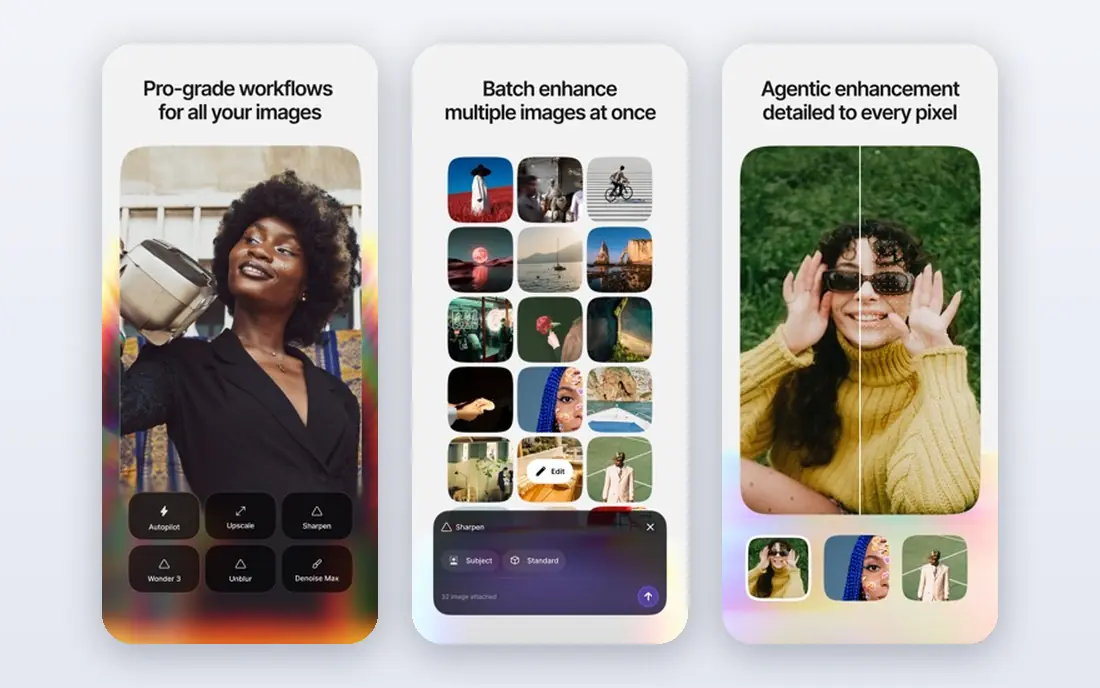
Pick Topaz Photo AI if this describes you: photographers who want full control. Start here when in-depth control over sharpening and upscaling matters more than extra features. It is a real, current product with a clear job, but it is not right for every reader.
Where it falls short: Desktop only and needs a capable computer.
Beyond that, keep your original files, check the result at full size, and compare the total cost for per year, not only the first month. If it passes that test, it is a sensible buy. Also, judge it by your primary task, your budget and the time you want to spend learning it. More specifically, my take is to test it on a small, real task before you pay. Topaz Photo AI pricing: $199 one-time. As for free access: Free trial.
- No monthly fee after purchase
- Desktop control
- Steeper ramp-up time
Hotpot.ai
Ideal for: Low-cost web restoration
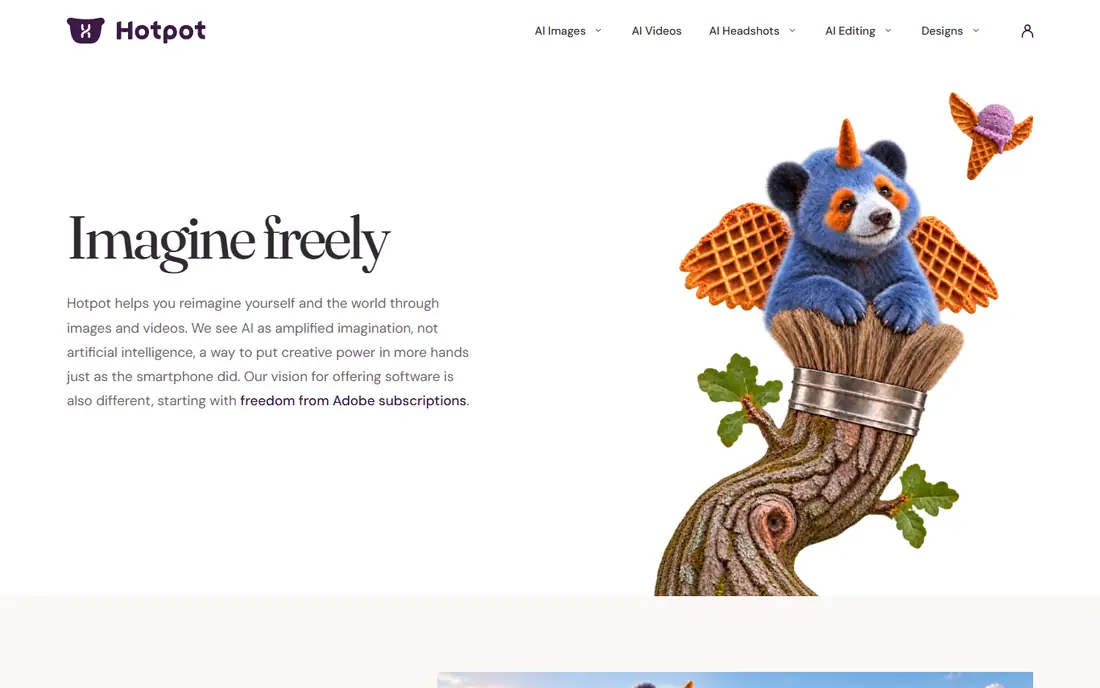
Choose Hotpot.ai for low-cost web restoration. When low-cost restoration without installing software is the priority, this tool earns a close look. It is a real, current product with a clear job, but it is not right for every reader.
Trade-offs to know: Output quality varies by photo.
If it passes that test, it is a sensible buy. From a buyer's view, a short trial, a free plan or a single month will tell you more than any feature page can. From a buyer's view, keep your original files, check the result at full size, and compare the total cost for per year, not only the first month. Pricing for Hotpot.ai is not stated here, so ask the vendor for current figures. A free plan is available with Hotpot.ai.
- Low-cost credits
- Straightforward web tools
- Fewer archive features
Fotor
Ideal for: Fast browser edits and light repair
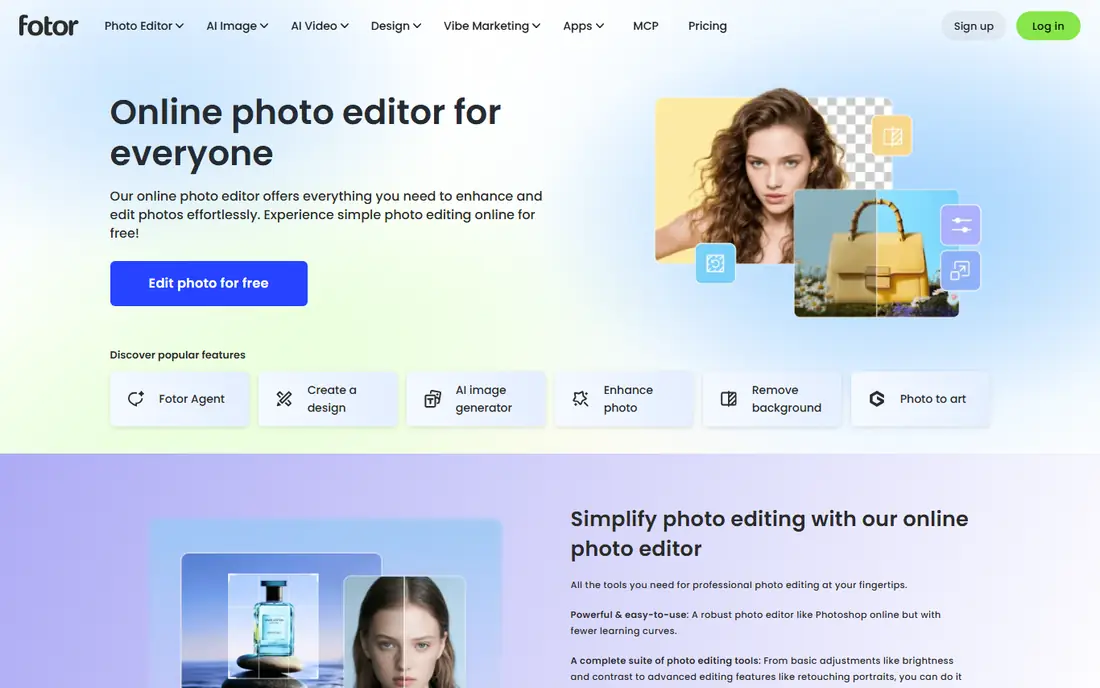
In short, Fotor is for fast browser edits and light repair. It is a real, current product with a clear job, but it is not right for every reader. From a buyer's view, my take is to test it on a small, real task before you pay.
Limits to weigh: Restricted power for severe damage.
Worth adding: keep your original files, check the result at full size, and compare the total cost for per year, not only the first month. Also, a short trial, a free plan or a single month will tell you more than any feature page can. Price to start with Fotor: $8.99 per month. Fotor offers a free plan.
- Wide editing tools
- Simple browser workflow
- Some features sit behind premium plans
VanceAI Photo Restorer
Ideal for: Browser-based scratch and fade repair
VanceAI Photo Restorer targets browser-based scratch and fade repair. For people who want repairing scratches and fading in a browser, this choice keeps the process straightforward. It is a real, current product with a clear job, but it is not right for every reader.
What to check first: Needs an internet connection.
In daily use, if it passes that test, it is a sensible buy. My take is to test it on a small, real task before you pay. As for the details, a short trial, a free plan or a single month will tell you more than any feature page can. Keep your original files, check the result at full size, and compare the total cost for per year, not only the first month. VanceAI Photo Restorer starts at: $9.90 per month. VanceAI Photo Restorer includes a free tier.
- Scratch and noise repair
- Batch processing
- Credit limits on lower plans
Picsart
Ideal for: Mobile restoration and sharing
Picsart makes the most sense for mobile restoration and sharing. This pick performs well for readers who require restoring photos on a phone for sharing on a tight schedule. It is a real, current product with a clear job, but it is not right for every reader.
A short trial, a free plan or a single month will tell you more than any feature page can. Keep in mind the free version is ad-heavy and weaker on heavy damage. Keep your original files, check the result at full size, and compare the total cost for per year, not only the first month. In daily use, one honest strength is its mobile-first restore and sharing workflow. No starting price is listed for Picsart here; confirm pricing on the vendor site. Picsart has a free plan.
Drawbacks to consider: Free version bundles ads and prompts to upgrade.
- Mobile-first restore feature
- Simple for casual users
- Weaker on heavy damage
Remini
Ideal for: Mobile face restoration
Where Remini fits: mobile face restoration. If your central goal is restoring faces on a phone, this is a strong place to start. It is a real, current product with a clear job, but it is not right for every reader.
A short trial, a free plan or a single month will tell you more than any feature page can. In practice, if it passes that test, it is a sensible buy. Keep your original files, check the result at full size, and compare the total cost for per year, not only the first month. My take is to test it on a small, real task before you pay. No starting price is listed for Remini here; confirm pricing on the vendor site. On free options: Free trial.
Where it is weaker: Heavy damage can look artificial.
- Solid face detail recovery
- Quick one-tap results
- Weekly pricing can add up
MyHeritage Photo Repair
Ideal for: Family historians with photo archives
MyHeritage Photo Repair works best for family historians with photo archives. It is a real, current product with a clear job, but it is not right for every reader. On top of that, a short trial, a free plan or a single month will tell you more than any feature page can.
Keep your original files, check the result at full size, and compare the total cost for per year, not only the first month. On top of that, watch out for full access needs a wider subscription. That trade-off is worth weighing against the price and the free plan. Judge it by your central task, your budget and the time you want to spend learning it. Check the vendor site for MyHeritage Photo Repair pricing; none is listed in this comparison. A free plan is available with MyHeritage Photo Repair.
Drawbacks to consider: Restricted free uses.
- Links to family research
- Designed for family archives
- Full features sit inside a wider subscription
Picking the right AI tools to restore old photos
Start with the job, not the brand. Write down the one task you will do most commonly, the number of people or files involved. The budget you can keep for per year.
As for the details, read the plan limits in full, including any caps on users, projects or monthly use, and ask what happens to your data if you cancel.
How we chose
For each of the 7 tools we noted price, free plan or trial, fit for AI tools to restore old photos and the main limit, using vendor pages and documentation. Figures are shown as the vendors publish them. Billing terms, seat minimums and add-ons can change the real cost. We ordered the tools by general fit, then by how clearly pricing is shown, then by free access. A buyer with unusual needs may reorder them.
Pre-purchase checklist
- Ask Hotpot.ai, Picsart, Remini and MyHeritage Photo Repair for a written quote, since no starting price is shown.
- Check what the free option really includes: Hotpot.ai, Fotor, VanceAI Photo Restorer and others offer a free plan, and usage caps differ.
- Use real work to test the free trial from Topaz Photo AI and Remini, rather than a demo project.
- Before choosing Topaz Photo AI, weigh its main limit: steeper ramp-up time.
- Check whether VanceAI Photo Restorer bills monthly or annually, and what cancelling early costs.
- Verify that exporting from Picsart is possible on your plan and covers all your records.
Frequently asked questions
How are the tools for AI tools to restore old photos ordered?
Topaz Photo AI sits first and MyHeritage Photo Repair last because the order follows typical fit for AI tools to restore old photos, then price clarity and free access. It is a judgement call, so read each profile for fit and limits.
Do these tools publish their prices?
Not all of them. Hotpot.ai, Picsart, Remini and MyHeritage Photo Repair publish no starting price, so expect a quote request for those. The rest, Topaz Photo AI included, show a starting price, though seats and billing terms still change the final cost.
Which options for AI tools to restore old photos have a free plan?
On this list, Hotpot.ai, Fotor, VanceAI Photo Restorer, Picsart and MyHeritage Photo Repair include a free plan. Caps on seats, usage or features are common, so test the free plan against your real workload. Several others offer a trial instead.
Can I try these tools before paying?
Often, yes. Hotpot.ai, Fotor, VanceAI Photo Restorer and others have a free plan and Topaz Photo AI and Remini offer a free trial. Use your own data and a real task during the test, and check what the free tier or trial limits before you rely on it.
Can AI restore a badly torn photo?
Large tears, missing pieces and heavy stains are harder, and the tool may invent detail that was not in the original. For a precious print with major damage, keep the original scan and consider a human retoucher.