Best AI Tools to Save Time (2026): 6 Options Compared

- 1
 Fireflies.aiMeeting notes and CRM syncVisit
- 2
 ZapierAutomation between appsVisit
- 3
 ChatGPTGeneral assistant for daily workVisit
- 4
 SuperhumanQuick email triageVisit
- 5
 Otter.aiMeeting transcription and summariesVisit
- The list opens with Fireflies.ai, aimed at meeting notes and CRM sync.
- A fair warning about Zapier: free level limits task volume.
- For notes, docs and knowledge, Notion AI is worth a look.
- No starting price is published for Superhuman and Notion AI; expect a quote.
Direct answer
Start with Fireflies.ai if you need meeting notes and CRM sync. Alternatives: Zapier for automation between apps, and ChatGPT for general assistant for daily work. All 6 tools are compared below on price, free plan and limits.
Quick comparison
| Product | Ideal for | Price from | Free version | |
|---|---|---|---|---|
| Fireflies.ai | Meeting notes and CRM sync | Free | Yes | Visit |
| Zapier | Automation between apps | Free | Yes | Visit |
| ChatGPT | General assistant for daily work | Free | Yes | Visit |
| Superhuman | Quick email triage | See website | Free trial | Visit |
| Otter.ai | Meeting transcription and summaries | Free | Yes | Visit |
 Notion AI | Notes, docs and knowledge | See website | Free trial | Visit |
The best AI tools to save time
Ainotely compared 6 tools for AI tools to save time. The goal is a practical shortlist: published prices, free plan facts, best-fit use cases and honest limits for every entry.
Fireflies.ai
Ideal for: Meeting notes and CRM sync
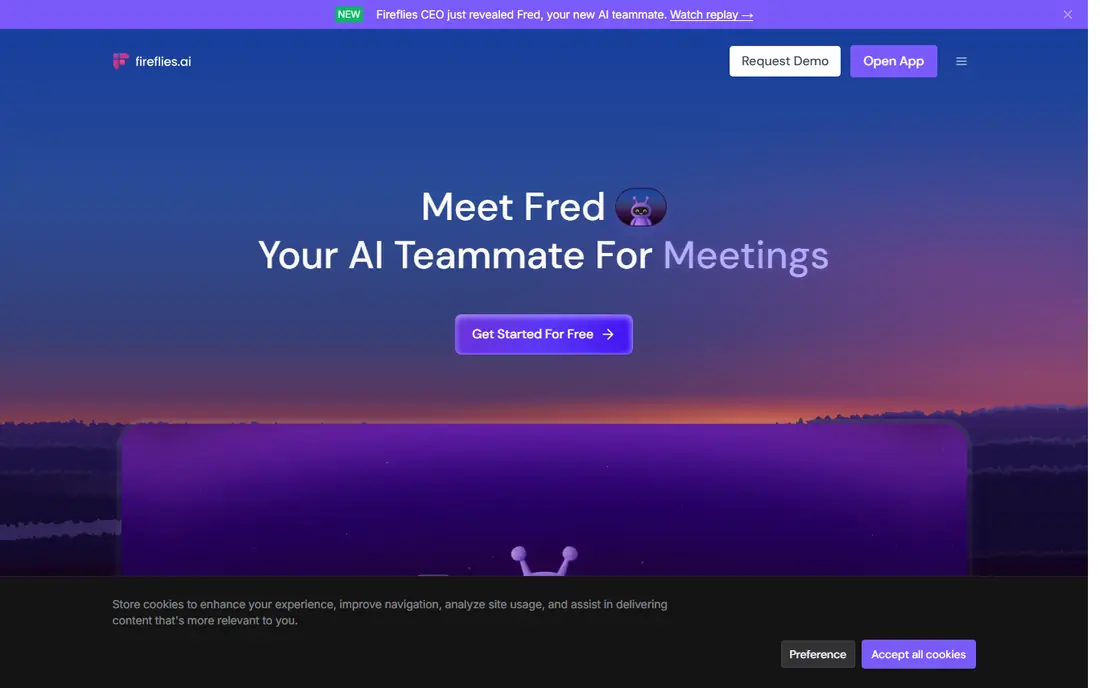
Fireflies.ai works best for meeting notes and CRM sync. Fireflies.ai records, transcribes and summarizes meetings, with a focus on sales and customer facing teams. Teams should tell participants that recording is on and follow company policy.
Points against: Bot joining meetings needs guest approval in some orgs.
Beyond that, summaries, action items and topic tracking help managers review calls rapidly, whereas CRM sync pushes notes and tasks to systems for example HubSpot or Salesforce. Meeting bot policies vary by organization, and some guests prefer not to have a bot join. Free level limits also apply to storage and advanced features. On cost, Fireflies.ai starts like this: Free. Free access exists with Fireflies.ai.
- CRM sync for sales teams
- Meeting recording
- Free level limits storage and features
Zapier
Ideal for: Automation between apps

Zapier makes the most sense for automation between apps. Start with one repetitive workflow, measure the time saved, then expand. More specifically, complicated flows also need testing, since a wrong trigger can produce duplicate tasks or messages.
In practice, a new form response can build a task, update a spreadsheet and send a message without copy and paste. For everyday use, task volume limits matter. Free and starter plans handle small workflows, whereas heavy automation needs a higher tier. What you pay to start with Zapier: Free. You can start on Zapier without paying.
The main drawbacks: Complicated multi step flows need testing.
- Thousands of app connections
- No code automation builder
- Free level limits task volume
ChatGPT
Ideal for: General assistant for daily work
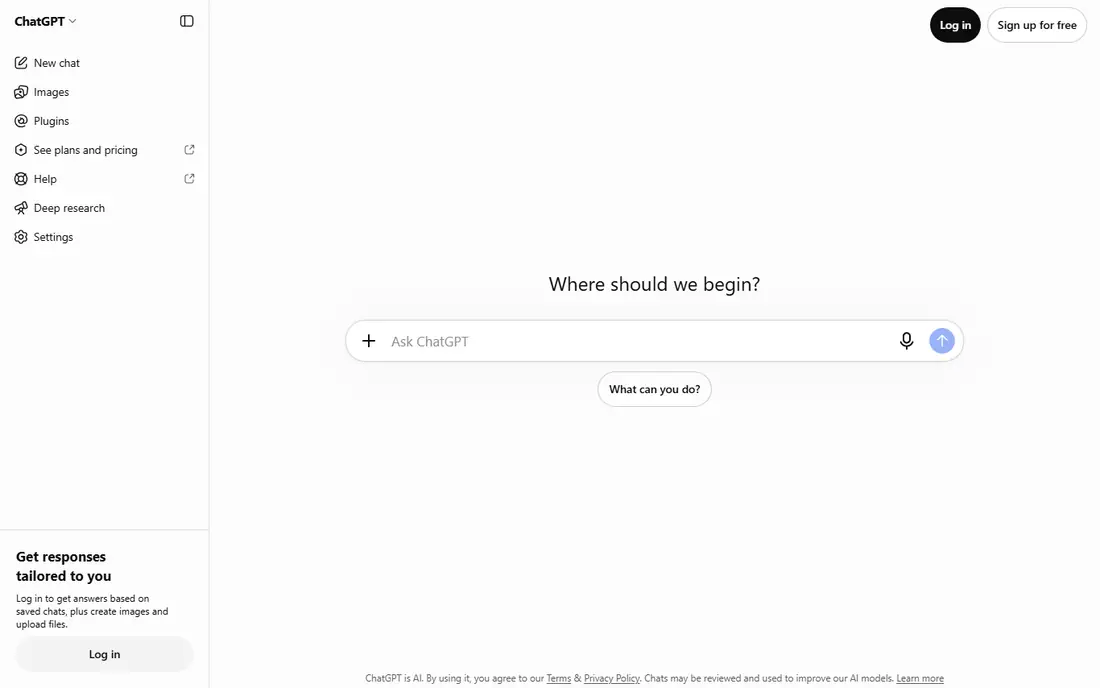
ChatGPT is a good fit for general assistant for daily work. ChatGPT is the baseline general assistant for most workers in 2026. It drafts emails, summarizes documents, explains concepts, helps with spreadsheets and code, and turns rough notes into structured outlines.
Where it falls short: Outputs need checking for facts and citations.
On top of that, treat ChatGPT as a quick draft partner, not a final authority. From a buyer's view, for general daily work, it saves the most time when paired with a clear review habit. Free level usage caps apply, and factual claims in outputs need verification, particularly for numbers, citations and technical details. The starting price for ChatGPT: Free. A free plan is available with ChatGPT.
- Wide coverage across writing
- Free level for everyday tasks
- Free level has usage limits
Superhuman
Ideal for: Quick email triage
Choose Superhuman for quick email triage. Keyboard shortcuts, split inboxes, snippets for repeat replies and AI summaries help users reach inbox zero quicker than a standard mail client.
Watch-outs: Best fit is heavy email users.
Worth adding: for executives, founders and sales staff who process hundreds of emails a week, Superhuman can save a meaningful block of time each day. Superhuman shows no starting price here, so confirm the cost on the vendor site. Free options: Free trial.
- Very quick keyboard driven inbox
- AI triage
- Not occasional inbox checkers
Otter.ai
Ideal for: Meeting transcription and summaries
Otter.ai is aimed squarely at meeting transcription and summaries. Otter.ai turns meetings into searchable transcripts and summaries, which cuts the time spent on notes and follow up. From a buyer's view, for teams with plenty of meetings, Otter saves time in the follow up stage, which is where meeting time frequently leaks into the rest of the day.
Trade-offs to know: Free level limits transcription minutes.
Beyond that, search across past meetings helps a worker find a decision or a number without replaying a full recording. More specifically, free level minutes are restricted, so heavy meeting users need a premium plan. Otter.ai starts at: Free. Otter.ai offers a free plan.
- Action item extraction
- Live transcription and meeting summaries
- Accuracy varies with audio quality and accents
Notion AI
Ideal for: Notes, docs and knowledge
For notes, docs and knowledge, Notion AI is a natural candidate. Teams that do not use Notion should weigh the cost of moving notes against the AI benefit alone.
Notion AI does not show a starting price in this comparison, so check the vendor site for current pricing. Trial and free access: Free trial.
Downsides: Workspace setup takes time to get right.
- AI summaries and action items inside docs
- Tasks and wikis in one place
- AI is a premium add on in numerous plans
More on AI tools to save time
A small routine makes the difference between a handy stack and another subscription pile. In practice, track where time goes for a week, in wide categories for example meetings, email, writing and manual data entry. Review subscriptions quarterly.
If a tool saved little time in the last month, cancel it or downgrade it.
How we built this list
Pricing pages, product documentation and feature lists were the main sources, and every entry carries at least one honest drawback. Treat prices as a snapshot: vendors change plans often, so check the vendor site for the figure that applies today. Order on the page follows fit for the typical buyer first, then price transparency and free access. Your own requirements should decide the final pick.
Questions to settle before buying
- Confirm the entry price on the vendor page. For Superhuman and Notion AI that means a quote rather than a fixed price.
- Read the fine print on the free plans from Fireflies.ai, Zapier, ChatGPT and Otter.ai; seat, project and feature caps differ.
- Take the trial from Superhuman and Notion AI and push a live task through it before you pay.
- Before choosing Fireflies.ai, weigh its main limit: free level limits storage and features.
- Look at the renewal terms for ChatGPT: auto-renewal, notice periods and price changes can matter more than the first-year price.
- List the apps you already depend on and check that Zapier supports each one on the plan you would buy.
Frequently asked questions
Do these tools publish their prices?
Not all of them. Superhuman and Notion AI publish no starting price, so expect a quote request for those. The rest, Fireflies.ai included, show a starting price, though seats and billing terms still change the final cost.
How are the tools for AI tools to save time ordered?
The order follows typical fit for AI tools to save time, with Fireflies.ai first and Notion AI last, then price clarity and free access. It is editorial judgement, not a score, so another team could rank the tools differently.
How much time can AI tools realistically save?
Savings vary by job and adoption, from a handful of hours a week for light users to more in meeting heavy or automation heavy roles. Measure your own baseline for a week, then measure again after two weeks with the tool.
Is Fireflies.ai the right pick for everyone comparing AI tools to save time?
No single tool suits every team. Fireflies.ai comes first because it fits meeting notes and CRM sync, while Zapier suits automation between apps and ChatGPT suits general assistant for daily work. Match the tool to your own size, budget and workflow before deciding.
Can AI tools replace manual note taking in meetings?
They can cut it greatly, with transcripts, summaries and action items. Treat AI notes as a draft, check key points, and share the corrected version as the record.
Can I try these tools before paying?
Often, yes. Fireflies.ai, Zapier, ChatGPT and Otter.ai have a free plan and Superhuman and Notion AI offer a free trial. Use your own data and a real task during the test, and check what the free tier or trial limits before you rely on it.