Best AI Trading Apps in 2026: 7 Options Compared

- 1
 Publicbeginners who want an AI research assistant inside a brokerVisit
- 2
 Robinhoodpeople who want a simple app and an optional AI assistantVisit
- 3
 Webullactive traders who want AI analysis next to their chartsVisit
- 4
 Composerautomating rules-based strategies without codeVisit
- 5
 Trade Ideasday traders who want AI-driven scannersVisit
- Public is our pick for the best AI trading app for beginners: a FINRA and SIPC member broker with a $0 account minimum and $0 stock and ETF commissions per NerdWallet, plus an AI research assistant.
- Robinhood's Cortex assistant needs a $5 per month Gold subscription, and Robinhood says it cannot give buy or sell recommendations or predict prices.
- Trade Ideas ($127 to $254 per month) and TrendSpider are analysis tools, not brokers, so you still need a separate brokerage account.
- Composer lets you build and automate strategies on a free Starter plan, but automation can lose money just as fast as manual trading.
- No AI tool can guarantee profits, and anyone who promises returns is a red flag.
Quick comparison
| Product | Ideal for | Price from | Free version | |
|---|---|---|---|---|
| Public | beginners who want an AI research assistant inside a broker | Free | Yes | Visit |
| Robinhood | people who want a simple app and an optional AI assistant | Free ($5 per month for Cortex) | Yes | Visit |
| Webull | active traders who want AI analysis next to their charts | Free | Yes | Visit |
| Composer | automating rules-based strategies without code | Free | Yes | Visit |
| Trade Ideas | day traders who want AI-driven scanners | $127 per month | Yes | Visit |
 TrendSpider | chart analysis, backtesting and no-code bots | See website | No | Visit |
 Alpaca | developers who want to build and test their own trading bots | Free | Yes | Visit |
The best AI trading apps
This is not financial advice. Trading carries risk, you can lose all of the money you put in, and no AI tool can guarantee profits. We list only US-regulated brokers or analysis tools that work with them.
"AI trading" covers two very different things: assistants that help you research and place orders you approve, and software that trades by rules you set. We start with brokers, then move to analysis tools and developer platforms.
Public
Ideal for: beginners who want an AI research assistant inside a broker

Public is where we would send most newcomers. Brokerage services come from Public Investing, Inc., a registered broker-dealer and FINRA and SIPC member, and the site says securities are protected by SIPC up to $500,000. NerdWallet's review reports a $0 account minimum, $0 commissions on exchange-listed stocks and ETFs, and rebates on options trades.
The AI side includes a research assistant that answers questions about a stock, and Generated Assets, which turn a prompt into an investable index backtested against the S&P 500. NerdWallet reports a 0.49% annual management fee on generated assets. Public describes Alpha as experimental and says it may produce inaccurate responses and is not investment research or a recommendation. Treat it as a way to learn, not as a signal to buy.
- Brokerage offered through a FINRA and SIPC member
- $0 commission on stocks and ETFs according to NerdWallet
- AI research assistant and prompt-built indexes
- Its Alpha tool can produce inaccurate answers
- No mutual funds
Robinhood
Ideal for: people who want a simple app and an optional AI assistant

Robinhood's AI feature is Cortex, a conversational assistant in the app. Per Robinhood's support article, it is only for Gold members, and Gold is a $5 monthly subscription. Cortex can answer portfolio questions, help with research and stock discovery (including building screeners), and prepare simple market, stop and limit orders.
The limits are clear in the same article. Cortex cannot give buy or sell recommendations or predict prices, it can create an order but you must review and submit it, and its output is informational and educational. The disclosure we read also describes it as offered through the iOS app. Brokerage services come from Robinhood Financial LLC, a registered broker-dealer and SIPC member, and the site notes that other fees can apply to a brokerage account.
- Headline commission-free stock trading with a $1 starting amount
- Cortex can build screeners from criteria you describe
- Brokerage through a registered broker-dealer
- Cortex requires the paid Gold plan
- It cannot give buy or sell recommendations
Webull
Ideal for: active traders who want AI analysis next to their charts

Webull is aimed at people who trade often and want data. Its site describes stocks, ETFs and options as commission-free for self-directed accounts, with regulatory and exchange fees possible and a $0.50 per contract fee on certain index options. Webull Financial LLC is a FINRA and SIPC member.
Vega is Webull's AI assistant. Its page lists real-time stock analysis, watchlist analysis, options analysis, Portfolio X-Ray, and Vega Analyst reports with citations to filings and earnings calls. The page makes no performance claims, and Webull states nothing on the site is a recommendation. It also does not say whether Vega requires a paid plan, so check the app. This is a lot of tooling for a first-time investor, so beginners may prefer Public.
- Commission-free stocks, ETFs and options on self-directed accounts
- Vega AI covers watchlists, options and portfolio review
- FINRA and SIPC member
- The Vega page does not state a price
- Some index options carry per-contract fees
Composer
Ideal for: automating rules-based strategies without code
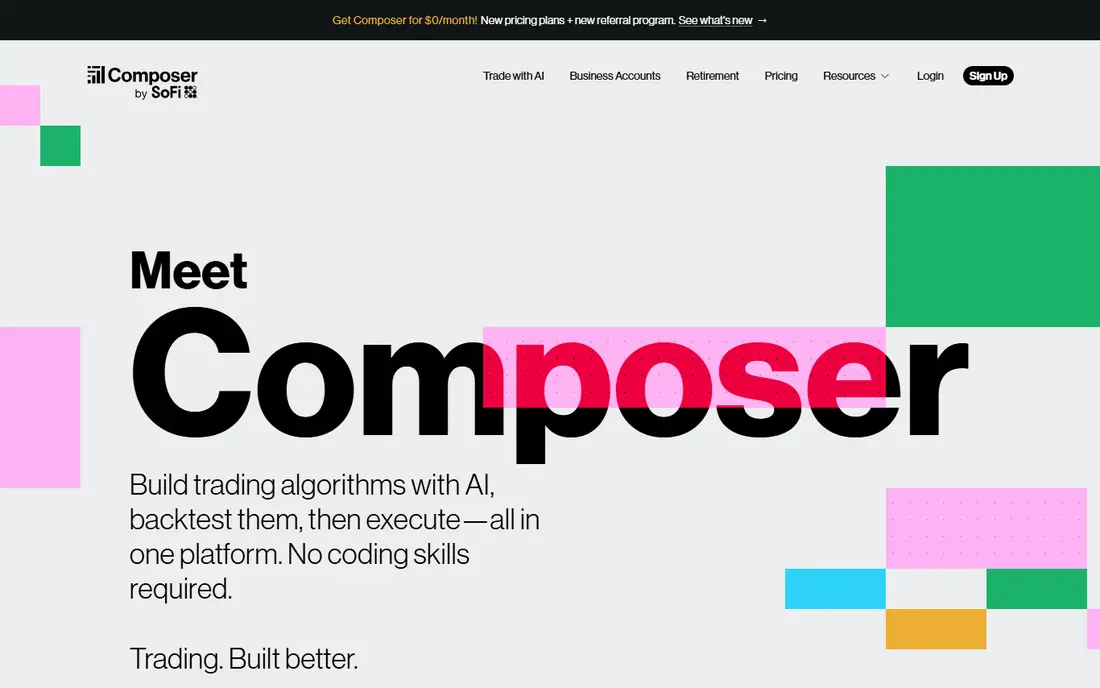
Composer lets you design strategies visually, backtest them and then trade them automatically. Securities are offered through Composer Securities LLC, an SEC-registered broker-dealer and FINRA and SIPC member, with accounts carried and cleared by Alpaca Securities and Apex Clearing. The Starter plan is $0 and allows one automated strategy. Advanced is $10 per month for up to 5 strategies, and Pro is $32 per month for up to 500.
"Trade with AI" is included for exploring ideas, with more usage on paid plans. The page does not explain how the AI builds strategies, and it lists no commission figures, so read the fee schedule. Composer also warns that capital is at risk and options are not suitable for everyone. A backtest is a record of the past, and automation will keep executing a bad rule until you turn it off.
- No-code editor with unlimited backtests on the free Starter plan
- AI help for discovering strategy ideas
- SEC-registered broker-dealer
- Free plan automates only one strategy
- Backtests do not predict future results
Trade Ideas
Ideal for: day traders who want AI-driven scanners
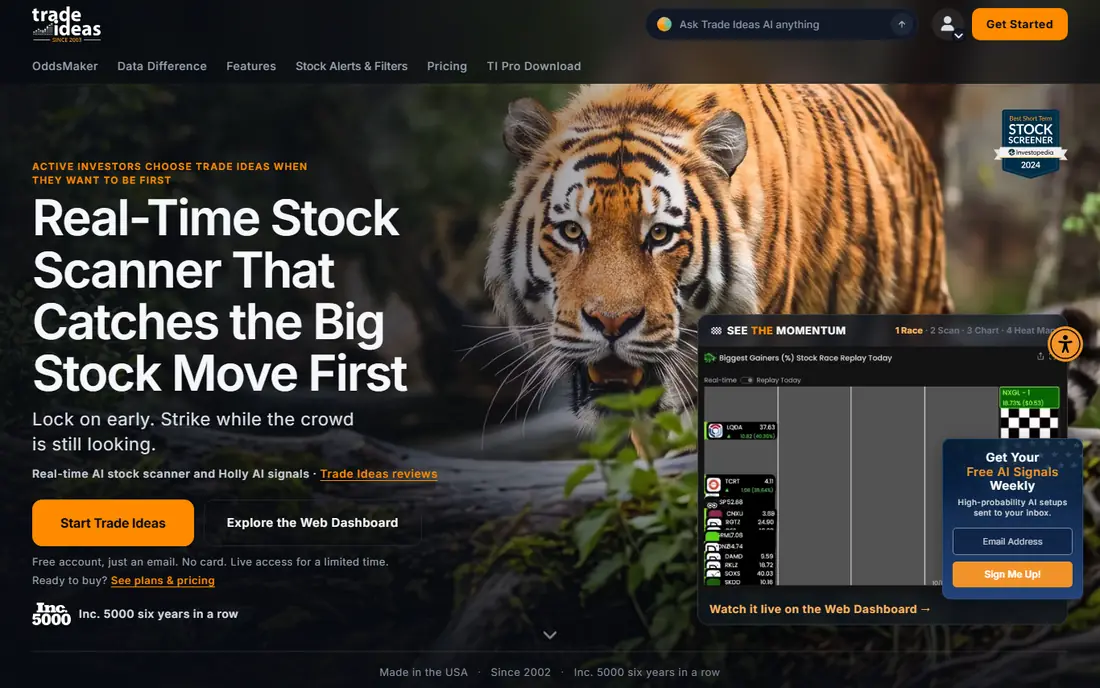
Trade Ideas has been running since 2002 and describes itself as a publisher, not a broker. Standard costs $127 per month ($89 per month billed yearly), and Premium costs $254 per month ($178 per month billed yearly). A free account gives limited-time live access, and the site does not describe a paid trial.
Holly AI is included in Premium. It looks for large movers and issues buy signals with an entry point and a stop, usually about 3% from entry, and the site warns that gaps can make losses larger than the stop implies. Trade Ideas says Holly signals are selected examples and results are not typical. You place trades through a partner broker, and TradeStation orders can be sent from the app.
- Real-time scanners and Top Lists refreshed every 15 seconds
- Holly AI signals with entries and stops
- Connects to brokers such as Interactive Brokers and TradeStation
- Not a broker
- Holly AI sits on the $254 per month Premium plan
TrendSpider
Ideal for: chart analysis, backtesting and no-code bots

TrendSpider is a technical analysis platform. A StockBrokers.com comparison describes an AI Sidekick that helps with chart setup, alerts and strategy ideas, and an AI Strategy Lab that trains and backtests models. Every plan includes 25 Sidekick messages a month, and paid Sidekick add-ons raise that limit. The same review says the Standard plan allows five bots and the Advanced plan up to 100.
Prices are the awkward part. We could not read the pricing page directly, and third-party sources list base plans from about $82 to $321 per month with frequent sales, so we say See website. The StockBrokers review says there is no free version or free trial, only a discounted paid trial. It is a research tool, not a brokerage, so you still need a broker to place trades.
- AI Sidekick for chart setup, alerts and ideas
- No-code trading bots
- Backtesting
- No free plan or free trial
- Plan prices vary by source
Alpaca
Ideal for: developers who want to build and test their own trading bots

Alpaca is a developer-first brokerage API for US stocks, ETFs and options. Alpaca Clearing is a FINRA-regulated broker-dealer and SIPC member. Its Trading API can make stock and options trades commission-free for individual self-directed accounts, and its Paper Trading API lets you test strategies without real money.
Alpaca also launched an MCP server so you can trade with natural language. That is powerful and risky: a mistaken prompt or buggy script can place real orders. Alpaca's own site warns about margin risk, options risk and risks specific to automated trading, and recommends continuous monitoring. Start in paper trading and stay there until you understand how your code behaves.
- Free paper trading with no real money
- Commission-free API trading for self-directed individual accounts
- MCP server for trading in natural language
- Aimed at people who can code
- Automated systems need constant monitoring
How we picked these
We did not place trades or run our own tests. We compared official pricing pages, product pages, disclosures and support articles, plus NerdWallet and StockBrokers.com reviews where a vendor page left a gap. We kept brokers and analysis tools that operate in the US with named regulatory status, and we left out crypto trading bots, signal-selling Telegram groups and anything promising fixed returns. Prices are in US dollars as read on 24 October 2026 and can change.
Buying guide: how to choose an AI trading app safely
Decide what you want the AI to do
An assistant that explains a stock or builds a screener (Public, Robinhood, Webull) helps you research and leaves the decision to you. A scanner or signal tool (Trade Ideas, TrendSpider) points at ideas. Automation (Composer, Alpaca) places trades by itself. Each step removes a little of your control, so start at the first.
Confirm the broker is regulated
Search the firm on FINRA BrokerCheck (brokercheck.finra.org) and, for advisers, the SEC's adviser search (adviserinfo.sec.gov). SIPC membership protects your securities up to $500,000 (including $250,000 for cash) if the brokerage fails. It does not protect against market losses.
Watch for scam warning signs
Walk away from any "AI bot" that guarantees returns, asks you to send money to a personal wallet or account, pushes you through social media messages, or cannot show a registered legal entity. Real brokers hold your money in an account in your name.
Start small and practice first
Paper trading, where available, shows how a strategy behaves with no risk. Use money you can afford to lose, keep position sizes small, and set a maximum loss before you begin. Check fees for options, after-hours trades and account transfers, since commission-free is not the same as cost-free.
Frequently asked questions
What is the best AI trading app for beginners?
We think Public is the best starting point because it pairs a regulated broker with an AI research assistant and shows $0 stock and ETF commissions. Robinhood is a simple alternative if you accept the $5 per month Gold plan for Cortex. Whichever you choose, start small.
What is the best AI trading platform for active traders?
Webull suits traders who want AI analysis inside a broker, and Trade Ideas suits day traders who want real-time scanners and Holly AI signals. Both involve substantial risk, and neither guarantees results.
Can an AI trading app guarantee profits?
No. Markets are uncertain, and past results, including backtests, do not guarantee future results. Trade Ideas itself says trading contains substantial risk, and Robinhood says Cortex cannot predict prices.
What are the best AI tools for trading besides brokers?
Analysis tools such as Trade Ideas and TrendSpider give scanners, signals and backtesting. Composer adds no-code automation, and Alpaca suits developers. You still need a regulated broker to execute trades, except where the tool is itself the broker, like Composer or Alpaca.
Are AI trading apps safe?
The regulated brokers here carry FINRA and SIPC membership, which protects against broker failure, not against losing money on trades. The bigger danger is unregulated apps and bots. Check BrokerCheck, read the fee schedule and never send money to a private person.
Sources
- https://public.com/
- https://www.nerdwallet.com/investing/reviews/public
- https://robinhood.com/us/en/
- https://robinhood.com/us/en/support/articles/cortex
- https://www.webull.com/
- https://www.webull.com/vega
- https://www.composer.trade/pricing
- https://www.trade-ideas.com/
- https://www.trade-ideas.com/pricing/
- https://trendspider.com/pricing/
- https://www.stockbrokers.com/review/tools/trendspider-vs-tradingview
- https://alpaca.markets/
- https://brokercheck.finra.org