Best AI Translation Tools in 2026: 8 Tools Compared

- 1
 DeepLEuropean language accuracyVisit
- 2
 Google TranslateWidest language coverageVisit
- 3
 Microsoft TranslatorMicrosoft users and group conversationsVisit
- 4
 ChatGPTContext aware translations with explanationVisit
- 5
 Amazon TranslateDevelopers building translation into appsVisit
- Our pick for most people is DeepL, which stands out for european language accuracy.
- Google Translate is the strongest alternative if you want widest language coverage, and it is worth comparing side by side with our top pick.
- 5 of the 8 options here offer a free plan, so you can test the core features before paying anything.
- Prices vary widely, and several options use quote based pricing, so check the official pricing page for your team size before you decide.
- The right choice depends on your budget, your must have features, and how much setup time you can spare, so use the buying guide below to narrow the list to two or three finalists.
Quick comparison
| Product | Ideal for | Price from | Free version | |
|---|---|---|---|---|
| DeepL | European language accuracy | Free | Yes | Visit |
| Google Translate | Widest language coverage | Free | Yes | Visit |
| Microsoft Translator | Microsoft users and group conversations | Free | Yes | Visit |
| ChatGPT | Context aware translations with explanation | See website | Yes | Visit |
| Amazon Translate | Developers building translation into apps | See website | No | Visit |
 Smartling | Businesses localizing websites and apps | See website | No | Visit |
 Lilt | Teams that want AI plus human review | See website | No | Visit |
 Reverso | Learners who want context examples | Free | Yes | Visit |
The best AI translation tools
We compared 8 options for best ai translation tools, looking at features, pricing, free plans, and honest weaknesses, so you can choose with confidence. The list below mixes well known leaders with smaller options that punch above their weight, and every product block sets out who it fits best and where it falls short.
DeepL
Ideal for: European language accuracy
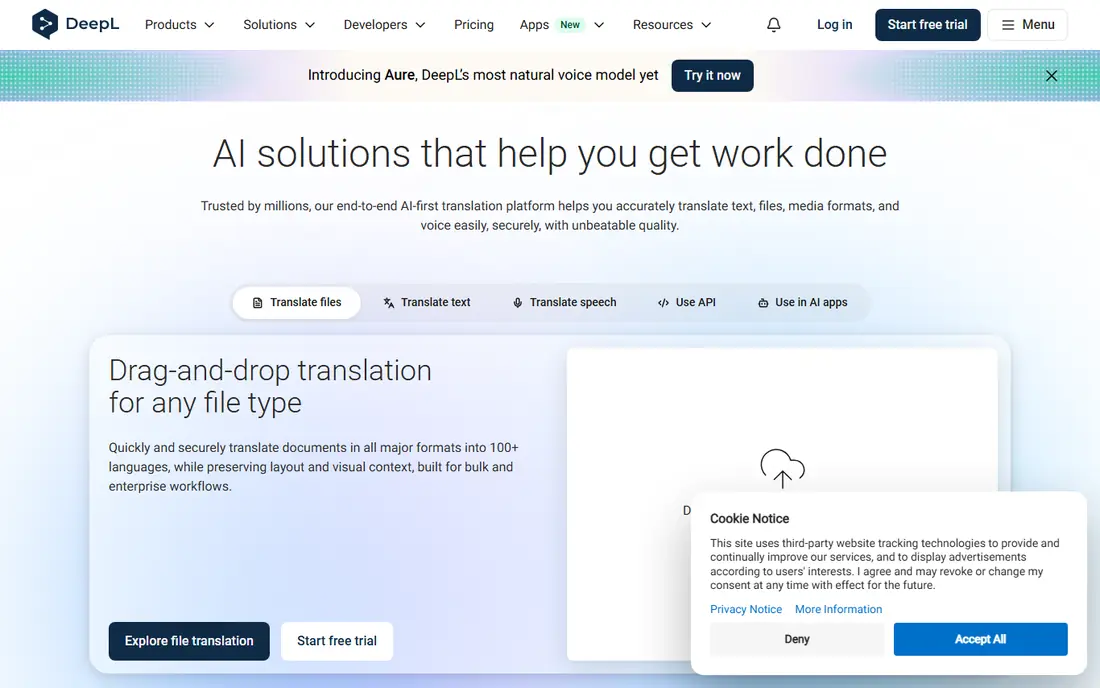
DeepL has earned a reputation for natural sounding translations, especially between European languages. It handles whole documents, lets paying users set glossaries for consistent terms, and offers a clean interface that stays out of the way.
Language coverage is narrower than Google Translate, so less common languages may not be available. Free use also has limits on document size and volume. For European business writing, DeepL is often the first tool to try.
Before you commit to DeepL, weigh the trade offs in the pros and cons above against your own priorities, and use the free plan to test it with a real task. Free access makes it easy to check the core experience, but watch for the limits that matter to you, such as the drawbacks noted above, before you build a routine around it.
- Strong accuracy for European languages
- Document translation
- Glossary control
- Language coverage narrower than Google
- Free limits apply
Google Translate
Ideal for: Widest language coverage
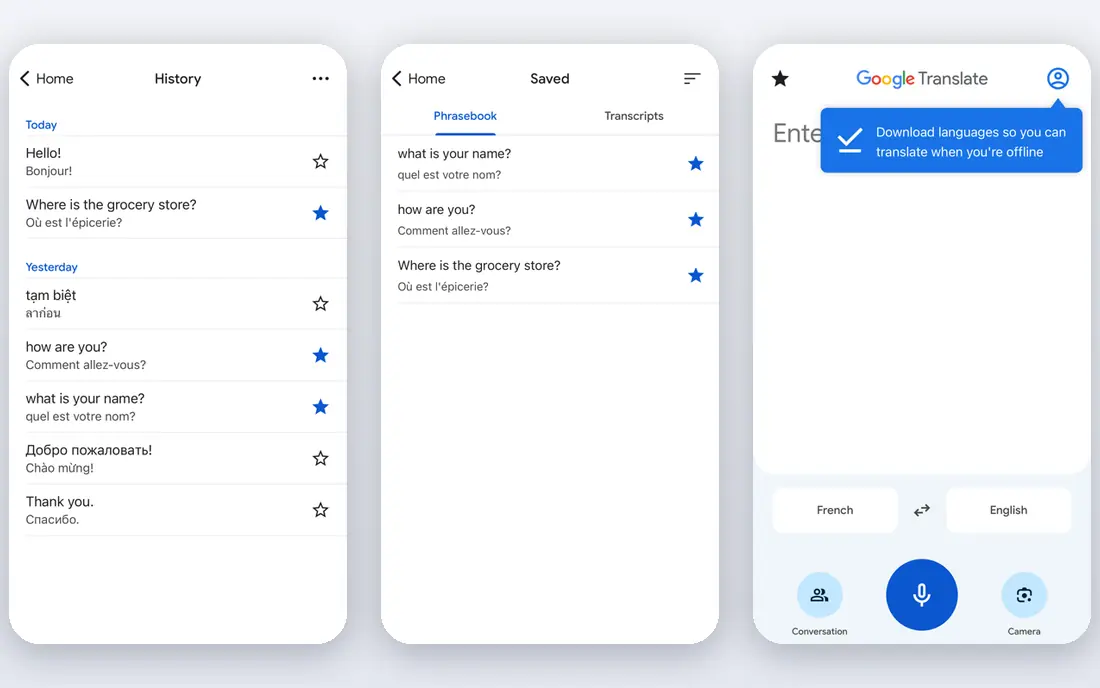
Google Translate covers more languages than any rival here, and it is free for everyday text, web pages, and images. Camera translation and conversation mode make it useful while traveling, and it handles quick checks in seconds.
Quality varies a lot by language pair, and rare languages can produce rough results. Privacy terms also suit casual use better than confidential business documents. For breadth and speed, nothing else matches it.
Before you commit to Google Translate, weigh the trade offs in the pros and cons above against your own priorities, and use the free plan to test it with a real task. Free access makes it easy to check the core experience, but watch for the limits that matter to you, such as the drawbacks noted above, before you build a routine around it.
- Huge language range
- Free for everyday use
- Camera and conversation modes
- Quality varies by language
- Privacy terms suit casual use more than confidential work
Microsoft Translator
Ideal for: Microsoft users and group conversations
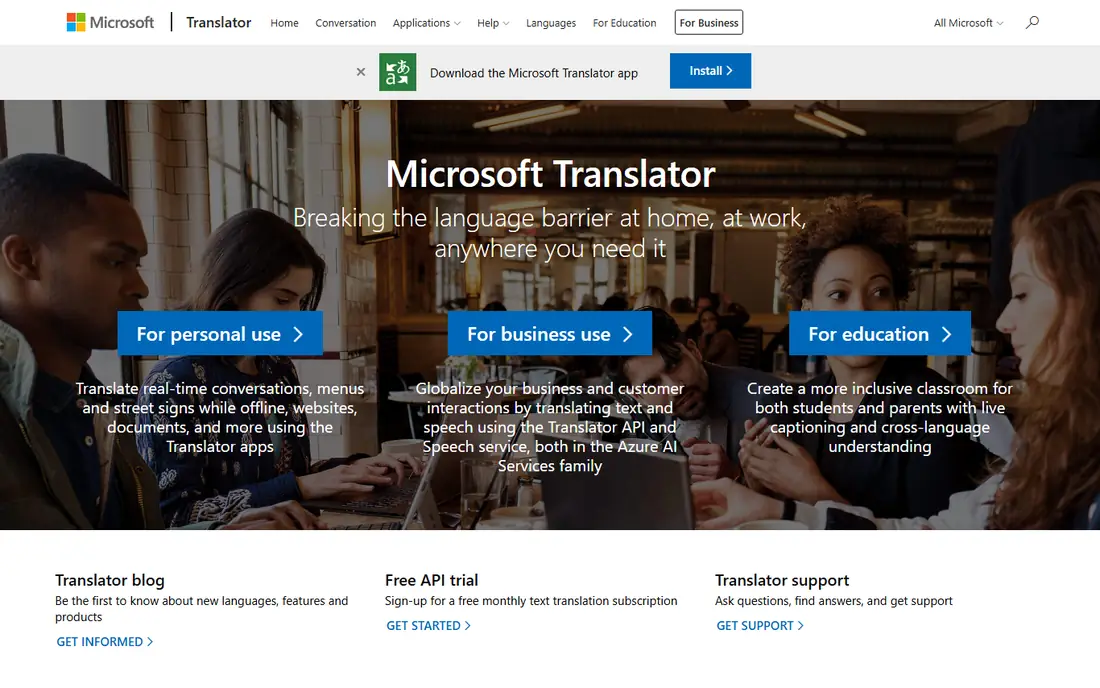
Microsoft Translator works well for live group conversations, where several people can join a translated chat from their phones. It integrates with Microsoft products and offers offline language packs for travel.
Document translation features are thinner than DeepL, and quality varies by language. It fits Microsoft shops and multilingual meetings more than it fits translators working on long documents.
Before you commit to Microsoft Translator, weigh the trade offs in the pros and cons above against your own priorities, and use the free plan to test it with a real task. Free access makes it easy to check the core experience, but watch for the limits that matter to you, such as the drawbacks noted above, before you build a routine around it.
- Group conversation translation
- Microsoft 365 integration
- Offline packs
- Translation quality varies by language
- Fewer document features than DeepL
ChatGPT
Ideal for: Context aware translations with explanation
ChatGPT translates with context, which helps when a phrase has several meanings or a tone you want to preserve. You can ask for alternatives, formal or casual versions, and explanations of tricky passages, which dedicated tools rarely offer.
It is a general chatbot, not a translation platform, so it lacks glossaries, document workflows, and translation memory. Treat its output as a strong draft, and verify anything formal. For nuanced passages, the ability to ask follow up questions is genuinely useful.
Before you commit to ChatGPT, weigh the trade offs in the pros and cons above against your own priorities, and use the free plan to test it with a real task. Free access makes it easy to check the core experience, but watch for the limits that matter to you, such as the drawbacks noted above, before you build a routine around it.
- Explains tone and alternatives
- Handles context well
- Many languages
- Not a dedicated translation tool
- Output needs checking for formal use
Amazon Translate
Ideal for: Developers building translation into apps
Amazon Translate is a cloud API that developers use to add translation to apps, websites, and support systems. It scales automatically and supports many languages, with custom terminology for consistent brand terms.
It is not a consumer tool, so non developers will find little to use directly. If you build software that needs translation at scale, it is a serious option. If you just need a document translated, pick a consumer tool instead.
Before you commit to Amazon Translate, weigh the trade offs in the pros and cons above against your own priorities, and ask for a demo or a clear quote for your size. With no free plan, the sales conversation matters more, so pin down the total cost, the setup help included, and the contract terms before you sign.
- API based translation
- Scales for apps and websites
- Many languages
- Developer focused
- No simple consumer app
Smartling
Ideal for: Businesses localizing websites and apps
Smartling is a localization platform for companies translating websites, apps, and content at scale. It combines machine translation with human translators, workflow controls, and quality checks, all tracked in one system.
Pricing and setup reflect its enterprise focus, so one off users should look elsewhere. For teams shipping products in many languages, the workflow control is the point.
Before you commit to Smartling, weigh the trade offs in the pros and cons above against your own priorities, and ask for a demo or a clear quote for your size. With no free plan, the sales conversation matters more, so pin down the total cost, the setup help included, and the contract terms before you sign.
- Website and app localization workflows
- Translator management
- Quality controls
- Enterprise pricing
- Overkill for one off translations
Lilt
Ideal for: Teams that want AI plus human review
Lilt pairs AI translation with human translators in one workflow, aiming for speed without giving up quality control. Enterprise teams get terminology management, data controls, and reporting on translation work.
It is priced and built for business teams, not casual translation. Companies with steady multilingual content and quality requirements will get the most from it.
Before you commit to Lilt, weigh the trade offs in the pros and cons above against your own priorities, and ask for a demo or a clear quote for your size. With no free plan, the sales conversation matters more, so pin down the total cost, the setup help included, and the contract terms before you sign.
- AI assisted human translation
- Enterprise controls
- Quality focus
- Quote based pricing
- Not for casual users
Reverso
Ideal for: Learners who want context examples
Reverso stands out for context: it shows how a word or phrase is actually used in real sentences, which helps learners and writers pick the right option. It also offers grammar and conjugation help for major languages.
Language coverage is smaller than Google, and free use includes ads. For language learners and anyone choosing between two phrasings, the context examples are worth the visit.
Before you commit to Reverso, weigh the trade offs in the pros and cons above against your own priorities, and use the free plan to test it with a real task. Free access makes it easy to check the core experience, but watch for the limits that matter to you, such as the drawbacks noted above, before you build a routine around it.
- Context examples from real usage
- Grammar help
- Free core features
- Language range smaller than Google
- Ads on free use
How we picked these
We compared official feature pages, pricing pages, app store listings, privacy policies, and public reviews for each option, and we checked that every product website listed here loads and belongs to that product. We did not claim hands-on testing we did not do, and we favored products that are clearly available now, with pricing or free plan details we could verify or honestly mark as quote based.
We also weighed fit for the topic over raw popularity. A famous product that only partly covers the need lost ground to a smaller option built for the job, and we kept an eye on pricing at realistic team or household sizes rather than headline discounts that few buyers actually get.
How to choose a translation tool for real work
Start with your must have features
Write down the three features you cannot do without, then score each finalist against that short list. A long feature list looks impressive, but most buyers use a small set of features daily, and the product that nails those three will serve you better than a broader tool with a weak core. Check the free plan or trial limits against your real workload, not a demo, so you learn about caps before you commit.
Compare total cost, not just the headline price
Look at the price at your actual size, including per user fees, add ons, and payment or transaction charges. A free plan can be the cheapest start, but it can also cost time if it lacks a feature you need every week. Ask what happens when you grow: does the next tier jump sharply, and does the product still fit at that size?
Test before you commit
Run a short trial with a real task from your daily work, not a sample project. Invite the people who will use the product every day, and watch where they get stuck. A tool that feels easy in a sales demo but confusing in daily use will cost you adoption, so trust the trial more than the brochure.
Check support and the exit route
Look at how you get help when something breaks: live chat, email, phone, or community forums, and whether support hours match your working hours. Also check how you export your data if you leave, since a tool that locks your work inside is a long term risk. A clear export path and responsive support are worth more than a small price difference.
Frequently asked questions
Which AI translation tool is most accurate?
Accuracy varies by language pair and content type. DeepL often leads for European languages, while Google Translate covers the widest range of languages. For critical documents, always have a fluent human review the result, since AI can miss tone, legal meaning, and cultural nuance.
Are AI translation tools free?
Most offer free tiers with limits on text volume or features. DeepL, Google Translate, and Microsoft Translator all have free options for everyday use. Paid plans add larger documents, glossaries, and team features.
Can AI translation handle documents and websites?
Yes, many tools translate whole documents, PDFs, and websites while keeping basic formatting. Check file size limits and formatting support before you rely on it for a large report. Sensitive documents deserve extra care about data handling.
Is my text kept private when I translate it?
Policies differ. Free tiers may use submitted text to improve models, while paid business plans often promise stronger data protections. For confidential material, read the privacy policy and prefer a plan with clear data controls.
Can AI translation replace a human translator?
For everyday understanding and drafts, it comes close. For legal, medical, marketing, and literary work, a human translator still matters, because meaning, tone, and liability are at stake. A common workflow is AI draft plus human review.