AI Upscale Video Software Buyer's Guide: 6 Tools for 2026

- 1
 Video2XFree open-source upscalingVisit
- 2
 TensorPixCloud upscaling on weak hardwareVisit
- 3
 Aiarty Video EnhancerBest one-time purchase valueVisit
- 4
 Topaz VideoMaximum upscale qualityVisit
- 5
 UniFab Video Upscaler AIUpscaling plus conversionVisit
- This list starts with Video2X, which is built for free open-source upscaling.
- For Super Scale inside an editor, DaVinci Resolve is worth a look.
- Topaz Video is the lowest-priced starter here at $25 per month.
- Check the limits for Aiarty Video Enhancer before you commit: maximum upscaling capped at 4K.
Direct answer
For free open-source upscaling, Video2X is where this list starts. If your case is different, TensorPix suits cloud upscaling on weak hardware and Aiarty Video Enhancer suits best one-time purchase value. Prices, free plans and limits for all 6 tools follow.
Quick comparison
| Product | Ideal for | Price from | Free version | |
|---|---|---|---|---|
| Video2X | Free open-source upscaling | Free | Yes | Visit |
| TensorPix | Cloud upscaling on weak hardware | Free | Yes | Visit |
| Aiarty Video Enhancer | Best one-time purchase value | $79 per year | No | Visit |
| Topaz Video | Maximum upscale quality | $25 a month | No | Visit |
| UniFab Video Upscaler AI | Upscaling plus conversion | $99.99 per year | No | Visit |
 DaVinci Resolve | Super Scale inside an editor | Free | Yes | Visit |
AI Upscale Video Software, one by one
This Ainotely guide covers 6 options for AI upscale video software. Each profile lists a starting price, free plan details, strengths and drawbacks, so you can drop poor fits quickly.
Video2X
Ideal for: Free open-source upscaling
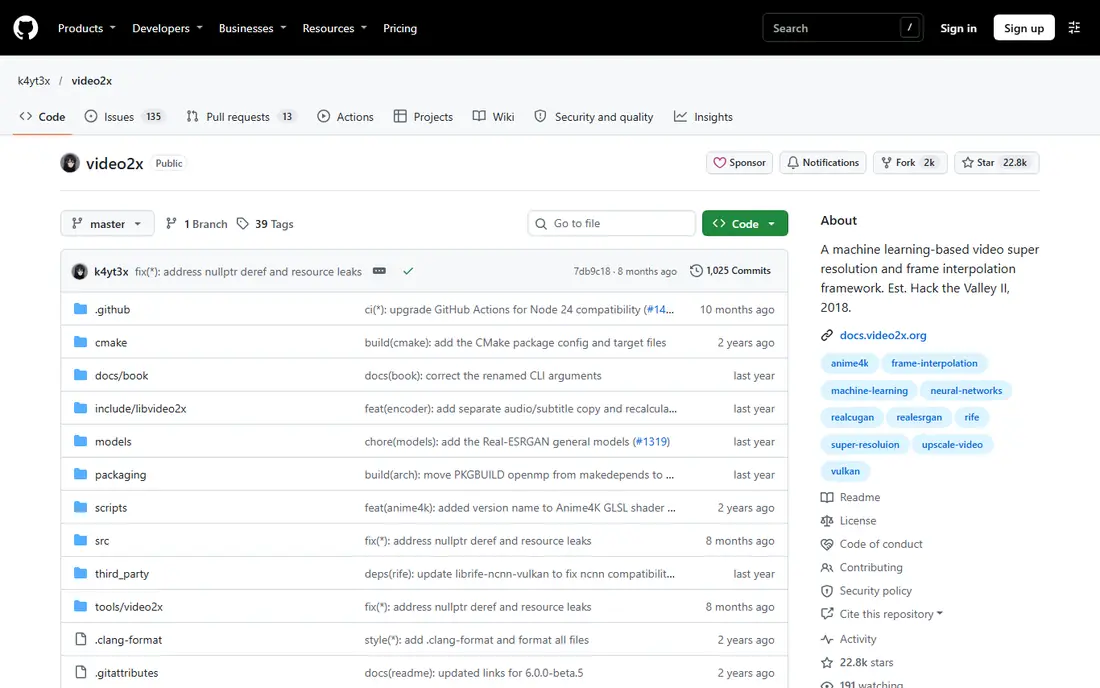
Where Video2X fits: free open-source upscaling. The drawbacks are platform and setup. It is Windows only, setup is technical with a steeper ramp-up time, and it runs slower than premium options.
Where it is weaker: Slower than premium solutions; Windows only.
In daily use, Video2X fits users with a decent GPU and comfort with open-source tooling who want free upscaling. It costs nothing beyond hardware, which makes it the obvious pick for zero upfront cost, and its multi-engine approach spans multiple upscaling styles. The starting price for Video2X: Free. Video2X includes a free tier.
- Solid for anime and low-resolution upscales
- Free and open source
- GPU required
TensorPix
Ideal for: Cloud upscaling on weak hardware

TensorPix works best for cloud upscaling on weak hardware. TensorPix is a web-based AI enhancer that upscales, stabilizes, and boosts frame rates in the cloud, with a free tier and premium plans from 5.50 dollars a month.
Watch-outs: Internet-dependent; Server queue may delay jobs.
Its cloud approach removes the GPU bottleneck entirely, which fits teams whose computers are weak or who require one-off browser jobs without installing software. The drawbacks are control and queueing. The starting price for TensorPix: Free. You can start on TensorPix without paying.
- Cloud-based AI enhancer with no install
- Upscale, stabilize
- Cloud processing means uploading footage
Aiarty Video Enhancer
Ideal for: Best one-time purchase value
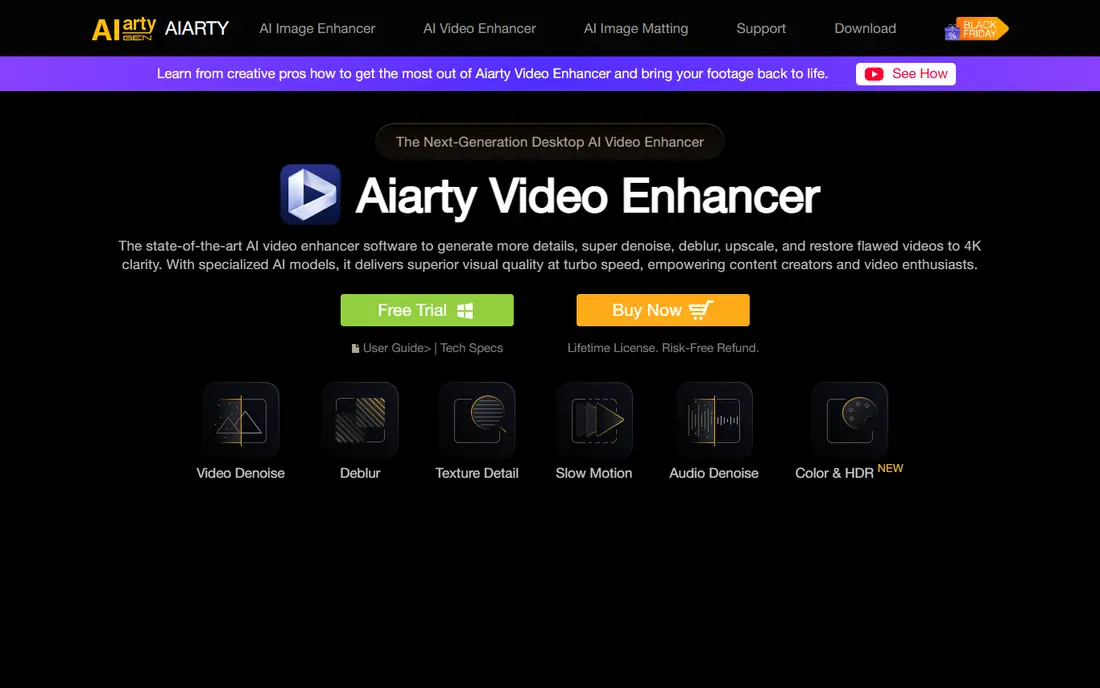
Aiarty Video Enhancer is a good fit for best one-time purchase value. Aiarty Video Enhancer provides AI upscaling to 4K with denoise, deblur, frame interpolation, and audio cleanup in a beginner-friendly interface, at 79 dollars a year or 149 dollars lifetime for 3 devices with lifetime updates.
Points against: Desktop only.
Aiarty fits creators who want a one-time purchase with solid 4K results. Aiarty Video Enhancer starts at: $79 per year. Aiarty Video Enhancer has no free plan.
- 79 dollars a year or 149 dollars lifetime for 3 devices with lifetime updates
- Frame interpolation
- Maximum upscaling capped at 4K
Topaz Video
Ideal for: Maximum upscale quality
Topaz Video is built with maximum upscale quality in mind. Monthly billing runs 33 dollars for Personal and 67 dollars for Pro, whereas annual billing drops to 25 dollars and 58 dollars a month, billed 299 and 699 dollars annually. Its wide model library spans upscaling, noise reduction, and motion smoothing for restoration and enhancement work.
The main drawbacks: Personal at 25 dollars a month billed 299 dollars annually; GPU-hungry.
Beyond that, Topaz Video fits professionals and restoration specialists who require maximum quality and can afford solid hardware. Also, Topaz is pricey, GPU-hungry with a RTX 3060 minimum, and 4K jobs can take hours, whereas results vary on older or heavily compressed footage. Starting cost for Topaz Video: $25 per month. Topaz Video has no free plan.
- Starlight diffusion models with full temporal consistency
- Local rendering with no upload
- Pro at 58 dollars billed 699 dollars
UniFab Video Upscaler AI
Ideal for: Upscaling plus conversion
UniFab Video Upscaler AI works best for Upscaling plus conversion. UniFab Video Upscaler AI bundles upscaling with conversion and editing, plus audio and video upmixing, starting from 99.99 dollars a year with a free trial handling 3 videos. Its upmixing features help with older footage where audio also needs work.
In daily use, DVDFab Video Enhancer AI no longer exists as a standalone product, since DVDFab now routes its AI video enhancement to UniFab. In practice, UniFab fits editors who want upscaling bundled with conversion and editing at a mid-range annual price. The drawbacks are model breadth and trial limits. It has fewer specialized models than Topaz, and the trial includes only 3 videos. The starting price for UniFab Video Upscaler AI: $99.99 per year. UniFab Video Upscaler AI has no free tier.
Where it falls short: Fewer specialized models than Topaz.
- Free trial with 3 videos
- Audio and video upmixing
- Desktop and cloud pricing varies
DaVinci Resolve
Ideal for: Super Scale inside an editor
Where DaVinci Resolve fits: Super Scale inside an editor. DaVinci Resolve includes Super Scale, an AI upscaling feature inside a full editing, color, and audio suite, with a free level where Super Scale is capped and Studio at 295 dollars one-time. Its strength is workflow: editors upscale inside the same app where they cut and grade, with decent batch processing and no separate subscription.
Worth adding: DaVinci Resolve fits editors already cutting in Resolve who want upscaling without a second app. In daily use, Super Scale in the free level is capped, Studio costs 295 dollars one-time, GPU demand is medium to high, and upscaling is one feature among numerous instead of a dedicated restoration tool. Starting cost for DaVinci Resolve: Free. A free plan is available with DaVinci Resolve.
Downsides: Studio costs 295 dollars one-time; Super Scale in free level is capped.
Strengths: Free level with Super Scale capped.
- Full editing, color
- Studio at 295 dollars one-time
- Upscaling is one feature among numerous
Selection criteria
Pricing pages, product documentation and feature lists were the main sources, and every entry carries at least one honest drawback. Where a vendor does not publish a price, the entry says quote. Where a price depends on seats or billing term, the entry says so. Position on the page reflects fit for a typical buyer first, with price clarity and free access breaking ties. Treat it as a guide, not a ruling.
Pre-purchase checklist
- Confirm the entry price on the vendor page: Topaz Video starts at $25 per month, but seat counts and billing terms change the total.
- Look at free plan limits closely: Video2X, TensorPix and DaVinci Resolve have one, and the caps decide whether it is usable for real work.
- Before choosing Video2X, weigh its main limit: Windows only.
- Before rolling out UniFab Video Upscaler AI, verify the integrations your workflow depends on.
- Verify that exporting from Aiarty Video Enhancer is possible on your plan and covers all your records.
Frequently asked questions
Can AI upscaling restore old VHS footage?
It can boost old footage with denoise, sharpening, and stabilization, but results vary by source quality, and heavily degraded footage may still display artifacts.
How are the tools for AI upscale video software ordered?
The order follows typical fit for AI upscale video software, with Video2X first and DaVinci Resolve last, then price clarity and free access. It is editorial judgement, not a score, so another team could rank the tools differently.
Do these tools publish their prices?
Yes. Every tool from Video2X to DaVinci Resolve shows a starting price, though seats, add-ons and billing terms still change the final cost.
What is AI video upscaling?
It is software that raises the resolution of existing video using AI models that sharpen detail, cut noise, deblur, and smooth motion, whereas keeping frames consistent over time. It boosts watchability but cannot recover detail that was never recorded.
What is the cheapest option for AI upscale video software in this list?
On published monthly entry prices, Topaz Video is the lowest here at $25 per month. Entry price is only part of the cost, because seats, add-ons and billing terms can change the total.
How long does AI upscaling take?
AVCLabs documentation concedes conversion times ranging from 8 to 30 hours on longer clips, and 4K Topaz jobs can take hours even on capable GPUs.