Comparing 6 AI Video Analysis Tools in 2026

- 1
 Spot AICamera operations and safetyVisit
- 2
 Amazon RekognitionVideo analysis on AWSVisit
- 3
 Twelve LabsNatural language video searchVisit
- 4
 Google Cloud Video IntelligenceObject and action detection on Google CloudVisit
- 5
 Azure AI Video IndexerSearchable media archives on AzureVisit
- This list starts with Spot AI, which is built for camera operations and safety.
- A free plan is available from 2 of the 6 tools: Amazon Rekognition, Google Cloud Video Intelligence.
- No starting price is shown for any of the 6 tools, Spot AI and BriefCam included, so plan time for sales calls.
- Before buying Twelve Labs, weigh this: pricing is sales-led for larger use.
- BriefCam fits quick video review and investigation.
Direct answer
Spot AI is the first pick on this list for camera operations and safety. Amazon Rekognition is better for Video analysis on AWS, and Twelve Labs is better for natural language video search. All 6 tools are compared below on price, free plan and limits.
Quick comparison
| Product | Ideal for | Price from | Free version | |
|---|---|---|---|---|
| Spot AI | Camera operations and safety | See website | No | Visit |
| Amazon Rekognition | Video analysis on AWS | See website | Yes | Visit |
| Twelve Labs | Natural language video search | See website | Free trial | Visit |
| Google Cloud Video Intelligence | Object and action detection on Google Cloud | See website | Yes | Visit |
| Azure AI Video Indexer | Searchable media archives on Azure | See website | Free trial | Visit |
 BriefCam | Quick video review and investigation | See website | No | Visit |
Tool-by-tool breakdown
If you are comparing AI video analysis tools, this page covers 6 tools in one place: what each is best for, what it costs to start, whether it has a free plan, and the main limit to know about.
Spot AI
Ideal for: Camera operations and safety
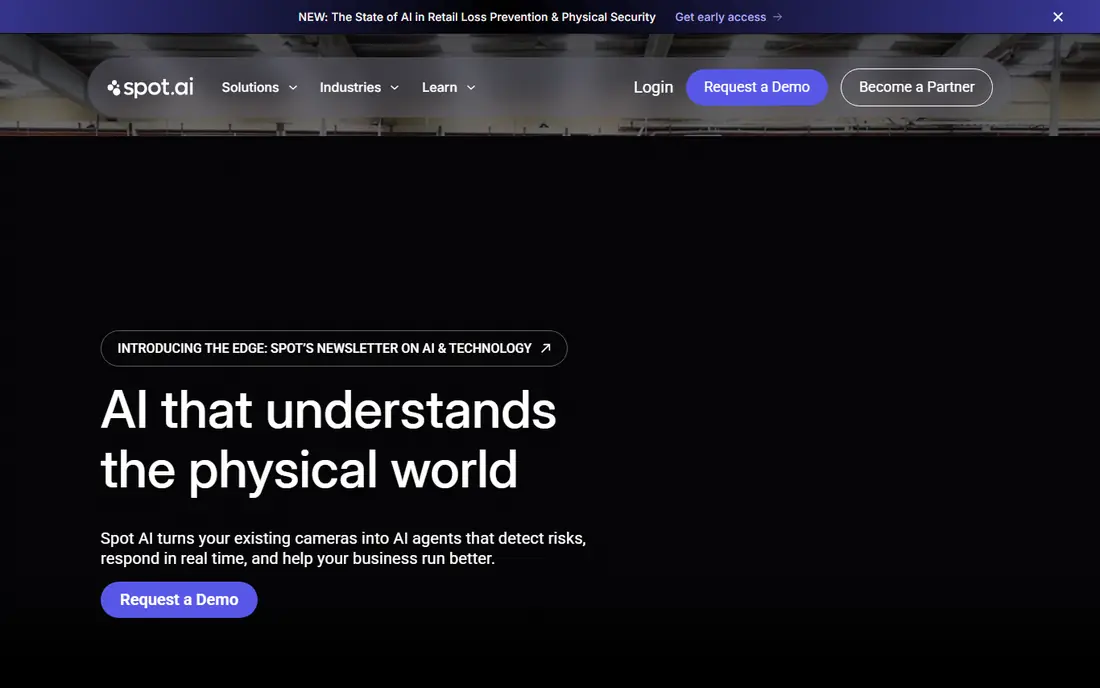
Spot AI makes the most sense for camera operations and safety. Spot AI turns existing cameras into operations tools, not just security feeds. Its AI agents watch for safety issues, SOP deviations, and operational events, then surface only the moments that matter with alerts and scorecards.
The main drawbacks: Subscription per camera.
A conversational agent lets managers ask questions across cameras without reviewing raw footage. Also, the model is a per-camera subscription bundled with hardware and software, so multi-site costs need a clear business case. Also, rollout also needs thought about which events matter, who receives alerts, and how staff respond. Also, since it works with standard IP cameras and layers on an edge recorder for local processing and storage, teams avoid replacing camera hardware. Check the vendor site for Spot AI pricing; none is listed in this comparison. No free plan comes with Spot AI.
- Conversational search across cameras
- AI agents for safety, operations
- Rollout needs planning across sites and shifts
Amazon Rekognition
Ideal for: Video analysis on AWS
Amazon Rekognition serves Video analysis on AWS. Pick Rekognition when your stack is already on AWS and you want vision as one more managed service, not a separate product to learn. Face search and comparison also raise privacy questions that require a policy before use.
Where it is weaker: Face features need careful policy review.
In daily use, Amazon Rekognition suits AWS teams that need computer vision inside an existing application. It spots labels, faces, text, and unsafe content in stored video and streams, and custom labels let you train detection for your own objects, like a brand logo, from a small set of examples. In practice, setup is the friction. IAM permissions, storage, and job handling need AWS knowledge, and costs vary by feature and minutes analyzed. Pricing for Amazon Rekognition is not stated here, so ask the vendor for current figures. Amazon Rekognition offers a free plan.
- Pay per use with no servers to handle
- Labels, faces, text
- AWS setup and permissions take time
Twelve Labs
Ideal for: Natural language video search
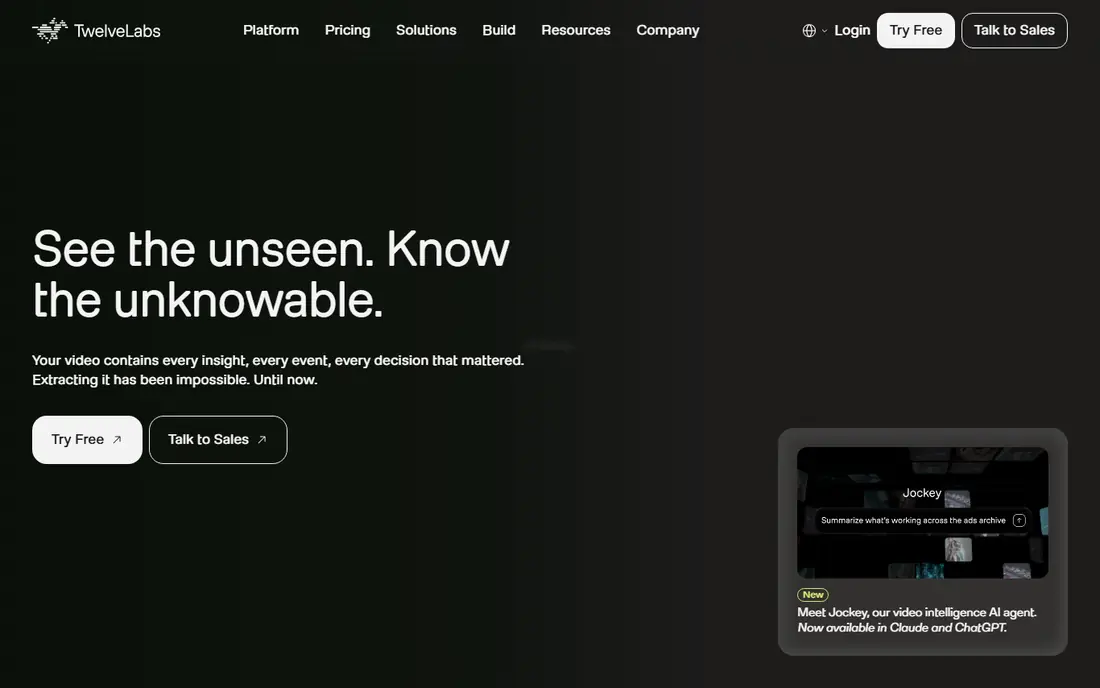
Where Twelve Labs fits: natural language video search. That helps media teams find clips, sports teams pull flags, and compliance teams review material quicker. Its video language model also summarizes long assets, which cuts review time on archives.
Pricing is also not a straightforward self-serve monthly plan for large volumes. On top of that, the product is developer-focused, so a non-technical team will need engineering help to turn the API into a finished app. Check the vendor site for Twelve Labs pricing; none is listed in this comparison. As for free access: Free trial.
Points against: Pricing is sales-led for bigger use.
- API aimed at developers
- Summaries and highlights from long footage
- Needs developer effort to build a full product on top
Google Cloud Video Intelligence
Ideal for: Object and action detection on Google Cloud
Google Cloud Video Intelligence is a good fit for object and action detection on Google Cloud. Google Cloud Video Intelligence is the natural choice for teams already on Google Cloud. Worth adding: choose it when your pipeline already runs on Google Cloud and you need dependable, structured detections at scale.
Beyond that, a free monthly allowance of 1,000 minutes for stored video and 1,000 for streamed video lets small teams test without a large bill. Streaming annotation supports near-real-time use, like triggering events when an object appears. You also need Google Cloud project setup and billing, which is more work than a straightforward web app signup. Pricing for Google Cloud Video Intelligence is not stated here, so ask the vendor for current figures. Google Cloud Video Intelligence offers a free plan.
Drawbacks to consider: Per-feature pricing adds up.
- Streaming annotation for live use
- Free monthly allowance for stored and streamed video
- Best results need Google Cloud setup
Azure AI Video Indexer
Ideal for: Searchable media archives on Azure
Azure AI Video Indexer works best for searchable media archives on Azure. Upload a file and it returns a time-stamped index of spoken words, topics, keywords, on-screen text, scenes, and people, with captions and translation choices. That bundled output saves integration work compared to stitching multiple APIs together.
What to check first: Face features need approval for sensitive use.
From a buyer's view, pricing is usage-based, so a large archive ingest can cost more than expected. In practice, pick it when your media already lives on Azure and you want one managed index instead of a custom pipeline. This comparison lists no price for Azure AI Video Indexer; ask the vendor. Trial and free access: Free trial.
- Transcripts, topics, faces
- On-screen text in one index
- Best value inside Azure
BriefCam
Ideal for: Quick video review and investigation
BriefCam is a good fit for quick video review and investigation. BriefCam solves a painful job: reviewing hours of surveillance footage after an incident. Its synopsis feature condenses long video into a short review, whereas filters let investigators search by object type, appearance, direction, speed, and path.
That combination helps law enforcement, transport, and retail teams find evidence quicker than scrubbing timelines by hand. It is an enterprise product with quote-based pricing, so small teams will find it out of reach. It also performs best with a compatible VMS or clean exported files. Choose BriefCam when investigation speed and evidence search justify enterprise cost, and when your cameras already feed a supported management system. This comparison lists no price for BriefCam; ask the vendor. There is no free plan with BriefCam.
Limits to weigh: Needs compatible VMS or exported files for best results.
- Filters by appearance, object, path
- Works with leading VMS products
- Quote-based enterprise pricing
How these tools were picked
We compared the tools on published pricing, free plan or trial availability, feature coverage for AI video analysis tools, and the limits each vendor documents. Prices and plan limits come from vendor pages and can change, so confirm them on the vendor site before you buy. Order on the page follows fit for the typical buyer first, then price transparency and free access. Your own requirements should decide the final pick.
What to check before you buy
- Request quotes from Spot AI, BriefCam and the others; the list shows no fixed prices.
- Read the fine print on the free plans from Amazon Rekognition and Google Cloud Video Intelligence; seat, project and feature caps differ.
- Use real work to test the free trial from Twelve Labs and Azure AI Video Indexer, rather than a demo project.
- Before choosing Spot AI, weigh its main limit: subscription per camera.
- Ask whether Twelve Labs integrates with your current software, and whether that comes standard or as an add-on.
- Ask Amazon Rekognition how an export works before you move any records in; an easy exit lowers the risk.
Frequently asked questions
Is face recognition included in these tools?
Some tools offer face detection and identification, but sensitive face features frequently need approval, consent, and a legal review. Check each vendor's policy and your local rules before enabling them.
Can I try these options before paying?
Often, yes. Amazon Rekognition and Google Cloud Video Intelligence have a free plan and Twelve Labs and Azure AI Video Indexer offer a free trial. Use your own data and a real task during the test, and check what the free tier or trial limits before you rely on it.
Do these tools publish their prices?
No. None of the tools, from Spot AI to BriefCam, shows a fixed starting price here, so budget time for quotes.
Which options for AI video analysis tools have a free plan?
On this list, Amazon Rekognition and Google Cloud Video Intelligence include a free plan. Caps on seats, usage or features are common, so test the free plan against your real workload. Several others offer a trial instead.
How are the tools for AI video analysis tools ordered?
Spot AI sits first and BriefCam last because the order follows typical fit for AI video analysis tools, then price clarity and free access. It is a judgement call, so read each profile for fit and limits.
What is the best AI video analysis tool for searching a media archive?
This list starts with Spot AI, which fits camera operations and safety. For other needs, Amazon Rekognition is aimed at Video analysis on AWS, and Twelve Labs at natural language video search. Check each tool's price and main limit first.