6 AI Video Creator Apps Compared on Price and Fit

- Top of the list is Descript, which targets editing video by editing text.
- Runway is the one to check for generated footage and creative control.
- Runway is the lowest-priced starter here at $15 per month.
- Pictory comes with a trade-off: no permanent free plan.
Direct answer
For editing video by editing text, Descript is where this list starts. Pictory fits turning text into video; Lumen5 fits social videos from articles. The other 3 tools in the list cover narrower or pricier cases.
Quick comparison
| Product | Ideal for | Price from | Free version | |
|---|---|---|---|---|
 Descript | Editing video by editing text | See website | Yes | Visit |
 Pictory | Turning text into video | See website | Free trial | Visit |
 Lumen5 | Social videos from articles | See website | Yes | Visit |
 Synthesia | Training and explainer videos | $29 a month | Yes | Visit |
 HeyGen | Avatar videos and translation | $29 a month | Yes | Visit |
 Runway | Generated footage and creative control | $15 a month | Yes | Visit |
AI Video Creator Apps, one by one
Ainotely put together this guide to AI video creator apps for readers who want a clear shortlist without reading every vendor page. It compares 6 tools on starting price, free plans, who each one suits and where each one falls short.
Descript
Ideal for: Editing video by editing text
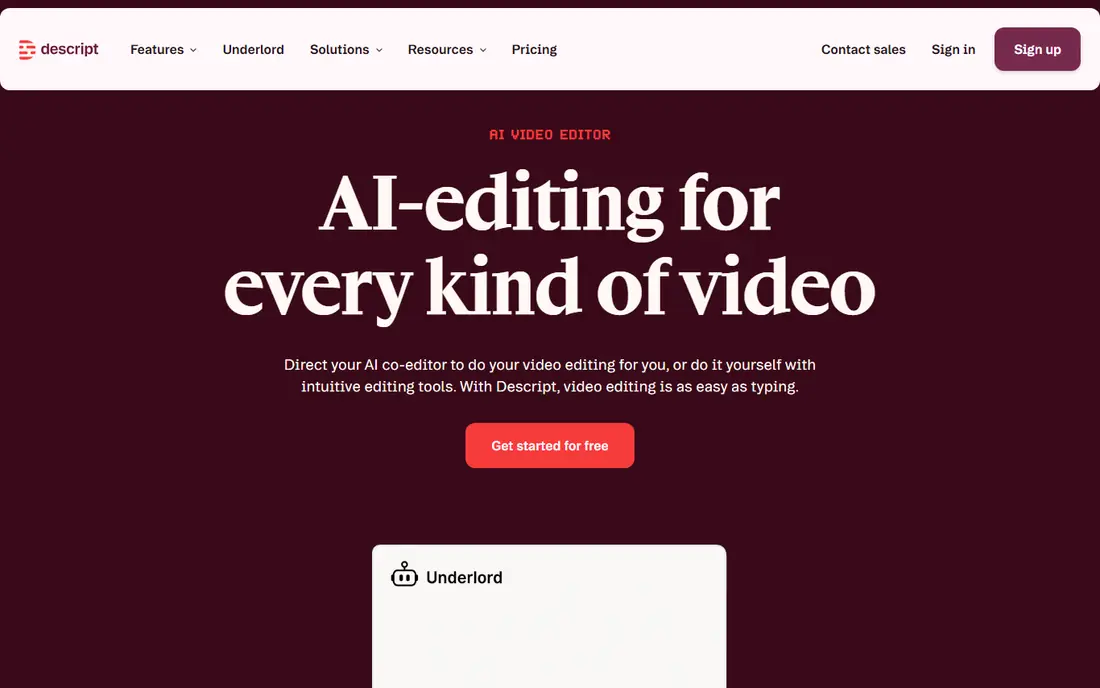
Choose Descript for editing video by editing text. That feels natural for anyone who has edited a document. It makes cutting mistakes, pauses and filler words far quicker than scrubbing a timeline.
In daily use, for tutorials, podcasts and talking-head videos, it can save hours. It also performs best when your original recording has clear audio, since transcription quality drives editing quality. Worth adding: for creators who film themselves, though, it is one of the most practical tools here. Pricing for Descript is not stated here, so ask the vendor for current figures. Descript offers a free plan.
What to check first: Generative video features are limited.
- Edit video by editing a transcript
- Filler word removal
- Best with your own recorded footage
Pictory
Ideal for: Turning text into video

In short, Pictory is for turning text into video. For bloggers and small firms with a back catalog of written content, that is a practical way to reach video viewers without filming anything. From a buyer's view, paste a blog post, a script or an URL.
Watch-outs: No permanent free plan.
It builds a video with stock footage, text on screen and a voiceover. As for the details, the trade-off is sameness. There is a trial instead of a lasting free plan, so budget for a subscription if you plan to publish on a regular basis. Pictory does not show a starting price in this comparison, so check the vendor site for current pricing. Free access: Free trial.
- Large stock library
- Automatic captions
- Output can feel template-like without editing
Lumen5
Ideal for: Social videos from articles

Lumen5 is built with social videos from articles in mind. The workflow is straightforward enough for a small marketing team to produce regular posts without a dedicated video editor.
What to check first: Less control over generated scenes.
Control is lighter than in a full editor, so creators who want precise timing or unusual visuals may feel boxed in. Check the vendor site for Lumen5 pricing; none is listed in this comparison. Free access exists with Lumen5.
- Team-friendly
- Social formats and resizing
- Premium assets sit behind premium plans
Synthesia
Ideal for: Training and explainer videos
Synthesia works best for training and explainer videos. For training teams, that means one script can become consistent lessons in multiple languages without booking a studio or a presenter for each version. The limit is tone.
Video minutes also matter, since longer courses can push you to a higher plan. Use Synthesia where consistency and scale matter more than personality. Synthesia pricing: $29 per month. You can start on Synthesia without paying.
Watch-outs: Higher plans needed for longer videos.
- Large avatar and language range
- Well suited to corporate training
- Avatar videos can feel flat for entertainment content
HeyGen
Ideal for: Avatar videos and translation
For avatar videos and translation, HeyGen is a natural candidate. The free plan is restricted to short videos, so you will need a premium plan for regular publishing. Beyond that, HeyGen also builds avatar videos, but its standout feature is cloning: record once.
Watch-outs: Cloning quality relies on source footage.
An avatar in your likeness can present new scripts. Cloning is only as decent as the recording you feed it, so poor lighting or audio will display in the result. Worth adding: translation is the other practical win, since a video can be adapted into another language with matched lip movement, which helps creators reach viewers beyond their first language. On cost, HeyGen starts like this: $29 per month. A free plan is available with HeyGen.
- Video translation with lip sync
- Personal avatar cloning
- Free plan lets only short videos
Runway
Ideal for: Generated footage and creative control
Runway is a good fit for generated footage and creative control. The cost model needs care.
Where it falls short: Ramp-up time is steeper.
In practice, Runway is for creators who want footage that does not exist yet, instead of a presenter reading a script. The starting price for Runway: $15 per month. Runway has a free plan.
- Handy for original visuals
- Solid generative video models
- Credits run out quick on long or high-resolution clips
AI Video Creator Apps cost breakdown
Start with export rules, since a watermark, a resolution cap or a short length limit can make a cheap plan useless for publishing. In practice, Finally, check commercial use terms, particularly for avatar cloning and generated footage. So you know what you can use in premium ads or client work.
Beyond that, buying a generator when you actually need an editor, or the reverse, is the most typical waste of money in this category. Worth adding: review every video before publishing, fix captions by hand, and disclose AI use where your system or client needs it. In practice, a short human review pass is what separates a usable video from one that looks automatic.
How we chose
Ainotely looked at what each vendor publishes: pricing, plan limits, feature coverage for AI video creator apps and stated drawbacks. No hands-on testing is claimed. Treat prices as a snapshot: vendors change plans often, so check the vendor site for the figure that applies today. The ranking is editorial: typical fit first, then clear pricing, then free access. If your needs are unusual, read the profiles rather than relying on position.
Things to verify first
- Confirm the entry price on the vendor page. For Descript, Pictory and Lumen5 that means a quote rather than a fixed price.
- Read the fine print on the free plans from Descript, Lumen5, Synthesia and others; seat, project and feature caps differ.
- Take the trial from Pictory and push a live task through it before you pay.
- Before choosing Descript, weigh its main limit: Generative video features are restricted.
- Pick one real project and run it in Synthesia first; a small pilot shows fit faster than a checklist.
- Add up seats, add-ons and usage charges for Lumen5 before comparing it with cheaper entries.
Frequently asked questions
Which options for AI video creator apps have a free plan?
Descript, Lumen5, Synthesia, HeyGen and Runway offer a free plan in this list. Free plans usually cap users, projects or features, so check the limits on the vendor page. One other tool offers a trial instead.
Do these tools publish their prices?
Not all of them. Descript, Pictory and Lumen5 publish no starting price, so expect a quote request for those. The rest, Synthesia included, show a starting price, though seats and billing terms still change the final cost.
What is the cheapest option for AI video creator apps in this list?
On published monthly entry prices, Runway is the lowest here at $15 per month. Entry price is only part of the cost, because seats, add-ons and billing terms can change the total.
Is Descript the right pick for everyone comparing AI video creator apps?
No single tool suits every team. Descript comes first because it fits editing video by editing text, while Pictory suits turning text into video and Lumen5 suits social videos from articles. Match the tool to your own size, budget and workflow before deciding.
What is the best ai video creator app for beginners?
For most readers this guide would start with Descript, built for editing video by editing text. Pictory is the alternative for turning text into video, and Lumen5 for social videos from articles. The right answer depends on budget and workflow.