Best AI Video Generation Tools for Text to Video in 2026: 8 Tools Compared

- Veo and Runway lead for realistic, cinematic text-to-video clips, with Veo adding native audio and dialogue.
- Pika, Kling, and Hailuo offer strong creative control for social, short-form, and stylized video work.
- Luma suits teams that want agent-led creation across video, image, and audio in one workspace.
- Synthesia and InVideo fit business and marketing teams that need presenters, templates, and fast turnaround more than film-style realism.
Quick comparison
| Product | Ideal for | Price from | Free version | |
|---|---|---|---|---|
 Runway | Cinematic creative suite | See website | Yes | Visit |
 Pika | Creative social video | See website | Yes | Visit |
 Veo | Realistic video with audio | See website | No | Visit |
 Kling | High-quality text and image to video | See website | Yes | Visit |
 Hailuo | Stylized and social video effects | See website | Yes | Visit |
 Luma | Agent-led creative production | See website | Yes | Visit |
 Synthesia | Business videos with AI avatars | See website | Free trial | Visit |
 InVideo | Fast marketing videos from text | See website | Yes | Visit |
The best ai video generation tools text to video
We compared official feature pages, model pages, and pricing pages to find tools that turn a written prompt into usable video, not just a demo clip. Note that Sora was left out because OpenAI discontinued the Sora app and API during 2026.
Runway
Ideal for: Cinematic creative suite
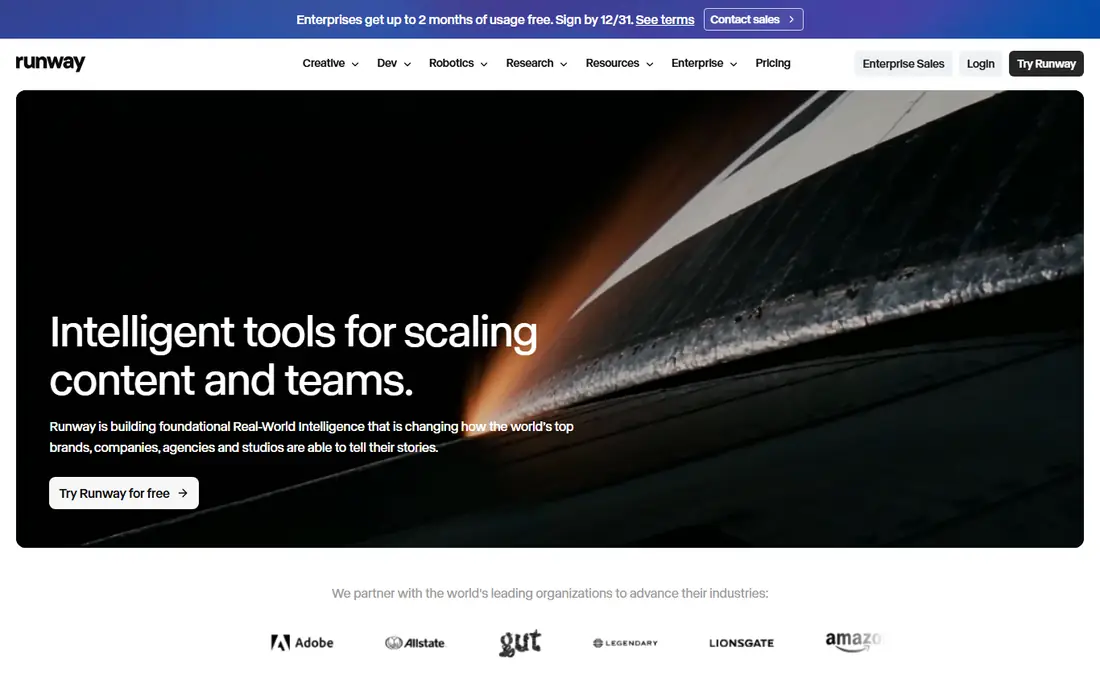
Runway remains a top pick for creators who want more than a single clip generator. Its creative suite covers video generation and editing, image work, and audio in one workspace, and its models are built for film-style output. A free tier lets new users try generation before paying, which helps when you are still learning how prompts behave.
The catch is cost control. Heavy generation eats credits, and polished results often need several attempts. For creators and small studios that want a full toolkit rather than a one-trick generator, Runway is our pick for the most complete creative platform here.
- Full creative suite for video, image, and audio
- Strong model quality
- Free tier to start
- Best results need prompt practice
- Credits limit free use
Pika
Ideal for: Creative social video
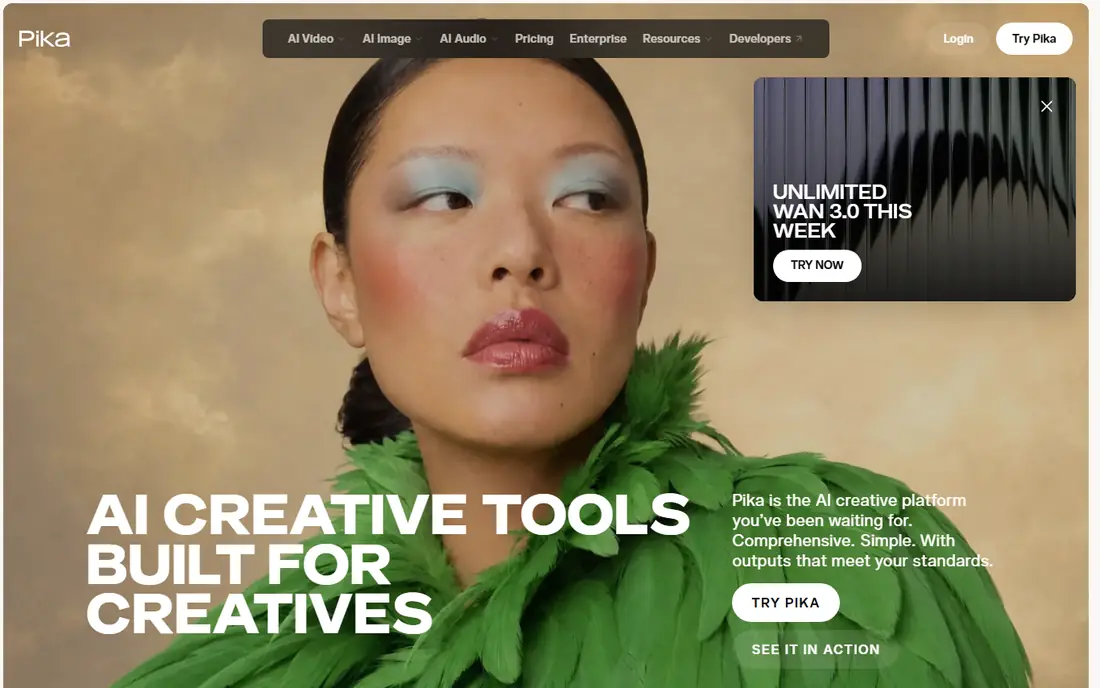
Pika rebuilt itself around creative apps on top of leading generation models, covering video, image, and sound in one place. That design suits social creators and marketers who want quick, stylish clips without wrestling with raw model settings. Its community examples show the playful, stylized work it does best.
Long, realistic scenes are not its strongest area, and results vary depending on which model you pick. For short-form and social video where speed and style matter, Pika is a friendly, capable choice.
- Simple creative apps
- Wide model choice
- Strong social and stylized output
- Less suited to long, realistic scenes
- Quality varies by model
Veo
Ideal for: Realistic video with audio
Veo 3.1 from Google DeepMind is the realism leader in this list, with native audio that covers sound effects, ambient noise, and dialogue in the same generation. Its physics and prompt following stand out in side-by-side comparisons published by Google, and it powers creation inside Google Flow and Gemini. For ads, shorts, and scenes where sound matters as much as picture, that audio edge is real.
Access is the catch. You reach Veo through Google products and their plans rather than a simple standalone free tier, so pricing depends on the route you take. If realism plus audio is your priority, Veo is our pick.
- Native audio, dialogue, and sound effects
- Strong realism and prompt following
- Google Flow and Gemini access
- Access runs through Google products and plans
- No standalone free tier
Kling
Ideal for: High-quality text and image to video
Kling has built a strong reputation for clean, detailed video from text and image prompts, with work featured in ads, shorts, and even a fully AI-generated feature film. Its canvas and storyboard tools help creators plan longer pieces instead of generating one clip at a time. Free credits let you test quality before paying.
The platform packs in many features, so new users may take time to find their way around. For creators who want high visual quality and room to grow into longer projects, Kling is a strong contender.
- Strong prompt adherence
- 4K output claims
- Broad creative and commercial use
- Interface can feel busy
- Advanced features sit on paid plans
Hailuo
Ideal for: Stylized and social video effects
Hailuo, from MiniMax, shines at the fun, fast end of AI video. Its library of effects, transformations, and themed templates turns a single photo into a shareable clip in minutes, which suits social creators and casual marketers. Image-to-video work is a particular strength, with many ready-made styles to try.
The tone leans playful rather than cinematic, so it is less suited to serious brand films. For social content, memes, and quick experiments, Hailuo offers a lot of free fun before you pay.
- Huge library of effects and templates
- Fast social-ready output
- Image to video strengths
- Homepage defaults to Chinese for some visitors
- Style leans playful over cinematic
Luma
Ideal for: Agent-led creative production
Luma pairs its Ray video models with AI agents that research, generate, and refine across video, image, audio, and text. That setup suits teams producing many variants for a campaign, since the agent can hold brand style steady across assets. Directing controls aim to keep continuity across cuts, a common weak spot for AI video.
The agent-led approach is newer than a simple prompt box, so expect a learning curve. For creative teams that want volume plus control, Luma is an interesting, capable pick.
- Ray models with strong control
- Agents handle research and refinement
- Brand consistency tools
- Newer agent workflow takes learning
- Pricing depends on usage
Synthesia
Ideal for: Business videos with AI avatars
Synthesia works differently from the rest of this list. Instead of generating scenes from a prompt, it turns a script into a presenter-led video with an AI avatar speaking in over 140 languages. That makes it ideal for training, onboarding, and internal updates, where re-recording a human presenter for every change would be slow and costly.
The style is clearly corporate, so it will not suit filmmakers or social creators chasing realism. For business teams that need many consistent, translatable videos fast, Synthesia is our pick.
- AI avatars in 140-plus languages
- Easy updates
- Built for training and internal comms
- Avatar style is corporate, not cinematic
- Text-to-video here means script to presenter video
InVideo
Ideal for: Fast marketing videos from text
InVideo turns text prompts and scripts into edited marketing videos with templates, stock footage, voiceover, and captions. That makes it a practical choice for small businesses and social teams that need a finished ad or post quickly, without learning a film-style tool. A free plan lets you test the workflow before paying.
The trade-off is originality. Heavy template use can make videos feel familiar, and AI-generated clips need review before publishing. For fast marketing output at low cost, InVideo earns its place here.
- Text-to-video with templates and stock
- Quick social and ad output
- Free plan
- Output can feel template-led
- AI clips vary in quality
How we picked these
We compared official feature pages, model pages, and pricing pages, and we checked that every homepage loads and belongs to the product named. We left out Sora because OpenAI discontinued the Sora web and app experience in April 2026 and its API in September 2026, so it does not work as a text-to-video tool in October 2026. We did not claim hands-on testing, and we left prices as "See website" where the vendor does not publish a clear starting price.
What to check before you choose
Start with the kind of video you actually need. Film-style clips, social effects, presenter training, and marketing ads are different jobs, and the best tool for one can disappoint on another. Match the tool to the output, not to the hype around its model.
Next, test with your own prompts. Generate the same short brief in two or three tools and judge motion, faces, text rendering, and audio. Small differences in a demo become big ones across a full project.
Finally, check rights and costs. Read the commercial use terms for your plan, and track how many credits a finished minute of video really takes. A cheap plan that needs ten generations per usable clip is not cheap.
Before you commit to one option, spend a short trial period with your top two choices from this list. Use each one for a real task from your own work or daily routine, not just a demo, and note where you get stuck, what feels slow, and which features you actually open twice. Check the official pricing page again at that point, since free plans and paid tiers change, and confirm that the plan you need covers the users, projects, or devices you will use. Read the privacy and support pages too, especially for tools that hold personal or work data, and confirm how to export your work if you later switch. A tool that fits your routine in a two-week trial is a far better choice than a more powerful option you avoid opening, so let daily use, not a feature list alone, decide your final pick for best ai video generation tools text to video.
Frequently asked questions
What is the best AI tool for text to video generation?
Veo leads for realistic clips with audio, while Runway offers the most complete creative suite. For social and stylized work, Pika, Kling, and Hailuo are strong, and Synthesia leads for presenter-led business video.
Is there a free AI text to video tool?
Yes, several tools here offer free tiers or credits, including Runway, Pika, Kling, Hailuo, Luma, and InVideo. Free tiers are best for testing, since usable volume usually needs a paid plan.
Can AI video tools generate audio too?
Veo generates native audio, dialogue, and sound effects with its video. Other tools vary, with some adding music or voiceover separately, so check audio support before you commit.
How long are AI-generated video clips?
Most tools generate short clips, often a few seconds to under a minute, which creators then stitch into longer pieces. Check each tool's current clip length limits, since they change with new model versions.
Can I use AI-generated video commercially?
It depends on the tool and plan, so read the license terms for your tier before publishing client or ad work. Business plans usually carry clearer commercial rights than free tiers.
How do I pick between the free and paid plans in this list?
Start with the free plan or trial for any best ai video generation tools text to video option that offers one, and use it for at least two weeks on real tasks. Upgrade only when you hit a clear limit, such as a missing feature, a user cap, or a storage limit, rather than paying on day one for features you may never use. Compare the paid tier against the next option in this list as well, since a different tool's free plan may already cover what the first tool charges for.