Best AI Video Tool for Multilingual Voice Cloning

- HeyGen leads for most buyers, with voice cloning, 175 languages and dialects, and a Creator plan at $29 per month.
- Synthesia is the strongest choice for training teams, with 140 plus languages, one click translation, and a Starter plan at $19 per month.
- Rask AI is the best option when you already have finished video and only need dubbing, with cloning in 57 languages from $39 per month.
- D-ID is the cheapest entry point at $5.90 per month, but its Lite plan is for personal use only and carries a watermark.
- Check cloning limits before you buy, because several tools sell voice cloning as an add-on or reserve it for higher tiers.
Quick comparison
| Product | Ideal for | Price from | Free version | |
|---|---|---|---|---|
 HeyGen | All round multilingual avatar video | $29 per month | Yes | Visit |
 Synthesia | Corporate training in many languages | $19 per month | Yes | Visit |
 D-ID | Low cost talking avatar clips | $5.90 per month | Free trial (14 days) | Visit |
 Elai | Budget training video | $29 per month | Yes | Visit |
 Colossyan | Interactive course video | $59 per month (billed annually) | Yes | Visit |
 DeepBrain AI Studios | High volume avatar video | $24 per month (billed annually) | Yes | Visit |
 Vidnoz AI | Low cost avatar video at scale | $26.99 per month | Yes | Visit |
 Rask AI | Dubbing finished video | $39 per month | Free trial (3 minutes) | Visit |
The best AI video tools for multilingual voice cloning
HeyGen
Ideal for: All round multilingual avatar video
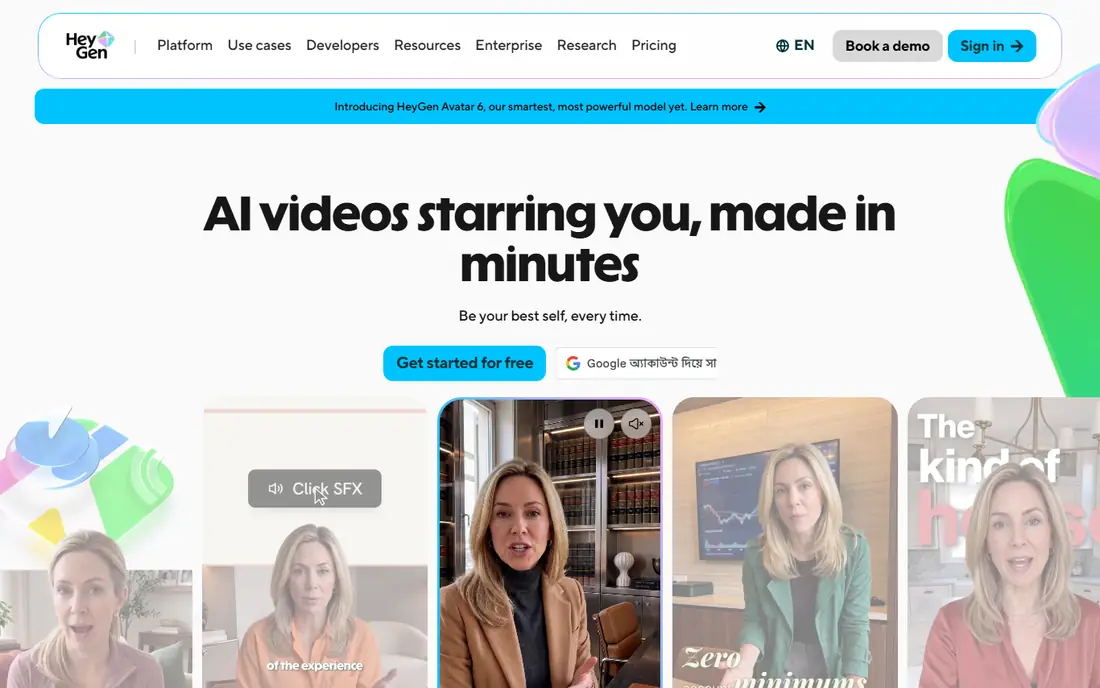
HeyGen turns a script into a presenter video with an AI avatar that speaks in your cloned voice. The Creator plan costs $29 per month, or $24 per month when billed annually, and includes 600 credits a month, video up to 30 minutes long, 1080p export, and more than 700 stock avatars. The free plan gives you 3 videos a month, each up to 1 minute, with a watermark. Voice cloning is listed on the free plan as one voice clone, with expanded use on higher tiers.
The language range is the widest in this list. HeyGen lists 175 languages and dialects on Creator and above, plus a translation workflow that re-voices a video and matches lip movement to the new audio. One recording can reach viewers in Spanish, German, Japanese, and Arabic without a new shoot for each market. The platform also offers photo avatars, custom video avatars, and a large template library for marketing teams.
- Voice cloning on every plan
- 175 languages and dialects
- Credit use varies sharply by avatar model
- Creator cannot buy top-up credit packs
Synthesia
Ideal for: Corporate training in many languages
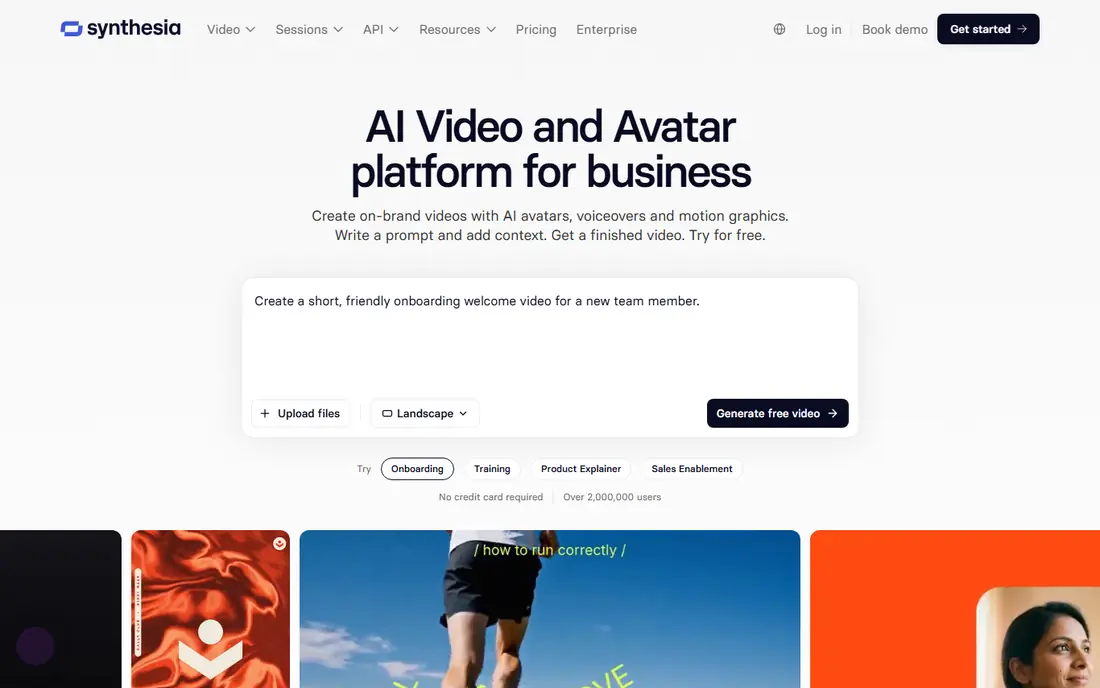
Synthesia is built for training and internal communication. The Starter plan costs $19 per month, with the first month at $9, and includes 1,250 credits a month, about 12 extra minutes of video on top of the free allowance, 125 plus avatars, downloads, and removal of the Synthesia logo. The Basic plan is free and includes 10 minutes of video or dubbing a month, 500 credits, and 9 avatars, with a watermark and no download. Pro costs $89 per month and adds 6,000 credits, 180 plus avatars, and 5 personal avatars.
Translation is where Synthesia earns its place on this list. Enterprise offers one click translation into 140 plus languages, and the dubbing tools cover 70 plus languages with voice and accent preservation and optional lip-sync. Voice cloning lets you pair your own voice with a personal avatar, so a course narrator sounds like the same person in every language version. The platform also supports SCORM export, quizzes, branching, and surveys for learning teams.
- One click translation into 140 plus languages
- Strong training features
- Voice cloning pairs with personal avatars on higher tiers
- Credits are shared across video, dubbing, and surveys
D-ID
Ideal for: Low cost talking avatar clips
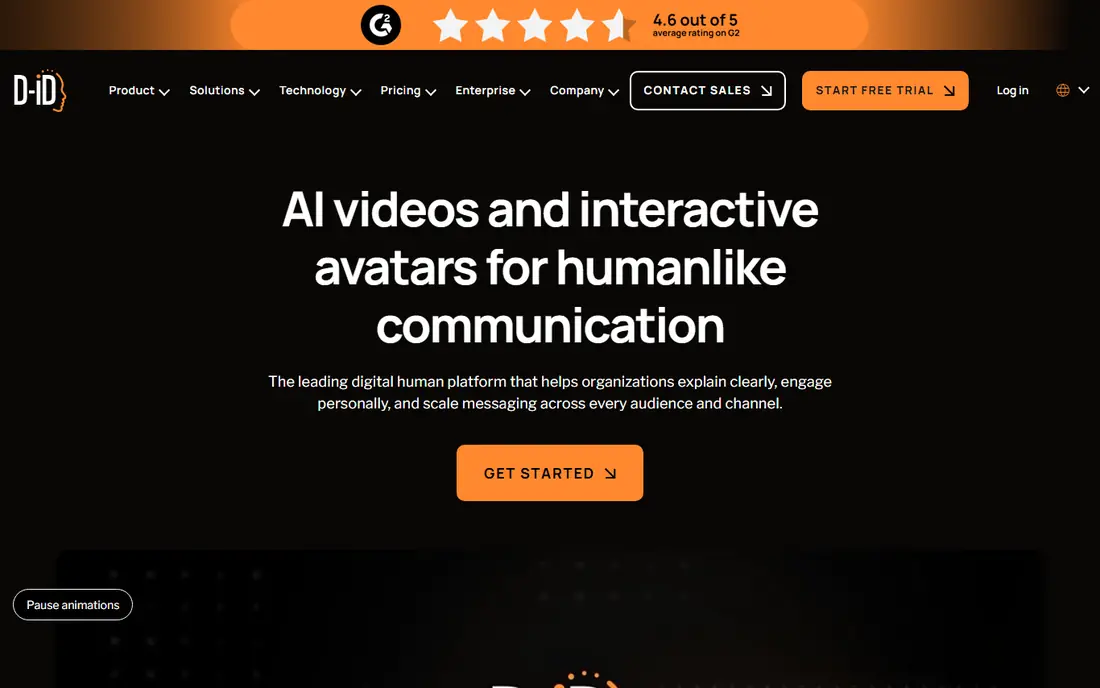
D-ID is the cheapest way into talking avatar video. The Lite plan starts at $5.90 per month for 10 minutes of video, and the Pro plan costs $29 per month for 15 minutes with a commercial license and one voice clone. The trial costs $0 for 14 days and includes 3 minutes across videos, agents, video translation, and the API. Video length is rounded up to the next 15 second interval, and unused minutes become void at the end of each month.
For multilingual work, D-ID covers video translation alongside its avatar studio, and Pro adds premium voices and a voice clone that can carry your voice into translated versions. The Advanced plan costs $196 per month for 100 minutes and allows a custom logo instead of a watermark, with 3 voice clones. The platform also offers interactive agents and an API, and 4 credits buy one minute of video across studio video, agents, translation, and API use.
- Cheapest entry price in this list
- Video translation and voice cloning included on Pro
- Unused minutes expire each month
- Lite is personal use only with a watermark
Elai
Ideal for: Budget training video
Elai is a browser based avatar video platform aimed at training teams that want simple pricing. The Creator plan costs $29 per month, or $23 per month when billed annually, and includes 15 minutes of video a month for one user, Full HD export, and the full avatar, voice, and language library. The free plan includes 1 minute of video in total, with access to 80 plus avatars and 75 plus languages, with a watermark. The Team plan costs $125 per month for 50 minutes a month and 3 editors plus 3 guests.
The workflow is straightforward: write a script, pick an avatar and a voice, choose a language, and render. Elai supports slide import from PowerPoint, interactive learning elements, and image based quizzes, which fits course creators who turn existing decks into video lessons. The Team plan on annual billing bundles one selfie avatar and one voice clone, which is the cheapest route to a cloned voice inside Elai.
- Simple per minute pricing
- 75 plus languages and 80 plus avatars
- Minutes are spent on every render, even re-renders
- Voice cloning is a $200 per year add-on
Colossyan
Ideal for: Interactive course video
Colossyan builds video-first training and enablement content. The Starter plan is free and includes 20 minutes of video a month with the NEO avatar engine, 15 custom avatars plus 3 voices, 15 auto translations a month, and 10 interactive videos a month, with a watermark. The Professional plan costs $59 per month on an annual plan, or $89 per month billed monthly, and adds 30 NEO minutes plus 10 NEO2 minutes a month, watermark removal, and 5 SCORM exports a month.
The platform supports 120 plus languages, and avatar narration, on-screen text, and interactive elements localize together in one workflow, with lip-sync in every language. That matters for course teams, because a quiz or a branching scenario has to work in the translated version too, not just the spoken script. Colossyan also offers a multilingual player, brand kits, screen recording, and subtitles, plus an API on Professional with 360 minutes a year.
- 120 plus languages with lip-sync
- Interactive video and SCORM export
- Newest avatar model capped at 10 minutes a month on Professional
- Unused minutes do not roll over
DeepBrain AI Studios
Ideal for: High volume avatar video
DeepBrain AI Studios, also called AI Studios, is a credit based video platform with a large avatar library. The Personal plan costs $24 per month billed annually, or $29 per month billed monthly, and includes 700 credits a month, videos up to 30 minutes, 3 avatar slots, 1080p export, and 50 priority videos a month. The Team plan costs $55 per seat per month and adds 1,000 shared credits per seat and 4K export. The free plan includes 3 AI videos up to 1 minute each, 1 custom avatar, and 720p export.
Dubbing is a first class feature here rather than an afterthought. AI dubbing with lip-sync covers 50 plus languages, and the credit rates are published: avatar video uses 9 credits per minute, AI dubbing uses 3 credits per minute, and lip-sync dubbing uses 6 credits per minute. The platform also offers more than 2,000 AI avatars, 1,200 plus AI voices, one click translation, and auto captions with SRT download.
- 700 credits a month on Personal
- Dubbing with lip-sync in 50 plus languages
- Credit math is complex, with 9 credits per avatar video minute
- Free plan caps videos at 1 minute
Vidnoz AI
Ideal for: Low cost avatar video at scale
Vidnoz AI is a volume play: a huge avatar and voice library at a low entry price. The Starter plan costs $26.99 per month, or $19.99 per month billed annually, and includes 450 credits a month plus 30 free credits a day, 1080p export, no watermark, videos up to 60 minutes, and SCORM export. The Business plan costs $74.99 per month for 900 credits a month, voice clone included, video translation, and a brand kit. The free plan gives daily credits, 720p export, a watermark, and a 3 minute cap per video.
The multilingual toolset is broad. Vidnoz lists 1,900 plus avatars, 2,660 plus voices on the subscription plans, and a one click video translator that covers 135 languages, plus an AI video translator with lip-sync in 140 plus languages. The platform also includes 3,200 plus templates, photo avatars, a pronunciation dictionary, auto captions, and a media library for short avatar clips in several languages.
- 1,900 plus avatars and 2,660 plus voices
- One click translation into 135 languages
- Expressive avatars use 2 credits per second, four times the standard rate
- Voice clone is an add-on on Starter
Rask AI
Ideal for: Dubbing finished video
Rask AI does one job: it takes a finished video and dubs it into other languages with the speaker cloned voice. The Creator plan costs $39 per month billed monthly, or $28 per month billed $329 yearly, and includes 25 minutes a month. Creator Pro costs $99 per month for 100 minutes a month with multi-speaker lip-sync. Business costs $249 per month for 250 minutes a month, and extra minutes cost $3 each. The free trial includes 3 minutes with no card required.
The workflow is built around review. Rask transcribes the video, translates the script into 135 plus languages, and lets you edit the transcript line by line before you render the dubbed version, so a mistranslated product name can be fixed before it costs minutes. The platform detects multiple speakers, exports subtitles as SRT, and offers a team workspace and an API on the higher tiers. For a creator with a back catalog of finished video, that edit-first flow is the main reason to pick Rask.
- Voice cloning in 57 languages
- Line by line editor before you render
- No lip-sync on Creator
- Minutes are charged per output language
How we chose
We opened each vendor own pricing page on 11 November 2026 and read the plan prices, credit allowances, language counts, and cloning limits from those pages, with third party guides used only where a vendor page renders its prices through scripts. We compared entry prices, the size of the free plan or trial, the number of languages, whether voice cloning is built in or sold as an add-on, and the real limits that shape cost, such as credit burn rates and lip-sync gating. We did not run hands-on tests.
What to check before you buy
Check four things before you enter card details. First, confirm that voice cloning is included on the tier you plan to buy, because Elai and Vidnoz sell it as an add-on and Synthesia ties it to personal avatars. Second, work out your true cost per finished minute, using the credit or minute rate for the exact avatar model and language count you need. Third, read the expiry rules, because D-ID, Colossyan, Vidnoz, and Rask on monthly billing all drop unused minutes or credits at renewal. Fourth, check the vendor terms for commercial use and consent from the voice owner, because D-ID Lite is personal use only.
| Team size and budget | Best pick | Monthly cost | Why it fits | | Solo creator, under $30 a month | D-ID Lite | $5.90 per month | Cheapest entry, 10 minutes a month | | Solo creator, under $30 a month | Synthesia Starter | $19 per month | Training features, 140 plus languages | | Solo creator, regular output | HeyGen Creator | $29 per month | Cloning included, widest language range | | Small team, course catalog | Colossyan Professional | $59 per month (billed annually) | Interactive video, SCORM, 120 plus languages | | Small team, high volume | DeepBrain AI Studios Personal | $24 per month (billed annually) | 700 credits, dubbing with lip-sync | | Team with finished video only | Rask AI Creator | $39 per month | Dubbing and cloning, edit before render | | Budget team, many short clips | Vidnoz AI Starter | $26.99 per month | Large library, low price, translation included |
Frequently asked questions
Which AI video tool is best for multilingual voice cloning overall?
HeyGen is the best overall pick for most buyers. It includes voice cloning from the Creator plan at $29 per month, covers 175 languages and dialects, and pairs cloning with avatar video and translation in one workflow. Synthesia is a better fit when training features and SCORM matter more than the widest language count.
Can I clone my voice for free with these tools?
Yes, in a limited way. HeyGen lists one voice clone on its free plan, Synthesia includes cloning with personal avatars, and Rask AI offers cloning in 57 languages inside its 3 minute free trial. Free tiers cap video length, add watermarks, and limit minutes, so expect a short test rather than a full production run.
How many languages do these tools really cover?
The counts range from 50 plus languages on DeepBrain AI Studios to 175 languages and dialects on HeyGen. Synthesia lists 140 plus languages, Rask AI lists 135 plus, Vidnoz AI lists 135 to 140 plus, Colossyan lists 120 plus, and Elai lists 75 plus. Check that your exact target languages are supported before you buy.
Do I need a separate tool to dub a video I already made?
No, but a dubbing specialist can work out cheaper. Rask AI is built for dubbing finished video, with cloning in 57 languages and an editor that lets you fix the transcript before rendering. HeyGen, Synthesia, DeepBrain AI Studios, D-ID, and Vidnoz AI also offer translation or dubbing, so compare the cost per dubbed minute first.
What is the cheapest way to start with multilingual voice cloning?
D-ID Lite at $5.90 per month is the cheapest subscription entry, but it is personal use only and carries a watermark. For commercial use, Synthesia Starter at $19 per month or HeyGen Creator at $29 per month are the lowest cost routes with cloning included. Always check the watermark and license terms on the tier you choose.
Why do two tools with the same monthly price cost different amounts in practice?
Because most of these tools meter by credits or minutes, and the rate changes with the avatar model, the language count, and lip-sync. A minute of premium avatar video can cost four times a standard minute, and dubbing one video into three languages uses three times the minutes. Work out your monthly minutes first, then match them to the plan allowance.