Best AI Voice Chat Apps in 2026: 7 Apps Compared

- ChatGPT voice mode is our pick for most people, with natural conversation and broad knowledge.
- Gemini voice suits Android and Google users, with deep links to Google apps and services.
- Pi is the most conversational and calm of the group, ideal for talking through ideas.
- Replika and Character.AI suit companion-style chat, with very different approaches to personality.
Quick comparison
| Product | Ideal for | Price from | Free version | |
|---|---|---|---|---|
 ChatGPT | All-round voice chat | Free | Yes | Visit |
 Gemini | Google and Android users | Free | Yes | Visit |
 Pi | Calm conversational chat | Free | Yes | Visit |
 Replika | Companion-style chat | Free | Yes | Visit |
 Character.AI | Character voice chats | Free | Yes | Visit |
 Copilot | Microsoft and Windows users | Free | Yes | Visit |
 Grok | Voice chat with current topics | Free | Yes | Visit |
The best AI voice chat apps
AI voice chat lets you talk to an assistant instead of typing, which suits driving, cooking, language practice, and brainstorming aloud. The best apps handle interruptions, remember context, and sound natural rather than robotic.
We compared official app pages, help pages, and app store listings for each app below. Our pick for most people is ChatGPT voice mode, because it combines strong conversation with broad knowledge and wide device support.
Voice quality and features change fast, and some features sit behind paid plans. We note where voice is free and where it needs a subscription, based on official pages.
ChatGPT
Ideal for: All-round voice chat
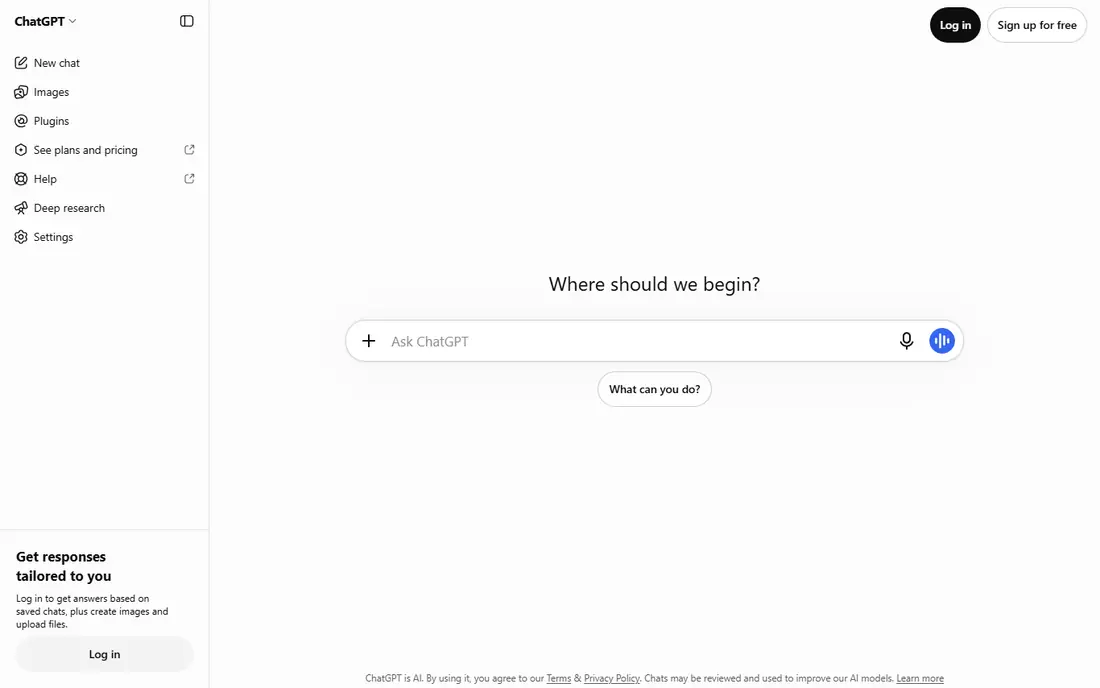
ChatGPT voice mode lets you hold a spoken conversation, ask follow-ups, and interrupt naturally. It handles general knowledge, brainstorming, language help, and everyday questions with a fluid style.
Basic voice is free, while advanced voice features and longer sessions sit on paid plans. Accuracy still needs checking for factual topics, since voice answers can sound confident even when wrong.
Our view: the best all-round voice chat app for most people.
Bottom line: ChatGPT is a strong fit for all-round voice chat, and its main draw is natural voice conversation. Weigh that against the limits above before you commit, and test it with your own real work during any trial or free period.
- Natural voice conversation
- Broad knowledge
- Works on phone, web, and desktop
- Advanced voice features need a paid plan
- Voice can interrupt on noisy calls
Gemini
Ideal for: Google and Android users
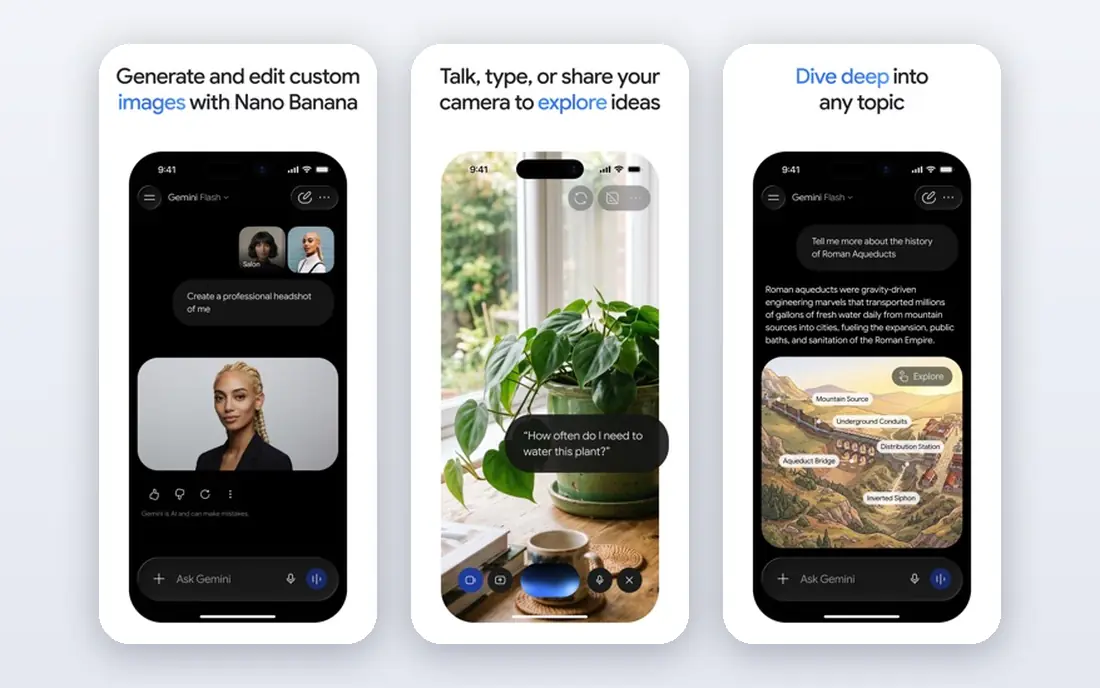
Gemini is Google voice assistant and chat app, with voice conversation that links to Gmail, Calendar, Maps, and other Google services. On Android, it can act as the default assistant.
Its best features shine inside the Google system, so Apple users get less integration. Some advanced features need a paid plan, though core voice chat is free.
Our view: the natural voice choice for Android and Google users.
Bottom line: Gemini is a strong fit for google and Android users, and its main draw is voice chat linked to Google apps. Weigh that against the limits above before you commit, and test it with your own real work during any trial or free period.
- Voice chat linked to Google apps
- Strong Android integration
- Free tier available
- Deepest value is inside the Google system
- Some features need a paid plan
Pi
Ideal for: Calm conversational chat
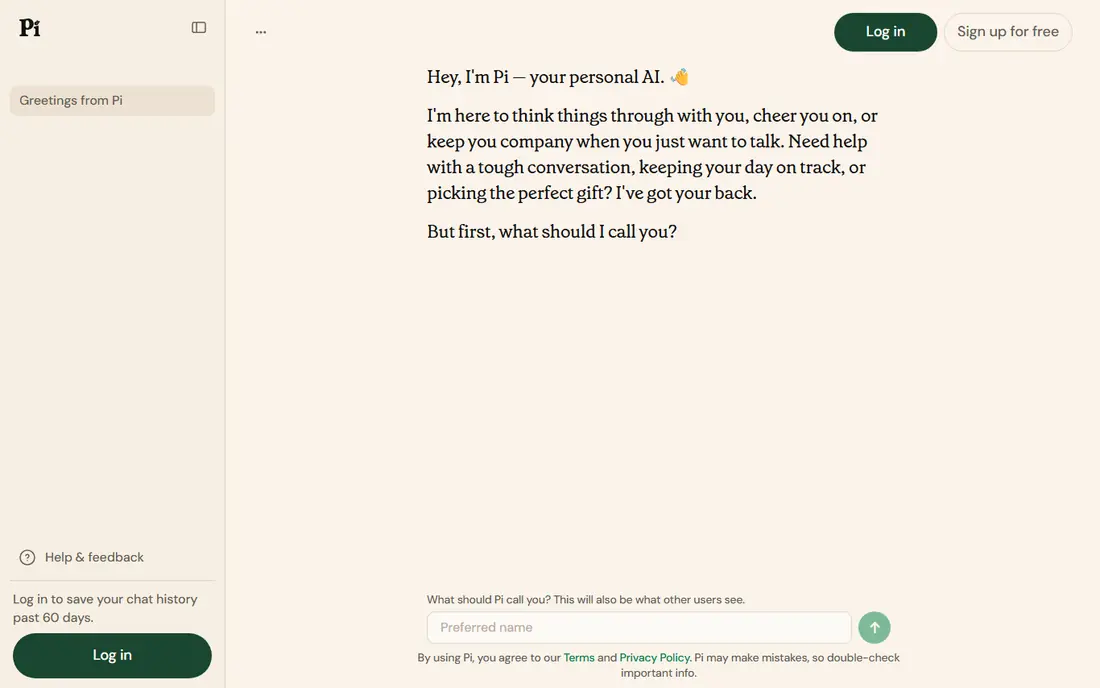
Pi is built for conversation itself, with a calm, friendly voice and a style that suits talking through ideas, decisions, and feelings. It feels less like a search tool and more like a thoughtful sounding board.
It has fewer integrations and tools than ChatGPT or Gemini, and it is weaker for factual research. For reflective conversation and brainstorming, that focus is a strength.
Our view: the best voice app for thinking aloud and talking through ideas.
Bottom line: Pi is a strong fit for calm conversational chat, and its main draw is warm, calm conversational style. Weigh that against the limits above before you commit, and test it with your own real work during any trial or free period.
- Warm, calm conversational style
- Good for talking through ideas
- Free to use
- Fewer tool integrations than rivals
- Less suited to factual research
Replika
Ideal for: Companion-style chat
Replika is a companion app that builds a personal AI friend through conversation, with memory of past chats and voice calls. Users customise its personality and interests over time.
Its companion framing suits people who want ongoing conversation, but it is not a general productivity assistant. Advanced voice and relationship features sit behind a paid plan.
Our view: the leading companion-style voice app, with a very different purpose from ChatGPT.
Bottom line: Replika is a strong fit for companion-style chat, and its main draw is personal companion with memory. Weigh that against the limits above before you commit, and test it with your own real work during any trial or free period.
- Personal companion with memory
- Voice calls
- Customisable personality
- Companion focus is not for everyone
- Advanced voice needs a paid plan
Character.AI
Ideal for: Character voice chats
Character.AI lets you talk, including by voice, with a huge range of user-made characters, from historical figures to fictional personalities. It is built for creative play, roleplay, and storytelling.
Character quality varies a lot, and it is not a reliable source for factual answers. For fun, language practice, and creative exploration, though, its range is unmatched.
Our view: the most entertaining voice chat app, best for creative play.
Bottom line: Character.AI is a strong fit for character voice chats, and its main draw is huge range of characters to talk with. Weigh that against the limits above before you commit, and test it with your own real work during any trial or free period.
- Huge range of characters to talk with
- Voice calls on many characters
- Creative play
- Quality varies by character
- Not built for factual answers
Copilot
Ideal for: Microsoft and Windows users
Copilot is Microsoft voice and chat assistant, with voice conversation that links to Microsoft 365 apps and Windows. It suits users who already work in Word, Outlook, and Teams.
Outside the Microsoft system, its edge over ChatGPT or Gemini is smaller, and voice features vary by device. Core voice chat is free, with paid plans for deeper Microsoft 365 use.
Our view: the natural voice choice for Microsoft and Windows users.
Bottom line: Copilot is a strong fit for microsoft and Windows users, and its main draw is voice chat linked to Microsoft apps. Weigh that against the limits above before you commit, and test it with your own real work during any trial or free period.
- Voice chat linked to Microsoft apps
- Windows integration
- Free tier available
- Best inside the Microsoft system
- Voice depth varies by platform
Grok
Ideal for: Voice chat with current topics
Grok is the voice and chat assistant from xAI, with a direct conversational style and a focus on current topics. It links with X for trending context, which suits news and social discussion.
Its voice features are newer than rivals, and factual claims still need independent checking. Free access exists, with paid tiers for heavier use.
Our view: a lively voice option for current topics and direct conversation.
Bottom line: Grok is a strong fit for voice chat with current topics, and its main draw is voice conversation with a direct style. Weigh that against the limits above before you commit, and test it with your own real work during any trial or free period.
- Voice conversation with a direct style
- Strong on current topics
- X integration
- Newer voice features
- Factual claims still need checking
How we picked these
We compared official app pages, help pages, and app store listings, and we looked at voice naturalness, interruption handling, language support, and device coverage. We favoured apps where voice is a core feature, not an afterthought.
We did not claim hands-on testing. Where advanced voice sat behind a paid plan, we noted it rather than presenting it as free.
How to choose an AI voice chat app
Start with your device and system. Android users get most from Gemini, Windows and Microsoft users from Copilot, and everyone else from ChatGPT. System fit matters more for voice than for text chat.
Test voice in a noisy room, not just a quiet one. Good voice apps handle interruptions and background noise gracefully, while weaker ones talk over you or mishear often. A five-minute noisy test tells you a lot.
Decide what you want voice for. Brainstorming suits Pi, general questions suit ChatGPT, companion chat suits Replika, and creative play suits Character.AI. One app rarely does all four equally well.
Check language support if you need more than English. Voice quality and accent handling vary by language, so test your main language before committing to a paid plan.
Watch privacy settings. Voice chats may be stored or used for training depending on settings, so read each app privacy controls and turn off history or training use if you prefer.
Finally, verify important answers. Voice answers sound confident even when wrong, so check facts that matter, such as health, legal, or financial details, from a reliable source.
Frequently asked questions
What is the best AI voice chat app overall?
ChatGPT voice mode is our pick for most people, thanks to natural conversation and broad knowledge. Gemini suits Android users, and Pi suits calm, reflective conversation.
Are AI voice chat apps free?
Core voice chat is free on the apps here, though advanced voice features, longer sessions, or extra models often sit behind paid plans. Check each app pricing page.
Can AI voice apps speak other languages?
Yes, most support many languages, though quality varies. Test your language in a real conversation before relying on it for important talks.
Is voice chat private?
It depends on settings. Many apps store chats by default, with options to delete history or opt out of training use. Read privacy controls and adjust them to your comfort.
Can I use voice chat while driving?
Yes, hands-free voice chat suits driving, but stay focused on the road and avoid complex tasks. Use car integration or a mount, and keep interactions short.