Best AI Voice Cloning Services

- ElevenLabs is the best all round pick, with the most natural clones and a Starter plan at $5 per month on annual billing.
- PlayHT is the cheapest entry point for cloning, with a Creator plan at $9.99 per month and a free Starter tier.
- Murf AI suits teams that need studio quality voiceovers, with a Creator plan at $19 per month on annual billing.
- Descript is the best pick for podcast and video makers, since Overdub clones a voice inside a full editor at $16 per seat per month.
- Coqui TTS costs nothing and runs on your own machine, but it needs technical skill and has no support team behind it.
Quick comparison
| Product | Ideal for | Price from | Free version | |
|---|---|---|---|---|
 ElevenLabs | Most natural clones overall | $5 per month (billed annually) | Yes | Visit |
 PlayHT | Cheapest cloning entry point | $9.99 per month | Yes | Visit |
 Murf AI | Studio voiceovers with cloning | $19 per month (billed annually) | Yes | Visit |
 Descript | Podcast and video editing with Overdub | $16 per seat/month (billed annually) | Yes | Visit |
 Speechify | Listening and voice cloning in one app | $29 per month | Yes | Visit |
 Respeecher | Film quality voice conversion | quote only | Free trial (3 days) | Visit |
 Coqui TTS | Free self hosted cloning | $0 | Yes | Visit |
The best AI voice cloning services
ElevenLabs
Ideal for: Most natural clones overall
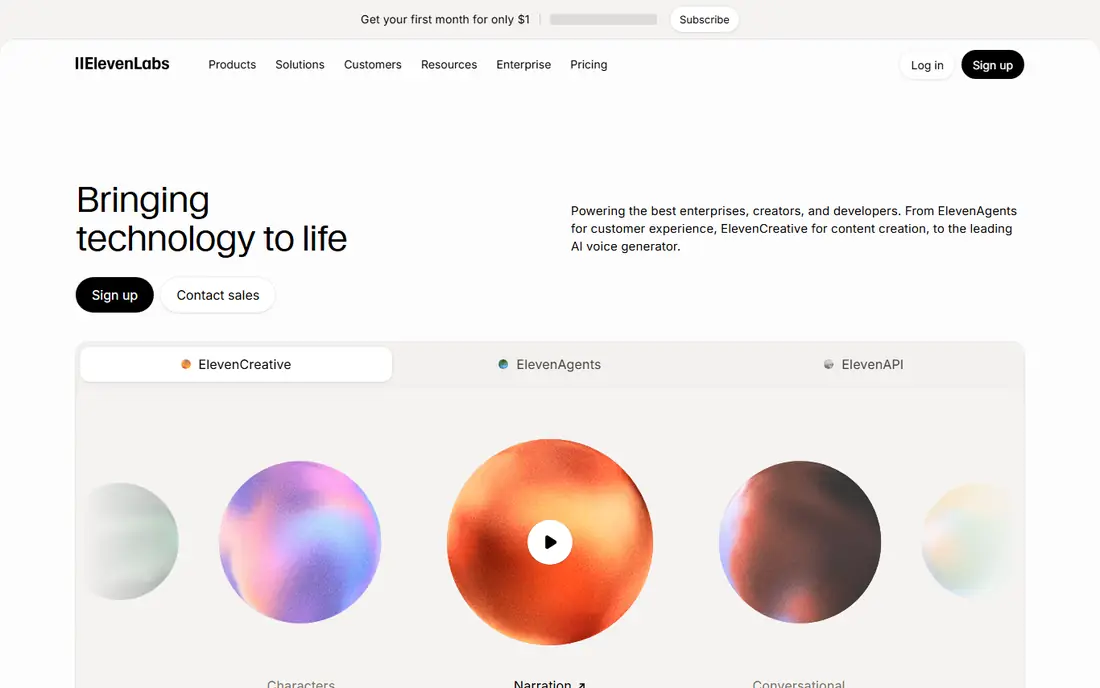
ElevenLabs sets the standard for voice cloning. Its instant voice cloning needs only a minute of audio, while professional voice cloning uses a longer sample and verification to produce a clone that is hard to tell from the real voice. The clone works across 32 languages, and the same voice can read a script, narrate a video or answer as a conversational agent. For a creator or a business that needs a voice that sounds like a real person, ElevenLabs is the first tool to try.
The Starter plan costs $5 per month on annual billing, or $6 per month billed monthly, and the free tier gives 10,000 credits to test with. The catch is that the Starter plan is limited. High quality WAV and PCM export at 44.1 kHz is only included from the Pro plan upward, so a team that needs broadcast quality audio from a clone must budget for Pro at $99 per month. Even so, ElevenLabs is the best all round pick here, since its clones sound better than the rest at a low entry price, and the free tier is enough to test a clone before spending anything.
- Clones sound the most human in this list
- Large voice library plus instant and professional cloning
- High quality WAV export needs the Pro plan
- Commercial use needs a tier above Free
PlayHT
Ideal for: Cheapest cloning entry point
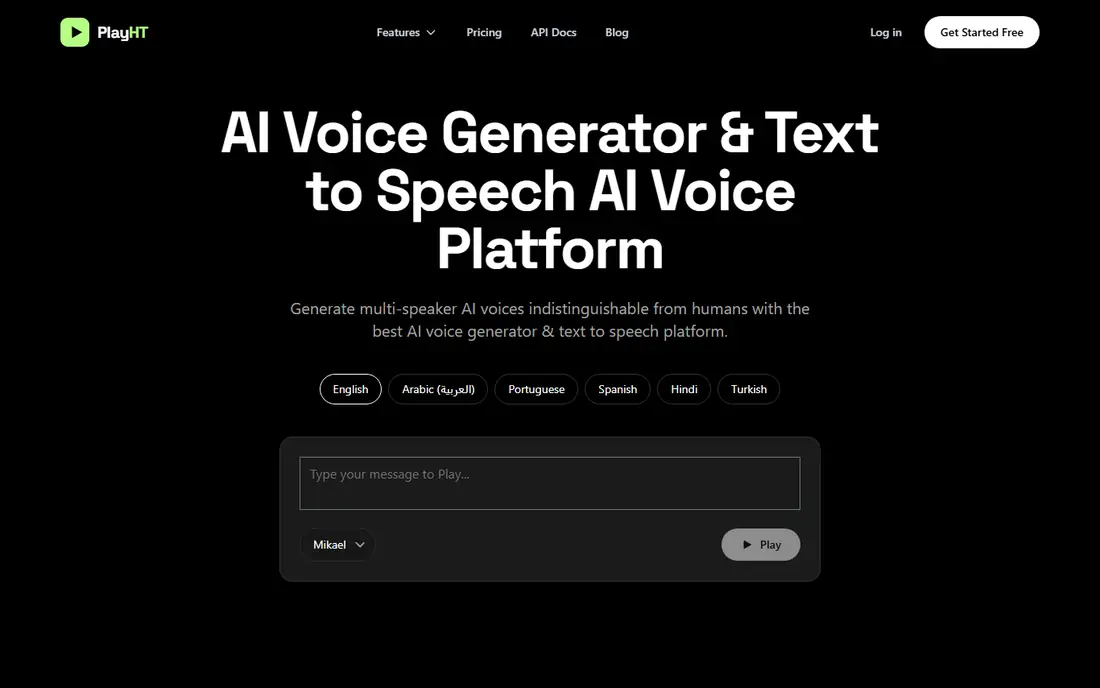
PlayHT is the cheapest way to clone a voice in this list. The Creator plan costs $9.99 per month billed monthly, or $8.33 per month on annual billing, and the free Starter tier includes 10,000 credits per month, which is enough to test a clone and generate short audio. The platform supports instant cloning from a short sample, plus a library of ready made voices, and it exports to common audio formats for podcasts, videos and audiobooks. For a creator on a tight budget, PlayHT gives a working clone at a price the other tools cannot match.
The trade off is quality. PlayHT clones sound good, but side by side with ElevenLabs the difference is clear, with less warmth and less natural pacing in long passages. Advanced features such as higher quality output and more clone slots sit on higher tiers, so a team that outgrows the Creator plan will pay more. PlayHT suits a creator who needs a usable clone for short form content at the lowest cost, and it is a weaker pick for a project where the voice carries the whole product, such as an audiobook or a brand voice.
- Creator plan costs under $10 per month
- Free Starter tier includes 10,000 credits per month
- Voice quality is a step below ElevenLabs
- Advanced cloning features need higher tiers
Murf AI
Ideal for: Studio voiceovers with cloning
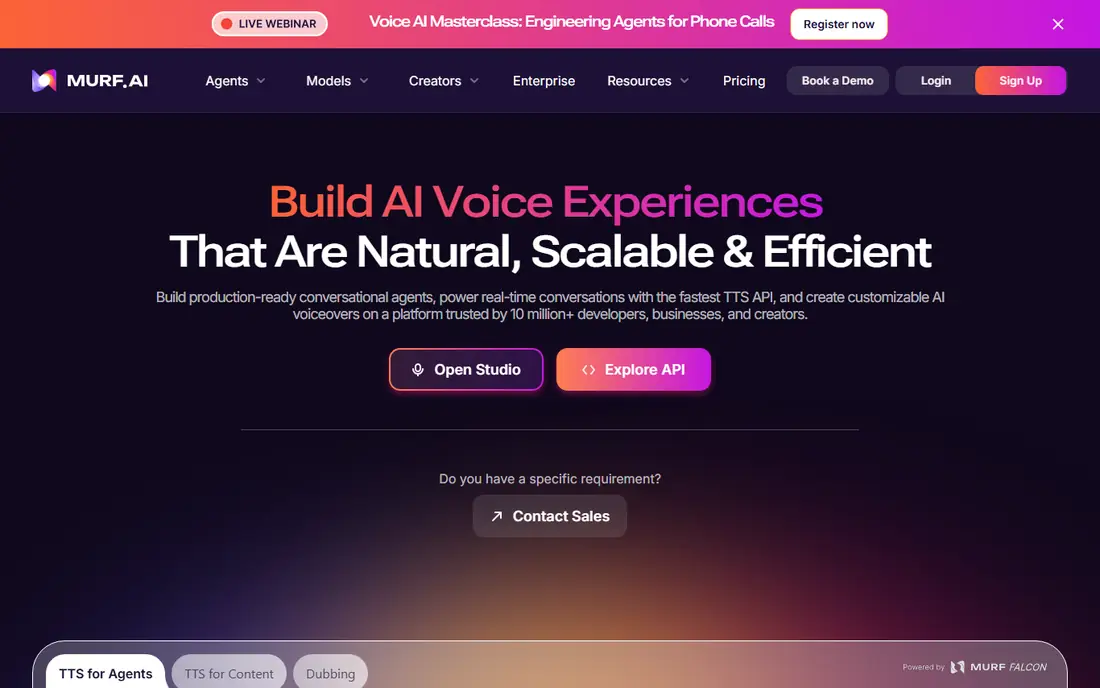
Murf AI is a voiceover studio first and a cloning service second, and that suits teams that produce polished audio. The studio lets a user pick a voice, adjust pitch, speed and pauses, add music and sync the voice to video, and the clone feature adds a custom voice to that workflow. Its help pages confirm WAV export at low 8 kHz, medium 24 kHz and high 48 kHz quality, in 16 bit mono or stereo, which is above the 44.1 kHz standard for the high setting. For a team that makes training videos, product demos or ads, Murf AI covers the whole job in one place.
The Creator plan costs $19 per month on annual billing, or $29 per month billed monthly, and the free tier gives 10 minutes of generation in total. The limit is that cloning is not the heart of the product, so a team that only needs a clone and nothing else may find a simpler tool cheaper. Murf AI is the best pick for a business that wants a studio with a custom voice, and it is less suited to a user who wants to clone a voice and use it in another app.
- Full voiceover studio with timing and music controls
- WAV export in several quality levels
- Cloning is an add on to a voiceover tool, not the core product
- Creator plan costs $29 per month billed monthly
Descript
Ideal for: Podcast and video editing with Overdub
Descript takes a different approach to cloning. Its Overdub feature clones the voice of a podcast host or video presenter, then lets the editor fix a misspoken word by typing the correction instead of re-recording the whole take. That saves hours on long recordings, and the clone stays inside Descript, where the user can also cut filler words, add captions and publish the episode. For a podcaster or a video team, Overdub is the most useful clone in this list, because it solves a real editing problem rather than just making a voice.
The Hobbyist plan costs $16 per seat per month on annual billing, or $24 per seat billed monthly, and the free tier includes one media hour per month. The catch is that the clone only works inside Descript, so a team cannot export the voice and use it in another tool. Descript is the best pick for creators who already edit in Descript or who want to, and it is a poor fit for a team that needs a standalone clone for use across many apps.
- Overdub fixes words in a recording without re-recording
- Full podcast and video editor included
- Overdub is tied to the Descript editor
- Hobbyist plan costs $24 per seat billed monthly
Speechify
Ideal for: Listening and voice cloning in one app
Speechify is a text to speech app that reads articles, documents and books aloud, and its voice cloning lets a user hear their own voice read the text back. That suits authors, students and professionals who listen to long documents and want the reading voice to sound familiar. The app works across web, mobile and desktop, and it syncs listening progress between devices, so a document started on a laptop can be finished on a phone. For a user who listens to a lot of text, the clone adds a personal touch to an app they already use daily.
The Premium plan costs $29 per month billed monthly, or $139 per year, which works out to about $11.58 per month, and the free plan covers basic listening. The limit is that cloning is a side feature here, not the core product, so the clone controls are simpler than ElevenLabs or PlayHT, and the voice quality is built for reading rather than for studio recording. Speechify suits a heavy listener who wants their own voice as the reader, and it is not the pick for a team that needs a clone for commercial audio production.
- Cloned voice can read any text aloud in the app
- Works across web, mobile and desktop
- Premium costs $29 per month billed monthly
- Cloning is a side feature of a listening app
Respeecher
Ideal for: Film quality voice conversion
Respeecher is the most specialised tool in this list. It converts one voice into another, and it is used in film and television to match a voice to an actor or to finish a performance when the original recording is incomplete. The technology focuses on accuracy and realism at a level that general cloning tools do not aim for, and the team behind it works directly with studios on each project. For a production team that needs a voice to match an existing performance, Respeecher is the tool built for that job.
The problem for most buyers is access. Respeecher does not publish a price for its main service, and there is no free plan, only a 3 day trial of its marketplace product. A small creator cannot simply sign up and clone a voice at a known monthly cost. Respeecher suits a film, television or games team with a production budget and a specific voice matching need, and it is not a fit for a creator who wants a self serve clone at a published price.
- Used in film and television for voice matching
- Converts one voice to another with high accuracy
- No published price for the main service
- No free plan, only a 3 day trial
Coqui TTS
Ideal for: Free self hosted cloning
Coqui TTS is a free open source text to speech library that includes voice cloning, and it costs nothing to use. A developer can install it on their own machine, train or load a cloning model, and generate speech without paying per minute or per character. That makes it the only tool in this list with no usage bill at all, and it suits a team that wants full control over its data, since the audio never leaves its own servers. For a hobby project or a product that cannot send voice data to a third party, Coqui TTS is worth a look.
The catch is support. The company behind Coqui shut down in late 2023, so the project now lives as a community fork with no company behind it, no support team and no service level promise. Installing and running it needs technical skill, and the voice quality is below the commercial tools here. Coqui TTS suits a developer or a small team with the skill to run it and no budget for a commercial service, and it is a poor fit for a business that needs a supported product with a team to call when something breaks.
- Costs nothing and runs on your own machine
- Full control over the model and the data
- The company behind it shut down, so support is community only
- Needs technical skill to install and run
Which service fits your project
| Project | Best pick | Why | | A brand voice for ads and videos | ElevenLabs | Most natural clones, works across 32 languages | | A clone on the smallest budget | PlayHT | Creator plan at $9.99 per month, free tier to test | | Training videos with a custom voice | Murf AI | Studio controls plus WAV export up to 48 kHz | | Fixing podcast mistakes | Descript | Overdub edits words by typing, inside a full editor | | Listening to documents in your voice | Speechify | Cloned voice reads any text across devices | | Film voice matching | Respeecher | Built for production quality voice conversion | | A free clone with no usage bill | Coqui TTS | Open source, self hosted, costs $0 |
How we chose
We compared the vendor pricing pages, product docs and feature lists for seven voice cloning services, checking the starting price, the free plan or trial, the languages covered and the export formats. We looked at whether the clone is the core product or a side feature, and whether the voice can be used outside the tool that made it. We did not run live clone tests, and we did not claim hands on results. Prices are from the vendor pricing pages checked on 2026-11-11, and quote only means the vendor does not publish a price.
What to check before you buy
Get written consent from the person whose voice you clone, and keep a record of it, since cloning a voice without permission can break the law in many places. Check whether the plan you buy allows commercial use, because several tools limit the free tier to personal use. Test the clone with a long passage, not just a short sentence, since quality drops over time in weaker tools. Ask which audio formats and sample rates the plan includes, and whether the clone can be used outside the tool. Finally, read the data terms to see how long your voice samples are stored and whether they are used to train models.
Frequently asked questions
How much audio do I need to clone a voice?
Most services need 1 to 3 minutes for an instant clone, and 30 minutes or more for a professional clone. ElevenLabs instant cloning works from about a minute of clear audio, while its professional tier asks for a longer sample and a verification step. A clean recording with no background noise matters more than length, so record in a quiet room with a decent microphone.
Is it legal to clone someone else's voice?
Only with their clear consent. Cloning a voice without permission can break publicity and privacy laws, and several services now require a spoken consent recording before they will build a clone. Always get written permission, keep it on file, and check the rules in the country where the voice owner lives. A tool that lets you clone any voice with no checks is a warning sign, not a feature.
Can I use a cloned voice for commercial work?
It depends on the plan. ElevenLabs, PlayHT and Murf AI allow commercial use once you move past the free tier, while their free tiers are usually limited to personal use. Check the terms of the exact plan you buy, since the right to use a clone in an ad, a course or a product you sell is often tied to the tier, not to the tool as a whole.
Which service sounds the most natural?
ElevenLabs is the most natural in this list, with the best pacing and tone over long passages. PlayHT and Murf AI sound good for short clips, but the difference shows in longer narration. The best way to judge is to clone the same voice on two services and listen to a two minute passage from each, since short samples hide the gaps that long listening reveals.
Can I export my cloned voice to another tool?
Usually not. A clone made in ElevenLabs, PlayHT or Murf AI stays in that tool, and you export audio files, not the voice model itself. The exception is Coqui TTS, which runs on your own machine, so the model is yours to keep. If you need one voice across many apps, pick the tool with the best export options and plan to generate the audio there.