If you need voice-enabled productivity in Google Workspace, Google Workspace with Gemini is the first tool to look at here. Listed starting prices: AssemblyAI from $0.02 per hour. AssemblyAI is the stronger choice for Speech transcription and understanding APIs, while Dragon Professional Anywhere suits Professional dictation with enterprise speech recognition. The full list of 6 tools follows, with prices and free plan facts.
Ainotely compared 6 tools for AI voice dictation software for enterprise. The goal is a practical shortlist: published prices, free plan facts, best-fit use cases and honest limits for every entry.
Key takeaways
Google Workspace with Gemini is the opening pick, best for voice-enabled productivity in Google Workspace.
3 of 6 tools offer a free plan: AssemblyAI, Deepgram, Amazon Transcribe.
Check the limits for Dragon Professional Anywhere before you commit: narrower than full productivity suites.
Amazon Transcribe suits adding speech-to-text to enterprise applications.
No starting price is published for Google Workspace with Gemini, Dragon Professional Anywhere, Microsoft Copilot (Voice) and others; expect a quote.
Best for: Voice-enabled productivity in Google Workspace
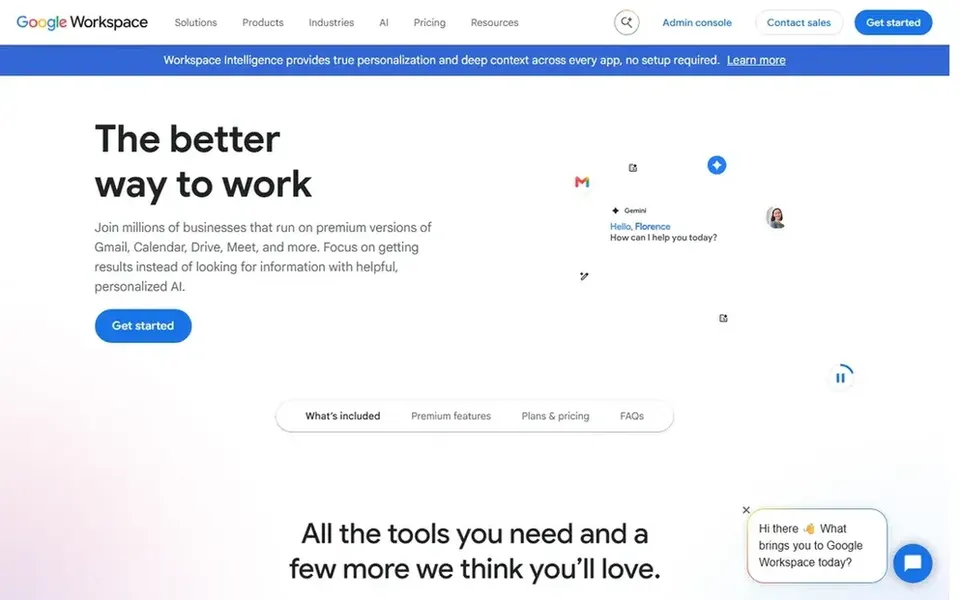
Google Workspace with Gemini makes the most sense for voice-enabled productivity in Google Workspace. Voice dictation suits naturally into Docs and related apps, making it a practical choice for enterprises already collaborating in Google Workspace.
Drawbacks to consider: Best value for Google-centric organizations.
No starting price is listed for Google Workspace with Gemini here; confirm pricing on the vendor site. Free access: Not stated.
Best for: Speech transcription and understanding APIs
AssemblyAI is aimed squarely at Speech transcription and understanding APIs. AssemblyAI offers AI models to transcribe and understand speech, geared toward developers who want to add speech processing to their applications.
It is not a ready-made dictation interface for staff, so adoption relies on engineering capacity. Buyers wanting immediate dictation for knowledge workers should evaluate dedicated products first. On cost, AssemblyAI starts like this: $0.02 per hour. AssemblyAI has a free plan.
Best for: Professional dictation with enterprise speech recognition
Dragon Professional Anywhere makes the most sense for Professional dictation with enterprise speech recognition. Teams that chiefly need speech-to-text APIs for custom applications should compare developer-focused services instead.
What to check first: Narrower than full productivity suites.
Dragon Professional Anywhere shows no starting price here, so confirm the cost on the vendor site. Free options: Not stated.
Best for: Voice interaction inside Microsoft 365 workflows
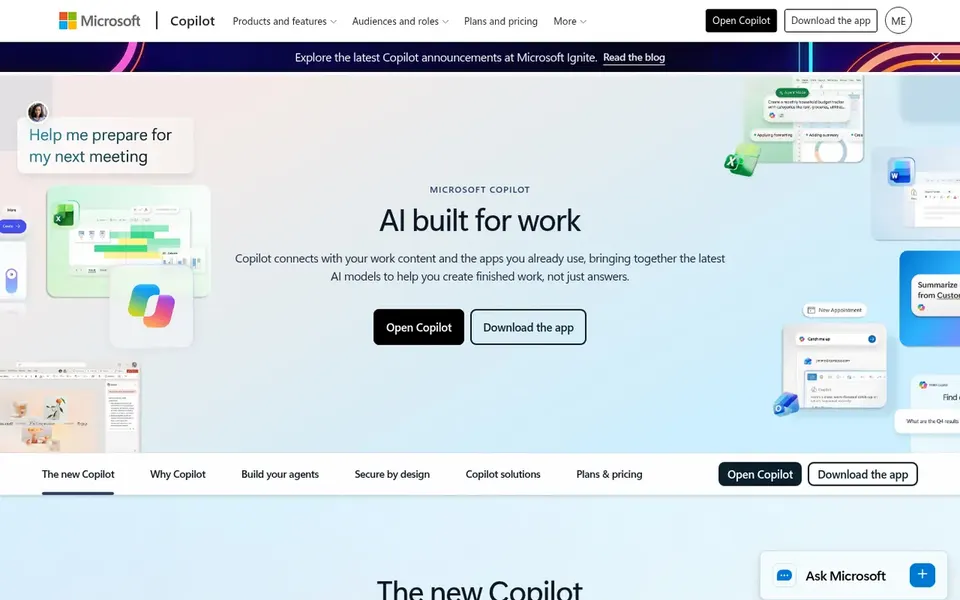
Microsoft Copilot (Voice) makes the most sense for voice interaction inside Microsoft 365 workflows. Microsoft Copilot is described as AI aimed at work that knows your work and lives in the apps you already use.
Points against: Value relies on Microsoft 365 adoption.
No starting price is listed for Microsoft Copilot (Voice) here; confirm pricing on the vendor site. Trial and free access: Not stated.
On top of that, organizations without development resources may prefer a packaged dictation product with support included. Deepgram shows no starting price here, so confirm the cost on the vendor site. Deepgram includes a free tier. Main advantages: Speech-to-text and text-to-speech APIs.
Best for: Adding speech-to-text to enterprise applications
Amazon Transcribe is a good fit for adding speech-to-text to enterprise applications. Amazon Transcribe is an automatic speech recognition service that makes it simple for developers to add speech-to-text capability to applications.
It is a developer service instead of a ready-made dictation product, so business users cannot just open it and dictate. Amazon Transcribe does not show a starting price in this comparison, so check the vendor site for current pricing. A free plan is available with Amazon Transcribe.
Get a written quote from Google Workspace with Gemini, Dragon Professional Anywhere, Microsoft Copilot (Voice) and others; the list shows no starting price for them.
Read the fine print on the free plans from AssemblyAI, Deepgram and Amazon Transcribe; seat, project and feature caps differ.
Read the limits listed for Google Workspace with Gemini first: dictation is part of a wider suite.
Ask the daily users to test Amazon Transcribe on a live task before you roll it out to everyone.
The entry price of Microsoft Copilot (Voice) is only the starting point; model the full cost with seats and extras.
How we picked
Ainotely looked at what each vendor publishes: pricing, plan limits, feature coverage for AI voice dictation software for enterprise and stated drawbacks. No hands-on testing is claimed. Prices and plan limits come from vendor pages and can change, so confirm them on the vendor site before you buy. We ordered the tools by general fit, then by how clearly pricing is shown, then by free access. A buyer with unusual needs may reorder them.
Every price and plan detail on this page comes from the vendors’ own websites. We did not run hands-on tests unless the text says so, and we do not publish star ratings or review scores. See how we score and our disclosure.
Keep your shortlist in one place
Paste prices, trial dates and notes from this guide into Ainotely, our AI note app. It files them into a topic and pulls out tasks like “cancel trial by Friday”. Free 7-day trial, no card needed.
Often, yes. AssemblyAI, Deepgram and Amazon Transcribe have a free plan. Use your own data and a real task during the test, and check what the free tier or trial limits before you rely on it.
Which options for AI voice dictation software for enterprise have a free plan?
On this list, AssemblyAI, Deepgram and Amazon Transcribe include a free plan. Caps on seats, usage or features are common, so test the free plan against your real workload.
Do these tools publish their prices?
Not all of them. Google Workspace with Gemini, Dragon Professional Anywhere, Microsoft Copilot (Voice) and others publish no starting price, so expect a quote request for those. The rest, AssemblyAI included, show a starting price, though seats and billing terms still change the final cost.
Can Google Workspace deal with enterprise dictation needs?
Google Workspace comes with secure online productivity and collaboration tools with Gemini, and voice input is available within its apps. It fits organizations standardized on Google, though dedicated dictation products may offer deeper speech recognition controls.
Is Google Workspace with Gemini the right pick for everyone comparing AI voice dictation software for enterprise?
No single tool suits every team. Google Workspace with Gemini comes first because it fits voice-enabled productivity in Google Workspace, while AssemblyAI suits Speech transcription and understanding APIs and Dragon Professional Anywhere suits Professional dictation with enterprise speech recognition. Match the tool to your own size, budget and workflow before deciding.
Which choice suits enterprises already using Microsoft 365?
Microsoft Copilot Voice is built to work within the apps plenty of enterprises already use and is offered for business and enterprise. It can bring voice interaction into everyday workflows, whereas Dragon Professional Anywhere remains a more specialized dictation choice.