Best AI web design tools in 2026: 7 compared

- Our pick for most people is Wix ADI, because it covers the core needs of this category with a clear setup and broad support.
- 5 of the 7 options offer a free plan, so you can test the basics before you pay for a subscription.
- Framer AI is a strong second choice for readers who want a simpler setup, while 10Web suits readers who need more depth.
- Prices and free plans change often, so check the official pricing page linked in Sources before you buy.
- The best choice depends on your budget, your device, and how much setup time you are willing to spend, not only on the feature list.
Quick comparison
| Product | Ideal for | Price from | Free version | |
|---|---|---|---|---|
 Wix ADI | AI built starter sites | Free | Yes | Visit |
 Framer AI | AI generated modern sites | Free | Yes | Visit |
 Durable | Very fast business sites | Free | Yes | Visit |
 10Web | AI WordPress builder | See website | Free trial | Visit |
 Hostinger AI Builder | Budget AI websites | See website | Free trial | Visit |
 Jimdo Dolphin | Simple AI small business sites | Free | Yes | Visit |
 Relume | AI sitemaps and wireframes | Free | Yes | Visit |
The best AI web design tools
We compared official feature pages, pricing pages, app store listings, privacy policies, and public reviews for best ai web design tools. The seven options below cover well known leaders and strong smaller choices, and each one is suited to a different kind of reader. Read the short comparison above first, then use the detailed notes to narrow the list to two or three options worth a trial.
Wix ADI
Ideal for: AI built starter sites
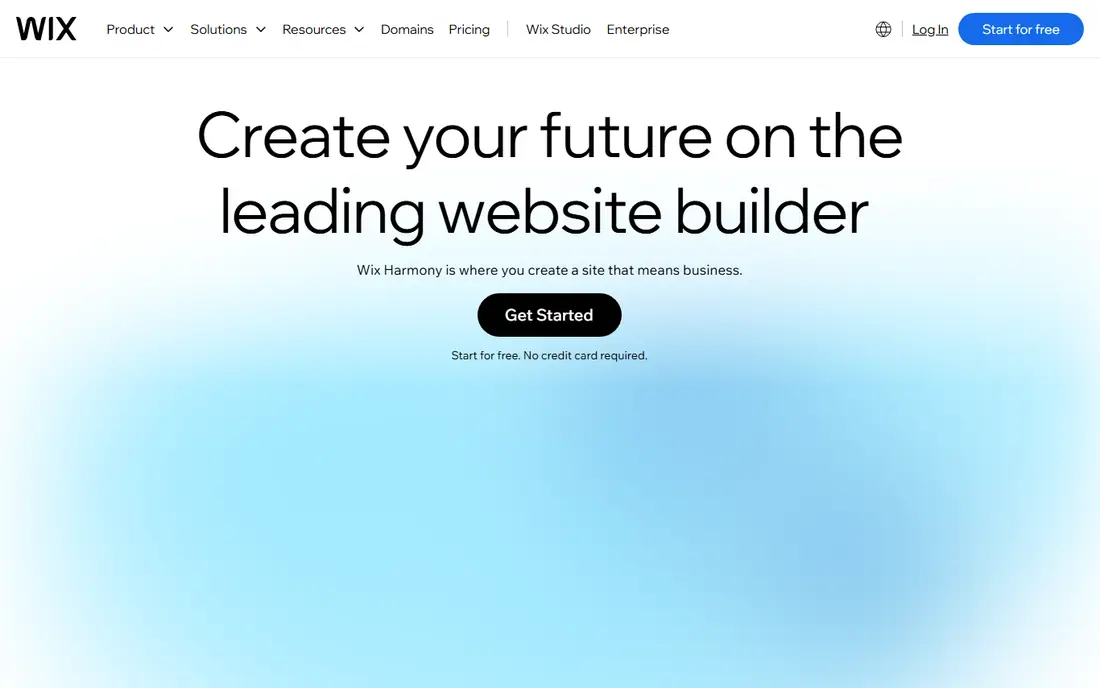
Wix ADI asks about your business and builds a starter site with text and images, which you can then edit in the Wix editor. For readers who want ai built starter sites, this is a natural first option to test, and our notes below explain where it shines and where it falls short. We based this assessment on the official feature and pricing pages, plus app store listings and public reviews, rather than on marketing claims alone. The strengths are clear in daily use. Guided AI setup; many templates; hosting included If you compare this option with the others in the list, pay attention to how those strengths fit your own workflow, since a strength that you never use adds no value. The honest catch is worth weighing before you commit. AI output often needs manual polish; deeper customization has limits We would suggest a short trial with your real tasks, and a check of the pricing page for your exact plan, before you move important work into this product.
- Guided AI setup
- Many templates
- Hosting included
- AI output often needs manual polish
- Deeper customization has limits
Framer AI
Ideal for: AI generated modern sites
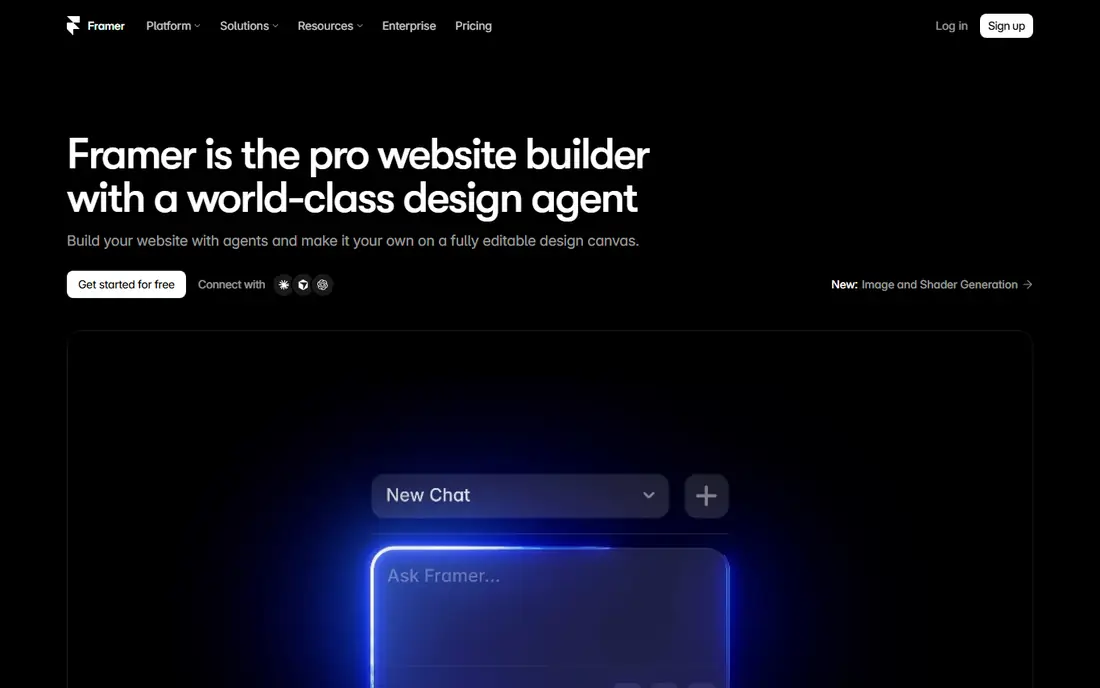
Framer AI turns a prompt into a designed page, and its editor lets you refine layout, type, and interactions without code. For readers who want ai generated modern sites, this is a natural first option to test, and our notes below explain where it shines and where it falls short. We based this assessment on the official feature and pricing pages, plus app store listings and public reviews, rather than on marketing claims alone. The strengths are clear in daily use. Fast AI page generation; polished templates; publishing built in If you compare this option with the others in the list, pay attention to how those strengths fit your own workflow, since a strength that you never use adds no value. The honest catch is worth weighing before you commit. Free plan limits; advanced CMS features cost more We would suggest a short trial with your real tasks, and a check of the pricing page for your exact plan, before you move important work into this product.
- Fast AI page generation
- Polished templates
- Publishing built in
- Free plan limits
- Advanced CMS features cost more
Durable
Ideal for: Very fast business sites

Durable builds a small business site from a few answers, with tools for invoicing and customer management included. For readers who want very fast business sites, this is a natural first option to test, and our notes below explain where it shines and where it falls short. We based this assessment on the official feature and pricing pages, plus app store listings and public reviews, rather than on marketing claims alone. The strengths are clear in daily use. Site in minutes; built in CRM and invoicing; AI copy help If you compare this option with the others in the list, pay attention to how those strengths fit your own workflow, since a strength that you never use adds no value. The honest catch is worth weighing before you commit. Design flexibility is limited; best for simple business sites We would suggest a short trial with your real tasks, and a check of the pricing page for your exact plan, before you move important work into this product.
- Site in minutes
- Built in CRM and invoicing
- AI copy help
- Design flexibility is limited
- Best for simple business sites
10Web
Ideal for: AI WordPress builder
10Web uses AI to build WordPress sites, including recreating an existing design, with managed hosting and optimization. For readers who want ai wordpress builder, this is a natural first option to test, and our notes below explain where it shines and where it falls short. We based this assessment on the official feature and pricing pages, plus app store listings and public reviews, rather than on marketing claims alone. The strengths are clear in daily use. AI recreation of sites; WordPress hosting; speed optimization If you compare this option with the others in the list, pay attention to how those strengths fit your own workflow, since a strength that you never use adds no value. The honest catch is worth weighing before you commit. WordPress learning curve remains; pricing scales with sites We would suggest a short trial with your real tasks, and a check of the pricing page for your exact plan, before you move important work into this product.
- AI recreation of sites
- WordPress hosting
- Speed optimization
- WordPress learning curve remains
- Pricing scales with sites
Hostinger AI Builder
Ideal for: Budget AI websites
Hostinger AI Builder creates a site from a description and includes hosting, which keeps the total cost low for small sites. For readers who want budget ai websites, this is a natural first option to test, and our notes below explain where it shines and where it falls short. We based this assessment on the official feature and pricing pages, plus app store listings and public reviews, rather than on marketing claims alone. The strengths are clear in daily use. Low cost plans; AI text and image help; hosting included If you compare this option with the others in the list, pay attention to how those strengths fit your own workflow, since a strength that you never use adds no value. The honest catch is worth weighing before you commit. Template flexibility is limited; ecommerce features vary by plan We would suggest a short trial with your real tasks, and a check of the pricing page for your exact plan, before you move important work into this product.
- Low cost plans
- AI text and image help
- Hosting included
- Template flexibility is limited
- Ecommerce features vary by plan
Jimdo Dolphin
Ideal for: Simple AI small business sites
Jimdo Dolphin builds a starter site from your answers and keeps editing simple for owners who do not want a complex builder. For readers who want simple ai small business sites, this is a natural first option to test, and our notes below explain where it shines and where it falls short. We based this assessment on the official feature and pricing pages, plus app store listings and public reviews, rather than on marketing claims alone. The strengths are clear in daily use. Guided setup; legal page help in some regions; easy editing If you compare this option with the others in the list, pay attention to how those strengths fit your own workflow, since a strength that you never use adds no value. The honest catch is worth weighing before you commit. Design options are narrower than larger builders; AI output needs edits We would suggest a short trial with your real tasks, and a check of the pricing page for your exact plan, before you move important work into this product.
- Guided setup
- Legal page help in some regions
- Easy editing
- Design options are narrower than larger builders
- AI output needs edits
Relume
Ideal for: AI sitemaps and wireframes
Relume turns a prompt into a sitemap and wireframe, which designers can export to Figma or Webflow for a finished build. For readers who want ai sitemaps and wireframes, this is a natural first option to test, and our notes below explain where it shines and where it falls short. We based this assessment on the official feature and pricing pages, plus app store listings and public reviews, rather than on marketing claims alone. The strengths are clear in daily use. AI sitemaps and wireframes; Figma and Webflow export; component library If you compare this option with the others in the list, pay attention to how those strengths fit your own workflow, since a strength that you never use adds no value. The honest catch is worth weighing before you commit. It designs structure, not a finished hosted site; some exports need paid plans We would suggest a short trial with your real tasks, and a check of the pricing page for your exact plan, before you move important work into this product.
- AI sitemaps and wireframes
- Figma and Webflow export
- Component library
- It designs structure, not a finished hosted site
- Some exports need paid plans
How we picked these
We started with the topic and the related search terms for this article, then checked which products truly fit that topic and still work in October 2026. We compared official feature pages, pricing pages, app store listings, privacy policies, and public reviews for each option. We left out products that had closed, changed focus, or did not fit the topic, even when they were popular in other categories. We also weighed who each product serves best, what it costs to start, whether a free plan exists, and what users complain about most often. A product earned a place here because it serves a clear use case well, not because it topped every chart. Prices and plans change, so we used See website where a price could not be verified from the vendor, and we recommend a final check before you pay.
How to choose an AI web design tool
Be clear about whether you need a finished hosted site or only a design starting point, since those are different products. Check who owns the content and whether you can export it or move hosts later. Test the AI output with your real business details, not a demo prompt, and budget time for editing copy and images. For shops, confirm checkout, tax, and shipping features before you build pages around them. Before you pay, check the official pricing page for your exact plan and region, since prices, limits, and free plans vary. Look at the support options too, because a product with slow support can cost you more time than a slightly higher price. If you can, run a trial with a colleague or a friend, and test the one task you will do most often. That single test usually tells you more than a long feature list, and it helps you avoid a subscription you stop using after a month.
Frequently asked questions
What is the best option for most people?
For most readers, Wix ADI is a safe starting point because it covers the core needs well and is easy to set up. Readers with a simpler need may prefer Framer AI, while readers who need more depth should look at 10Web. The right answer still depends on your budget and your daily tasks, so trial two options before you commit.
Are there free options in this list?
Yes. 5 of the 7 options offer a free plan, and several others offer a free trial. Free plans usually limit advanced features, storage, or seats, so check the limits against your real use. A free plan is a good way to test the interface, but it may not show how the paid plan performs at full scale.
How much should I expect to pay?
That depends on the product and the plan, and prices change often. Some options in this list are free to start, while others use custom pricing that depends on seats, volume, or features. Where we could not verify a current price from the vendor, we wrote See website. Always check the official pricing page for your region before you budget for a year.
What should I check before I choose?
Check device support, pricing for your team size, and the limits of the free or trial plan. Read the privacy policy if the product handles personal or business data, and confirm that support is available in your time zone. A short trial with your real tasks will reveal problems that a feature list hides.
Does this guide cover best ai web design tool?
Yes, the options above were chosen with best ai web design tool in mind, along with the main topic of this article. The comparison table and the buying guide should help you weigh those related needs too. If that related need is your main priority, start with the products whose best for note matches it most closely.