AI Workspace Tool for Documents: 7 Options Side by Side (2026)

- ClickUp is the opening pick, best for docs plus full task management.
- Slite fits team knowledge bases.
- Craft has the lowest monthly starting price in this list: $5 per month.
- Free access is easy to find: 6 of the 7 tools have a free plan, for example ClickUp, Coda, Taskade and Notion.
Direct answer
Start with ClickUp if you need docs plus full task management. If your case is different, Coda suits docs that work like apps and Taskade suits small teams on a flat price. The full list of 7 tools follows, with prices and free plan facts.
Quick comparison
| Product | Ideal for | Price from | Free version | |
|---|---|---|---|---|
 ClickUp | Docs plus full task management | $7 per user a month | Yes | Visit |
 Coda | Docs that work like apps | $10 per user a month | Yes | Visit |
 Taskade | Small teams on a flat price | $10 per month | Yes | Visit |
 Mem | AI memory across notes | $15 a month | Free trial | Visit |
 Notion | Adaptable docs, wikis, and databases | $10 per user per month | Yes | Visit |
 Craft | Clean personal and small-team docs | $5 per month | Yes | Visit |
 Slite | Team knowledge bases | $8 per user a month | Yes | Visit |
Tool-by-tool breakdown
Ainotely compared 7 AI workspace tool for documents. The goal is a practical shortlist: published prices, free plan facts, best-fit use cases and honest limits for every entry.
ClickUp
Ideal for: Docs plus full task management
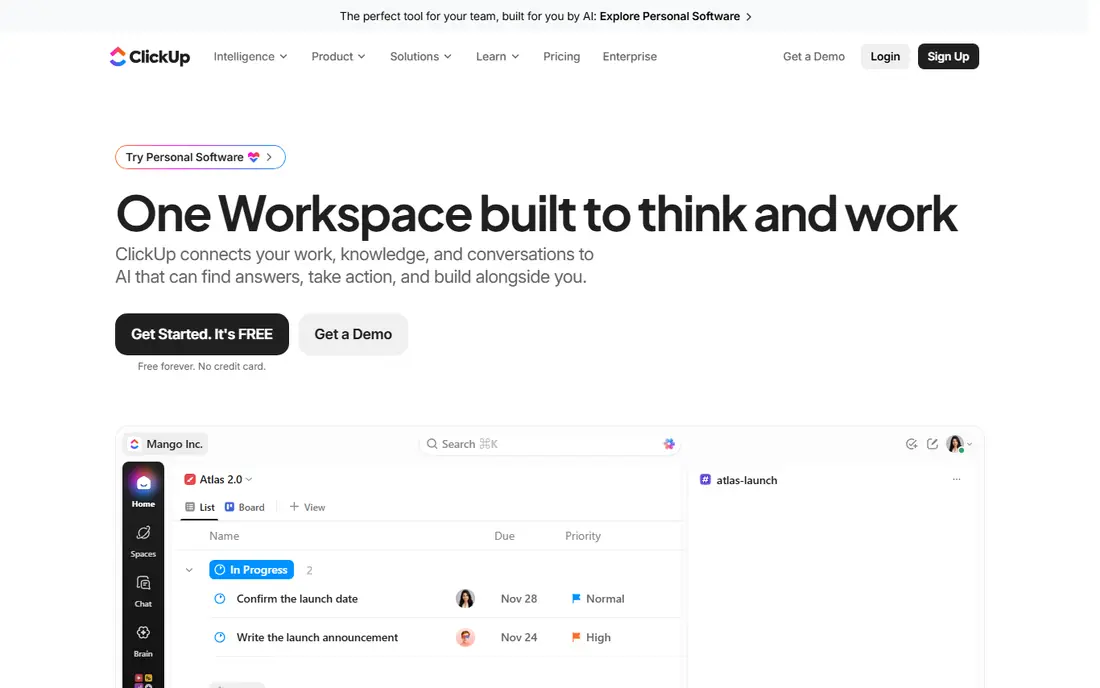
Pick ClickUp if this describes you: docs plus full task management. More specifically, docs sit next to tasks, goals, timelines, and workload views, so a project brief and its task list share one home.
For everyday use, the interface packs in a lot, which can overwhelm new users. On top of that, the premium Unlimited plan begins at $7 per user a month billed yearly, and ClickUp Brain AI is a premium add-on in addition, so price the bundle, not the base plan. What you pay to start with ClickUp: $7 per user per month. You can start on ClickUp without paying.
Strengths: 15 plus views. Drawbacks to consider: Setup takes time.
- Docs, tasks
- Capable automations
- AI is a premium add-on
Coda
Ideal for: Docs that work like apps
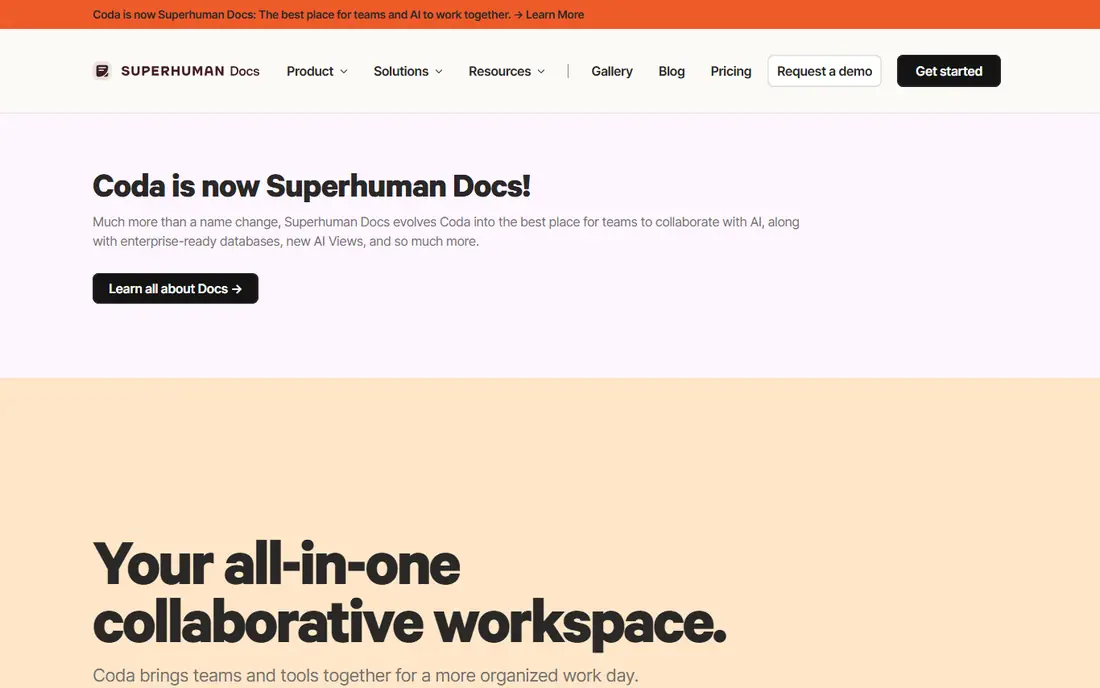
Coda is aimed squarely at docs that work like apps. Coda treats a doc as an app. On top of that, packs link docs to hundreds of outside tools, so a doc can pull live data rather than holding stale copies.
That keeps a ten-person team cheap when only three people build, but costs climb when everyone needs to build. On top of that, teams that want spreadsheet-grade logic inside their docs will find Coda the most feature-rich choice here. What you pay to start with Coda: $10 per user per month. Coda has a free plan.
What to check first: Doc Maker pricing confuses buyers.
- 600 plus Packs
- AI bundled into premium levels
- Builders cost more as teams grow
Taskade
Ideal for: Small teams on a flat price
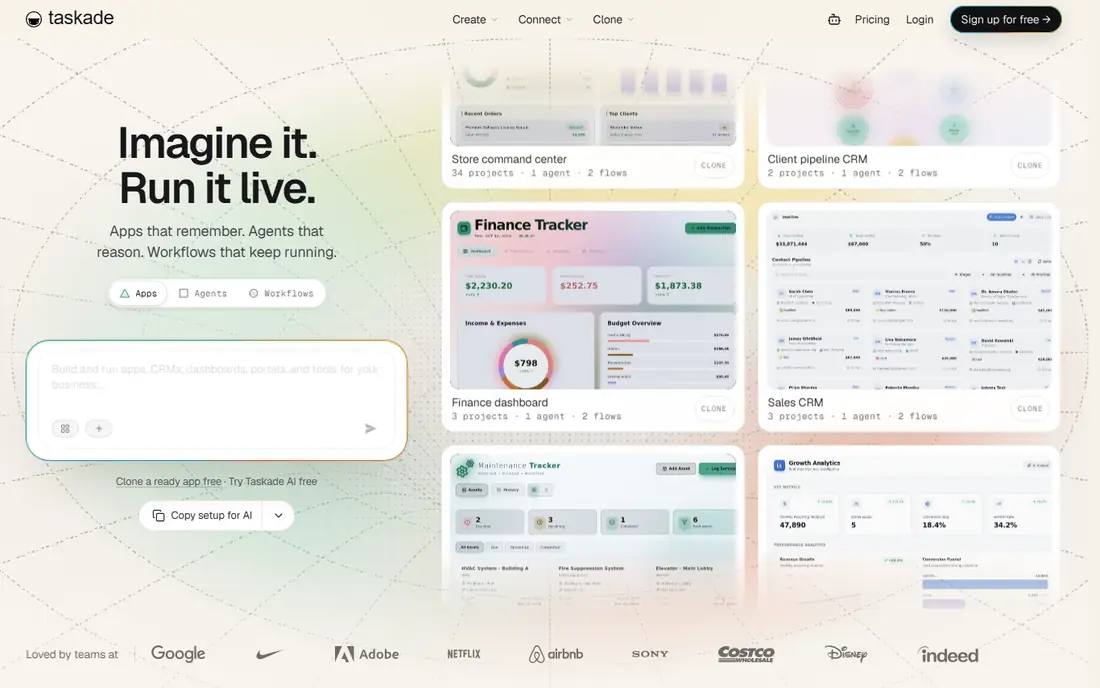
Think of Taskade for small teams on a flat price. Pro costs $10 a month for up to ten seats, with AI agents and automations included instead of billed per user. The trade is depth.
For a small team that wants AI docs, tasks, and chat in one cheap subscription, Taskade is hard to beat on value. Also, Taskade is the price outlier in a good way. Taskade pricing: $10 per month. Taskade offers a free plan.
Honest limits: Fewer enterprise controls.
- Flat price handles up to 10 seats
- AI agents included
- Smaller ecosystem
Mem
Ideal for: AI memory across notes
For AI memory across notes, Mem is a natural candidate. Mem takes a different approach: rather than folders, it builds a memory layer across your notes and surfaces related material when you write or ask. For everyday use, for a knowledge worker whose primary problem is retrieval, not collaboration, Mem is a distinctive pick.
Points against: Weaker team databases.
In daily use, Mem is weaker as a team database tool than Notion or Coda, and its template set is smaller. At $15 a month for an individual plan, it also costs more than Craft or Slite. Mem starts at: $15 per month. Free options: Free trial.
- Memory-based AI recall
- Quick capture
- Smaller template set
Notion
Ideal for: Adaptable docs, wikis, and databases
Notion serves adaptable docs, wikis, and databases. AI writing, summarization, and question answering sit inside the same pages your team already uses.
Pages, databases, and templates bend to almost any team process, and the template library includes meeting notes, project trackers, and company wikis. Notion starts at: $10 per user per month. You can start on Notion without paying.
Downsides: Full AI needs the $20 Business plan.
- Full AI on Business
- Huge template library
- AI stays inside Notion
Craft
Ideal for: Clean personal and small-team docs
Craft was built for clean personal and small-team docs. AI features are included in premium plans beginning at $5 a month, and documents work well offline. Beyond that, Craft is not a database powerhouse.
In daily use, if your docs have to act like apps, pick Coda instead. Worth adding: if your documents are largely writing, notes, and light planning, Craft is a pleasure. Price to start with Craft: $5 per month. You can start on Craft without paying.
Watch-outs: Weaker team databases.
- Beautiful native apps
- Quick and offline friendly
- Restricted automations
Slite
Ideal for: Team knowledge bases
Where Slite fits: team knowledge bases. Slite concentrates on one job: a team knowledge base that people actually maintain. The restraint is deliberate, since Slite avoids turning into a full project suite.
That focus is also the limit. Worth adding: docs are organized, searchable, and simple to update, and AI features are included in the $8 per user a month plan. In daily use, databases, task views, and automations are lighter than in Notion or ClickUp, and the integration list is smaller. Slite starts at: $8 per user per month. Slite offers a free plan.
Honest limits: Restricted task features; Smaller ecosystem. Strengths: Clean structure.
- Concentrated on team knowledge
- AI included
- Fewer views and databases
What went into this list
Pricing pages, product documentation and feature lists were the main sources, and every entry carries at least one honest drawback. Where a price is missing, the vendor does not list one publicly or ties it to a quote. Always confirm before budgeting. Tools are placed by general fit for AI workspace tool for documents, with price clarity and free access as tie-breakers. A different team can reasonably rank them differently.
What to confirm before you sign up
- Confirm the entry price on the vendor page: Craft starts at $5 per month, but seat counts and billing terms change the total.
- Look at free plan limits closely: ClickUp, Coda, Taskade and others have one, and the caps decide whether it is usable for real work.
- Use real work to test the free trial from Mem, rather than a demo project.
- Before choosing ClickUp, weigh its main limit: AI is a premium add-on.
- Map your must-have features to a specific Notion plan before you compare prices.
- Total up the real monthly cost of Mem, including add-ons, extra users and usage-based fees.
Frequently asked questions
Can AI in these tools see my email and calendar?
Usually no. Notion AI only sees content inside Notion, and most rivals work the same way inside their own workspace.
Does Coda AI cost additional?
You pay per Doc Maker, whereas editors read and comment free, so total cost relies on how plenty of people build docs.
Can I try these tools before paying?
Often, yes. ClickUp, Coda, Taskade and others have a free plan and Mem offers a free trial. Use your own data and a real task during the test, and check what the free tier or trial limits before you rely on it.
Which options for AI workspace tool for documents have a free plan?
On this list, 6 of 7 tools include a free plan, among them ClickUp, Coda, Taskade and Notion. Caps on seats, usage or features are common, so test the free plan against your real workload. One other tool offers a trial instead.
How are the tools for AI workspace tool for documents ordered?
The order follows typical fit for AI workspace tool for documents, with ClickUp first and Slite last, then price clarity and free access. It is editorial judgement, not a score, so another team could rank the tools differently.
What is the cheapest option for AI workspace tool for documents in this list?
On published monthly entry prices, Craft is the lowest here at $5 per month. Entry price is only part of the cost, because seats, add-ons and billing terms can change the total.