8 Best AI Writing Assistance Tools for 2026

- Grammarly is the best all-round pick for everyday writing help, with a strong free tier and Pro at $12 a month billed annually.
- Jasper and Writesonic suit marketers who need full drafts, while QuillBot and Wordtune are better for rewriting and polishing existing text.
- Copy.ai changed its plans in 2026: the free plan is gone, and the entry Chat plan costs $24 a month billed annually.
- Prices in this guide run from $4.17 a month for QuillBot Premium to $39 a month for Jasper Creator, so the right choice depends on volume.
- Free tiers are useful for short edits, but word caps, rewrite limits, and missing plagiarism checks push regular writers toward a subscription.
Quick comparison
| Product | Ideal for | Price from | Free version | |
|---|---|---|---|---|
 Grammarly | Everyday grammar and tone | $12 per month (billed annually) | Yes | Visit |
 Jasper | Marketing drafts and campaigns | $39 per month (billed annually) | Free trial (7 days) | Visit |
 Copy.ai | Short copy and chat writing | $24 per month (billed annually) | No | Visit |
 Writesonic | SEO drafts and articles | $16 per month (billed annually) | Yes | Visit |
 QuillBot | Paraphrasing and rewriting | $4.17 per month (billed annually) | Yes | Visit |
 Wordtune | Sentence rewriting and tone | $9.99 per month | Yes | Visit |
 ProWritingAid | Deep editing for long documents | $10 per month (billed annually) | Yes | Visit |
 Hemingway Editor | Clear and readable sentences | $8.33 per month (billed annually) | Yes | Visit |
The best AI writing assistance tools
Grammarly
Ideal for: Everyday grammar and tone
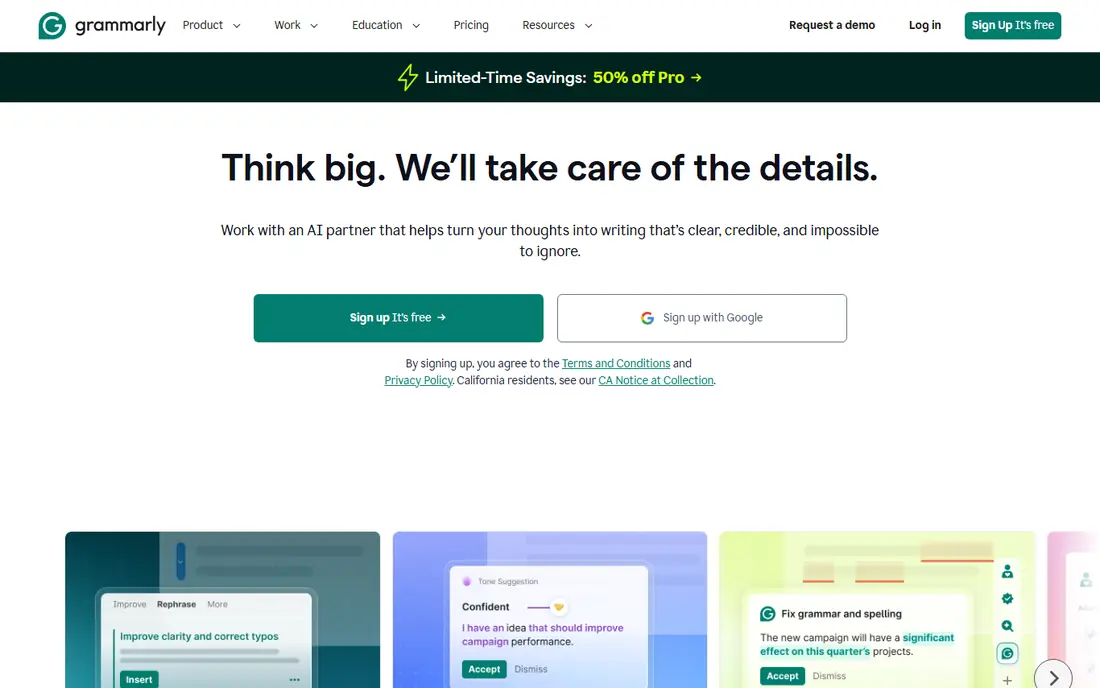
Grammarly is the most widely used writing assistant, and it works wherever you type. The free tier checks grammar, spelling, and punctuation, flags tone, and gives you 100 AI prompts a month, with the same document limits as the Pro plan. The browser extension, desktop app, and mobile keyboard mean your drafts get checked in email, documents, and social posts without extra steps.
Pro costs $12 per member a month billed annually, or $30 billed monthly, and adds full-sentence rewrites, tone adjustment, fluency suggestions, plagiarism detection, and 2,000 AI prompts a month. The Pro tier was renamed from Premium to Pro during 2025, with the price unchanged. If you write every day for work or study, Pro is the simplest upgrade. If you only need basic checks, the free tier is enough.
- Free tier covers grammar, spelling, and tone detection
- Works in browsers, Word, Google Docs, and mobile keyboards
- Full-sentence rewrites and plagiarism checks need Pro
- Monthly billing costs $30, far above the $12 annual rate
Jasper
Ideal for: Marketing drafts and campaigns

Jasper is a marketing focused writing platform that drafts long-form content, ads, and emails from short prompts. The Creator plan gives you one seat, unlimited words, one Brand Voice, all templates, and the Canvas editor, while the Pro plan adds team seats, more Brand Voices, and knowledge base connectors. Jasper runs on Claude and GPT models behind the scenes, and its Surfer SEO mode scores drafts against live search results when you hold a separate Surfer subscription.
Creator costs $39 a month billed annually, or $49 billed monthly, and Pro costs $59 a month billed annually. There is no free plan, only a 7-day trial, and the trial needs a card. Jasper fits marketing teams that publish daily and need one consistent voice. Solo writers who only need occasional drafts will find cheaper tools in this guide do the same job for less.
- Brand Voice keeps drafts on tone across a team
- Templates cover ads, emails, blogs, and social posts
- No free plan, only a 7-day trial that needs a card
- Brand Voice and SEO mode need the $59 Pro plan
Copy.ai
Ideal for: Short copy and chat writing
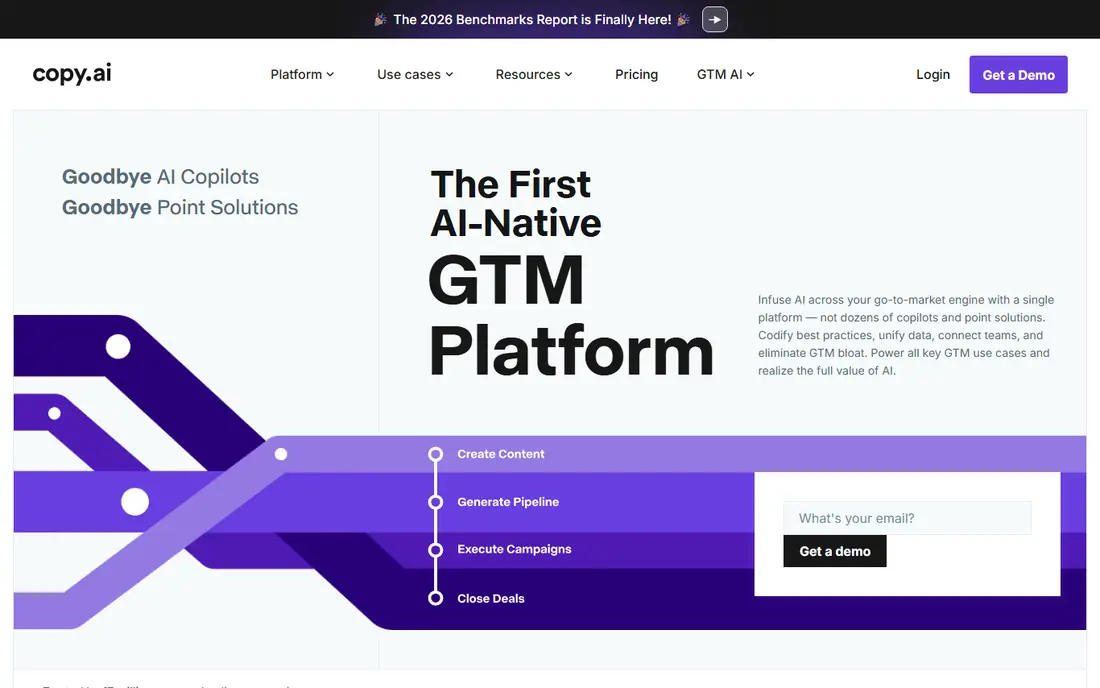
Copy.ai changed its offer in 2026. The entry plan is now Chat, which costs $29 a month, or $24 a month billed annually, and includes 5 seats with unlimited words in chat across models from OpenAI, Anthropic, and Google. The old Starter and Pro plans are no longer sold, and the free plan was discontinued in August 2026, so new users must buy Chat or a higher tier to use the product at all.
The next step up is Growth at $1,000 a month, which adds workflows, agents, and 20,000 workflow credits a month. That gap means Copy.ai now serves two groups: small teams who only need a chat box for short copy, and large teams running automated go-to-market workflows. If you need workflows at a mid-range price, look at Jasper or Writesonic instead, since Copy.ai has nothing between $24 and $1,000 a month.
- Chat plan includes 5 seats and unlimited words in chat
- Access to OpenAI, Anthropic, and Google models in one place
- No free plan since August 2026
- Workflows and agents start at $1,000 a month on the Growth tier
Writesonic
Ideal for: SEO drafts and articles
Writesonic is an AI content platform that drafts blog posts, product descriptions, and ad copy, with a built-in SEO checker, keyword research, and content grader. Article Writer 6.0, updated in July 2026, pulls from real-time web search and can produce a structured 1,200-word draft in a few minutes. In 2026 Writesonic also repositioned itself around generative engine optimisation, adding a GEO platform on the Professional plan.
The Individual plan costs $16 a month billed annually, or $20 billed monthly, and the free plan gives you 10,000 words a month with no card required. The Individual plan advertises unlimited words, but that applies only to outputs using Writesonic's own model; prompts routed through GPT-4o or Claude draw from a separate premium credit pool. For solo creators who need SEO drafts at a low price, it is the best value in this guide.
- Article Writer 6.0 builds structured drafts with web citations
- Built-in SEO checker and keyword research at no extra cost
- Premium model use draws from a separate credit pool, so costs are hard to predict
- Team features need the higher Team plan
QuillBot
Ideal for: Paraphrasing and rewriting
QuillBot started as a paraphraser and has grown into a writing suite with a grammar checker, summarizer, citation generator, plagiarism checker, and Flow, its document editor. The paraphraser is the core: paste text, pick a mode such as Standard, Fluency, Formal, or Creative, and it rewrites the passage while keeping the meaning. Students and researchers use it to reword drafts, shorten long passages, and cite sources in APA or MLA format.
Premium costs $9.95 a month billed monthly, or about $4.17 a month billed annually at $49.95 a year. The free tier limits each paraphrase to 125 words and offers only Standard and Fluency modes, which is enough for quick paragraph edits. At the annual rate, Premium is the cheapest subscription in this guide, and it suits anyone who rewrites existing text every day rather than drafting from scratch.
- Seven paraphrase modes cover formal, creative, and short rewrites
- Premium adds a plagiarism checker and citation generator
- Free tier limits paraphrasing to 125 words per pass and two modes
- No lifetime plan, and the 3-day refund window is short
Wordtune
Ideal for: Sentence rewriting and tone
Wordtune is a rewriting companion built by AI21 Labs that works on single sentences rather than whole documents. Highlight a sentence and it offers rewrites in different tones and lengths, plus Spices, a set of prompts that expand, explain, or add examples to your text. It runs as a browser extension and a web editor, so it fits into Gmail, Google Docs, and most writing apps. An August 2025 update added a document-based interface and AI agents for writing and grading.
The free Basic plan gives you 10 rewrites and 3 AI summaries a day. Plus costs $9.99 a month and adds unlimited rewrites, all tones, and the browser extension on every site. Unlimited costs $14.99 a month and adds longer text processing. For freelance writers who polish client drafts line by line, Plus is a fair price. For academic work, pair it with QuillBot, since Wordtune has no plagiarism checker.
- Rewrites single sentences with tone and length controls
- Free tier gives 10 rewrites a day, which is usable for light editing
- No plagiarism checker, a gap for academic users
- Advanced plan caps use at 30 rewrites a day
ProWritingAid
Ideal for: Deep editing for long documents
ProWritingAid is a deep editing tool for authors and long-form writers. It runs more than 25 reports on style, grammar, readability, sticky sentences, and pacing, and it adds Rephrase, a tool that rewrites sentences, and Sparks, its AI edit feature. It integrates with Word, Google Docs, Scrivener, and Chrome, and it offers story tools such as Manuscript Analysis and a Virtual Beta Reader, which run on separately purchased Story Credits.
Premium costs $10 a month billed annually, or $30 billed monthly, with a $399 lifetime licence. Premium Pro costs $12 a month billed annually and adds more AI edits and chapter critiques a day. The free tier caps checks at 500 words, so test it on a short passage, then move to Premium if you edit documents longer than that. The refund window is only 3 days on yearly and lifetime plans, and monthly plans get no refund.
- More than 25 reports cover style, structure, and readability
- Lifetime licence at $399 suits writers who keep the tool for years
- Free tier caps checks at 500 words, which is a demo rather than a product
- Monthly billing costs $30, three times the annual rate
Hemingway Editor
Ideal for: Clear and readable sentences
Hemingway Editor is a clarity tool that highlights hard-to-read sentences, passive voice, adverbs, and weak phrasing so you can tighten prose before you publish. The free web editor at hemingwayapp.com needs no account and shows a readability grade, word count, and reading time for any pasted text. The desktop app costs $19.99 once and adds offline editing and PDF export, but it carries no AI features.
The AI rewriting lives in Hemingway Editor Plus, a subscription that starts at $8.33 a month billed annually for 5,000 AI sentence rewrites a month, with a two-week free trial and no card required. Higher tiers add more sentences and team seats. If you want a free readability check, the web editor is enough. If you want AI rewrites, Plus is the plan to price, not the desktop app.
- Free web editor needs no account and highlights hard sentences, passive voice, and adverbs
- Readability grade keeps prose simple
- Desktop app has no AI features, so the $19.99 purchase buys offline editing only
- AI rewrites are metered by sentence count
How we chose
We compared vendor pricing pages, product pages, and help pages for each tool on 11 November 2026, and we checked that each homepage loads and shows that product. We compared free tier limits, monthly word or credit caps, rewrite and paraphrase features, plagiarism checks, and subscription prices. Prices are stated as shown on the vendor pricing page on the date checked, and plan changes during 2026 are noted where they affect the price. We did not claim hands-on testing, and we did not use third party ratings to rank the tools.
What to check before you buy
Check what you actually write before you pick a tool, because a paraphraser and a draft generator solve different problems. Compare the free tier against your real weekly volume: a 125-word paraphrase cap or a 500-word check cap will slow you down fast. Work out the monthly cost on annual billing, since monthly rates run up to three times higher on some tools. Check whether plagiarism checks, brand voice, and team seats are included or locked to a higher tier. Read the refund terms, since some vendors allow only 3 days. Finally, test the tool on your own writing before you commit, because output quality varies by topic.
| If you need | Pick this first | Budget to plan for | | Everyday grammar checks | Grammarly | Pro is $12 a month billed annually | | Marketing drafts at volume | Jasper | Creator is $39 a month billed annually | | Short copy in a chat box | Copy.ai | Chat is $24 a month billed annually | | SEO blog drafts on a budget | Writesonic | Individual is $16 a month billed annually | | Paraphrasing and rewriting | QuillBot | Premium is $4.17 a month billed annually | | Sentence-level polish | Wordtune | Plus is $9.99 a month | | Deep edits on long documents | ProWritingAid | Premium is $10 a month billed annually | | Shorter, clearer sentences | Hemingway Editor | Plus is $8.33 a month billed annually |
Frequently asked questions
What is the best AI writing assistance tool for beginners?
Grammarly is the easiest starting point, because the free tier checks grammar, spelling, and tone in every app you type in, with no setup beyond the browser extension. QuillBot is the best free option for rewriting, with 125 words per pass on the free tier. Start with a free plan, test it on your own writing for a week, and only move to a subscription once you know which features you use daily.
Can I use AI writing assistance tools for free?
Yes, most tools in this guide have a free tier, but the limits matter. Grammarly, Writesonic, QuillBot, Wordtune, ProWritingAid, and Hemingway Editor all offer free use with caps on words, rewrites, or checks. Jasper offers only a 7-day trial, and Copy.ai has no free plan since August 2026. Free tiers suit light use, while daily writers will hit a cap within days.
Which AI writing tool is best for paraphrasing?
QuillBot is the strongest paraphraser in this guide, with seven modes, a synonym slider, and unlimited length on Premium. Wordtune is better for rewriting single sentences with tone control, while Grammarly Pro handles full-sentence rewrites with grammar checks attached. Pick QuillBot for long passages, Wordtune for line edits, and Grammarly when you need grammar and rewriting in one place.
How much does a good AI writing assistant cost?
A good tool costs from $4.17 a month for QuillBot Premium on annual billing to $39 a month for Jasper Creator. Most tools in this guide sit between $8 and $16 a month on annual billing. Budget for the annual rate, not the monthly rate, since monthly billing can cost two to three times more. Check the word or credit cap too, because a cheap plan with a low cap costs more once you upgrade.
Is Copy.ai still free?
No, Copy.ai discontinued its free plan in August 2026. The cheapest plan you can buy is Chat at $29 a month, or $24 a month billed annually, which includes 5 seats and unlimited words in chat. The next tier with workflows is Growth at $1,000 a month. If you need a free tier or a mid-range workflow plan, Jasper and Writesonic are better fits.
Do AI writing tools check for plagiarism?
Some do, and some do not. Grammarly Pro, QuillBot Premium, and Rytr Unlimited include plagiarism checks, while Wordtune and Hemingway Editor have none. ProWritingAid offers plagiarism checking on Premium Pro. If originality checks matter for your work, confirm the feature is on the exact plan you buy, since vendors often lock it to a higher tier.