8 Best AI YouTube Thumbnail Generator Tools for 2026

- 1
 PikzelsYouTube packaging with data-backed scoring and personasVisit
- 2
 ThumbnailPeakPreviewing, scoring, and testing thumbnails before publishingVisit
- 3
 CanvaEasy thumbnail design with templates and AI featuresVisit
- 4
 Adobe ExpressQuick thumbnail design with Adobe assets and AIVisit
- 5
 vidIQThumbnails plus YouTube analytics and growth toolsVisit
- AI thumbnail tools generate, score, and improve YouTube thumbnails, where a small click-through gain matters a lot.
- Pikzels and ThumbnailPeak lead for YouTube-specific generation, scoring, and testing.
- Canva, Adobe Express, and CapCut suit creators who want thumbnails inside a broader design or editing tool.
- vidIQ, Simplified, and Predis.ai suit creators who want thumbnails plus titles, analytics, or social content.
- Test thumbnails at small sizes, because a design that looks good large often fails in the feed.
Quick comparison
| Product | Ideal for | Price from | Free version | |
|---|---|---|---|---|
| Pikzels | YouTube packaging with data-backed scoring and personas | $28 per month | No | Visit |
| ThumbnailPeak | Previewing, scoring, and testing thumbnails before publishing | See website | Yes | Visit |
| Canva | Easy thumbnail design with templates and AI features | See website | Yes | Visit |
| Adobe Express | Quick thumbnail design with Adobe assets and AI | See website | Yes | Visit |
| vidIQ | Thumbnails plus YouTube analytics and growth tools | See website | Yes | Visit |
 CapCut | Thumbnails and video editing in one workflow | Free | Yes | Visit |
 Simplified | AI design for thumbnails and social content | See website | Yes | Visit |
 Predis.ai | AI social and video content including thumbnails | See website | Yes | Visit |
The best AI YouTube thumbnail generator tools
Pikzels
Ideal for: YouTube packaging with data-backed scoring and personas
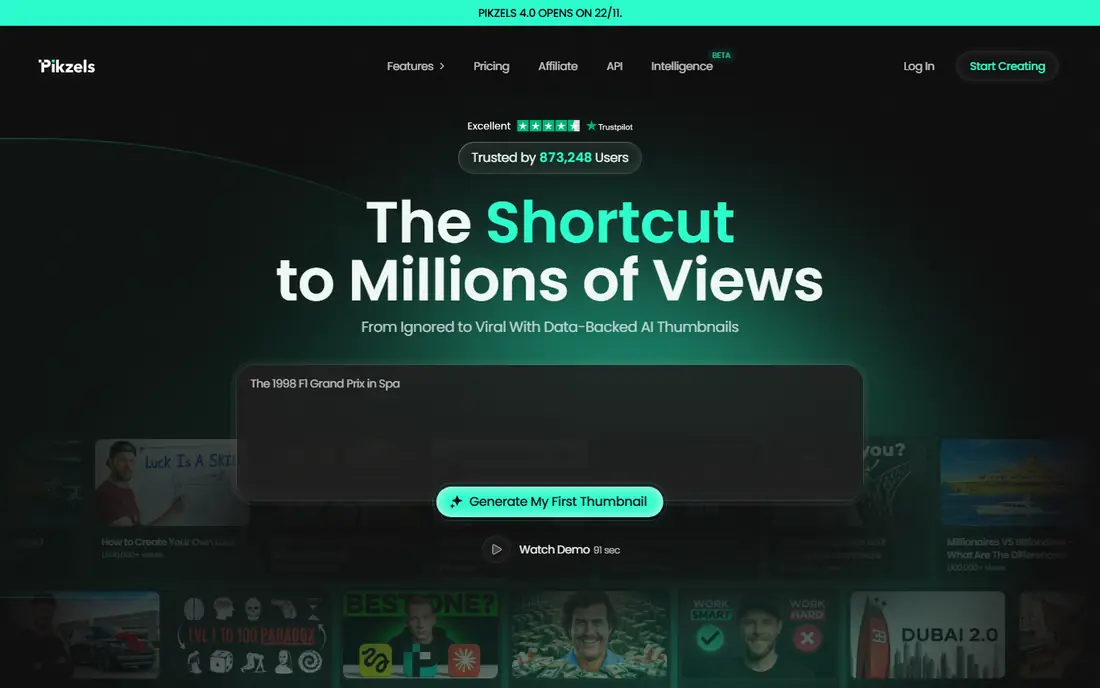
Pikzels is a YouTube packaging tool built to help creators create, test, and iterate thumbnails and titles that get clicked, rather than a generic image generator. Its features include prompt-to-thumbnail generation, Recreate for thumbnails that already work, Score for data-backed feedback on thumbnails and titles, Personas for consistent faces, Styles for repeatable looks, and title generation optimized for click-through. Its Premium plan is priced at $28 per month billed annually, with an Ultimate plan at $56 per month billed annually, both credit-based. For creators serious about YouTube packaging, Pikzels is the most purpose-built tool in this list.
- Prompt-to-thumbnail, Recreate, Score, Personas, Styles, title generation
- No permanent free plan, credit-based pricing
ThumbnailPeak
Ideal for: Previewing, scoring, and testing thumbnails before publishing
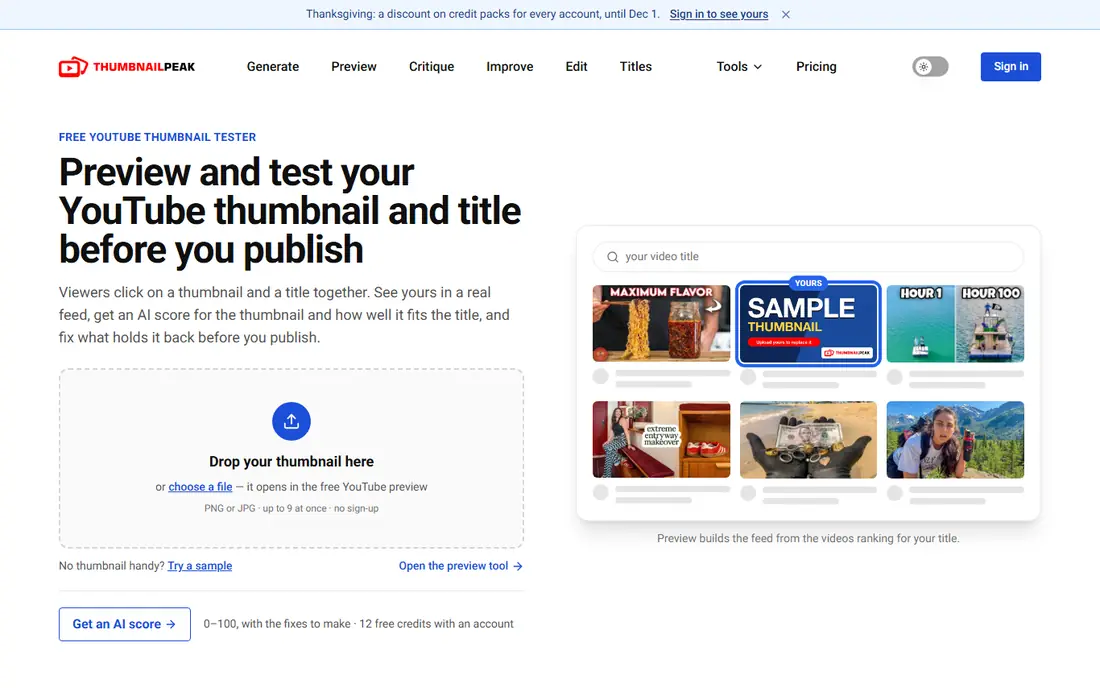
ThumbnailPeak is a YouTube thumbnail preview and tester with AI critique, built around a simple insight: a thumbnail should be judged where viewers will see it. Its free preview places a thumbnail next to the videos ranking for its title, across homepage, search, sidebar, mobile, tablet, TV, and channel views. Its Critique tool scores a thumbnail across ten dimensions with concrete fixes, Compare picks a winner between two options, Improve and Edit refine an image, and Generate designs a 1280 by 720 thumbnail from a video link or description. Preview is free and unlimited with no sign-up, and accounts get 12 free credits. For creators who want to test before publishing, ThumbnailPeak is an excellent companion to any generator.
- Free preview, AI critique and comparison, improve and edit, generate
- Testing focus, generation is one part of a workflow tool
Canva
Ideal for: Easy thumbnail design with templates and AI features
Canva is the most accessible design tool for YouTube thumbnails, with thousands of templates sized for YouTube, drag-and-drop editing, and AI features for image generation, background removal, and text effects. Creators can start from a template, swap in their own photos, adjust text and colors, and export at the right size, all without design skills. Canva's free tier covers most thumbnail needs, with Pro adding premium templates, assets, and AI features. It lacks YouTube-specific scoring or testing, so creators who want data-backed feedback should pair it with ThumbnailPeak. For fast, good-looking thumbnails, Canva remains the default choice.
- Huge template library, easy editing, AI image and text tools, free tier
- Generic design tool, no YouTube-specific scoring
Adobe Express
Ideal for: Quick thumbnail design with Adobe assets and AI
Adobe Express is Adobe's fast design tool for social and video content, including YouTube thumbnails, with templates, stock assets, and AI image features. Its integration with Adobe's asset libraries and fonts gives thumbnails a polished look, and its brand tools help creators keep a consistent style across videos. Adobe Express offers a free tier, with Premium adding more assets and features. Like Canva, it is a general design tool without YouTube-specific scoring, but its Adobe ecosystem suits creators already using Adobe products. For polished thumbnails with Adobe quality, Express is a strong choice.
- Adobe templates and stock, AI image features, brand tools, free tier
- Generic design tool, some features need a paid plan
vidIQ
Ideal for: Thumbnails plus YouTube analytics and growth tools
vidIQ is a YouTube growth platform whose AI tools include thumbnail ideas alongside title, keyword, trend, and analytics features. Creators can generate thumbnail concepts, test them against channel data, and combine them with vidIQ's research on what performs in their niche. Its free tier covers basic features, with paid plans adding deeper analytics and AI tools. vidIQ suits creators who want thumbnails as part of a growth workflow, rather than a standalone design tool, and it pairs well with a dedicated designer such as Canva. For data-informed thumbnail ideas, vidIQ is a useful addition.
- AI thumbnail ideas, title and keyword tools, channel analytics, free tier
- Thumbnail generation is part of a broader suite, not a dedicated designer
CapCut
Ideal for: Thumbnails and video editing in one workflow
CapCut is a popular video editor that also covers thumbnail creation, with templates and design tools for social and video content. Creators who already edit in CapCut can design a thumbnail from video frames, add text and effects, and export it without switching apps. Its free tier is generous, and its mobile and desktop apps suit creators who work on their phones. Thumbnail features are simpler than in Pikzels or Canva, so creators who need advanced generation or scoring should look elsewhere. For creators who want thumbnails inside their editing workflow, CapCut is a practical choice.
- Free tier, thumbnail templates, full video editing, mobile and desktop
- Thumbnail features are simpler than dedicated tools, some features need a paid plan
Simplified
Ideal for: AI design for thumbnails and social content
Simplified is an AI design and content platform with tools for thumbnails, social posts, videos, and writing, aimed at creators and small teams who want one workspace for content. Its AI design features generate and edit images, its templates cover YouTube and social formats, and its collaboration features suit teams. Simplified offers a free tier, with paid plans adding credits and features. Its breadth means thumbnail tools are less YouTube-specific than Pikzels, but its all-in-one approach suits creators who make many kinds of content. For thumbnails plus social content in one tool, Simplified is worth trying.
- AI design and writing tools, templates, collaboration, free tier
- Broad tool, thumbnail features less YouTube-specific
Predis.ai
Ideal for: AI social and video content including thumbnails
Predis.ai is an AI platform for social media content, generating posts, videos, captions, and images, including thumbnails, from a brand or topic input. Its competitor insights and scheduling features help creators plan content, while its AI generation speeds up the design process. Predis.ai offers a free tier, with paid plans adding credits and features. Its social focus means thumbnails are one output among many, rather than a YouTube-specialist feature, but creators who publish across platforms may value the breadth. For AI content across social and YouTube, Predis.ai is a flexible option.
- AI content generation, competitor insights, scheduling, free tier
- Social focus, thumbnail tools are part of a broader suite
How we picked these
We looked for tools that genuinely help create YouTube thumbnails, whether through dedicated generation and scoring, general design, or growth analytics. We balanced YouTube specialists, design platforms, and growth suites, because creators build thumbnails in different workflows. We compared official feature pages, pricing pages, documentation, and public reviews, and we left out generic image generators without thumbnail workflows. Where a vendor did not publish a current price, we wrote "See website" rather than repeat a third-party figure.
How to make a thumbnail that earns the click
Start with one clear idea, not three: a thumbnail that tries to say everything says nothing at feed size. Use a strong focal point, such as a face with a clear expression or a single striking object, and keep text to a few large words that add to the title rather than repeating it. Check contrast and readability at small sizes, and preview the thumbnail next to competing videos, as ThumbnailPeak allows, before publishing. Avoid misleading imagery that overpromises the video, because clickbait that disappoints hurts watch time and trust. Finally, test: run two options, compare their click-through rates, and let data, not taste, decide the winner.
Frequently asked questions
What size should a YouTube thumbnail be?
YouTube recommends 1280 by 720 pixels, with a 16:9 ratio, under 2 MB, in JPG, GIF, or PNG format. Tools in this list export at that size.
Do AI thumbnails actually improve click-through rate?
They can, by producing more options faster and by scoring designs against proven patterns. The gain depends on testing: generate several options, preview them in context, and measure real click-through rates.
Can I use my own face in AI thumbnails?
Yes, with tools such as Pikzels Personas, which reuse your face consistently. Only use your own face or faces you have permission to use, and never create a misleading thumbnail of another person.
Are AI thumbnail tools free?
Several offer free tiers, including ThumbnailPeak preview, Canva, Adobe Express, vidIQ, CapCut, Simplified, and Predis.ai. Dedicated tools such as Pikzels are paid and credit-based.
Should my thumbnail match my title?
Yes. Thumbnail and title work as a pair: the thumbnail grabs attention and the title adds context. The best packaging tells one story across both.
How many thumbnails should I test per video?
Test at least two options when you can. YouTube's test and compare feature, plus tools such as ThumbnailPeak, make A/B testing practical even for small channels.