All in One AI Workspace Tool: 6 Tools Worth Comparing in 2026

- Anytype sits first on this list: local first privacy.
- 5 of 6 tools offer a free plan: Anytype, Coda, ClickUp, Taskade, Notion.
- Before buying Anytype, weigh this: team features are lighter than Notion.
- For solo professionals, Motion is worth a look.
- The lowest published monthly entry price here is $7 per user per month, from ClickUp.
Direct answer
Anytype leads the list, best for local first privacy. For a different need, Coda covers docs that act like apps and ClickUp covers task and project teams. Details, prices and limits for the rest of the 6 tools are below.
Quick comparison
| Product | Ideal for | Price from | Free version | |
|---|---|---|---|---|
 Anytype | Local first privacy | Free | Yes | Visit |
 Coda | Docs that act like apps | $10 per Doc Maker a month | Yes | Visit |
 ClickUp | Task and project teams | $7 per user a month | Yes | Visit |
 Taskade | Small teams on a flat price | $10 per month | Yes | Visit |
 Notion | Docs first teams | $10 per user a month | Yes | Visit |
 Motion | Solo professionals | $19 per user a month | No | Visit |
All in One AI Workspace Tool, one by one
Ainotely compared 6 tools for all in one AI workspace tool. The goal is a practical shortlist: published prices, free plan facts, best-fit use cases and honest limits for every entry.
Anytype
Ideal for: Local first privacy
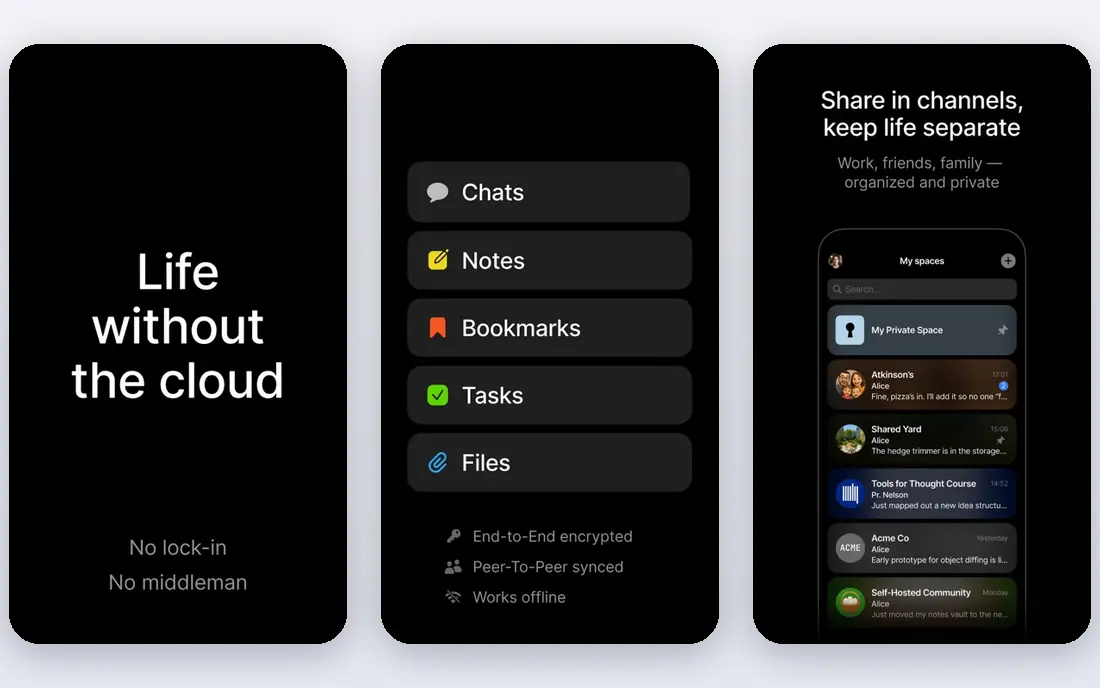
In short, Anytype is for local first privacy. Anytype is the privacy first workspace, storing your objects locally and syncing peer to peer with end to end encryption, instead of holding everything on a vendor cloud.
It covers notes, tasks, sets, and relations in an object based model that feels close to Notion without the cloud dependency. Starting cost for Anytype: Free. Anytype has a free plan.
Where it is weaker: Team features are lighter than Notion; AI features are restricted.
- Peer to peer sync
- Open source
- Onboarding is less refined
Coda
Ideal for: Docs that act like apps
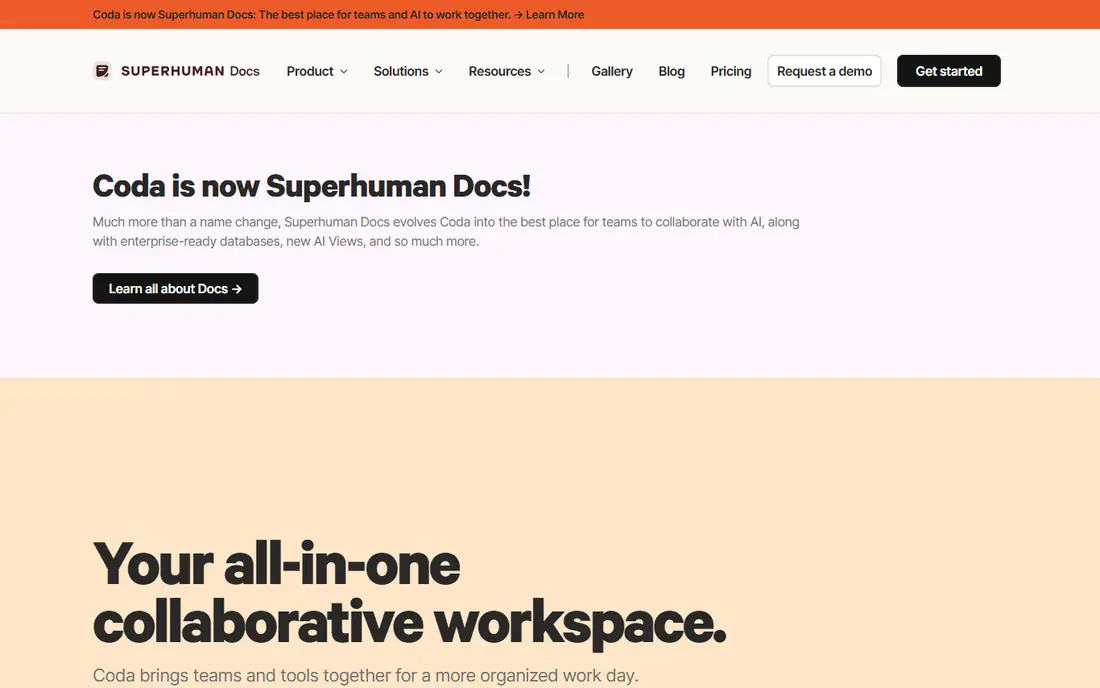
Where Coda fits: docs that act like apps. Coda suits operations and product teams that want docs that act like internal tools.
In daily use, Coda turns docs into apps, with tables, formulas, buttons, and Packs that pull in data from other tools. Coda cost at the entry level: $10 per Doc Maker per month. Coda offers a free plan.
The main drawbacks: Ramp-up time is steep; Small teams may pay for makers they seldom use.
- Feature-rich tables and formulas
- Packs integrations
- AI rules vary by level
ClickUp
Ideal for: Task and project teams
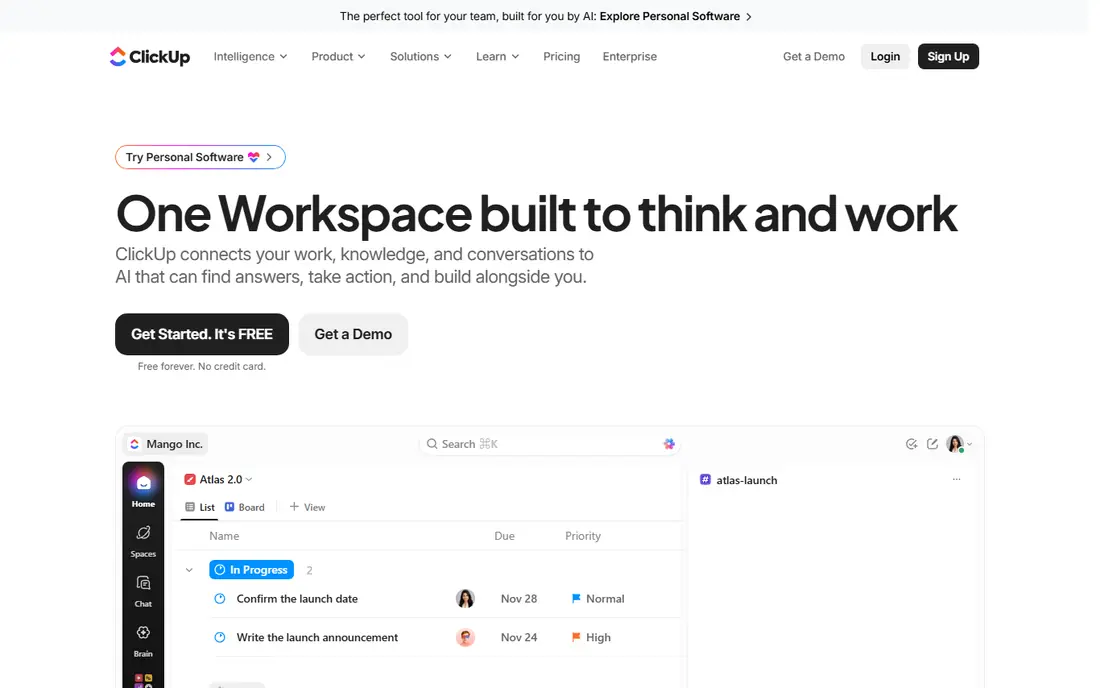
Pick ClickUp if this describes you: task and project teams. The trade off is power against polish. Beyond that, the Unlimited plan runs $7 per user a month billed yearly, whereas the Business plan runs $12 per user per month with more automation and permissions.
For everyday use, ClickUp Brain, the AI layer, is sold as an add-on reported at $5 to $9 per user a month depending on source. So a team that wants AI should price the base plan plus the add-on together instead of reading the headline price alone. ClickUp includes more project workflows than Notion, but the interface can feel busy and setup takes longer. Entry price for ClickUp: $7 per user per month. You can start on ClickUp without paying.
Drawbacks to consider: Some AI features vary by plan; Interface can feel busy.
- Docs, whiteboards
- Dashboards in one place
- AI is a premium add-on on most plans
Taskade
Ideal for: Small teams on a flat price
Taskade serves small teams on a flat price. The trade off is depth against price.
Strengths: 100 plus integrations.
Limits to weigh: Database depth is lower; AI credits have limits on some levels. More specifically, Taskade docs and databases are lighter than Notion and Coda, so documentation heavy teams may feel the limits. Starting cost for Taskade: $10 per month. Free access exists with Taskade.
- Straightforward task first design
- Video calls built in
- Large teams need the Business plan
Notion
Ideal for: Docs first teams
Where Notion fits: docs first teams. The trade off is structure against simplicity.
Downsides: AI pricing varies by plan and source; Performance slows on very large workspaces.
What you pay to start with Notion: $10 per user per month. You can start on Notion without paying. What users get: Adaptable databases.
- Free plan for individuals
- Capable templates
- Ramp-up time for new teams
Motion
Ideal for: Solo professionals
Motion is aimed squarely at solo professionals. The Individual plan is reported at $19 per user a month billed yearly, whereas team plans are reported lower per user with more workload features, so confirm the current team price before buying for a group.
Honest limits: Task depth is lighter than ClickUp; No free plan.
Entry price for Motion: $19 per user per month. No free plan comes with Motion.
- Team workload view on Business
- Google Calendar and Zoom integrations
- Price varies by plan and source
How we built this list
For each of the 6 tools we noted price, free plan or trial, fit for all in one AI workspace tool and the main limit, using vendor pages and documentation. Figures are shown as the vendors publish them. Billing terms, seat minimums and add-ons can change the real cost. We ordered the tools by general fit, then by how clearly pricing is shown, then by free access. A buyer with unusual needs may reorder them.
Before you commit
- Prices are a starting point; ClickUp shows $7 per user per month to start, so verify what your seat count would cost.
- Check what the free option really includes: Anytype, Coda, ClickUp and others offer a free plan, and usage caps differ.
- Read the limits listed for Anytype first: team features are lighter than Notion.
- Work out what Anytype costs with your real seat count, add-ons and usage, not just the entry price.
- Ask ClickUp about contract length, onboarding fees and user minimums before you sign.
Frequently asked questions
What is the best all-in-one AI workspace tool overall?
For most readers this guide would start with Anytype, built for local first privacy. Coda is the alternative for docs that act like apps, and ClickUp for task and project teams. The right answer depends on budget and workflow.
Can I try these tools before paying?
Often, yes. Anytype, Coda, ClickUp and others have a free plan. Use your own data and a real task during the test, and check what the free tier or trial limits before you rely on it.
What is the cheapest option for all in one AI workspace tool in this list?
On published monthly entry prices, ClickUp is the lowest here at $7 per user per month. Entry price is only part of the cost, because seats, add-ons and billing terms can change the total.
Do these tools publish their prices?
Yes. Every tool from Anytype to Motion shows a starting price, though seats, add-ons and billing terms still change the final cost.
Why does AI pricing differ so much between tools?
Some tools bundle AI in the base plan, whereas others sell AI as a per user add-on, and a handful of sell AI only on higher levels. So the same 10 person team can pay $10 or $200 a month for AI based on the vendor.
Which options for all in one AI workspace tool have a free plan?
On this list, Anytype, Coda, ClickUp, Taskade and Notion include a free plan. Caps on seats, usage or features are common, so test the free plan against your real workload.