Best Anonymous Email Services in 2026: 8 Services Compared

- 1
 Proton MailEncrypted private emailVisit
- 2
 TutaEncrypted email and calendarVisit
- 3
 StartMailPrivate traditional emailVisit
- 4
 MailfencePrivate email with documentsVisit
- 5
 SimpleLoginEmail aliasesVisit
- Anonymous email means different things: some services hide your identity from recipients, others encrypt mail so even the provider cannot read it.
- Proton Mail and Tuta lead on encrypted, privacy-focused email, while SimpleLogin and AnonAddy create aliases that hide your real address.
- StartMail and Mailfence suit users who want privacy with a more traditional email experience.
- No email service makes you fully anonymous if you use it carelessly: account signup details, payment methods, and email content all matter.
- Our pick for most people is Proton Mail, with SimpleLogin as the pick for alias-based privacy.
Disclaimer: No email service can guarantee complete anonymity; your habits, signup details, and payment method also matter.
Quick comparison
| Product | Ideal for | Price from | Free version | |
|---|---|---|---|---|
| Proton Mail | Encrypted private email | See website | Yes | Visit |
| Tuta | Encrypted email and calendar | See website | Yes | Visit |
| StartMail | Private traditional email | See website | No | Visit |
| Mailfence | Private email with documents | See website | Yes | Visit |
| SimpleLogin | Email aliases | See website | Yes | Visit |
 AnonAddy | Open-source email aliases | See website | Yes | Visit |
 Guerrilla Mail | Temporary disposable email | See website | Yes | Visit |
 Temp Mail | Quick temporary addresses | See website | Yes | Visit |
The best anonymous email services
People want anonymous email for many reasons: signing up for services without sharing a real address, avoiding spam and tracking, or communicating privately. The services below were compared on encryption, alias features, signup privacy, jurisdiction, and ease of daily use.
Proton Mail
Ideal for: Encrypted private email

Proton Mail, from Switzerland, offers end-to-end encrypted email where messages between Proton users are encrypted by default, and the provider cannot read mailbox contents. Its free account needs no personal details beyond a username, and its paid plans add aliases, custom domains, and more storage. For a primary private email account, it is the most complete option.
Encrypted search is slower than on unencrypted services, and some features, like many aliases, need a paid plan. For everyday private email with strong encryption and a trustworthy jurisdiction, Proton Mail is the leading choice.
- End-to-end encryption
- Swiss jurisdiction
- No personal data needed for a free account
- Encrypted search is slower
- Some features need a paid plan
Tuta
Ideal for: Encrypted email and calendar
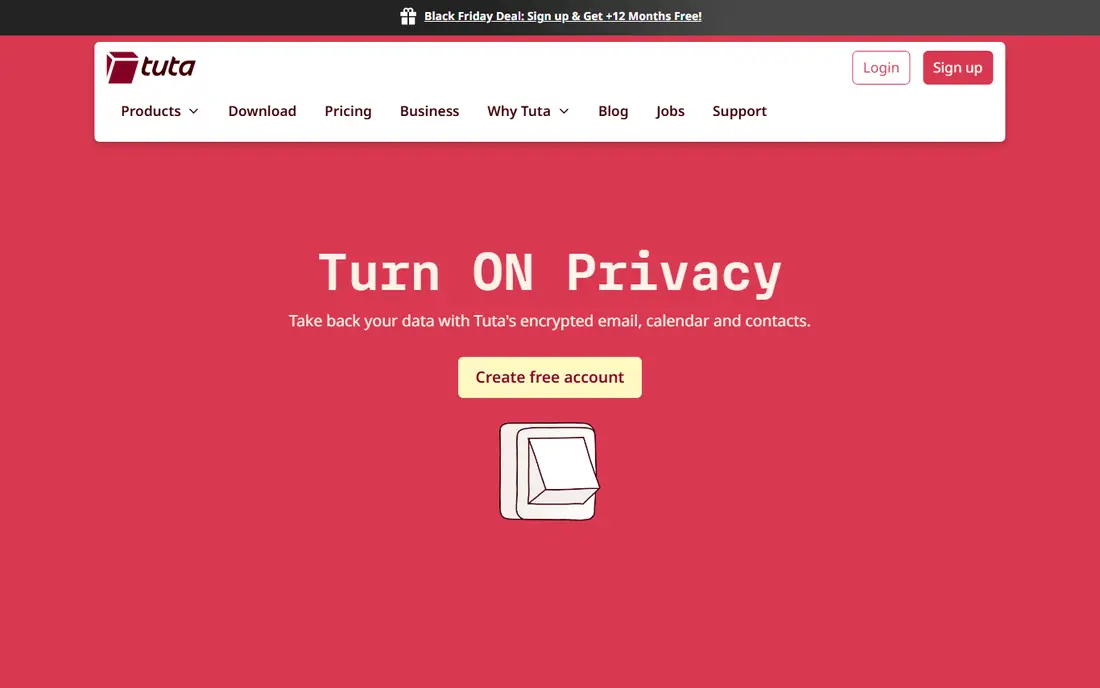
Tuta, formerly Tutanota, provides end-to-end encrypted email and calendar, with a focus on privacy and open-source code. Its free plan covers basic private email, and its paid plans add aliases, custom domains, and more storage at affordable prices. For users who want encryption for both mail and calendar in one service, Tuta is appealing.
Its ecosystem is smaller than Proton, with fewer integrated services and third-party options. For encrypted email plus calendar at a fair price, Tuta is a strong alternative.
- End-to-end encryption for mail and calendar
- German jurisdiction
- Affordable paid plans
- Smaller ecosystem than Proton
- Fewer third-party integrations
StartMail
Ideal for: Private traditional email
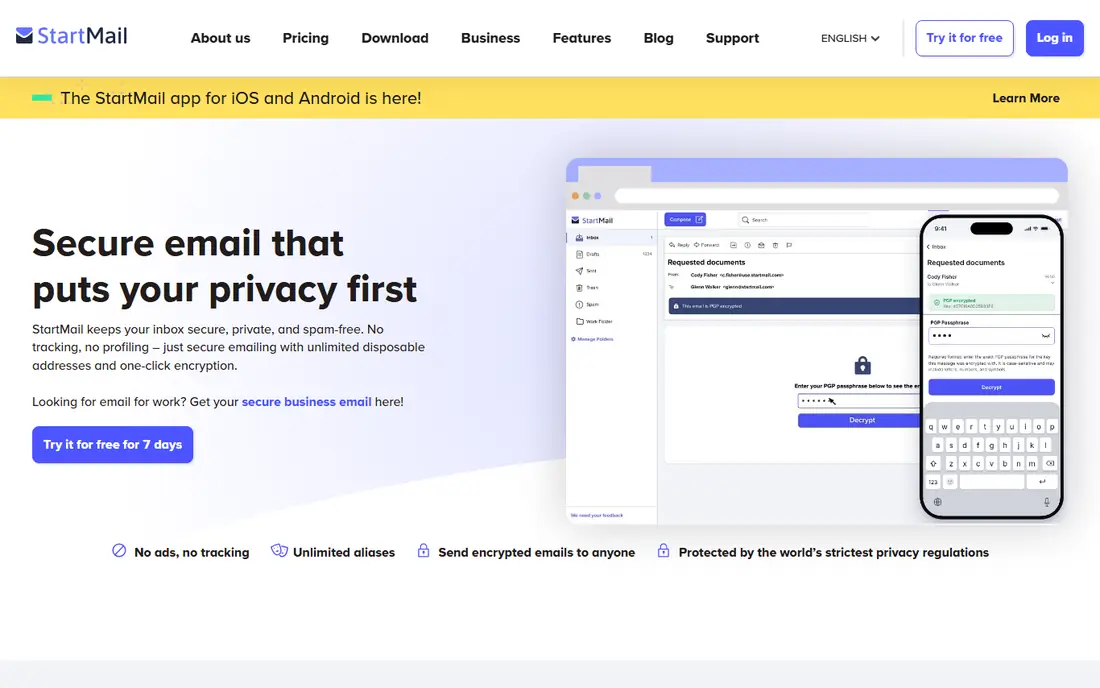
StartMail offers private email with a traditional interface, based in the Netherlands, with disposable aliases and PGP encryption options. Its experience feels familiar to users coming from Gmail or Outlook, which eases the switch to a private provider. For users who want privacy without learning a new kind of email, StartMail is a comfortable choice.
There is no free plan, and its encryption model differs from Proton and Tuta: PGP is available but not default end-to-end for all mail. For a private, familiar email experience, StartMail is a solid option.
- Privacy-focused with a traditional interface
- Dutch jurisdiction
- Disposable aliases included
- No free plan
- Encryption is optional per message, not default end-to-end
Mailfence
Ideal for: Private email with documents
Mailfence, based in Belgium, combines private email with calendar, contacts, and document storage, plus PGP encryption support. Its suite approach suits users who want a private alternative to a full productivity bundle, not just email. A free tier lets users try it before paying.
Its interface feels dated compared with Proton, and getting full encryption benefit needs some setup. For a private email-plus-documents suite, Mailfence is a practical choice.
- Private email plus calendar, contacts, and documents
- Belgian jurisdiction
- PGP support
- Interface feels dated
- Encryption needs setup for full benefit
SimpleLogin
Ideal for: Email aliases
SimpleLogin creates email aliases that forward to your real inbox, so every website gets a different address and your real address stays hidden. If an alias starts receiving spam, you can disable it without changing your main address. Its open-source code and Proton ownership add trust, and its paid plans allow unlimited aliases.
It is an alias service, not a full mailbox, so it pairs with an existing email account rather than replacing it. For hiding your real address across the web, SimpleLogin is the most effective tool on this list.
- Unlimited aliases on paid plans
- Hides your real address from every service
- Open-source
- Alias service, not a full mailbox
- Now part of Proton, so accounts link to that ecosystem
AnonAddy
Ideal for: Open-source email aliases
AnonAddy is an open-source email alias service that creates forwarding addresses to hide your real inbox, with a self-hosting option for technical users who want full control. Its free tier is generous, and its paid plans add more aliases, custom domains, and features. For privacy-minded users who value open source, it is an appealing alternative to SimpleLogin.
Like SimpleLogin, it is alias-only, so it needs a mailbox behind it. Its team is smaller, which may affect support speed. For open-source alias privacy, AnonAddy is a strong choice.
- Open-source alias service
- Self-hosting option
- Generous free tier
- Alias-only service
- Smaller team than SimpleLogin
Guerrilla Mail
Ideal for: Temporary disposable email
Guerrilla Mail provides instant disposable email addresses with no signup, useful for one-off signups, downloads, or testing where you do not want to share a real address. Its addresses work immediately, and messages arrive in a temporary inbox. For quick, throwaway use, it is the fastest option available.
Its inboxes are temporary and not private in the way a real mailbox is, so it must never be used for important accounts, password resets, or sensitive mail. For throwaway signups only, Guerrilla Mail is a useful tool.
- Instant temporary addresses with no signup
- Good for one-off signups
- Free
- Inboxes are public and temporary
- Not for important or sensitive mail
Temp Mail
Ideal for: Quick temporary addresses
Temp Mail offers instant temporary email addresses through a simple interface, letting users receive confirmation codes and signup emails without sharing a real address. Its speed and simplicity suit quick, low-stakes signups. Like Guerrilla Mail, it is free and needs no account.
Temporary addresses are not secure for important mail, and many websites block disposable domains, so it fails for some signups. For quick, throwaway use where a disposable address is accepted, Temp Mail works well.
- Instant temporary addresses
- Simple interface
- Free
- Temporary and not secure for important mail
- Many sites block disposable addresses
How we picked these
We compared official product pages, pricing pages, and privacy documentation for anonymous and private email services, focusing on encryption, alias features, signup privacy, jurisdiction, and daily usability. We favored services with transparent privacy practices and included both full mailboxes and alias or temporary tools, since anonymity needs differ.
What to check before you choose
Decide what you actually need: a private primary mailbox, aliases to hide your real address, or temporary addresses for throwaways. Those are different jobs, and the best tool for each differs. Also check signup requirements: some services need no personal data, while others ask for a recovery email or payment details that affect anonymity.
Use a VPN and careful habits alongside any private email service, since email privacy also depends on what you write, who you write to, and how you pay. Finally, never use a temporary address for an account you may need to recover, since losing access to the address means losing the account.
It also pays to think about total cost, not just the headline price. Many services charge extra for additional users, higher usage, premium support, or features that turn out to be essential once you start using the product seriously. Add those extras to your comparison before deciding, and check whether discounts for annual billing are worth the commitment. A second cost is time: the hours your team spends learning, configuring, and maintaining a tool are real, even when they do not appear on an invoice. A slightly more expensive option that saves ten hours a month is often the cheaper choice in practice. Weigh both kinds of cost together, and pick the option whose full price, in money and time, you are comfortable paying for at least a year.
It is also worth checking recent reviews and community discussion before you commit, since products and services change faster than any single guide can track. Look for patterns rather than single complaints: repeated mentions of billing surprises, poor support, or declining quality are more telling than one angry review. At the same time, remember that every popular service attracts some negative feedback, so weigh the overall picture, including how the company responds to criticism. A vendor that answers problems openly and fixes them promptly is usually a safer bet than one that stays silent. Use that broader picture, together with your trial experience, to make a final decision you can feel good about.
Frequently asked questions
What is the most private email service?
Proton Mail and Tuta are the most private full email services, thanks to end-to-end encryption and privacy-focused jurisdictions. SimpleLogin and AnonAddy add alias privacy on top of any mailbox.
Can anonymous email hide my identity completely?
No service guarantees total anonymity. Signup details, payment methods, IP addresses, and email content can all reveal identity if handled carelessly. Private email reduces exposure but does not make you untraceable on its own.
Should I use aliases or a private mailbox?
Use both for best results: a private mailbox like Proton Mail for important mail, plus aliases from SimpleLogin or AnonAddy so every website gets a different address. That combination limits spam and tracking effectively.
Are temporary email addresses safe?
They are safe only for low-stakes, throwaway signups. Temporary inboxes are not private or permanent, so never use them for banking, important accounts, or password recovery.
Do private email services work with my current email apps?
Proton Mail and Tuta offer apps and, on paid plans, bridge tools for desktop clients, while alias services forward to any mailbox. Check each service's app and bridge support for your devices before switching.
How do I avoid picking the wrong option for best anonymous email services?
Avoid deciding on price or popularity alone, since the cheapest option can cost more in workarounds and the most popular option may be built for a different kind of user. Instead, test your top choices against your real workload, check the total cost including add-ons, and read recent user reviews for complaints that keep repeating. A pattern of complaints about support, billing, or reliability is a warning worth taking seriously before you commit.