Best Anti Virus Software for PC in 2026: 8 Tools Compared

- Norton is our first suggestion for most buyers, because its balance of features, pricing clarity, and support is hard to beat for the topic at hand.
- Bitdefender suits buyers who want a lower starting price or a simpler setup, while McAfee fits teams that need more depth in one specific area.
- Prices and free tiers vary widely, so check the vendor pricing page for the plan that includes the features you actually need, rather than judging by the headline price alone.
- Run a trial with your own data and your own workflow before you pay for a year, since setup effort and day-to-day ease only show up in real use.
Quick comparison
| Product | Ideal for | Price from | Free version | |
|---|---|---|---|---|
 Norton | Home PCs and families | See website | Free trial | Visit |
 Bitdefender | Strong protection with low impact | See website | Free trial | Visit |
 McAfee | Covering many devices cheaply | See website | Free trial | Visit |
 Kaspersky | Value-focused protection | See website | Free trial | Visit |
 ESET | Lightweight protection for older PCs | See website | Free trial | Visit |
 Avast | Free starting point for one PC | See website | Yes | Visit |
 Malwarebytes | Cleaning up an infected PC | See website | Free trial | Visit |
 Trend Micro | Families wanting web and privacy controls | See website | Free trial | Visit |
The best anti virus software for PC
These eight options cover home PCs and small offices, from full security suites to lighter tools that focus on malware removal. We compared official feature pages, pricing pages, app-store listings, privacy policies, and public reviews to sort out where each option earns its place.
Norton
Ideal for: Home PCs and families
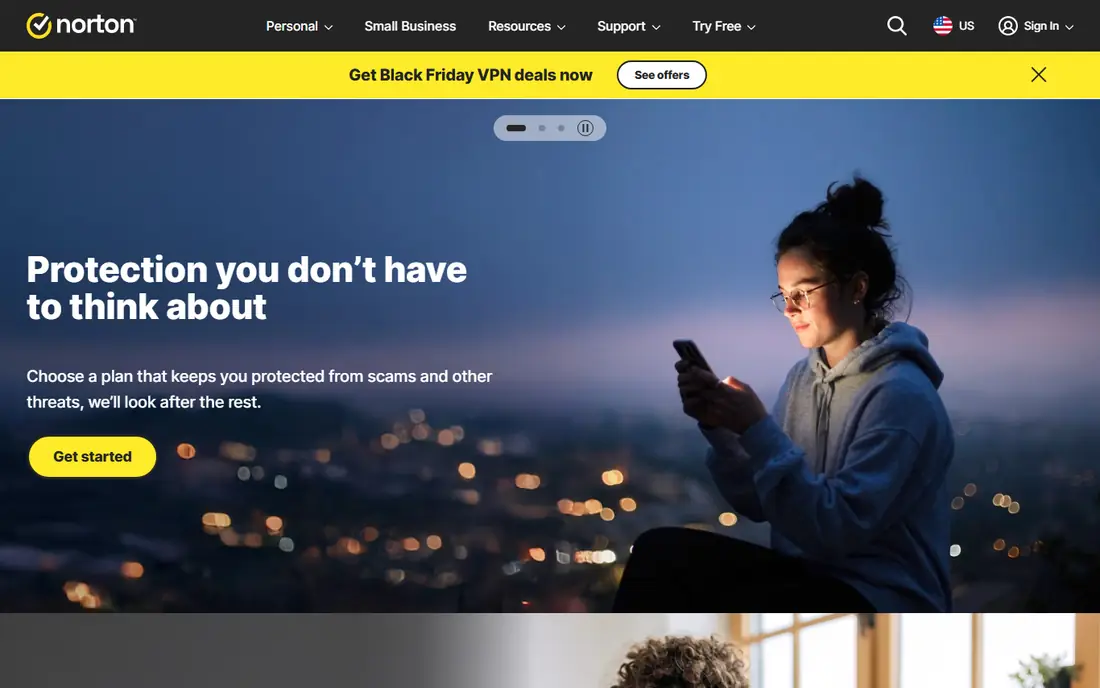
Norton is the familiar full-suite pick for a household that wants one subscription to cover PCs, phones, and tablets. Its strength is breadth: antivirus sits alongside a VPN, password manager, and dark web monitoring on higher plans, so one account covers several safety jobs at once. For most buyers, the deciding factor is not the longest feature list but the fit with daily work, the total price, and how much setup the team can handle. The catch is cost and clutter, since the first-year price often rises at renewal and some users find the extra tools more than they need. If that trade-off fits your budget and your tolerance for setup, it is worth a trial before you commit the whole team. For a home PC, the best test is simple: it should stay quiet in daily use, catch real threats, and not slow down the machine you already own.
- Full suite with VPN and password manager
- Long track record
- Family plans cover many devices
- Suites can feel heavy and pricey
- Renewal prices may rise after the first term
Bitdefender
Ideal for: Strong protection with low impact
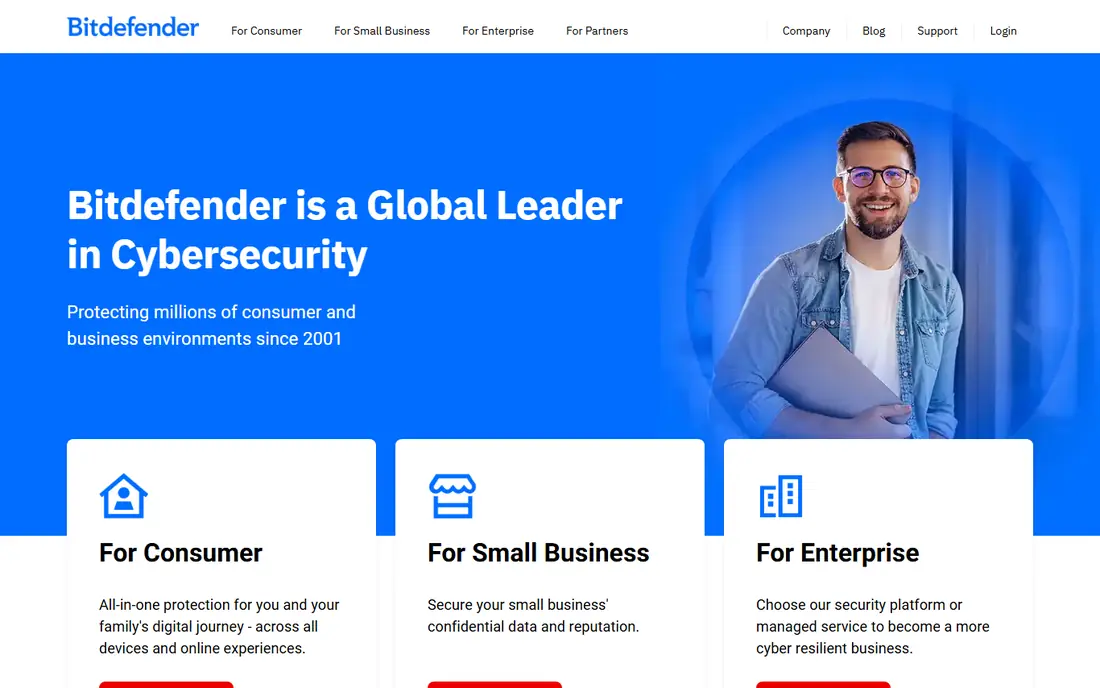
Bitdefender suits buyers who want strong protection without a noticeable slowdown. It earns frequent praise in independent testing for detection, and its interface stays out of the way once it is set up. A tool that looks strong on a pricing page can still disappoint if onboarding is slow, support is thin, or the plan that holds the needed feature sits two tiers up. The catch is tiering: the cheapest plan is solid, but VPN limits and extra tools only arrive on pricier plans, so read the plan comparison carefully. Put it on a shortlist if its strengths match your main use case, and test it with real data during the trial period. For a home PC, the best test is simple: it should stay quiet in daily use, catch real threats, and not slow down the machine you already own.
- High detection scores in independent tests
- Light on system resources
- Clear plan tiers
- Higher tiers needed for the full feature set
- Support is mainly online
McAfee
Ideal for: Covering many devices cheaply
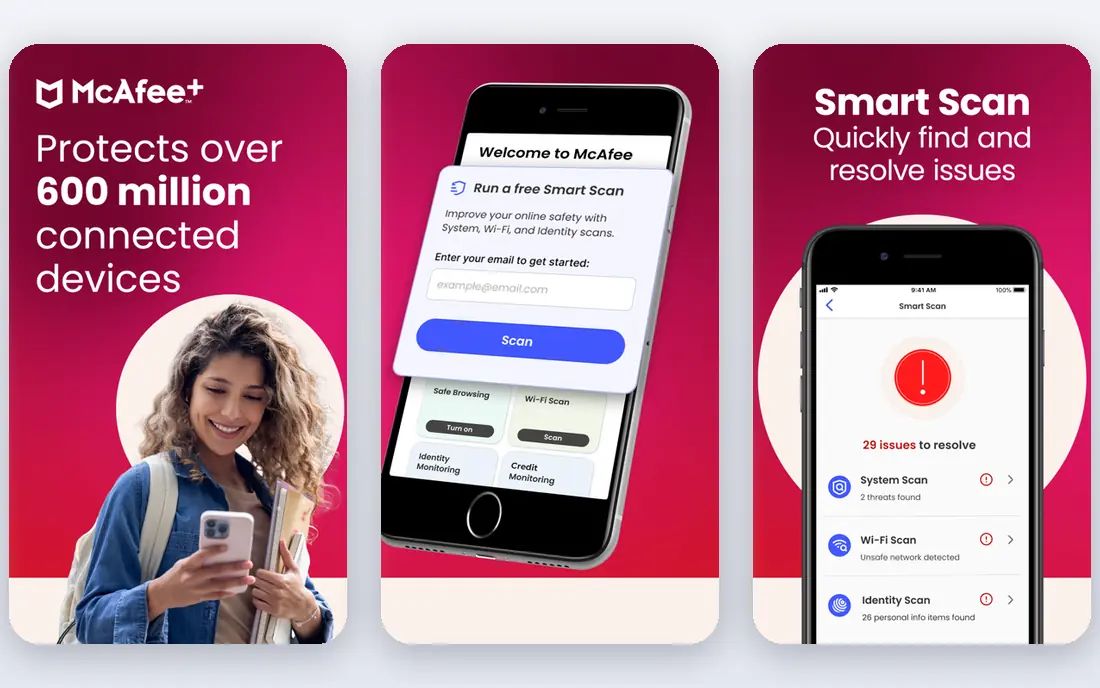
McAfee makes sense for a household with many devices, since some plans cover an unlimited number of them. That device coverage is the main draw, backed by identity monitoring and a straightforward dashboard for the whole family. We gave extra weight to clear pricing, honest limits, and products that explain what happens to your data when you leave. The catch is performance on older hardware, where scans can drag, and some users dislike the prompts to add more products. It earns a place on the shortlist when its main strength lines up with the job you will ask it to do every week. For a home PC, the best test is simple: it should stay quiet in daily use, catch real threats, and not slow down the machine you already own.
- Unlimited device plans on some tiers
- Identity monitoring included
- Simple dashboard
- Scanning can feel slow on older PCs
- Upsell prompts annoy some users
Kaspersky
Ideal for: Value-focused protection
Kaspersky is worth a look for buyers who want solid protection at a lower price than the big suites. Its core antivirus performs well in testing, and the paid tiers add privacy tools such as a VPN with limits. For most buyers, the deciding factor is not the longest feature list but the fit with daily work, the total price, and how much setup the team can handle. The catch is regional: availability and public trust vary by country, so check current local guidance before you buy. Try it first with a small group, so you learn how it behaves before you roll it out more widely. For a home PC, the best test is simple: it should stay quiet in daily use, catch real threats, and not slow down the machine you already own.
- Good detection at a competitive price
- Clear tiers
- Useful privacy tools
- Availability and trust questions vary by region
- Fewer extras on basic plans
ESET
Ideal for: Lightweight protection for older PCs
ESET is the pick for an older or lower-powered PC that cannot spare much performance. It is known for staying light in the background, and a gamer mode keeps scans and alerts quiet during full-screen use. A tool that looks strong on a pricing page can still disappoint if onboarding is slow, support is thin, or the plan that holds the needed feature sits two tiers up. The catch is presentation: the interface looks dated next to newer suites, and extras such as a VPN are limited. If that trade-off fits your budget and your tolerance for setup, it is worth a trial before you commit the whole team. For a home PC, the best test is simple: it should stay quiet in daily use, catch real threats, and not slow down the machine you already own.
- Very light on system resources
- Gamer mode
- Long history in antivirus
- Interface looks dated
- Fewer bundled extras than rival suites
Avast
Ideal for: Free starting point for one PC
Avast works as a low-cost starting point for a single PC when budget is the main concern. The free plan covers core antivirus without payment, which is rare among established names, and setup takes only a few minutes. We gave extra weight to clear pricing, honest limits, and products that explain what happens to your data when you leave. The catch is the upsell: the free version prompts for upgrades, and the full suite costs about as much as rivals. Put it on a shortlist if its strengths match your main use case, and test it with real data during the trial period. For a home PC, the best test is simple: it should stay quiet in daily use, catch real threats, and not slow down the machine you already own.
- Free plan covers core antivirus
- Large user base
- Simple setup
- Free version shows upgrade prompts
- Premium tiers add up
Malwarebytes
Ideal for: Cleaning up an infected PC
Malwarebytes is best known as the cleanup tool people reach for when a PC already behaves strangely. Its scanner is effective at removing stubborn malware, and many users run it alongside another antivirus as a second opinion. For most buyers, the deciding factor is not the longest feature list but the fit with daily work, the total price, and how much setup the team can handle. The catch is scope: the free version scans on demand only, so real-time protection needs the paid Premium plan. It earns a place on the shortlist when its main strength lines up with the job you will ask it to do every week. For a home PC, the best test is simple: it should stay quiet in daily use, catch real threats, and not slow down the machine you already own.
- Strong malware removal
- Good second-opinion scanner
- Clear free version
- Free version lacks real-time protection
- No full firewall suite
Trend Micro
Ideal for: Families wanting web and privacy controls
Trend Micro fits families that want web filtering and ransomware protection alongside antivirus. Its web protection blocks risky sites well, and Folder Shield guards chosen folders against ransomware changes. A tool that looks strong on a pricing page can still disappoint if onboarding is slow, support is thin, or the plan that holds the needed feature sits two tiers up. The catch is device limits, which are tighter than some rivals, and the dashboard can feel busy at first. Try it first with a small group, so you learn how it behaves before you roll it out more widely. For a home PC, the best test is simple: it should stay quiet in daily use, catch real threats, and not slow down the machine you already own.
- Good web protection
- Parental controls
- Folder shield against ransomware
- Fewer devices per plan than some rivals
- Interface can feel busy
How we picked these
We started from the vendor's own feature and pricing pages, then checked app-store listings and public reviews for signs of trouble, such as slow support, confusing pricing, or features that only appear on higher plans. Products that no longer exist, that had no working official homepage, or that did not truly fit the topic were left out, even when they were well known in a nearby category. We also weighed who each product is built for. A strong enterprise tool can be a poor pick for a small team, and a simple free tool can be a poor pick for a regulated workplace. The list below mixes well-known leaders with smaller options, so you can match the pick to your size, budget, and tolerance for setup work.
How to choose anti virus software for your PC
Start with how many devices you need to cover and whether you want extras such as a VPN, password manager, or parental controls bundled in. A suite looks like good value until you realise you are paying for extras you never open, while a basic plan can leave gaps on a shared family PC. Check system impact as well as detection. Read recent independent test results and public reviews, and use the trial period to see how the software behaves during scans, updates, and gaming or video calls. If it nags constantly or slows boot times, you will end up turning it off, which defeats the purpose.
Shortlist checklist
- Write down the two or three jobs the tool must do every week, and test exactly those jobs in the trial.
- Check the total price for your team size, including any add-ons, seats, or usage charges that sit outside the headline plan.
- Ask how you export your data, what happens at cancellation, and how support responds when something breaks.
- Confirm privacy, security, and compliance terms fit your workplace rules before you move real customer or staff data into the tool. Pick the plan that covers every device in the house, keep automatic updates on, and pair the software with sensible habits such as keeping the operating system patched and avoiding suspicious attachments.
Frequently asked questions
What should I look for first when comparing best anti virus software for pc?
Start with the job you need done most often, then check whether the plan you can afford includes it. Look at total price for your team size, setup effort, and how data can be exported. A trial with real work will tell you more than a feature list, so test the exact workflow you will use every week.
Is there a good free option for best anti virus software for pc?
Some products on this list offer a free plan or a free trial, but free plans usually limit seats, storage, or advanced features. Check the free plan line for each product above, and treat a free tier as a way to test fit rather than a promise that it will cover a growing team.
How much should I expect to pay?
Pricing varies by seats, usage, and plan tier, and several vendors on this list only publish custom quotes. Use the starting price column as a guide, then get a written quote for your team size before you budget. Watch for add-ons that are charged separately from the headline plan.
Can I switch later if I pick the wrong one?
In most cases yes, but switching costs time and effort, especially if your data is hard to export. Before you buy, confirm export options and contract length, and keep a copy of your data in a format you control. A short initial term lowers the risk of being stuck with a poor fit.
How do I know a vendor is trustworthy?
Look for clear pricing, a readable privacy policy, security documentation, and responsive support. Check recent public reviews for repeated complaints about billing or support, and prefer vendors that explain data handling in plain language rather than hiding it in vague terms.