Best Antivirus Software in 2026: 8 Tools Compared

- 1
 BitdefenderBest all-round antivirus suiteVisit
- 2
 Norton 360Full suite with identity protectionVisit
- 3
 McAfee Total ProtectionGood suite for many devicesVisit
- 4
 KasperskyStrong protection at a competitive priceVisit
- 5
 ESETLightweight protection for careful usersVisit
- Bitdefender and Norton are the strongest all-round antivirus suites, with high protection scores and extra features like VPN and password management.
- Windows Defender, built into Windows, offers solid free protection for careful users, while Malwarebytes suits on-demand cleanup.
- Free antivirus covers basic protection, but paid suites add firewall, ransomware protection, and identity features.
- Check independent test results, performance impact on your computer, and whether the suite covers all your devices.
Quick comparison
| Product | Ideal for | Price from | Free version | |
|---|---|---|---|---|
| Bitdefender | Best all-round antivirus suite | See website | No | Visit |
| Norton 360 | Full suite with identity protection | See website | No | Visit |
| McAfee Total Protection | Good suite for many devices | See website | No | Visit |
| Kaspersky | Strong protection at a competitive price | See website | No | Visit |
| ESET | Lightweight protection for careful users | See website | No | Visit |
 Malwarebytes | Best for cleanup and second opinion | See website | Yes | Visit |
 Windows Defender | Free protection built into Windows | Free | Yes | Visit |
 Avast One | Free tier with a full suite option | See website | Yes | Visit |
The best antivirus software
We compared official feature pages, pricing pages, app store listings, privacy policies and public reviews to build this list, focusing on products that fit the topic closely and are still available in October 2026.
Bitdefender
Ideal for: Best all-round antivirus suite

Bitdefender is our all-round pick because it combines high protection scores in independent tests with a low impact on computer speed. Suites cover antivirus, firewall, ransomware protection, and web protection, with VPN, password manager, and parental controls on higher plans. That breadth suits households with several devices.
The interface can feel busy, and the best features sit on higher plans, so the cheapest suite is more basic. VPN data limits also apply on basic plans. Bitdefender suits users who want strong protection without slowing their computer, and who will use the suite across Windows, Mac, and mobile.
- High protection in independent tests
- Low performance impact
- VPN and password manager on higher plans
- Interface can feel busy
- Full features need higher plans
- VPN has limits on basic plans
Norton 360
Ideal for: Full suite with identity protection
Norton 360 suits users who want antivirus plus identity and device protection in one subscription. It offers strong malware protection, a VPN, password manager, cloud backup, and identity monitoring on higher plans, which helps households that want one provider for security. Parental controls are also included on many plans.
Renewal prices are higher than introductory prices, and the suite can feel heavy on older computers. Add-ons are also promoted inside the product. Norton suits households that want a full suite and identity features, provided you check the renewal price before the first year ends.
- Strong protection
- VPN, password manager, and cloud backup
- Identity protection on higher plans
- Pricey on renewal
- Suite can feel heavy on older computers
- Upsells for add-ons
McAfee Total Protection
Ideal for: Good suite for many devices
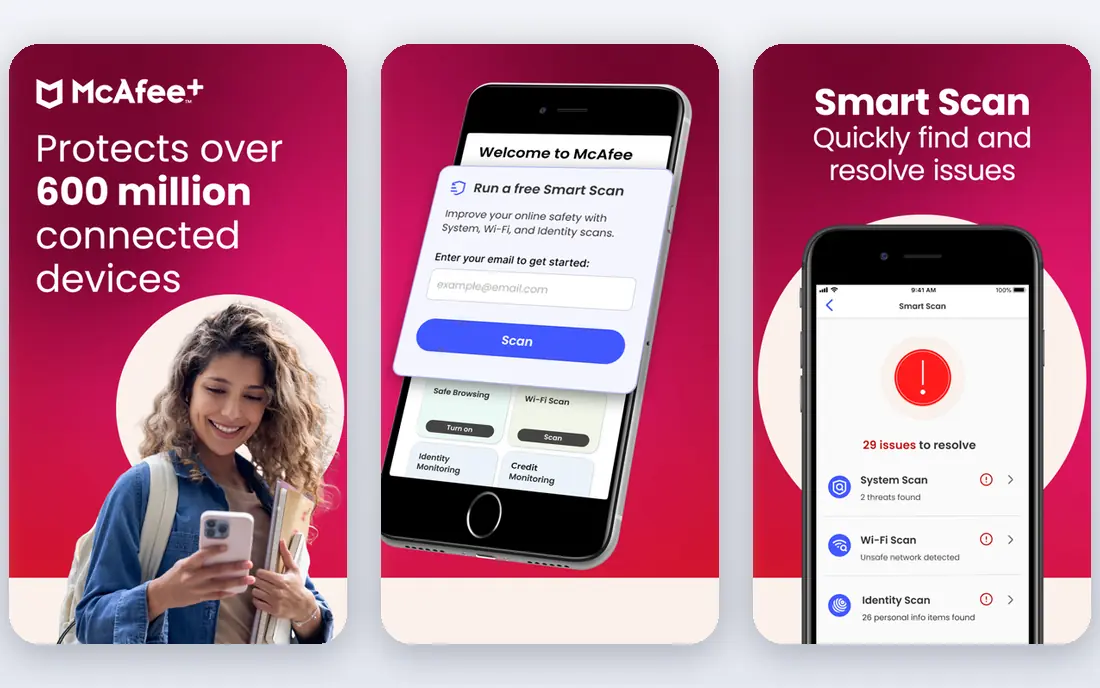
McAfee Total Protection suits households with many devices, since some plans cover unlimited devices for one price. Protection scores are strong, and higher plans add VPN, identity monitoring, and password management. That device coverage makes McAfee good value for families with phones, tablets, and computers.
Renewal prices rise, and the interface can feel cluttered with features and promotions. Performance impact also varies by computer. McAfee suits large households that want one subscription for many devices and will check renewal terms before paying.
- Strong protection
- Unlimited device plans available
- VPN and identity features on higher plans
- Renewal price rises
- Interface can feel cluttered
- Performance impact varies
Kaspersky
Ideal for: Strong protection at a competitive price
Kaspersky offers high protection scores and low performance impact at a competitive price, with suites that include VPN, password manager, and parental controls on higher plans. For pure protection per dollar, it has long been a strong performer in independent tests.
US buyers should check current availability and regulatory status before buying, since US government restrictions have affected Kaspersky sales and trust for some users. That uncertainty matters even if protection scores are high. Kaspersky suits buyers outside restricted markets who prioritise protection scores and price.
- High protection scores
- Low performance impact
- Good value on longer plans
- US availability and trust concerns affect some buyers
- Check current US sales status before buying
ESET
Ideal for: Lightweight protection for careful users
ESET suits users who want strong protection without a heavy suite. It has a very low impact on computer speed, a clean interface, and solid malware, phishing, and ransomware protection. That lightness makes it ideal for older computers or users who dislike bloated security software.
Extra features such as VPN, password manager, and identity protection are thinner than Norton or Bitdefender suites. ESET suits careful users who mainly need antivirus and web protection, and who already use separate tools for VPN and passwords. Gamers and older PC owners often prefer ESET for its lightness.
- Very low performance impact
- Strong protection
- Clean interface
- Fewer extra features than Norton or Bitdefender
- VPN and password tools are thinner
Malwarebytes
Ideal for: Best for cleanup and second opinion
Malwarebytes is best known as a cleanup tool, and it excels at removing malware that other tools miss. The free version scans on demand, while Premium adds real-time protection, ransomware protection, and web protection. Many technicians use Malwarebytes as a second opinion alongside another antivirus.
The free version does not offer full real-time protection, so it is not a complete replacement for a suite on its own. Suite features such as firewall and VPN are thinner than Bitdefender or Norton. Malwarebytes suits users who need cleanup, or who want Premium as a light real-time layer alongside Windows Defender.
- Excellent for removing existing malware
- Good real-time protection on Premium
- Simple interface
- Free version is on-demand only, not full real-time protection
- Suite features are thinner
Windows Defender
Ideal for: Free protection built into Windows
Windows Defender, now called Microsoft Defender Antivirus, is built into Windows and offers solid free protection for careful users. Recent independent tests show good malware detection, and it integrates with Windows security, firewall, and parental controls without another subscription. For many home users, it is enough.
It is Windows only, and extra features such as VPN, password manager, and identity monitoring are basic compared with paid suites. Windows Defender suits careful users who avoid risky downloads, keep Windows updated, and do not need a full suite. Pair it with Malwarebytes free for occasional second-opinion scans.
- Built into Windows at no extra cost
- Solid protection in recent tests
- No extra install
- Only for Windows
- Fewer extra features than paid suites
- Ransomware and identity tools are basic
Avast One
Ideal for: Free tier with a full suite option
Avast One offers a free tier with basic antivirus protection, plus a paid One suite that adds VPN, cleanup, password protection, and privacy tools. That tiered approach lets you start free and upgrade only if you need the extra features, which suits budget-conscious households.
The free tier promotes paid upgrades, and Avast has faced privacy criticism in the past over data practices, which concerns some buyers. Renewal prices also rise. Avast One suits users who want a free starting point and a full suite option from the same company, provided they review privacy settings.
- Free tier with basic protection
- Paid One adds VPN, cleanup, and privacy tools
- Free tier has upsells
- Paid renewal price rises
- Data privacy history concerns some users
How we picked these
We compared official feature pages, pricing pages, app store listings, privacy policies and public reviews for each option in this guide. We checked that each product is still offered in October 2026, that its homepage loads, and that its price or free tier could be confirmed or marked as See website when it could not. We did not claim hands-on testing. We favoured products that fit the topic closely, explain their limits clearly, and give readers a practical way to try them before paying. Where prices change often, we say so and point readers to the vendor page for the current figure.
How to choose antivirus software
Start with your operating system and device count. Windows users can start with Defender free, Mac users need a Mac-compatible suite, and multi-device households should count phones and tablets. Check independent test protection scores, performance impact on a computer like yours, and renewal price. Keep your system updated, use strong passwords, and avoid downloading software from untrusted sites, since no antivirus replaces careful habits.
Before you pay,try the free tier or trial first and check the exact limits that matter to you, such as device support, export options, or cancellation terms. Read the privacy policy for any app that handles personal, financial, or health data, and check whether your data can be exported or deleted. The cheapest option is not always the best value if it lacks a feature you will use every week, and the most expensive option is rarely worth it if you only need the basics.
Frequently asked questions
What is the best antivirus software overall?
Bitdefender is the best all-round suite, Norton 360 is best for a full suite with identity protection, and ESET is best for lightweight protection. Windows Defender is a solid free starting point for careful Windows users.
Do I need paid antivirus if Windows Defender is free?
For careful users, Windows Defender plus updated software and safe browsing is often enough. Paid suites add ransomware protection, VPN, password management, identity monitoring, and support for multiple devices, which some households value.
Is free antivirus safe?
Free antivirus from reputable companies, such as Windows Defender, Malwarebytes free, and Avast free, offers basic protection, but free tiers often lack real-time protection or extra features. Avoid unknown free antivirus apps, which can themselves be malware.
Does antivirus slow down my computer?
Modern suites have a smaller impact than older products, but impact varies by computer and suite. Bitdefender and ESET are known for low impact, while full suites can feel heavier on older machines. Test during a trial period on your own computer.
Should I use antivirus on Mac and mobile too?
Yes, Macs and phones also face malware, phishing, and malicious apps, though risks differ from Windows. Choose a suite that covers your Mac, iPhone, or Android devices, and keep all systems updated.