Segment leads the list, best for unified customer data collection. Listed starting prices: Mixpanel from $100 a month. Heap is better for surfacing unknown user behavior, and Mixpanel is better for combined product and API analytics. Details, prices and limits for the rest of the 5 tools are below.
This Ainotely guide covers 5 API analytics tools for product managers. Each profile lists a starting price, free plan details, strengths and drawbacks, so you can drop poor fits quickly.
Key takeaways
Segment is the opening pick, best for unified customer data collection.
Only 2 of the 5 tools have a free plan (Heap, Mixpanel), so check the caps.
One limit worth knowing about Mixpanel: may be complicated for API-only use cases.
The cheapest monthly starting price in the list is $100 per month, offered by Mixpanel.
Segment is aimed squarely at unified customer data collection. If you want an all-in-one analytics interface, another choice may be more straightforward.
For everyday use, Segment is not a standalone analytics dashboard, so you still need destination tools for reporting and visualization. From a buyer's view, Segment is a customer data product from Twilio that collects, brings together, and enriches customer data across any app or device. This comparison lists no price for Segment; ask the vendor. Free access: Free trial.
The main drawbacks: Not a standalone analytics dashboard.
Heap is aimed squarely at surfacing unknown user behavior. Heap by Contentsquare is a digital insights product that presents everything users do on your site, revealing unknown unknowns that stay invisible with other tools.
Points against: Centred on digital insights instead of monetization.
It fits product managers who want to capture wide behavioral data without predefining every event, then explore API-related interactions after the fact. Heap does not show a starting price in this comparison, so check the vendor site for current pricing. Heap offers a free plan.
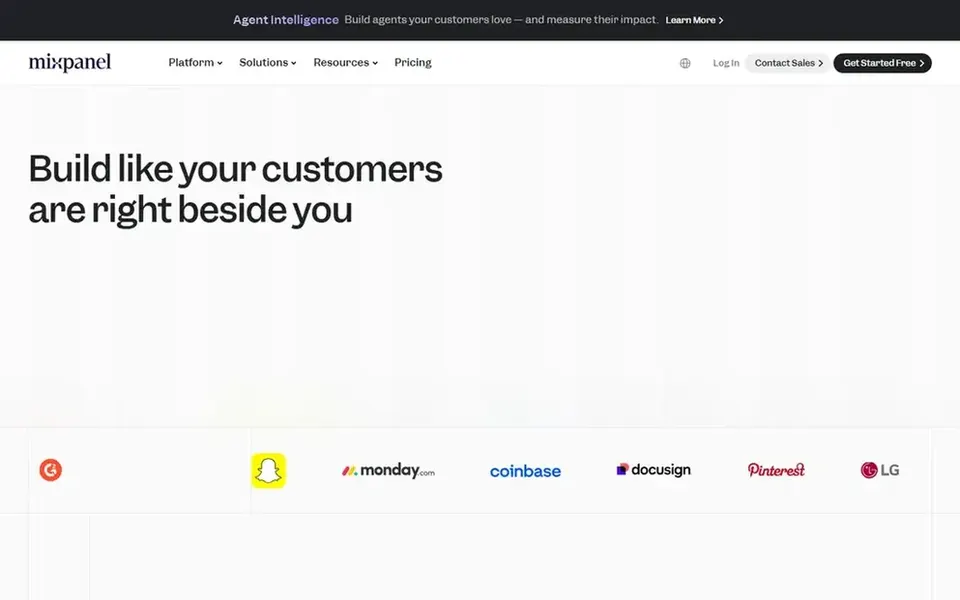
In short, Mixpanel is for combined product and API analytics. Mixpanel is a product intelligence system that merges analytics, session replay, experiments, feature flags, and AI-powered insights.
Limits to weigh: May be complicated for API-only use cases.
Its breadth means a steeper setup for teams focused only on API metrics. On cost, Mixpanel starts like this: $100 per month. You can start on Mixpanel without paying.
Think of PostHog for automatic diagnostics and code fixes. If you need a purely non-technical analytics view or deep API monetization, consider other choices.
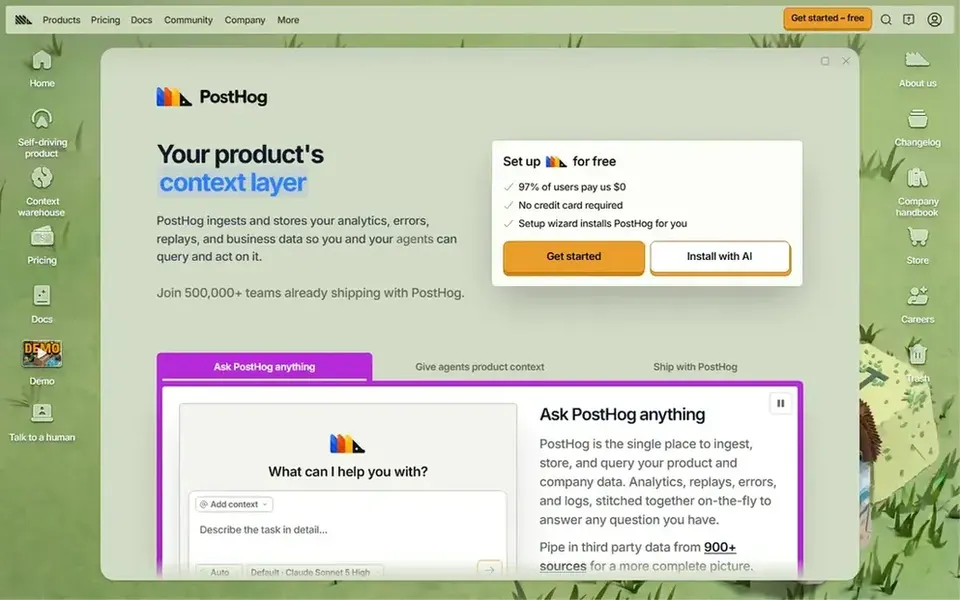
For everyday use, PostHog is presented as a tool that automatically diagnoses problems, fixes bugs, and produces pull requests without requiring prompts. Beyond that, the automatic approach may need engineering oversight and performs best when teams are comfortable with code-based workflows. Check the vendor site for PostHog pricing; none is listed in this comparison. As for free access: Not stated.
Where it falls short: A good match for teams comfortable with code workflows.
Moesif makes the most sense for API monetization and spend tracking. Moesif concentrates on AI FinOps and API monetization, tracking AI and API spend by team, tool, feature, and customer. It lets you charge back internally or bill externally with usage-based pricing, and it works with the gateways you already run.
Drawbacks to consider: Narrower product analytics focus.
Choose Moesif when API monetization and spend accountability are the core requirements. On top of that, Moesif is more specialized than wide product analytics systems, so it may not include general user behavior analysis. For everyday use, if you need session replay or experimentation, pair it with another tool. Check the vendor site for Moesif pricing; none is listed in this comparison. Free options: Not stated.
Confirm the entry price on the vendor page. For Segment, Heap, PostHog and Moesif that means a quote rather than a fixed price.
Look at free plan limits closely: Heap and Mixpanel have one, and the caps decide whether it is usable for real work.
Take the trial from Segment and push a live task through it before you pay.
Before choosing Segment, weigh its main limit: not a standalone analytics dashboard.
Pick one real project and run it in Mixpanel first; a small pilot shows fit faster than a checklist.
Before you load data into PostHog, check what an export looks like and who can run it.
How we picked
Ainotely looked at what each vendor publishes: pricing, plan limits, feature coverage for API analytics tools for product managers and stated drawbacks. No hands-on testing is claimed. Figures are shown as the vendors publish them. Billing terms, seat minimums and add-ons can change the real cost. The ranking is editorial: typical fit first, then clear pricing, then free access. If your needs are unusual, read the profiles rather than relying on position.
Every price and plan detail on this page comes from the vendors’ own websites. We did not run hands-on tests unless the text says so, and we do not publish star ratings or review scores. See how we score and our disclosure.
Keep your shortlist in one place
Paste prices, trial dates and notes from this guide into Ainotely, our AI note app. It files them into a topic and pulls out tasks like “cancel trial by Friday”. Free 7-day trial, no card needed.
Is Segment the right pick for everyone comparing API analytics tools for product managers?
No single tool suits every team. Segment comes first because it fits unified customer data collection, while Heap suits surfacing unknown user behavior and Mixpanel suits combined product and API analytics. Match the tool to your own size, budget and workflow before deciding.
Can I try these tools before paying?
Often, yes. Heap and Mixpanel have a free plan and Segment offers a free trial. Use your own data and a real task during the test, and check what the free tier or trial limits before you rely on it.
Do these tools publish their prices?
Not all of them. Segment, Heap, PostHog and Moesif publish no starting price, so expect a quote request for those. The rest, Mixpanel included, show a starting price, though seats and billing terms still change the final cost.
What is the cheapest option for API analytics tools for product managers in this list?
On published monthly entry prices, Mixpanel is the lowest here at $100 per month. Entry price is only part of the cost, because seats, add-ons and billing terms can change the total. For the full picture, the cards above cover all 5 entries of this API analytics tools for product managers list, including price, free plan and limits.
Which tool is a good match for automatically diagnosing API issues?
Segment is the pick this page puts first, mainly for unified customer data collection. If your situation differs, Heap suits surfacing unknown user behavior, and Mixpanel suits combined product and API analytics. Compare price and limits before you decide.