Best API Documentation Tools With Validation

- API documentation tools with validation check your OpenAPI spec for errors, style breaks and drift before the docs go live, so readers stop hitting endpoints that no longer exist.
- Entry prices run from $9 per user a month on Apidog to $250 a month on ReadMe, and most tools charge per seat, so a five-person team pays very different totals.
- Postman and Stoplight suit teams that design and test APIs in one place, while Redocly and Scalar suit teams that keep specs in Git and treat docs as code.
- The old SwaggerHub Team bundle at $90 a month is gone. Swagger now sells per user from $22.80 a month billed annually.
- Validation only helps if it runs on every change, so pick a tool with a command line linter or a Git check, not one that only validates when someone clicks a button.
Quick comparison
| Product | Ideal for | Price from | Free version | |
|---|---|---|---|---|
 Postman | teams that design, test and document APIs in one place | $19 per user/month (Team, billed annually) | Yes | Visit |
 SwaggerHub | OpenAPI design with team governance | $22.80 per user/month (Individual, billed annually) | Free trial | Visit |
 Redocly | OpenAPI-first teams using Git and CI | $249 per month (Pro, billed annually) | Free trial (30 days) | Visit |
 Stoplight | design-first teams that want style guides and linting | $44 per month (Basic, billed annually) | Yes | Visit |
 ReadMe | developer hubs with guides, recipes and reference | $250 per month (Pro, billed annually) | Yes | Visit |
 Bump.sh | fast hosted docs from an OpenAPI file | $149 per month | Yes | Visit |
 Apidog | low-cost API design, testing and docs | $9 per user/month (Basic, billed annually) | Yes | Visit |
 Scalar | modern API references with spec validation | $150 per month (Pro, $125 per month billed annually) | Yes | Visit |
The best API documentation tools with validation
Postman
Ideal for: teams that design, test and document APIs in one place
Postman is the default API workspace for many teams, and it covers the whole lifecycle in one place: design a spec, generate collections, run tests, mock endpoints and publish documentation from the same source. Validation comes from its spec handling, its API linting rules and its test runs, which catch breaking changes before a release. The documentation it generates stays linked to the live collection, so a change to an endpoint can flow into the docs without a manual rewrite.
Pricing changed in March 2026, so read the current page rather than an old review. The old Basic plan at $14 per user a month is closed to new customers, and the Team plan that replaces it costs $19 per user a month billed annually, or $23 billed monthly. The free tier is now limited to a single user, with 25 collection runs a month, so any team collaboration needs the Team plan. Postman suits a team that wants one tool for design, testing and docs, and that can live with per-seat pricing as the team grows.
- Full API lifecycle in one workspace, from design to monitors
- Strong mock servers and test automation
- Free tier now covers one user only
- The March 2026 reprice raised team pricing from $14 to $19 per user
SwaggerHub
Ideal for: OpenAPI design with team governance
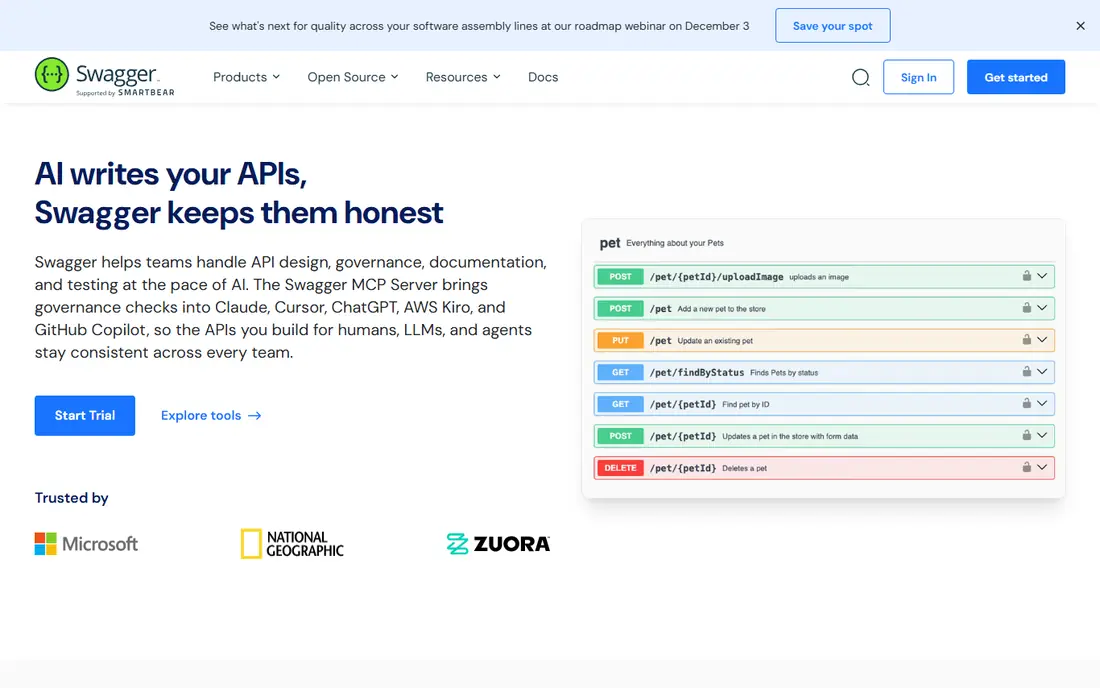
SwaggerHub is SmartBear's hosted platform for designing, documenting and governing APIs around the OpenAPI standard, and it is the natural home for teams that already write specs in Swagger or OpenAPI. The editor validates the spec as you type, flags schema errors and style breaks, and supports versioning, so a team can agree on a contract before anyone writes code. Published docs, mock servers and code generation all read from the same validated spec, which keeps the docs honest.
The pricing page changed in 2026, and older guides no longer apply. Swagger now sells per user per month: Individual starts at $22.80 billed annually, Team at $34.44 and Enterprise at $58.80, with monthly billing about 25 percent higher. The old Team bundle at $90 a month for three users is gone, so three users on Team now cost about $103 a month billed annually. There is no free tier on the commercial product, though the open-source Swagger Editor, Swagger UI and Swagger Codegen remain free, and a free trial needs no card.
- Spec-first editor with built-in OpenAPI validation
- Hosted docs, mocking and code generation
- The old $90 a month Team bundle is gone, so team costs now scale per user
- No free tier on the commercial product
Redocly
Ideal for: OpenAPI-first teams using Git and CI
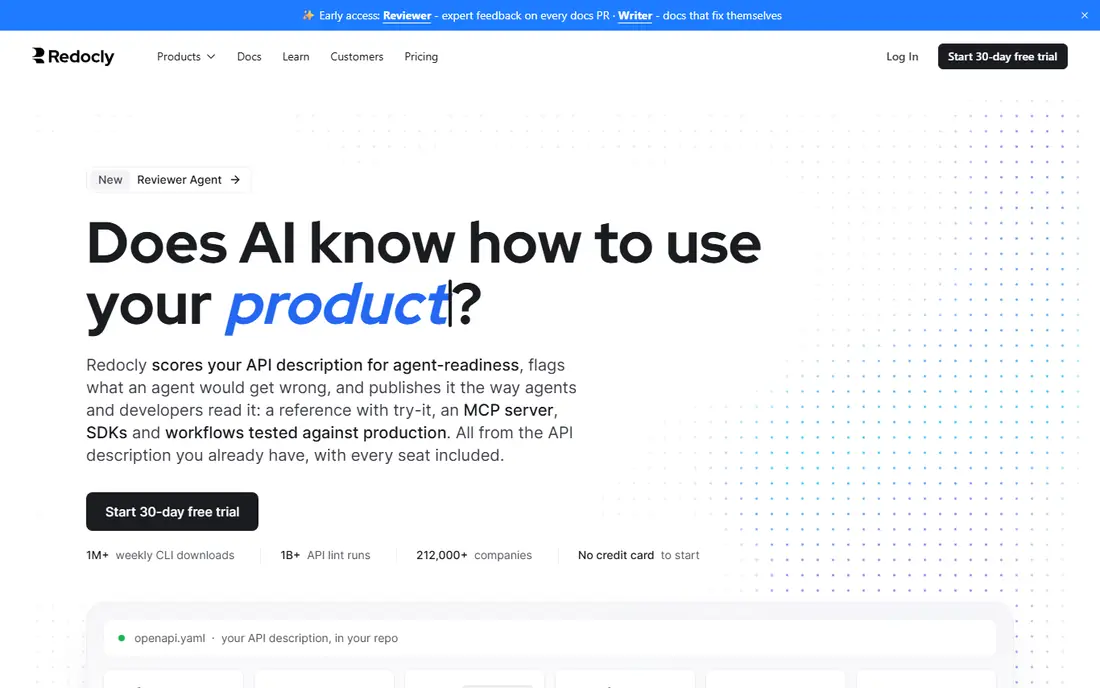
Redocly is built for teams that treat the API description as a first-class engineering artifact. Its open-source CLI lints, validates, bundles and transforms OpenAPI files, so a broken spec can fail a pull request before it reaches production. The hosted platform, Reunite, adds a developer portal, hosted reference docs, a mock server, a custom domain and an AI reader assistant, all reading from the same Git-backed source. The Redoc renderer is also open source, which gives teams a self-hosted fallback.
Pricing changed in 2026, and the packaging now differs from older per-seat tables. Redocly replaced per-seat pricing with flat plans: Pro is $249 a month billed annually, with three projects, API reference, Markdown and React pages, a mock server and a custom domain, while Scale is $729 a month and adds SSO, analytics and SDK generation. There is no free hosted plan, but a 30-day trial gives full access with no card required.
- Open-source CLI for linting, bundling and validation in CI
- Docs stay in Git beside the code
- The hosted platform has no free tier, only a 30-day trial
- The 2026 move to flat plans raised the entry price for small teams
Stoplight
Ideal for: design-first teams that want style guides and linting
Stoplight is a design-first API platform, and it is the clearest pick in this list for governance. The visual editor lets a designer shape an API contract before code starts, while Spectral rules check naming, versioning and structure as the spec changes. Teams can share one style guide across projects, so new APIs start from the same rules, and version diffs show exactly what changed between releases. Mock servers let frontend teams build against the contract while the backend is still in progress.
The pricing page lists a free plan with 1 user and 1 project, then Basic at $44 a month billed annually, or $56 billed monthly, with the first 3 users included and extra users at $11 a month. Startup is $113 a month billed annually for 8 users with private projects and custom domains, and Pro Team is $362 a month for 15 users with shared style guides and SSO. Stoplight is now part of SmartBear, and the hosted platform is still sold and supported. It suits a team that wants design, linting and docs governed from one place.
- Visual OpenAPI editor with Spectral linting and style guides
- Mock servers and hosted docs in one place
- The desktop Studio app stopped receiving updates in early 2024, so teams must use Studio Web
- Versioning needs the Pro Team plan
ReadMe
Ideal for: developer hubs with guides, recipes and reference
ReadMe turns API documentation into a developer hub rather than a bare reference page. You get API reference generated from your OpenAPI spec, plus guides, tutorials, code recipes and a changelog, all under your own domain with search built in. The reference stays in sync with the spec you upload, so validation of the spec matters twice: once for the reference itself and once for the code samples ReadMe generates. Suggested edits and discussions let developers ask questions in the docs instead of opening a support ticket.
ReadMe lists a Starter plan at $0 a month and Pro at $250 a month billed annually, with Enterprise priced by quote. The free Starter tier is genuinely usable for a small public API, which makes ReadMe the easiest tool here to try without a sales conversation. The jump to Pro is steep, and the value only shows when you use the guides, recipes and metrics, not just the reference. ReadMe suits a company whose API is a product, and whose docs are the first thing a new developer reads.
- Polished developer hub with guides, recipes and API reference in one site
- Strong onboarding flows for new API users
- Entry price is high for a small team
- API reference generation depends on a clean OpenAPI spec
Bump.sh
Ideal for: fast hosted docs from an OpenAPI file
Bump.sh is the simplest tool in this list: give it an OpenAPI file and it deploys fast, searchable API documentation with a changelog that shows what changed between versions. The diff view is its validation surface in practice, because a reviewer can see every added, removed or changed endpoint before the new docs go live. It also validates the spec on import and flags structural problems, so a malformed file never becomes a broken docs page. The workflow fits teams that generate their spec from code and want the docs to follow automatically.
Bump.sh charges a flat $149 a month with no per-user pricing, which makes budgeting easy for a large team: one price covers unlimited users and unlimited doc deploys. A free tier is available for a single API, which is enough to test the rendering and the changelog. Bump.sh has less governance depth than Stoplight or Redocly, with no style-guide engine and no mock server, so it suits a team that wants clear docs and a changelog, and that already validates specs elsewhere.
- Deploys polished docs from a spec file in minutes
- Unlimited users on the plan, with no per-seat math
- Fewer governance features than Stoplight or Redocly
- Changelog and diff views are the main validation surface
Apidog
Ideal for: low-cost API design, testing and docs
Apidog is a full API platform that combines design, testing, mocking and documentation at a price well below Postman. You define the API once, and Apidog generates docs, mock servers and test cases from the same definition, so a change to the spec flows through to every surface. Its validation checks the spec structure and flags inconsistencies between the design and the implementation, which catches the drift that makes docs go stale. The interface will feel familiar to anyone who has used Postman, which keeps the learning curve short.
Apidog lists a free tier, then Basic at $9 per user a month billed annually, Professional at $18 and Enterprise at $27. That makes it the cheapest entry point in this list for a team that needs collaboration, and a five-person team costs $45 a month on Basic against $95 on Postman Team. The trade is ecosystem depth: Apidog has fewer third-party integrations and a smaller community than Postman. It suits a cost-conscious team that wants one tool for the whole API workflow.
- Design, testing, mocking and docs in one low-cost tool
- Undercuts Postman on team pricing
- Smaller ecosystem and fewer integrations than Postman
- Documentation quality depends on spec discipline
Scalar
Ideal for: modern API references with spec validation
Scalar is a newer API platform that pairs a modern reference renderer with an API client, SDK generation and hosted MCP servers. The reference pages are fast and readable, with a try-it client built in, so a developer can test an endpoint without leaving the docs. Scalar validates the OpenAPI spec on import, and its open-source renderer means a team can self-host the reference if the hosted plan does not fit. SDK generation covers TypeScript, Python, Go, Java, Kotlin and Ruby, with a command line tool for automation.
Scalar publishes its prices plainly: Free at $0 with 1 editor seat, up to 3 APIs and 1 SDK up to 25 endpoints; Pro at $150 a month, or $125 a month billed annually, with 5 editor seats, up to 15 APIs, custom domains, Git sync and hosted MCP servers; Business at $600 a month with SSO and 10 editor seats. Extra SDK targets cost $150 a month each, which is the line item to watch.
- Fast, modern reference pages with a built-in API client
- Open-source renderer under the MIT licence
- SDK generation costs extra per target
- The hosted platform is young, so the feature set changes often
How we chose
We compared the vendor pricing pages, documentation and plan tables for each tool, and we checked how validation actually works: spec linting, schema checks, CI integration and changelog diffs, not just a marketing claim. We gave weight to tools that publish a real price, that validate the spec before the docs go live, and that keep docs linked to the same source as the code. We did not run hands-on tests, and we did not rank tools on review scores from other sites. Prices change often in this category, so confirm every figure on the vendor site before you buy.
What to check before you buy
Start with where validation runs. A linter that only checks the spec when someone opens the editor will miss the breaking change that lands in a Friday deploy, while a command line check in CI catches it on every pull request. Ask whether the tool supports Spectral or its own rule set, whether rules can be shared across teams, and whether a failed check can block a release. Then check the pricing model: per-seat tools scale with headcount and flat tools scale with projects.
Use the table below to match a team shape to a starting point.
| Your situation | Start here | Monthly cost to expect | | Solo developer, one public API | Scalar Free or ReadMe Starter | $0, then $125 to $150 when you outgrow the free tier | | Small team of 5, design plus testing | Apidog Basic or Postman Team | $45 on Apidog, $95 on Postman Team | | Design-first team that needs style guides | Stoplight Basic | $44, plus $11 per user past the first 3 | | Docs-as-code team with Git and CI | Redocly Pro | $249 flat, no per-seat math | | API as a product, docs as onboarding | ReadMe Pro | $250, with a free Starter tier to test first | | Large team that wants flat pricing | Bump.sh | $149 flat, unlimited users |
Also confirm how the tool handles spec versions, whether old versions of the docs stay online, and whether the generated code samples stay in sync with the spec. Check the export path too: can you take your specs and your docs content out if you switch tools. Read the plan page twice, and run a trial with a real spec, not a sample, before you commit.
Frequently asked questions
Which API documentation tool has the best validation?
Redocly and Stoplight lead on validation. Redocly puts linting and validation into the command line and CI, so a broken spec fails the build, while Stoplight adds shared style guides and Spectral rules in a visual editor. Postman and Scalar also validate specs on import, and Bump.sh surfaces changes through its diff view. Pick the validation that runs where your team already works.
How much does API documentation software cost?
Entry prices run from $9 per user a month on Apidog to $250 a month on ReadMe Pro, with flat options at $44 on Stoplight Basic, $149 on Bump.sh and $249 on Redocly Pro. Per-seat tools look cheap for one person and expensive for ten, so model the cost at your real team size. Always check the vendor pricing page, because this category reprices often.
Can I generate API docs from an OpenAPI spec automatically?
Yes, every tool in this guide generates reference docs from an OpenAPI file, and most keep them in sync when the spec changes. Upload the spec or connect the Git repository, and the tool renders endpoints, parameters, schemas and examples. The quality of the output depends on the quality of the spec, so add descriptions, examples and error responses to the spec itself rather than patching the docs by hand.
Do I need a separate tool for API testing and documentation?
Not always. Postman, Apidog and Scalar combine testing, mocking and docs in one workspace, which suits a small team that wants one tool. Larger teams often split the work: Redocly or Stoplight for design and validation, a dedicated testing tool for load and contract tests, and ReadMe for the public developer hub. Start combined, and split only when one job outgrows the shared tool.
What is OpenAPI validation and why does it matter?
OpenAPI validation checks that a spec file follows the OpenAPI standard, that every schema is well formed, and that custom rules such as naming and versioning are respected. It matters because the docs, the mock servers, the code samples and the SDKs all read from the same spec. One invalid schema can break every surface at once, so catching it early saves support tickets and broken integrations.