Best App Builders in 2026: 8 Builders Compared

- Bubble suits complex web apps, FlutterFlow suits native apps with code export, and Glide suits internal tools from spreadsheets.
- Lovable, Bolt.new and v0 suit prompt-to-app building, but code export and backend depth vary.
- Adalo suits simple native apps for beginners, while AppSheet suits internal tools inside Google Workspace.
- Free tiers are for learning and prototypes: publishing a real app almost always needs a paid plan.
Quick comparison
| Product | Ideal for | Price from | Free version | |
|---|---|---|---|---|
 Bubble | Complex web apps built visually | $29 per month | Yes | Visit |
 FlutterFlow | Native apps with Flutter code export | $30 per month | Yes | Visit |
 Adalo | Simple native apps for beginners | $36 per month | Yes | Visit |
 Glide | Internal apps from spreadsheets and data | $25 per month | Yes | Visit |
 Lovable | Prompt-to-web-app building for founders | $25 per month | Yes | Visit |
 Bolt.new | Fast prompt-to-prototype building in the browser | $25 per month | Yes | Visit |
 AppSheet | Internal apps inside Google Workspace | $5 per user per month | Yes | Visit |
 Thunkable | Beginner native apps and education | $15 per month | Yes | Visit |
The best app builders
We compared official feature pages, pricing pages, app store listings, privacy policies and public reviews to build this list of 8 options for best app builder. Prices were checked in October 2026 and can change, so confirm the current price on the vendor site before you buy. Our pick for most people is the first option that fits your budget and workflow, not necessarily the most expensive tool on the list. Read the quick comparison first to narrow the field, then read the full write-ups for the two or three options that fit your needs best.
Bubble
Ideal for: Complex web apps built visually

Bubble is the most capable visual no-code platform for web apps, with a real database, workflow engine, API connector and plugin ecosystem. Serious products have been built and funded on it, which sets it apart from simpler builders. For a full web SaaS, Bubble is the depth leader.
It takes weeks to learn well, and there is no standalone source export, so leaving Bubble means rebuilding. Workload pricing can also spike with usage. For complex web apps you plan to keep on Bubble, it is a strong pick.
- Visual workflows and database
- Plugin ecosystem
- Serious apps have been built on it
- Steep learning curve
- No standalone code export
- Workload pricing can spike
FlutterFlow
Ideal for: Native apps with Flutter code export
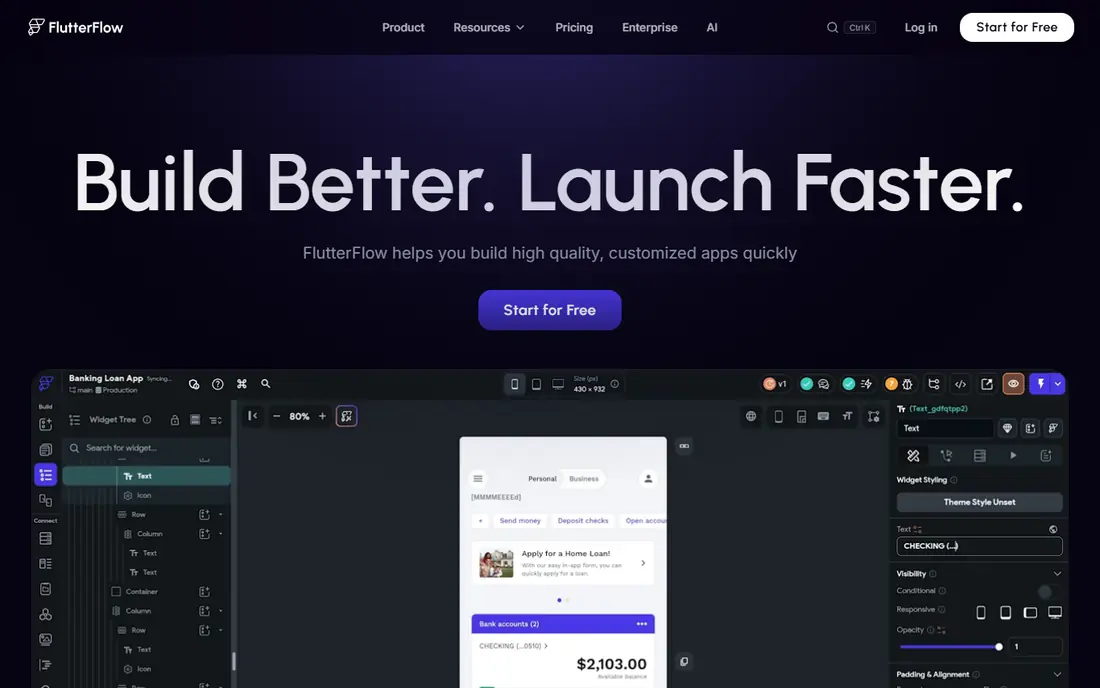
FlutterFlow builds native iOS, Android, web and desktop apps visually on Flutter, with real Dart code export on paid plans. That escape hatch makes it the safest no-code choice for apps that may outgrow a builder. Firebase and Supabase backends cover auth and data.
It assumes some technical understanding, and code export needs a paid plan. Backend costs are also separate from builder pricing. For native apps with an exit plan, FlutterFlow leads.
- Visual Flutter building
- Code export
- Firebase and Supabase backends
- Learning curve for non-developers
- Code export needs a paid plan
- Backend costs are separate
Adalo
Ideal for: Simple native apps for beginners

Adalo is the friendliest route to a real native app, with drag-and-drop design and direct publishing to the App Store and Google Play. The free plan is transparent, with 500 records, which helps beginners test without a card. For a first mobile app, Adalo is approachable.
Complex logic and scale hit limits, and costs rise with app users. There is also no source export. For simple native apps, Adalo is a good first builder.
- Drag-and-drop native building
- Direct App Store and Play publishing
- Clear free plan
- Limited for complex logic
- Costs rise with users
- No source export
Glide
Ideal for: Internal apps from spreadsheets and data
Glide turns spreadsheets and business data into working internal apps, portals and directories. Staff who manage data in sheets can build without code, and updates flow into the app. For operations teams, that data-first approach is practical.
Design and logic flexibility are limited, and there is no source export. Pricing also scales with users and updates. For internal data apps, Glide is a top pick.
- Turns sheets into working apps
- Good for internal tools
- Data integrations
- Design flexibility is limited
- No source export
- Pricing scales with users and updates
Lovable
Ideal for: Prompt-to-web-app building for founders
Lovable turns a prompt into a working web app with database, login and hosting, which suits founders testing an idea without a developer. GitHub sync gives a path to hand code to developers later. For an MVP, speed is the value.
Credit limits matter for large changes, and complex logic still needs a developer. Design polish also varies. For prompt-built MVPs with an export path, Lovable is a leading pick.
- Prompt to full-stack web app
- React and Supabase
- GitHub sync
- Credit limits shape heavy use
- Complex logic needs a developer
- Design polish varies
Bolt.new
Ideal for: Fast prompt-to-prototype building in the browser
Bolt.new builds full-stack prototypes from a prompt in the browser, with code to inspect and export. That suits demos, hackathons and validation, where speed matters more than polish. Editing is direct, so small fixes do not need a full rebuild.
Token usage drives cost, and backend depth is limited for production needs. Prototypes also need hardening for security and scale. For fast prototypes, Bolt.new is excellent.
- Browser prompt building
- Code export
- Quick prototypes
- Token costs can spike
- Backend depth is limited
- Prototypes need hardening
AppSheet
Ideal for: Internal apps inside Google Workspace
AppSheet builds no-code apps over Google Sheets, Drive and Workspace data, and basic apps are included with many Workspace plans. That makes it the cheapest internal tool for Google shops, with automation and approval workflows. For operations apps on Google data, it is natural.
It is Google centered, with limited design flexibility, and it does not suit consumer apps. Standalone pricing also needs checking outside Workspace. For Google Workspace internal tools, AppSheet is a strong pick.
- No-code apps over Google data
- Included with many Workspace plans
- Automation features
- Google-centered
- Design flexibility is limited
- Complex consumer apps are out of scope
Thunkable
Ideal for: Beginner native apps and education
Thunkable offers drag-and-drop native app building with AI generation, aimed at beginners and educators. Students can publish to iOS and Android and learn app logic visually. For classrooms and first apps, the learning curve is gentle.
Depth lags FlutterFlow for professional apps and Bubble for web apps, and pricing rises with features. The plugin ecosystem is also smaller. For beginner native apps and education, Thunkable is a friendly pick.
- Drag-and-drop native building
- AI generation
- Good for learning
- Depth lags FlutterFlow and Bubble
- Pricing rises with features
- Smaller plugin ecosystem
How we picked these
We started from the topic and shortlisted products that exist and work today, then checked each vendor homepage, pricing page and free tier. We compared feature pages, app store listings, privacy policies and public reviews, and we dropped any product whose homepage could not be verified or whose price could not be checked. Where a price was unclear or varied by region, we wrote See website rather than guessing a number. That rule kept the list honest, even where a neat price would have made the comparison table look tidier.
We also weighed fit over fame. A well-known product stayed on the list only if it truly fits the topic, and smaller tools earned a place when they served a clear use case better. No product here was tested hands-on for this article, and no vendor paid for placement.
Price and free-tier details matter most when plans change often, so we favoured products with clear published pricing and a trial or free tier where one exists. If a vendor changed a plan after our check, the vendor site is the correct source, and the ranking here still reflects fit, not just price. That check takes extra time, but it prevents a shortlist built on outdated pricing or a product that no longer exists.
Choosing an app builder by app type and exit plan
Decide first whether the app is web, native mobile or internal-only, because builders specialize. Then check the exit plan: code export matters if you may hire developers later, while platform lock-in is acceptable for a simple internal tool. Test publishing early, because a builder that cannot publish to your target store or domain is a dead end.
Before you pay, run a trial on a real task from your own work, not a demo file. Check export formats, mobile access and support hours, because those details decide whether a tool survives daily use. Also check renewal terms and cancellation steps, since a cheap first year can become an expensive second year if renewal jumps. Finally, ask who will own setup and training, because a tool nobody is responsible for tends to fall out of use within a few months. Keep a short note on why you picked the winner, so a future review can judge it against the same criteria instead of starting from scratch.
A useful final test is to imagine the tool in six months, when the first excitement has faded and the work is routine. If the daily steps are still quick, the cost is still clear, and the support route is still obvious, the choice is likely sound. If any of those three answers is unclear, use the trial period to get a clear answer before committing to an annual plan.
Frequently asked questions
What is the best app builder for beginners?
Adalo and Glide suit beginners, with Adalo covering simple native apps and Glide covering spreadsheet-to-app tools. Thunkable also suits beginners and educators.
Is Bubble or FlutterFlow better?
Bubble suits complex web apps with workflows and databases, while FlutterFlow suits native iOS and Android apps with Flutter code export. Pick by platform, not by popularity.
Can I publish to the App Store with a no-code builder?
Yes, with Adalo, FlutterFlow, Thunkable and others, though store fees and review rules still apply. Check publishing requirements on the builder site before building.
Do app builders let me export code?
Some do: FlutterFlow, Lovable, Bolt.new and v0 offer code export or GitHub sync. Bubble and Glide keep apps on their platforms, so check export terms before building a long-term product.